The Fastest Way to Level Up in VALORANT (2026)
Find the fastest way to level up in VALORANT: earn account AP, claim the daily first-win bonus, and choose efficient matches. Learn why mission XP does not count.
Find the fastest way to level up in VALORANT: earn account AP, claim the daily first-win bonus, and choose efficient matches. Learn why mission XP does not count.
Looking for the VALORANT Mobile beta? Riot’s rollout started in China, where Tencent’s official portal provides the current access route. See verified steps and what players elsewhere can do.
Looking for a Valorant Mobile APK? Find the official China download, verify the Tencent listing, and see what players outside China should do instead.
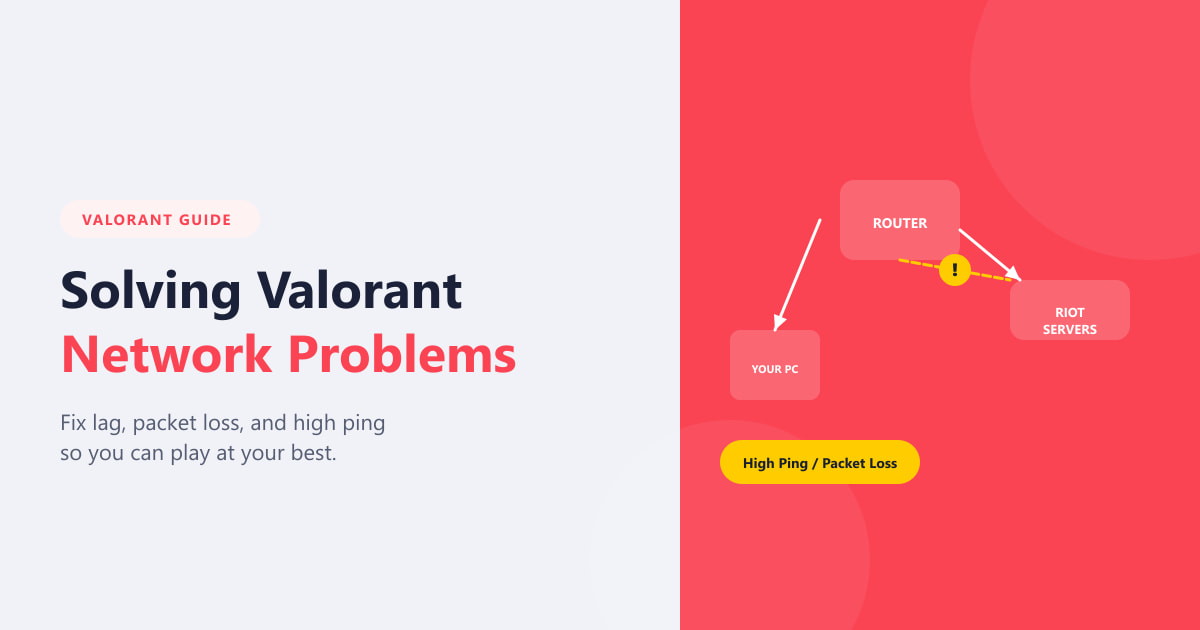
Fix VALORANT network problems with a clear checklist for high ping, packet loss, and lag. Diagnose the cause, test connection fixes, and know when to contact Riot or your ISP.
Switching from Aim Lab to Valorant? Match sensitivity with the Aimlabs game-profile converter, set a steady crosshair, warm up in the Range, and carry your practice into Deathmatch.
See how Riot Vanguard download works through the official VALORANT installer, then finish setup, restart Windows, verify Vanguard, and fix common install errors.

Is VALORANT free to play in 2026? Learn what costs nothing, what VP and the Battle Pass buy, how Agent unlocks work, and what optional memberships add.
Learn how to play VALORANT for beginners: choose an Agent, understand the Spike objective, practice PC controls, buy with your team, and start in Unrated or Swiftplay.
Play Valorant on Mac in 2026 with Boot Camp on compatible Intel Macs. See Windows 10’s security status and why Apple silicon, virtual machines, and cloud PCs lack a supported route.
Installing the Riot Games Launcher for Valorant? Follow the official PC setup steps, install Riot Client, and fix common Vanguard or launch errors.
See how Riot Vanguard anti-cheat protects VALORANT, what its kernel driver does, how optional Pre-Check changes startup, and how to manage privacy or conflicts.
Install VALORANT step by step on a Windows PC. Check Riot’s current system requirements, download the official installer, set up Vanguard, and launch safely.
Fix VALORANT lag and high ping by separating connection problems from FPS drops and stutters, then follow six practical network and PC troubleshooting steps.
Learn how to get better at VALORANT with deliberate aim practice, safer peeks, smarter utility, clear callouts, coordinated buys, and replay review.
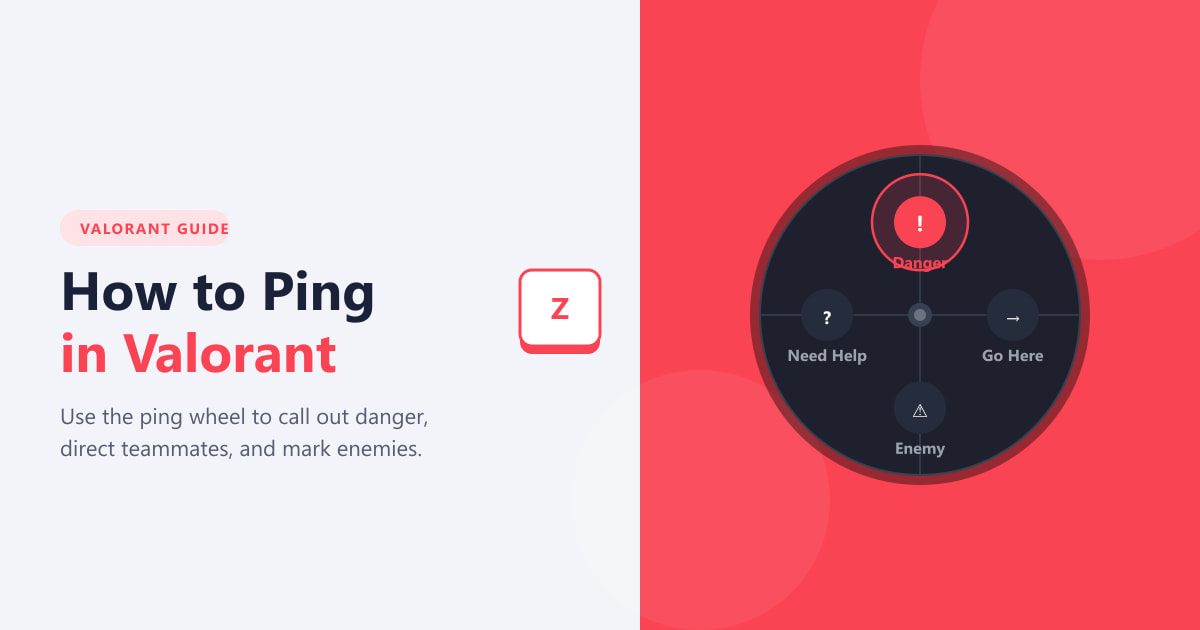
Learn how to ping in VALORANT on PC: use Z for a quick marker, navigate the ping wheel, mark the map, and rebind controls.
Fix low client FPS in VALORANT by checking CPU and GPU frame-time graphs, tuning graphics, closing background apps, and correcting FPS and power settings.
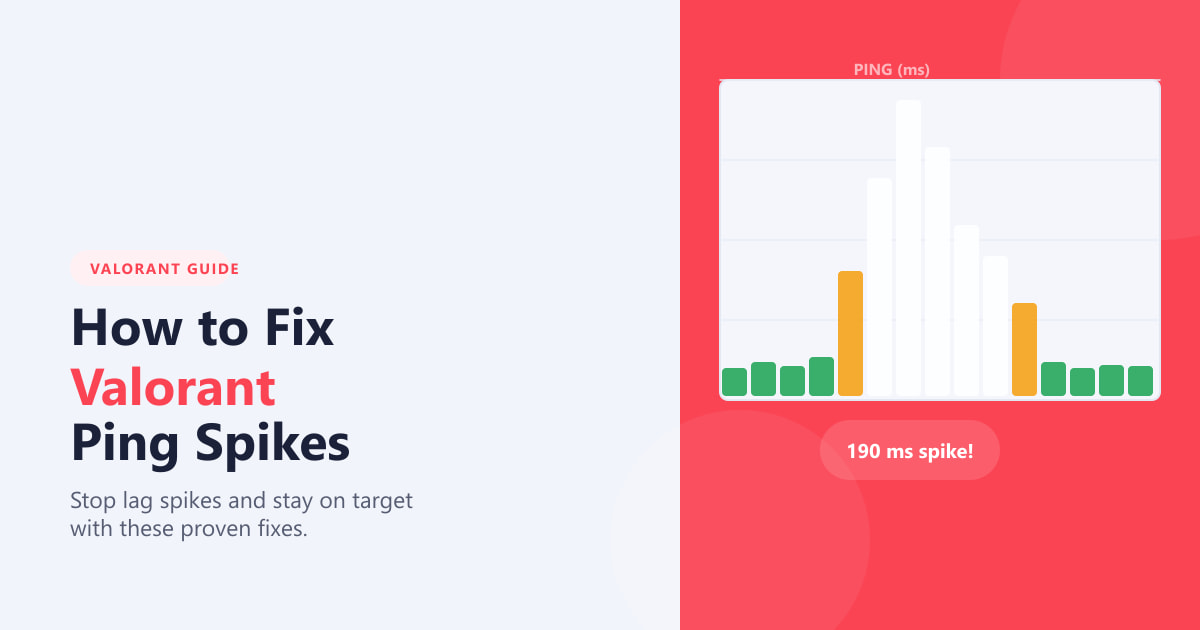
Fix Valorant ping spikes by checking network RTT, pausing downloads, using Ethernet, choosing a better server, and testing your connection.
Learn how to download VALORANT on PC from Riot’s official site, check current Windows requirements, install the Riot Client and Vanguard, and fix common setup issues.
Download VALORANT on PC from Riot's official site, check current Windows requirements, install Vanguard and the Riot Client, then sign in and launch.
Fixing Valorant crashes on PC? Use six targeted steps to update Windows and GPU drivers, reduce graphics load, isolate background conflicts, reinstall Vanguard, and repair game files.
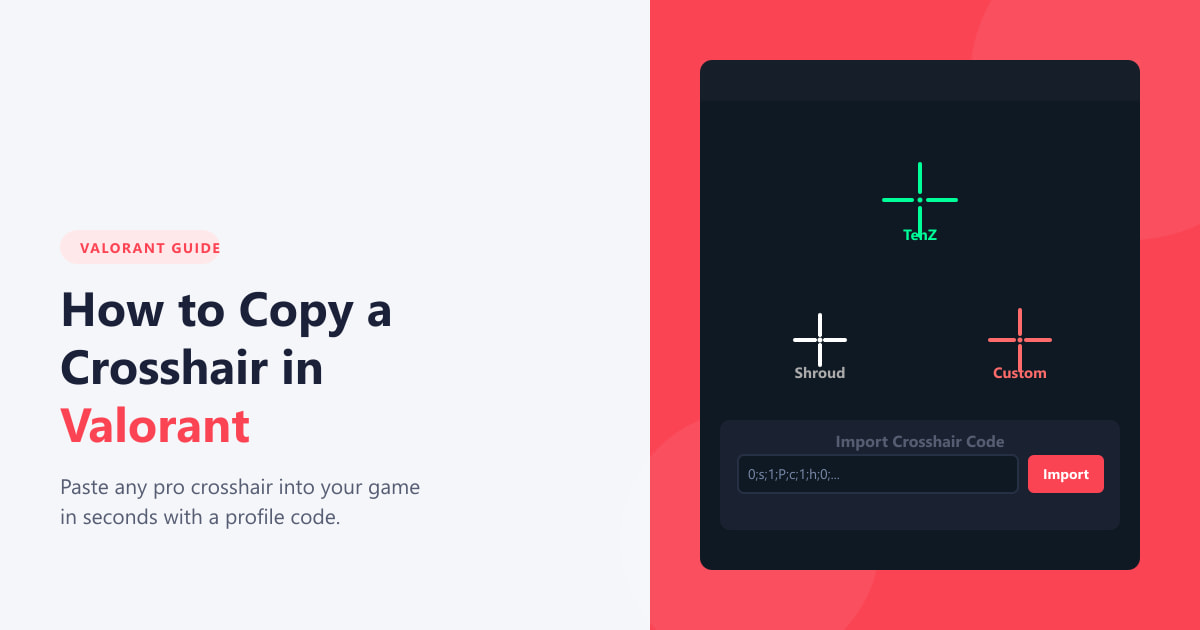
Learn how to copy a crosshair in Valorant with a profile code or the in-game /cc command, then preview and save it without rebuilding the settings.
See where VALORANT Mobile is officially available, how to install the Android or iOS version, and what to do if it is missing from your app store.
Fix a VALORANT black screen on launch or after Alt+Tab with six Windows checks, from a graphics reset and driver rollback to Riot Client repair.
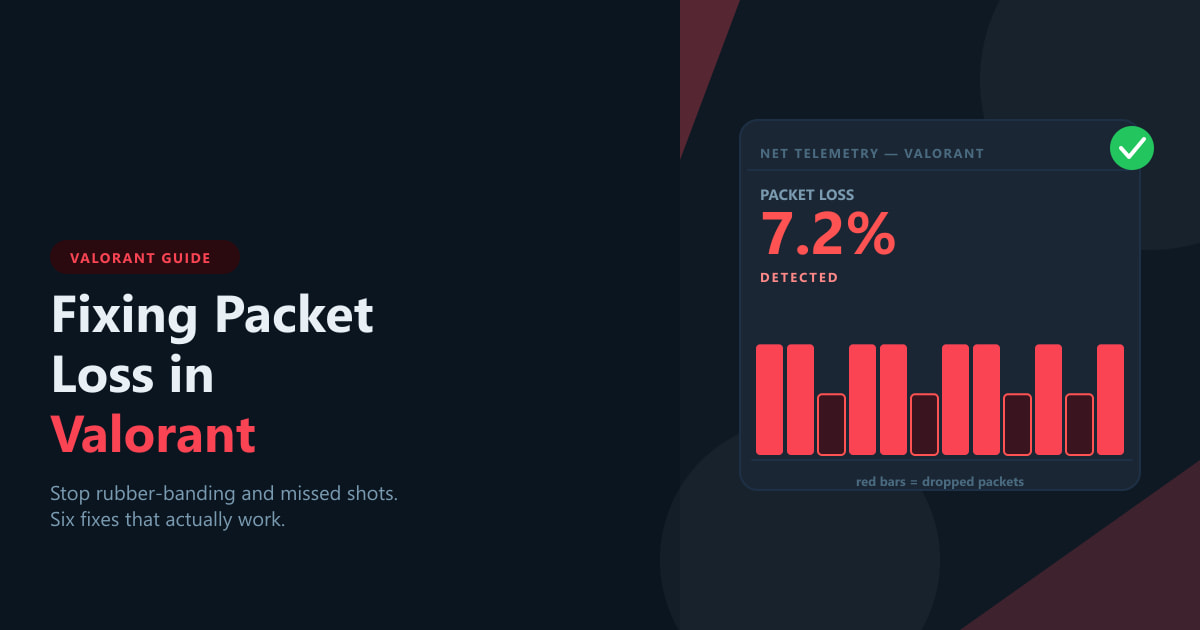
Fixing packet loss in VALORANT starts with the right network stats. Learn eight practical checks for Wi-Fi, routers, game servers, buffering, and ISP issues.
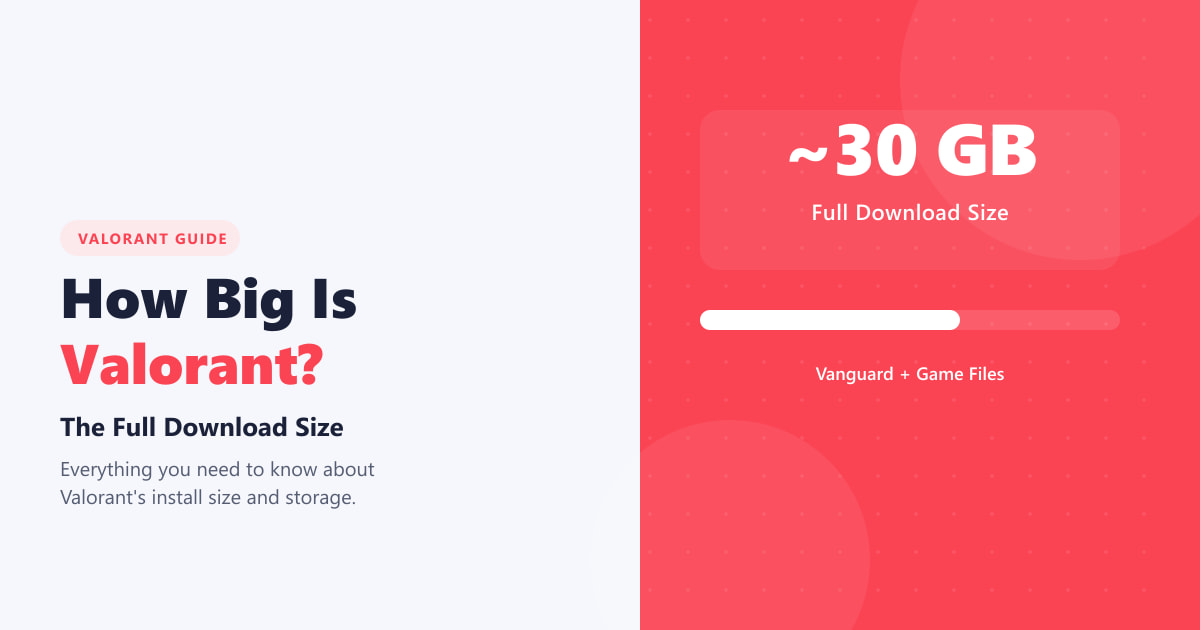
How big is Valorant in 2026? Plan for about 30 GB installed, learn why download and disk size differ, and check the exact size on your Windows PC.
Can you download VALORANT on macOS? See the Intel Mac Boot Camp route, Apple silicon limits, and why Riot does not support virtual machines or cloud gaming.
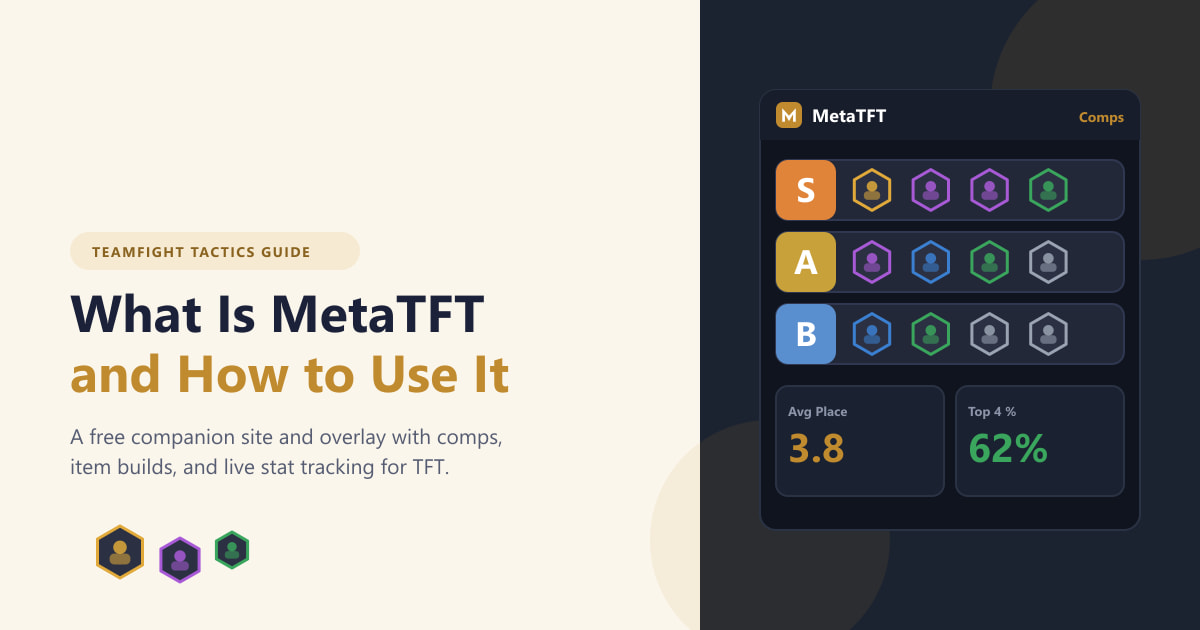
See what MetaTFT does and how to use its TFT comp, item, augment, and player-stat tools, with a current note on desktop features and Riot’s 2026 policy.
Use DxDiag, Windows Update, official GPU drivers, and Windows graphics preferences to troubleshoot DirectX runtime errors in VALORANT.
Download TFT on PC via Riot’s official Windows installer. Check requirements, install steps, Mac status, and fixes for common download problems.
Download TFT (Teamfight Tactics) for free on Windows, iPhone, iPad or Android with official links, install steps, 2026 device requirements and Mac support updates.