What Is MetaTFT and How to Use It (2026 Guide)
MetaTFT is a third-party Teamfight Tactics statistics site and companion app. It helps you compare current team compositions, check item and augment data, review player match history, and—through its optional desktop app—access some features while you play. The website is useful on its own; you do not need the overlay to look up comps or study your results.
Use MetaTFT as a way to ask better questions about a match, not as a script for what to buy or when to roll. Its numbers summarize past games, and a strong average does not guarantee the same result in your lobby. This guide covers the main pages, a practical workflow, and an important 2026 change to Riot’s rules for third-party apps.
What MetaTFT does
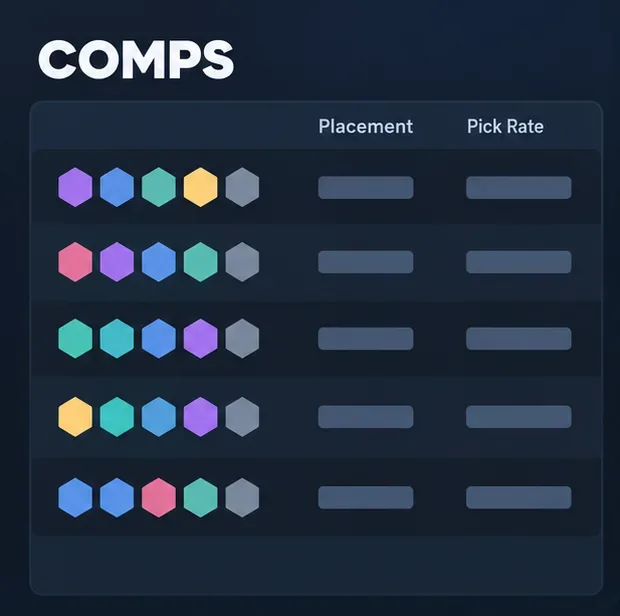
MetaTFT organizes Teamfight Tactics data into reference pages and analysis tools. Its current site includes TFT comps, item and unit stats, augment data, match history, leaderboards, and a data explorer. The comps page reports measures such as average placement and pick rate, and lets you filter the results and expand a composition for details such as board options, positioning, and augments. See the MetaTFT home page and its current comps page for the live set of features.
The site is independent of Riot Games; MetaTFT says it is not endorsed by Riot. Public pages can be browsed without creating a MetaTFT account, while some account-linked or supporter features may ask you to sign in. The desktop companion is optional and is advertised as free to download, with ads and paid supporter features listed on its app listing.
| MetaTFT area | What it helps you check |
|---|---|
| Comps | How compositions have performed in the selected mode, region, rank, and current data window. |
| Items and units | How builds and champions perform in the available statistics. |
| Augments | How augment results vary by offer timing or tier, where those filters are available. |
| Match history | Your recent games and performance patterns after you find your player profile. |
| Desktop app | Desktop companion features; in-game behavior can change with app updates and Riot policy. |
How to use MetaTFT
Step 1: Open the website and confirm the game context
Go to metatft.com and open the page that matches your goal. Before comparing builds, check the set, game mode, region, rank, and patch or time window shown on the page. MetaTFT refreshes its data as games are played, so two people can see different results if their filters or data windows differ. A Double Up composition, for example, should not be judged against a standard ranked-only list.
Step 2: Compare comps using the filters and sample context
On the comps list, compare compositions using the available performance fields, including average placement and pick rate. A lower average placement indicates better observed finishing positions in that data set, but it is not a promise about your next game. Check whether a comp has enough games behind its result and whether the filters match the queue and rank you care about. A rare composition can swing sharply on a small sample.
Use the list to shortlist a few options, not to decide your board before you see your opening units and items. A flexible player can pivot when the shop, augment offers, or contested units point toward a different plan.
Step 3: Open a comp and study the board, items, and augments
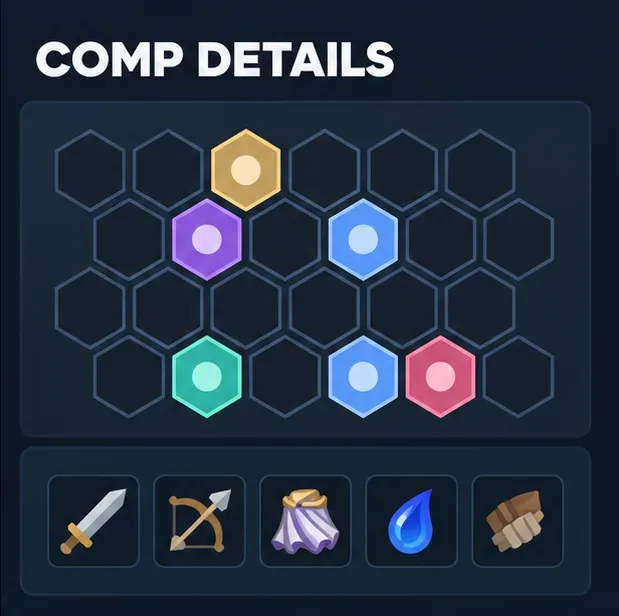
Expand a composition to inspect its board options, positioning examples, and other available details. Then check which items commonly work for its carries and which augments show useful results. MetaTFT also has separate item statistics and augment data, so you can look up a component or offer without committing to a full composition.
Translate the reference into the game you are playing: prioritize items that fit your components and strongest units, and treat a board example as a destination rather than an order to copy every unit immediately. The same comp can have several viable variations as you level or find upgrades.
Step 4: Review your own profile and match history
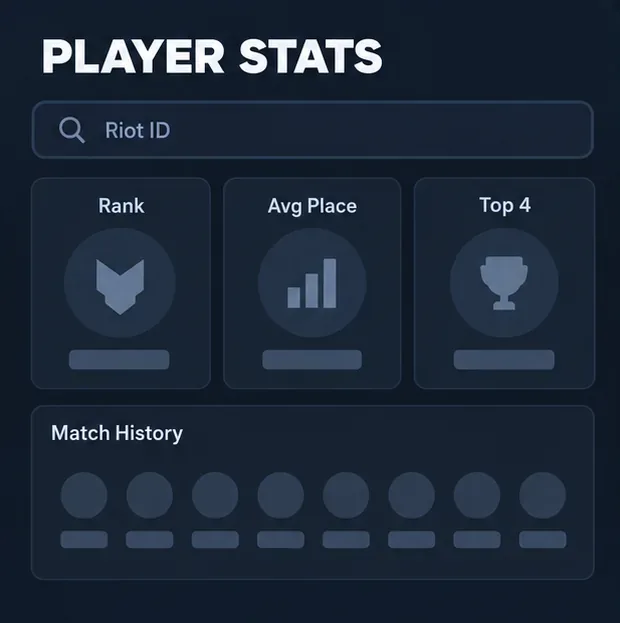
Open Match History, choose the correct region, and search using your full Riot ID in the format Name#Tagline. Check the recent games and compare your average placements, top-four results, and compositions across the same mode or time period. A short run is noisy, so look for repeated patterns rather than judging yourself from one session.
Use the review to choose one improvement question: Are your results weaker when you play a particular comp? Are you repeatedly losing health before your board comes online? Does one item or augment choice appear in better games? Match history can point you toward a pattern to study, but the stats alone may not explain why a round went badly.
Step 5: Decide whether the desktop app is worth installing
If you want desktop features, use the current MetaTFT download page or its verified Overwolf listing. Read the installer details before proceeding, and review MetaTFT’s terms and privacy information. MetaTFT’s terms say its desktop app collects TFT game data linked to your Riot ID for statistics and match history. You can use the website without installing the app.
Important 2026 note about overlays and Riot policy
Riot announced that, starting October 6, 2026, it would block game-memory access by default for unknown third-party applications. Riot says currently approved tools have a transition period through April 2027 to move affected features to official APIs, and it does not promise that any particular app will remain functional. The notice does not confirm MetaTFT’s approval status or guarantee that every desktop feature will work. Check the latest MetaTFT announcement and Riot’s current memory-access notice before relying on an in-game overlay. Riot says this change blocks unauthorized app interaction; it does not by itself mean players are automatically banned.
Riot’s broader third-party application policy also warns against tools that automate play, expose intentionally hidden information, or make gameplay decisions for you. An app being listed in a store is not a substitute for checking current publisher guidance.
Tips for getting useful results
- Recheck the filters after a patch. A comp’s performance can shift when units, items, or augments change.
- Compare like with like. Use the same region, queue, rank range, and time window when you compare data.
- Separate popularity from performance. A high pick rate shows that a comp is common; it does not make the comp the best choice for your items or lobby.
- Use your profile to form a question. Identify a repeated pattern, then review the relevant games instead of blaming one stat.
- Keep the tool in perspective. MetaTFT summarizes matches. It cannot account for every decision, lobby, or random outcome.
Common questions
Is MetaTFT free?
MetaTFT advertises public stats pages and a free desktop app. Its app listing also notes ads and optional paid features, so check the current listing for what is included before installing or subscribing.
Can I use MetaTFT on my phone?
You can open the website in a mobile browser to read data pages. The app listing describes the companion app as desktop-only, so do not expect the in-game companion features on a phone.
Do I need a Riot account to browse comps?
No account is needed for public browsing. Searching a player profile requires the correct Riot ID and region, and some account-linked features may require sign-in.
Does MetaTFT guarantee a winning comp?
No. Its rankings describe observed match data under selected filters. Results vary with your items, units, augments, lobby, and decisions, so use the numbers as evidence to consider rather than a guaranteed outcome.
For most players, the simplest workflow is to compare a few comps, inspect a promising board’s items and augments, then review your own games to learn what to adjust. Start with the website; install the optional desktop app only after checking its current features and Riot’s latest guidance.









