How to Play VALORANT for Beginners: A 2026 First-Match Guide
How to play VALORANT for beginners comes down to learning the round objective, choosing one Agent whose abilities you understand, and building a few reliable shooting habits. Install the game through Riot’s official download page or your console’s store, then start in Unrated or Swiftplay while you learn. You do not need perfect aim or a full team composition to help your teammates: stay alive, share information, and play for the Spike.
1. Choose your platform and install VALORANT
VALORANT is free to play on PC, PlayStation 5, and Xbox Series X|S. You need a Riot Account to log in. For PC, download the installer from Riot’s official VALORANT download page, run it, sign in or create an account, and follow the Riot Client prompts. On console, install the game from the PlayStation or Xbox store and follow that platform’s setup steps.
The controls and matchmaking experience differ by platform, so the keyboard-and-mouse instructions below are for PC players. If you play on PC, check Riot’s current PC system requirements before troubleshooting performance. VALORANT’s client and menus change over time; for example, Riot’s October 2026 Patch 13.08 notes describe a new queue and mode-selection interface, so button placement in older tutorials may not match your screen.
2. Learn the round objective before chasing kills
VALORANT is a 5v5 tactical shooter played in rounds. One team attacks while the other defends, and the sides switch after 12 rounds. Attackers carry and plant the Spike at an available site, then protect it. Defenders try to stop the plant or, after it is planted, retake the area and defuse it. Eliminating opponents can make either job easier, but a kill is not always the best move if it pulls you away from the objective.
Most maps use two sites, but some have three, so learn the labels shown on the map you are playing. A few terms you will hear:
- Site: an area where attackers can plant the Spike.
- Mid: the central route that often connects different areas of the map.
- Rotate: move from one site or lane to another to support the team.
- Retake: defenders regroup after a plant and try to clear the site and defuse.
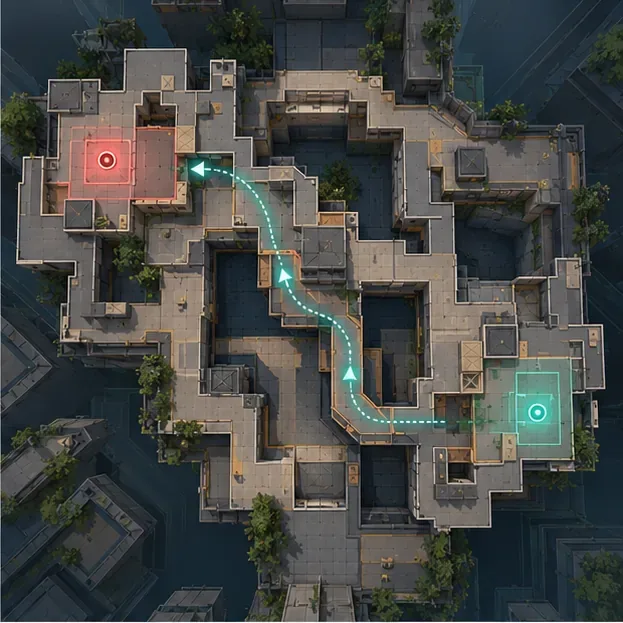
Use the minimap to see teammate positions and check which routes your team controls. As you learn a map, remember a few common callouts and where an enemy could appear from. You do not need to memorize every corner before your first match.
3. Pick an Agent role that makes sense to you
Before a match, you select an Agent, each with a distinct set of abilities. Riot groups Agents into four broad roles. A balanced team can make coordinated plays easier, but you are not required to fill every role. Some Agents are locked on a new account, so choose from the characters you can actually select and learn one kit at a time.
| Role | What the role helps with | Example |
|---|---|---|
| Duelist | Creates space and takes the first fights when the team enters. | Jett |
| Initiator | Gathers information or disrupts defenders so teammates can push. | Sova |
| Controller | Uses smokes and other tools to limit enemy sightlines. | Brimstone |
| Sentinel | Helps hold an area, watch a flank, or slow an enemy push. | Killjoy |
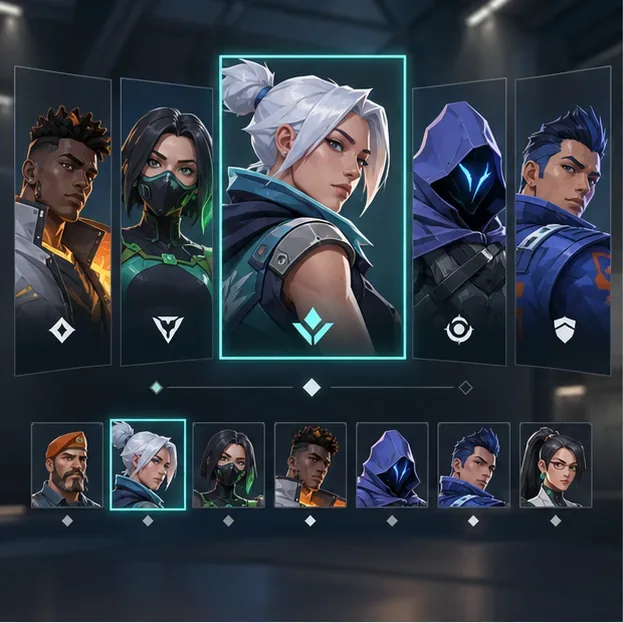
There is no single best Agent for every beginner. Pick one whose abilities look understandable, read the in-client ability descriptions, and use each ability with a clear purpose. For example, ask whether it can reveal an angle, block a sightline, slow a push, or help you enter a site. You will learn more by repeating one familiar kit than by switching to a new Agent every match.
4. Set up PC controls and practice accurate shots
On PC, the default keyboard-and-mouse layout uses W, A, S, D to move, the mouse to aim, and the left mouse button to fire. Shift makes you walk quietly, R reloads, and Space jumps. Agent abilities are commonly bound to Q, E, C, and X. You can review or change every binding in Settings, so check the on-screen labels if your setup differs.
The most useful early aim habit is to keep your crosshair around head height as you move through a lane. That reduces how far you need to flick when an opponent appears. When you are ready to fire, stop moving first: moving shots are less accurate. At longer distances, try a short burst and let the weapon settle before firing again instead of holding the trigger continuously.
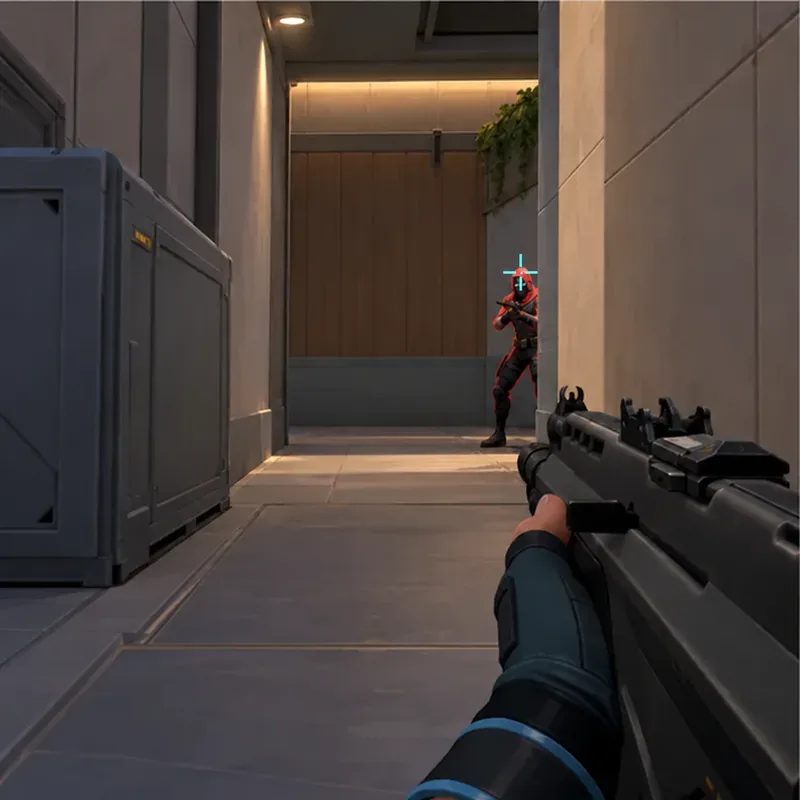
Start with a comfortable mouse sensitivity and change one setting at a time. In the Practice Range, test movement, firing, and your Agent’s abilities before queueing. A short warm-up helps you learn how your chosen weapon behaves without making your first live round feel like a settings test.
5. Play your first match and work with the team
Buy together and choose a mode
Between rounds, spend credits on weapons, shields, and abilities. Your available credits change from round to round, so you will not always be able to afford everything. Look at the team’s buys: if most players are saving, an eco round means spending little so the team can afford stronger equipment together in a later round. If the team is buying, avoid using all your credits on an expensive purchase that leaves you unable to support the shared plan.
For a first match, choose Unrated to learn the standard round flow or Swiftplay for a different, more compact mode. Riot’s official Beginner’s Guide recommends these as options for players who want a break from Competitive. Wait to queue Competitive until you are comfortable with the maps, basic buys, and your Agent’s abilities.
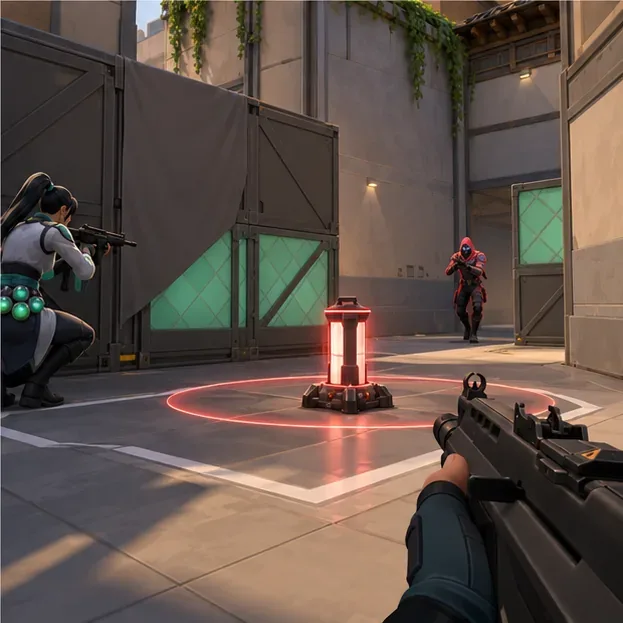
Communicate, stay with your team, and review one decision
Useful communication is short and specific. Call the enemy location, how many you saw, and whether they are moving: “Two near Mid, heading toward B” gives teammates more to act on than “they’re over there.” If you do not want to use voice chat, use pings or the game’s communication options. Riot’s beginner guidance also recommends sharing enemy locations and using Agent voice lines when needed.
- Follow a teammate into an area. Trading is easier when you are close enough to help after they take a fight.
- Listen before you run. Walking can keep your approach quieter when the situation calls for it.
- Use abilities to support a plan. Do not spend every ability immediately; connect it to a push, defense, or retake.
- Check the minimap. It helps you avoid leaving a teammate alone or missing a rotation.
- Review one round after the match. Riot’s Season 2026 notes say replays are available for Standard matches and Custom Swiftplay; review one death and ask whether your position, timing, or crosshair could improve. See Riot’s Patch 12.00 replay notes for the supported modes.
For a simple first-match checklist, remember: choose one familiar Agent, buy with the team, stop before shooting, share clear information, and keep the Spike objective in view. Those habits give you a useful starting point while you learn the maps and refine your aim.









