The Fastest Way to Level Up in VALORANT (2026)
If you mean your VALORANT account level, focus on Account Points (AP), not Battle Pass XP. Riot says AP comes from matches, varies with match duration and result, and includes a bonus for your first win of the day. Each account level takes 5,000 AP. The most dependable shortcut is to claim that daily win, then spend the rest of your play time in modes where you can finish matches and win consistently. Daily missions, weekly missions, and Battle Pass progress do not add to account-level AP. Riot explains the rules in its official account-leveling guide.

Account level and Battle Pass level use different progress
VALORANT has several progression tracks, and they do not share one XP pool. Account level is based on AP. Battle Pass, Event Pass, and Agent Recruitment progress use XP. Daily rewards can also grant Kingdom Credits, which are a separate currency. Riot's progression explainer and FAQ lists these rewards separately and confirms that the first-win bonus is 1,000 AP for account level.
| Progress track | What advances it | Does it raise account level? |
|---|---|---|
| Account level | Account Points from matches and the first-win bonus | Yes; 5,000 AP per level |
| Battle Pass or Event Pass | XP from matches, daily rewards, and weekly missions | No |
| Kingdom Credits | Daily rewards and normal gameplay | No; they are a spendable currency |
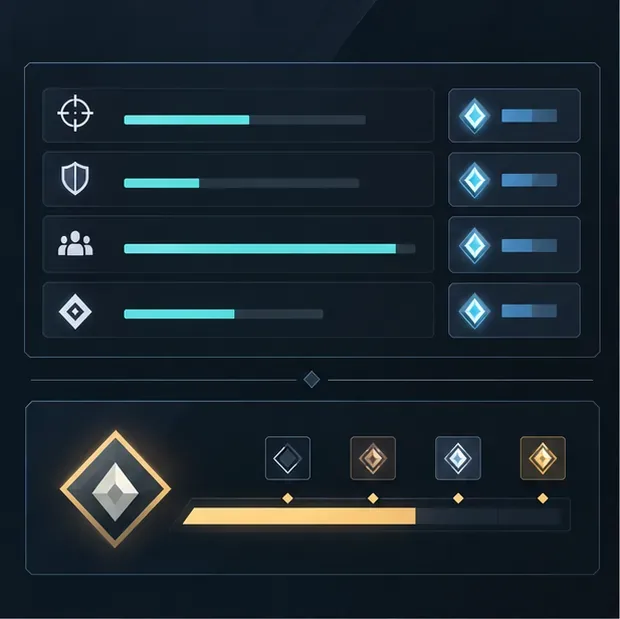
The fastest account-level routine
Check how much AP you still need
Look at your account level and Player Card progress before you queue. Since every level takes 5,000 AP, you can estimate the remaining amount from the current progress bar and decide whether you have time for one match or a longer session. Account AP is applied after a match, so check the post-match result rather than assuming Battle Pass progress is the same thing.
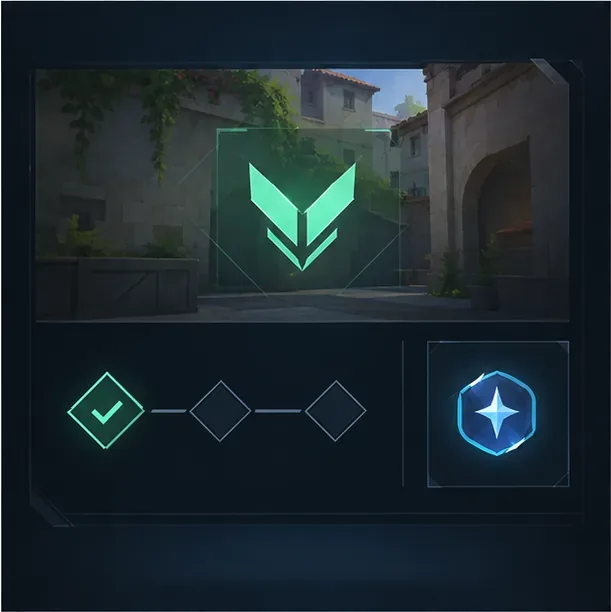
A conceptual progress panel; use your in-game Player Card and end-of-match display for the actual AP total. Secure the first win of the day
Make the first win of the day your priority. Riot's progression FAQ says that this win grants 1,000 AP, equal to one-fifth of the 5,000 AP needed for a level. It is a meaningful bonus that does not depend on buying a pass or clearing a weekly challenge. Choose a queue you can play reliably, stay focused through the match, and stop treating the daily win as optional if account levels are your goal.
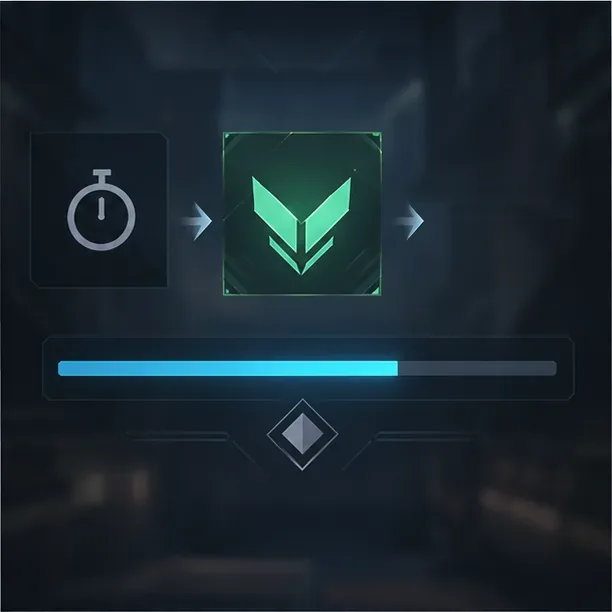
The daily first-win bonus is a direct AP gain; match time and result also affect the AP awarded. Choose a mode by AP per hour, not XP per match
Riot describes match AP as dependent on both duration and result, so the longest match is not automatically the most efficient use of real time. A shorter round-based queue may let you finish more games, while a longer match may produce more AP from time played. Try queues currently available to you, such as Swiftplay or Spike Rush when they appear, and compare your actual AP gain over a full session. Riot does not publish a current official AP-per-hour ranking for every mode, so fixed claims that one playlist is always fastest should be treated cautiously.
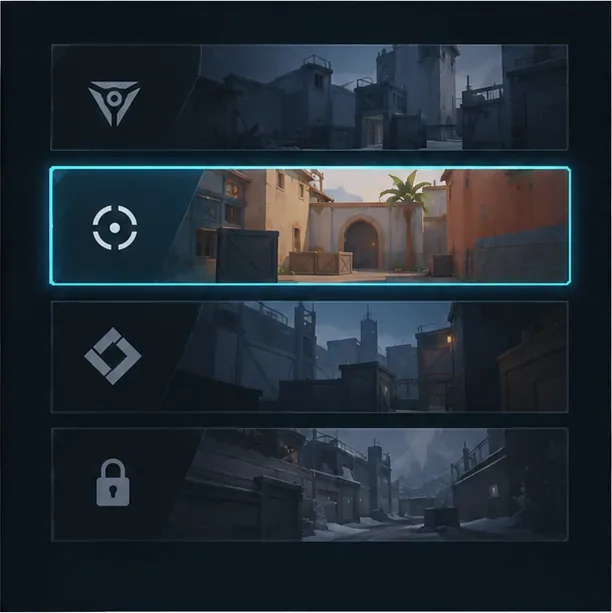
Illustrative mode selector; choose from the queues available in your current client and compare the results. Finish matches and stay active
AP is credited after the match, and the result affects the amount awarded. Play normally, avoid going AFK, and finish the match so you can collect the end-of-game progression and measure your results. Riot has specifically adjusted AFK detection to discourage farming Battle Pass and account levels by leaving a character idle; see the official Patch 3.05 notes. Do not rely on old guides that promise an exact AP penalty or zero AP for every early exit; Riot's published account-level guide does not give a universal penalty table.

Review the completed match result before queuing again so you can record the AP actually earned. Track AP earned per real hour
For each mode you test, note your AP before and after several completed games, plus the total time spent in queue, agent select, and matches. Divide the AP gained by the full session time. This simple comparison captures both match length and your win rate, which a generic “XP per match” chart misses. Recheck after playlist or patch changes because your available queues and average match times can change.
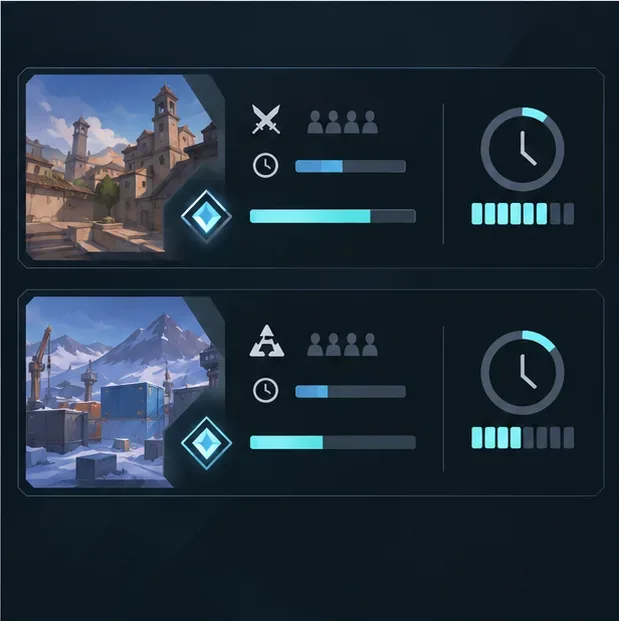
Compare AP against the full time spent, not just the number of matches or the longest single game. Use a party when it helps you win
Friends can make coordination easier, which may help your team finish with better results. However, do not assume a permanent party-size AP multiplier: Riot's published account-level rules do not list one. VALORANT has run time-limited Squad Boost events that grant extra XP for pass rewards; for example, Riot's 2025 anniversary event page gave specific dates for its boost. That event XP was not a general account-level AP bonus. Check the current event notice before counting on any temporary reward.
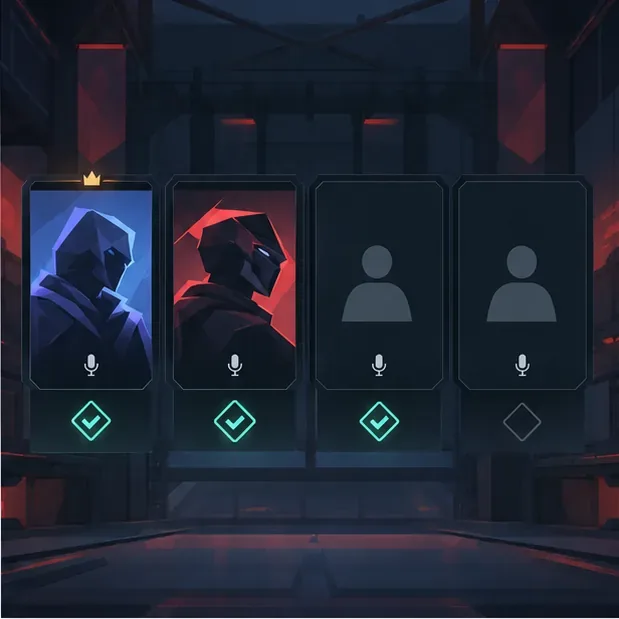
A party can support communication and consistency; the mockup does not represent a permanent AP bonus.
What does not make your account level faster
- Daily and weekly missions: useful for Battle Pass and other XP-based rewards, but they do not add account AP.
- Buying the Battle Pass: unlocks its reward track; it does not shorten the 5,000 AP needed for an account level.
- Old Agent Contract tips: Riot changed the progression system in Episode 7. Agent-related XP is separate from account AP, so keeping an old-style contract active is not an account-level trick.
- Old Squad Boost percentages: these refer to limited-time XP events. They are not proof of a permanent party bonus to account AP.
If you meant Battle Pass levels rather than the number shown on your Player Card, prioritize daily rewards and weekly missions; those award XP for pass progress. The official progression FAQ explains which tracks receive that XP. For changes in a later update, check Riot's current patch notes and any live event terms.
Quick answers
How much AP does one account level take?
Riot's account-level guide says each level requires 5,000 AP.
How much does the first win of the day give?
Riot's progression FAQ lists a 1,000 AP bonus for the first win of the day. The bonus applies to account level, not Battle Pass or Event Pass progress.
Which VALORANT mode gives the most account AP?
Riot does not publish a current mode-by-mode AP-per-hour ranking. Because match duration and result affect AP, compare completed sessions in the modes available to you and use the playlist where you earn the most AP per real hour.









