How Big Is Valorant? Full Download and Install Size (2026)
Plan for about 30 GB of disk space for a full VALORANT PC installation. Treat that as a practical estimate, not a Riot-published minimum: the game’s exact download and installed size can change with patches, and Riot’s public download and PC-spec pages do not promise a fixed GB total. Leave some extra free space for updates, then check the installed folder on your own PC for the precise figure.
Valorant download size vs. installed size
The download size is the data transferred from Riot’s servers. The installed size is what the finished game occupies on your drive after the client downloads and processes its files. Those numbers are not interchangeable: compressed download data can expand after installation, and later patches can replace or add files.
Riot does not list a guaranteed download or installed-size figure on its official download page or its current PC specifications page. So there is no official “exactly X GB” answer that stays correct for every patch. For planning, allow around 30 GB for the installed game and keep additional space available for an update to finish.
| What you are measuring | What it means | Useful expectation |
|---|---|---|
| Download | Data fetched during installation or an update | Varies by patch; there is no fixed public total |
| Installed game | Files stored after installation completes | Budget about 30 GB as an estimate |
| Free space before updating | Room available for the existing game and update work | Keep a buffer beyond the current install size |
What uses space on your PC?
The VALORANT folder contains the files needed to run the game, including its maps, characters, audio, and other game assets. The Riot Client and Riot Vanguard anti-cheat components may also have their own files outside the main game folder, depending on how Riot’s software is installed. Windows may therefore show different totals depending on whether you check only the VALORANT folder, an app listing, or the free space on the whole drive.
There is no useful fixed breakdown such as “X GB for agents” or “Y GB for maps” to rely on. Riot can reorganize and update files between releases, and folder contents vary by patch. Avoid adding guessed category totals together; use Windows to read the actual size on your computer.
How to check your exact Valorant install size
- Find the drive and folder used for installation. The common default is
C:\Riot Games\VALORANT, but choose the location you selected if you installed it elsewhere. - Open the folder’s Properties. In File Explorer, right-click the main
VALORANTfolder and select Properties. Let Windows finish calculating the folder. - Read both size fields. “Size” totals the file contents; “Size on disk” reflects how much space those files occupy in the drive’s allocation units. They can differ slightly, so use the one that answers your question.
- Check the whole drive’s free space separately. Open Settings → System → Storage to see what remains available. The game folder size is not the same as the free space needed to install or update it.
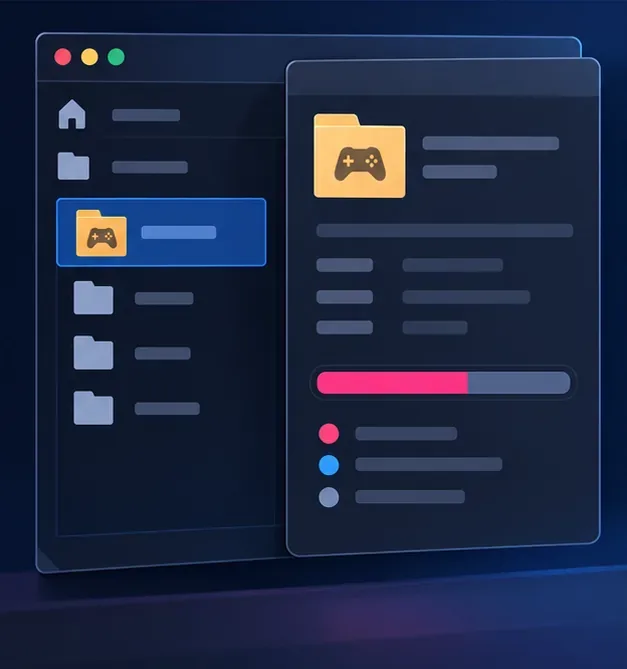
If you cannot find the folder, search the drive you selected for Riot Games, or look in Windows Settings → Apps → Installed apps for VALORANT and Riot Vanguard. The Apps list can be a helpful cross-check, but the folder’s Properties is the more direct way to measure the game files.
How to make room for VALORANT or an update
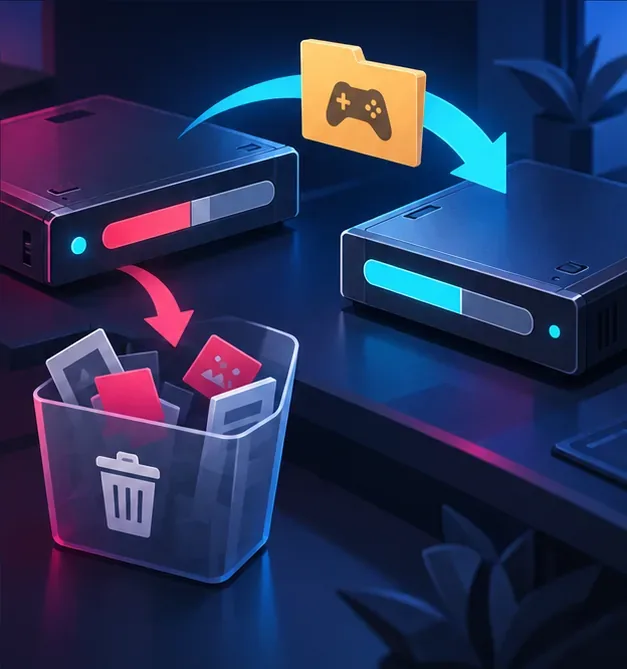
- Check free space on the install drive. A large amount of room on another drive will not help if Riot Client is installing to a nearly full one.
- Use Windows Storage settings. Review temporary files and remove only items you recognize and no longer need. Check the Downloads folder before deleting anything from it.
- Uninstall games or apps you no longer use. Use Windows Installed apps or the relevant publisher’s launcher so files are removed cleanly.
- Choose another drive if needed. If you reinstall, use Riot’s installer and select an available location when prompted. Do not move the game by dragging folders between drives; the client may no longer find the installation.
- Do not delete random files inside the VALORANT or Vanguard folders. Those files may be required, and removing them manually can cause launch errors or another download.
Common size and storage questions
Is VALORANT a 30 GB download?
Not necessarily. About 30 GB is a planning estimate for the installed game, not a promised download size. The amount transferred can differ because installation and patch data change over time.
Is 30 GB enough free space to install it?
It may be close to the final install estimate, but it leaves little room for a patch or temporary installation work. Free additional space if possible, and follow the space check shown by the Riot Client during your current install.
Why does my VALORANT folder take more than 30 GB?
Your installation may be on a different patch, or you may be looking at extra files, a second installation, or the size of Riot components stored elsewhere. Check the selected folder’s Properties and confirm the install path before deleting anything. If the client reports a problem, use Riot’s own repair or reinstall process rather than removing files by hand.
Will VALORANT fit on a 256 GB SSD?
A 30 GB install is less than 12% of a drive’s advertised 256 GB capacity, but Windows and your other apps use space too, and the usable capacity shown in Windows is lower than the advertised number. Check the free space remaining after your other essentials are installed.
Riot’s official patch-notes archive is the place to follow game updates that may change what your current installation contains. For a current planning figure, allow about 30 GB for VALORANT, leave update headroom, and use File Explorer’s folder Properties whenever you need the exact size on your PC.









