Valorant Mobile APK: How to Download the Official Version (2026)
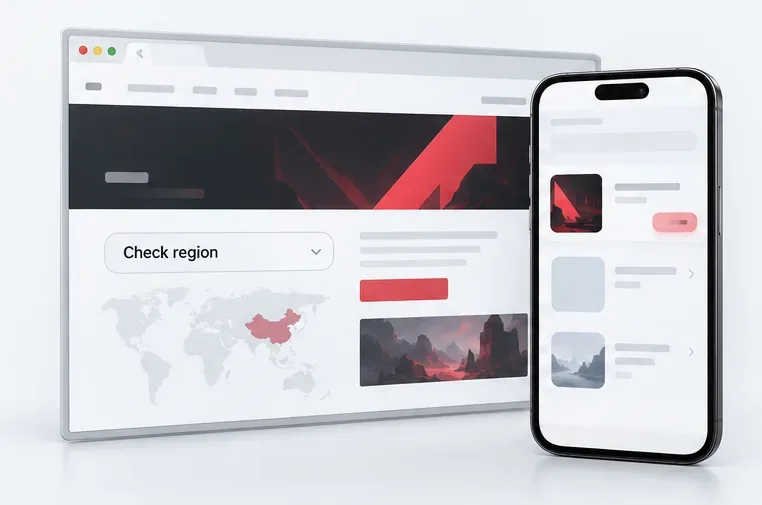
There is no verified, worldwide VALORANT Mobile APK from Riot’s international download page. As of October 16, 2026, the official mobile game listing I can verify is the China-region release titled 无畏契约:源能行动. Android players in its supported region can use the publisher-authorized listing on TapTap; iPhone and iPad players can check the China App Store listing. If you are outside that region and the game is not listed in your official store, wait for a release announcement instead of installing a file from an APK mirror.
This guide explains how to check availability, identify the legitimate listing, and understand what to do after installation. It also separates the mobile game from Riot Mobile, which is a companion app and not the VALORANT game.
What “Valorant Mobile APK” means in 2026
“APK” is the Android app package format, so searches for a Valorant Mobile APK often lead to download sites offering a file. The file extension does not show who built or signed a package. A filename, icon, or screenshot can be copied, and an APK from an unverified host may be modified, outdated, or bundled with unwanted software.
The verified mobile release is listed in China under the title 无畏契约:源能行动. Its China App Store listing describes a mobile 5v5 game made with Riot Games and Tencent Photon Studio, while the Android listing on TapTap identifies Tencent and is marked as an official game page. Riot’s international download page, by contrast, provides the PC game download, and Riot’s separate Riot Mobile page describes a companion app for news, chats, esports, and account-related features.
That regional distinction matters. A China listing does not make an APK a global release, and it does not confirm that the game is available in another country, supports every account type, or shares PC inventory and rank. Check the store and account instructions for the specific region you can access.
How to download VALORANT Mobile from an official source
Step 1: Check whether the mobile game is available in your region
Start with Riot’s international VALORANT download page and its official announcements. Then search your device’s own Google Play Store or Apple App Store for the game. A genuine regional release should have a store listing you can open directly, with the publisher and support links shown by that store.
As of October 16, 2026, the mobile listing verified for this guide is the China release. If your store does not show a supported listing, there is no safe global APK workaround to recommend. Do not treat a search result, video description, or social post promising an early global APK as a Riot announcement.
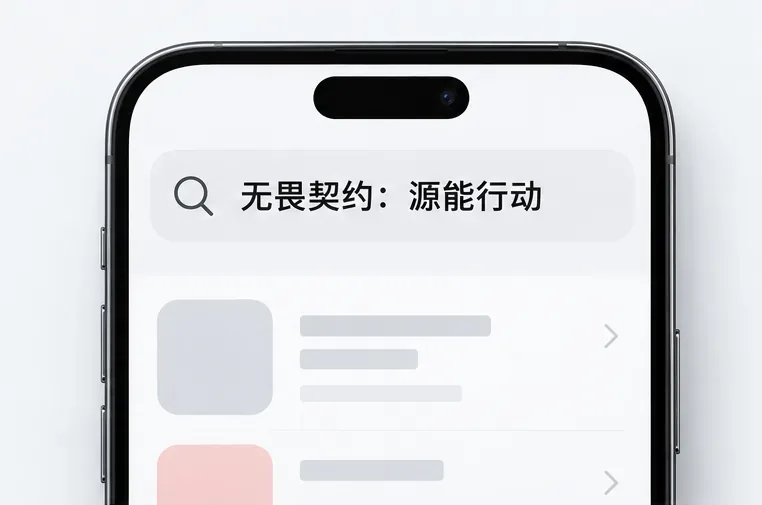
Step 2: On Android, use the official TapTap game listing
For Android in the supported China region, open TapTap’s VALORANT Mobile listing. Confirm the title is 无畏契约:源能行动, that the page is the official listing, and that Tencent is identified as the publisher. Start the download from that listing and let its supported installation flow finish. Do not replace that process with an APK download from a mirror site, file-sharing link, or browser pop-up.
If TapTap says the device or region is unsupported, stop there and check the publisher’s notices. Avoid APK repackagers that promise a “global server,” “unlocked skins,” or a special version that bypasses the store. Those are not evidence of an official release.
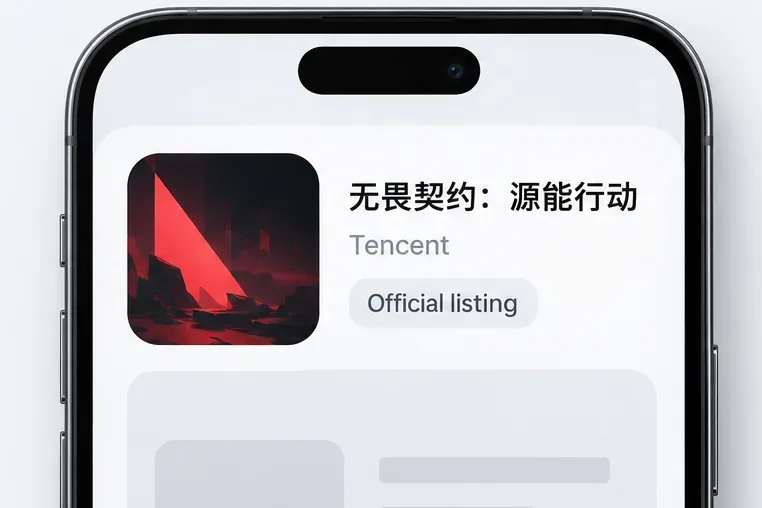
Step 3: On iPhone or iPad, use the China App Store listing
Apple users can check the China App Store page for 无畏契约:源能行动. Verify the displayed title and developer information on Apple’s page, then install through the App Store if the listing is available to your account and region. If it is not available, do not download an iOS package from a website; iPhone apps should be installed through Apple’s supported distribution routes.
Store availability can vary by country or account region. The presence of the game in China’s App Store does not mean it is available in every country’s storefront. Check current Apple and publisher guidance rather than relying on old pre-registration pages or cached search results.
Step 4: Finish installation and follow the game’s own sign-in prompts
After the official store or TapTap finishes downloading, open the game from its listing or your device’s home screen. Let any required in-game resources finish downloading over a stable connection. Use only the sign-in or registration options shown by the official client and read any region, age, or account requirements before proceeding.
Do not assume your PC Riot ID, rank, cosmetics, or progression will transfer to this regional mobile release. The official listings confirm the game’s title and publisher, but they do not establish account sharing or cross-progression for every player and region. If you need to know whether a particular account is supported, consult the game’s official help channel before linking credentials.
How to avoid fake Valorant Mobile APK downloads
- Use a source you can verify. Open the publisher-authorized TapTap page or the matching regional App Store listing directly.
- Check the exact title and publisher. In China, look for 无畏契约:源能行动 and Tencent’s listing details. A similar icon or English title alone is not enough.
- Skip direct APK mirrors. Riot’s international site does not provide a globally downloadable Android game package. A site claiming otherwise is not an official Riot source.
- Do not enter account credentials on download pages. Sign-in should happen in the official game or a verified publisher flow, never on a third-party APK page.
- Ignore promises of cheats or free paid items. Modified clients and “unlocked” builds are not legitimate downloads and can put accounts and devices at risk.
Common download problems
The game does not appear in my store
That usually means the listing is not available to the selected storefront or device. Confirm your store region and check official announcements. Do not use a third-party APK to force installation.
The listing is visible but installation fails
Check the store’s device-compatibility message, available storage, and network connection. Restart the download from the same official listing. If the store continues to reject the install, follow its support instructions or contact the publisher through the listing.
I found an app called Riot Mobile
Riot Mobile is Riot’s companion app, not the mobile VALORANT game. Riot’s own page describes it as a place for game updates, chat, esports, and other companion features. It cannot install or launch VALORANT Mobile.
Frequently asked questions
Is VALORANT Mobile available worldwide?
The verified game listing linked here is the China-region release. Check Riot’s international download page and official announcements for any later release in your country; a China listing does not confirm worldwide availability.
Can I download an official Valorant Mobile APK?
Android users in the supported China region can use the official TapTap game listing. Riot’s international site does not offer a direct global APK file. Avoid APK mirrors that cannot be tied to the official listing.
Will my PC Valorant account and skins carry over?
Do not assume they will. The official app listings do not confirm universal PC-to-mobile account or inventory transfer. Check the mobile game’s current account guidance for your region.
Is Riot Mobile the same as Valorant Mobile?
No. Riot Mobile is a companion app. The game itself is listed in China as 无畏契约:源能行动 and must be installed from a supported game listing.
For a safe Valorant Mobile download, verify your region first, match the exact title and publisher, and install only through an official or publisher-authorized listing. If your store has no supported version, wait for Riot to announce one.









