How to Play Valorant on Mac (2026 Guide)
You cannot install a native macOS version of Valorant. Riot lists Windows 10 and Windows 11 as the supported operating systems, and its current requirements say that cloud gaming and virtual machines are not supported. If you have a compatible Intel Mac, Apple’s Boot Camp Assistant can install Windows 10 so you can try running the game there. On an Apple silicon Mac, there is no Boot Camp route or Riot-supported virtual or cloud-PC workaround.
The important 2026 caveat: Boot Camp’s documented Windows version is Windows 10, and Microsoft ended standard Windows 10 support on October 14, 2025. Riot’s requirements still list Windows 10, but that does not restore Microsoft’s security updates. Read the trade-off before partitioning your Mac.
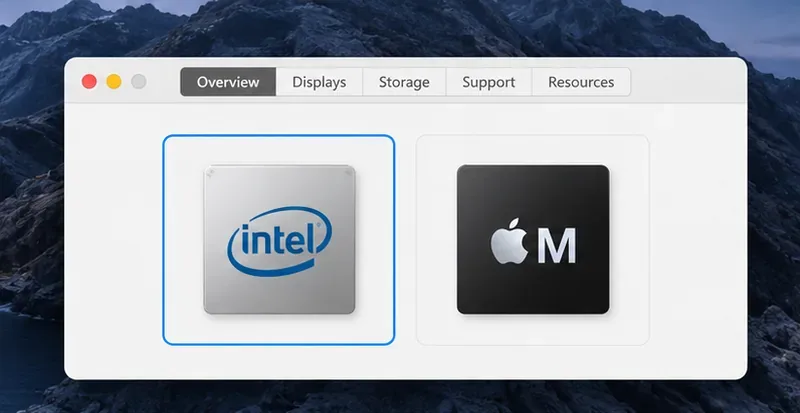
Which Macs have a workable route?
| Mac or setup | What to expect |
|---|---|
| Compatible Intel Mac | Boot Camp can install Windows 10 on eligible Intel models. Riot lists Windows 10 (64-bit, build 19041 or later) in its requirements. Microsoft no longer provides standard Windows 10 security updates. |
| Apple silicon Mac | Boot Camp is not available. Riot says ARM processors are not supported, and its support page excludes virtual machines and cloud gaming. |
| Parallels, VMware, or a cloud gaming PC | Riot does not support virtual machines or cloud gaming for Valorant. Do not buy a subscription expecting this to work. |
| Your own physical Windows PC | You can investigate streaming from a PC you own, with the game running on that Windows hardware. Riot does not provide a compatibility guarantee for third-party remote-play apps, so treat this as an unverified workaround. |
Riot’s requirements also call for DirectX 11, a CPU with SSE 4.2 or AVX support, 4 GB of RAM, and at least 1 GB of VRAM if the system uses discrete graphics. A Mac’s age and model affect whether its Windows drivers and graphics hardware meet those requirements.
How to play Valorant on an Intel Mac with Boot Camp
1. Confirm that your Mac is eligible
Choose Apple menu > About This Mac and check whether the processor is Intel. Then compare the exact model with Apple’s Boot Camp model list. Boot Camp is only for supported Intel Macs; it does not install Windows on an M-series Mac.
2. Back up your Mac and prepare Windows
Back up important files before changing disk partitions. Install available macOS updates, connect your Mac to power, and make sure the startup disk has at least 64 GB of free space; Apple recommends 128 GB or more for a better experience and Windows updates. Some models also require an external USB drive of at least 16 GB.
Apple documents Boot Camp with a full 64-bit Windows 10 installation image. Get the ISO from Microsoft’s Windows 10 download page. A Windows download is not the same as a license; use a valid Windows license and check Microsoft’s current activation terms.
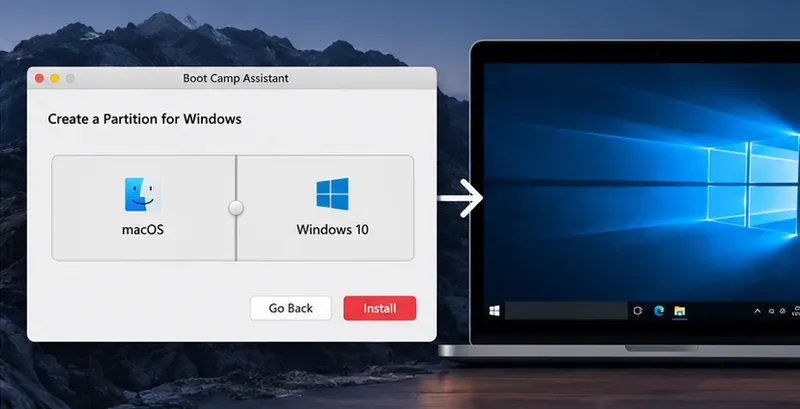
3. Install Windows with Boot Camp Assistant
- Open Applications > Utilities > Boot Camp Assistant.
- Follow the assistant’s instructions to select the Windows ISO and create the Windows partition. Choose its size carefully: Apple says you cannot resize it later through this setup flow.
- When the Windows installer asks where to install, select the BOOTCAMP partition. Do not erase or change the macOS partition.
- After Windows starts, complete the Boot Camp installer so the Mac’s Windows support drivers are installed, then restart when prompted.
To choose an operating system later, restart and hold the Option (⌥) key during startup, then select Windows or macOS. Apple’s full Boot Camp instructions cover model-specific requirements.
4. Download Valorant from Riot in Windows
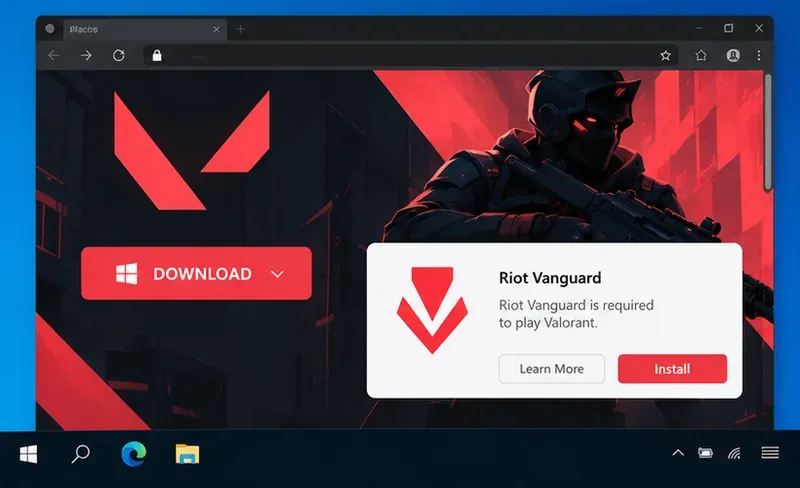
Once booted into Windows, check that the system meets Riot’s requirements and has current graphics drivers. Go to the official Valorant download page, sign in or create a Riot account, and run the installer. Follow the Riot Client and Vanguard prompts; restart Windows if the installer requests it. Download the game only from Riot’s site.
What Apple silicon Mac owners can do
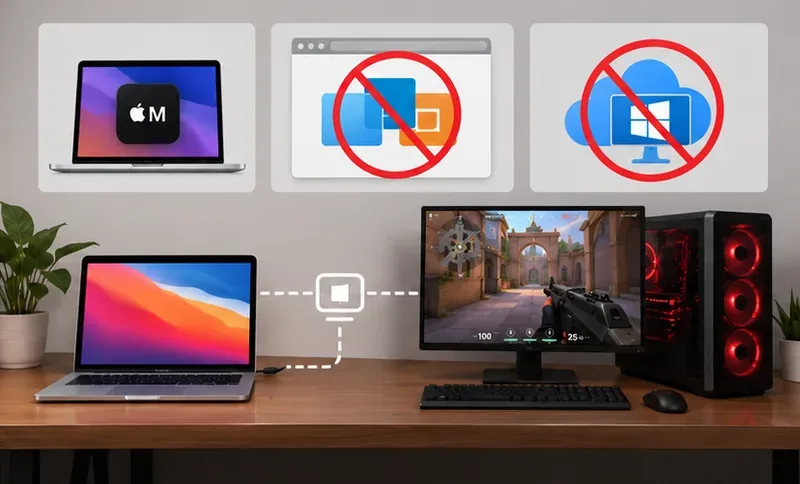
On an M-series Mac, Boot Camp is unavailable. Installing Windows in Parallels or VMware does not create a supported Valorant setup: Riot’s current support guidance explicitly says that virtual machines and cloud gaming are unsupported, and it marks ARM processors as unsupported in the PC requirements.
If you already own a physical Windows gaming PC, remote-play software may let you view and control that PC from your Mac while the game runs on the PC. That is different from installing Valorant on macOS, and Riot does not certify third-party remote streaming as a supported configuration. Connection quality and input delay can also make a competitive shooter difficult to play. For a dependable, Riot-listed setup, use a Windows PC that meets the game’s requirements.
Common questions
Can I play Valorant on an M1, M2, M3, or newer Apple silicon Mac?
There is no native macOS version or Riot-supported local method for Apple silicon. Boot Camp is Intel-only, while Riot says ARM processors, cloud gaming, and virtual machines are not supported.
Does Valorant work in Parallels or VMware?
Riot does not support virtual machines for Valorant. A virtual Windows installation is therefore not a dependable solution.
Is Boot Camp still a good option in 2026?
It is the only documented local Windows route for eligible Intel Macs, but Apple’s Boot Camp instructions install Windows 10. Microsoft ended standard Windows 10 support on October 14, 2025. Riot’s current spec page still lists Windows 10, so the game may meet Riot’s stated OS requirement while the operating system lacks standard security updates. Consider that security trade-off before using the partition for regular online play.









