Paladins Killcam and Top Play Options: What You Can Use Now
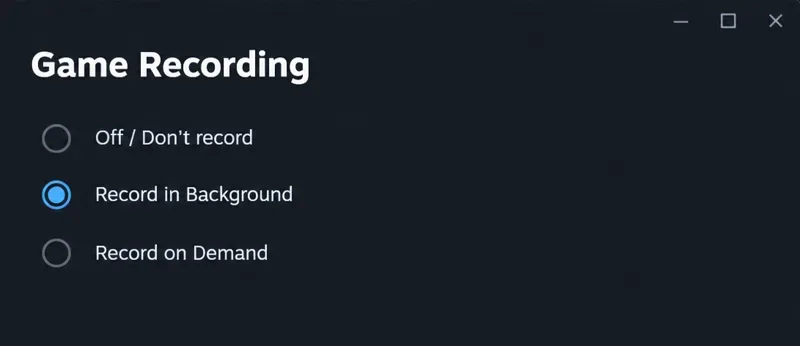
Paladins removed Killcam and Top Play in 2020. Compare Steam recording modes and learn what your own clips can—and cannot—show.
Paladins removed Killcam and Top Play in 2020. Compare Steam recording modes and learn what your own clips can—and cannot—show.
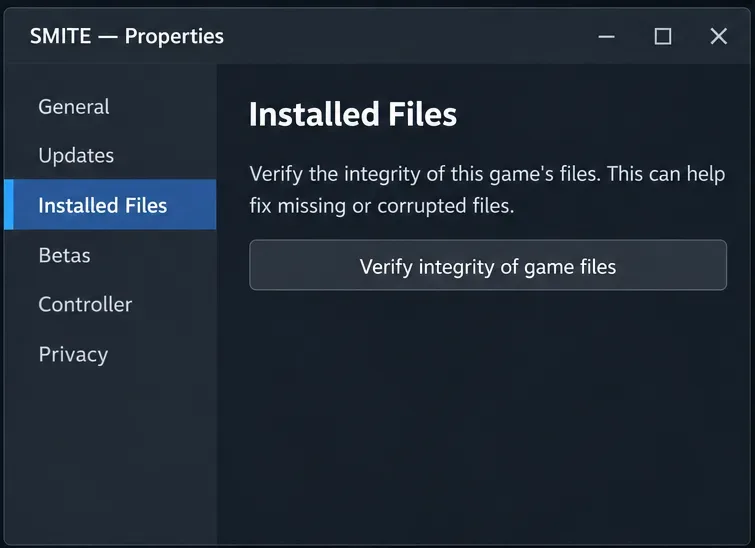
Fix the SMITE version vendor mismatch on Steam by checking the correct game entry, completing updates, verifying files, and knowing when to contact support.
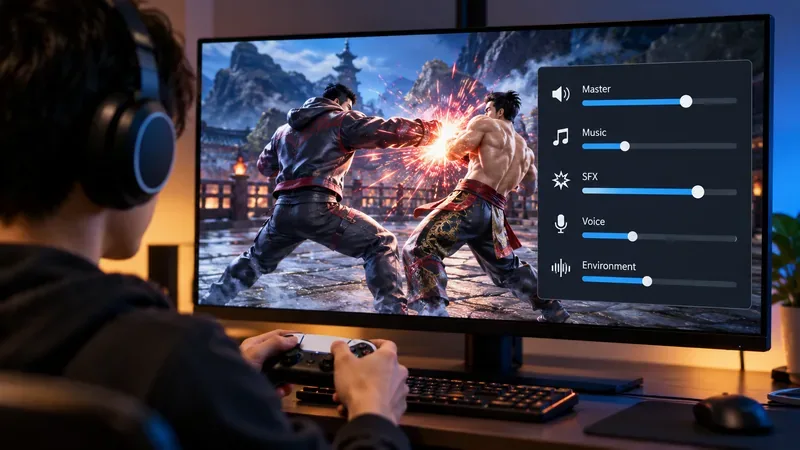
Use this practical Tekken 8 audio mix to keep hit sounds clear while balancing BGM, character voices, and environmental volume. Includes a Practice mode tuning routine.
Find the best competitive master switch options in EA SPORTS FC 27, learn when to use Competitive, Authentic, or Custom, and tune passing, jockey, and player-switching assists.
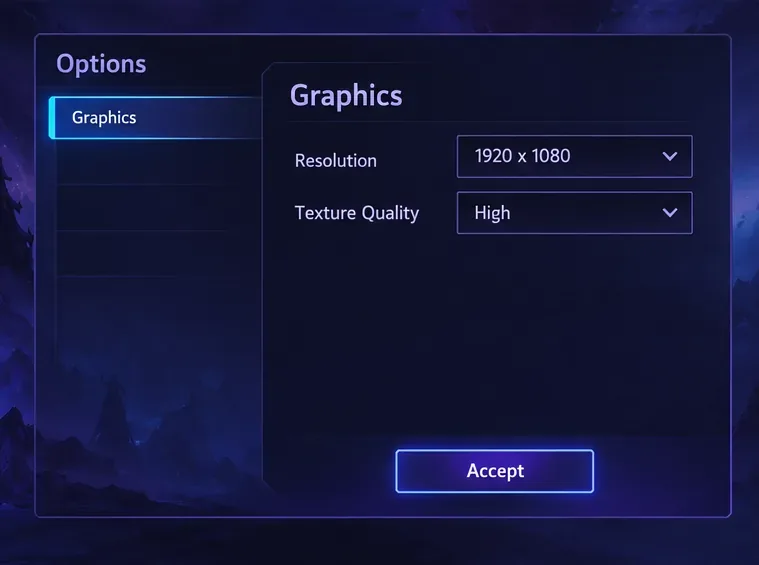
Learn what the Heroes of the Storm Variables.txt FPS caps can and can’t do, how to back up the file, and how to verify changes with the performance monitor.
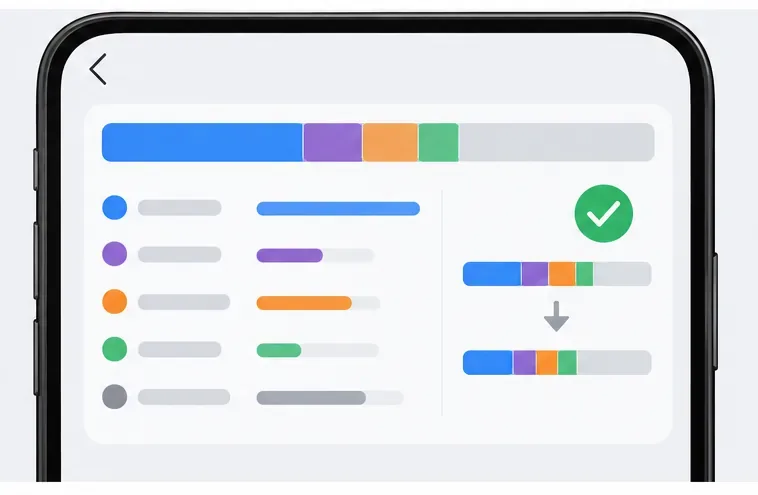
Clear the Mobile Legends resource cache safely: find in-game cleanup options, use Android’s cache button, and understand iPhone offload vs. delete.
Fix high ping and rubberbanding in SMITE on NA servers with practical checks for service incidents, Wi-Fi, packet loss, router latency, and ISP routing.
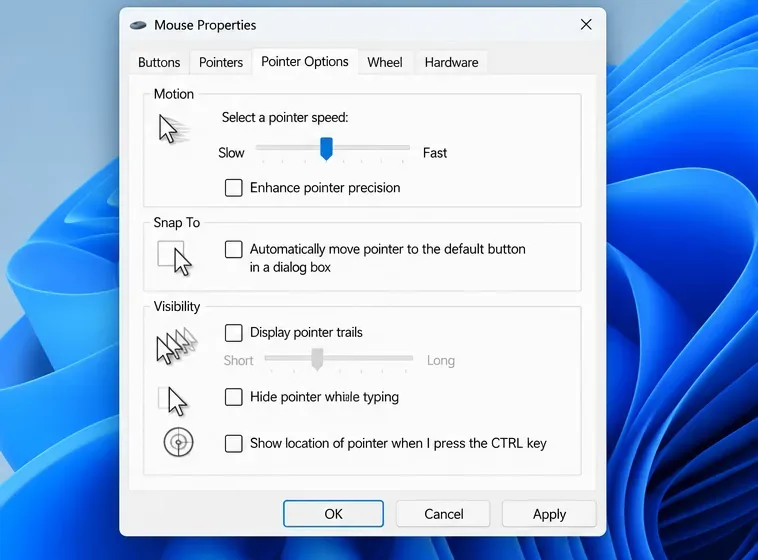
See what the Rainbow Six Siege config can safely change, test its raw-input entry, disable mouse acceleration in Windows, and verify aim consistency.
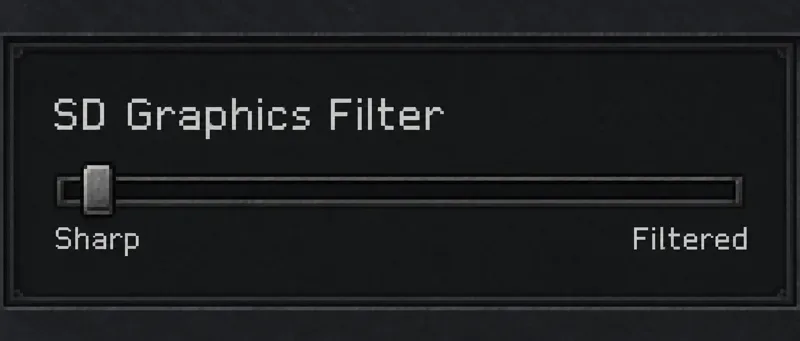
Find the best color and SD filter settings for StarCraft: Remastered legacy tiles, with crisp terrain edges, balanced color, and a simple comparison routine.
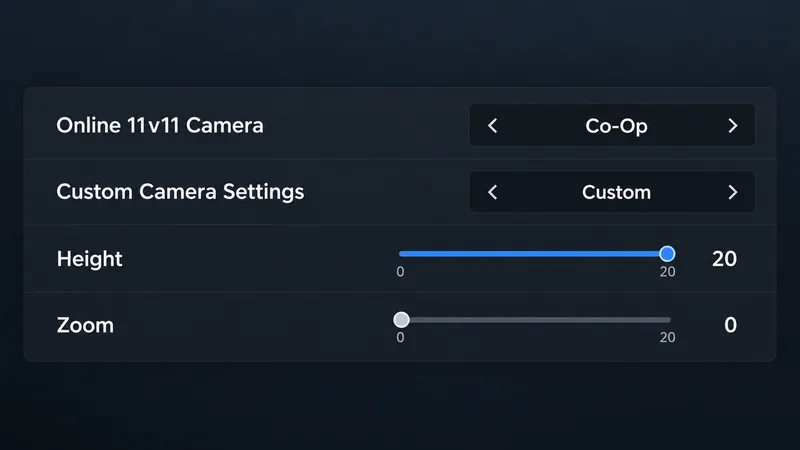
Find the best camera settings for maximum pitch vision in EA SPORTS FC 27 with a Co-Op starting setup, slider values, mode-specific options, and a readability test.
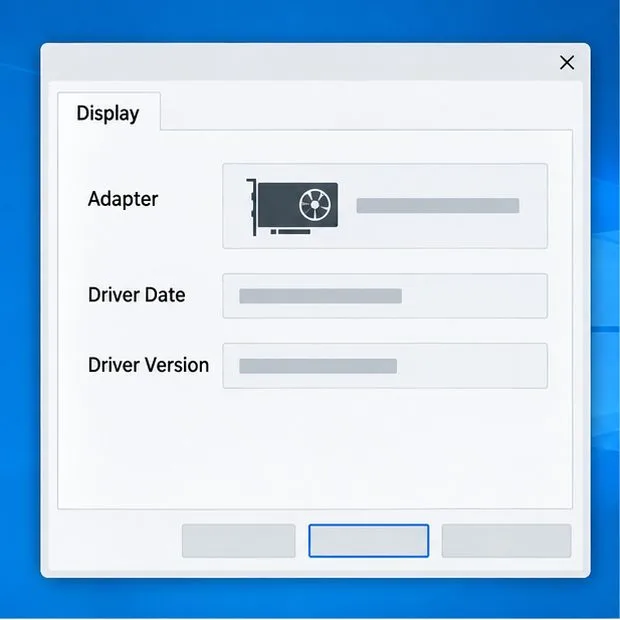
Fix the Heroes of the Storm graphics device error on startup by checking GPU detection, installing the right driver, choosing your graphics card, and repairing Battle.net files.
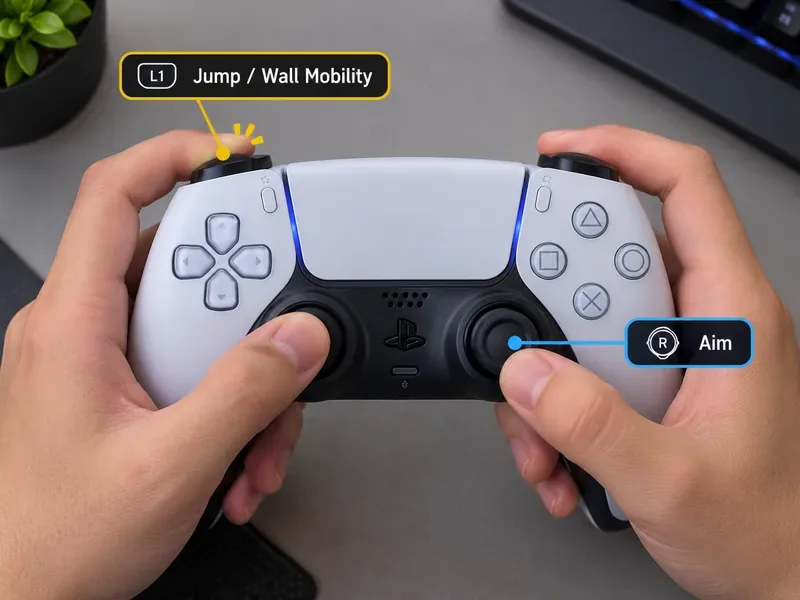
The best Marvel Rivals button layout puts Jump on an easy shoulder or paddle input so you can steer the camera while climbing, turning, and escaping.
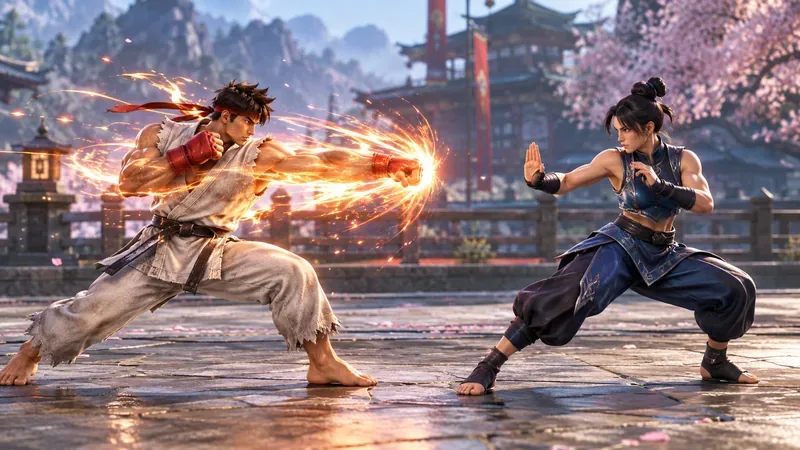
Best visual effects density setting for Street Fighter 6: use Standard background density, test Low Effects Quality, and turn off blur before lowering resolution.
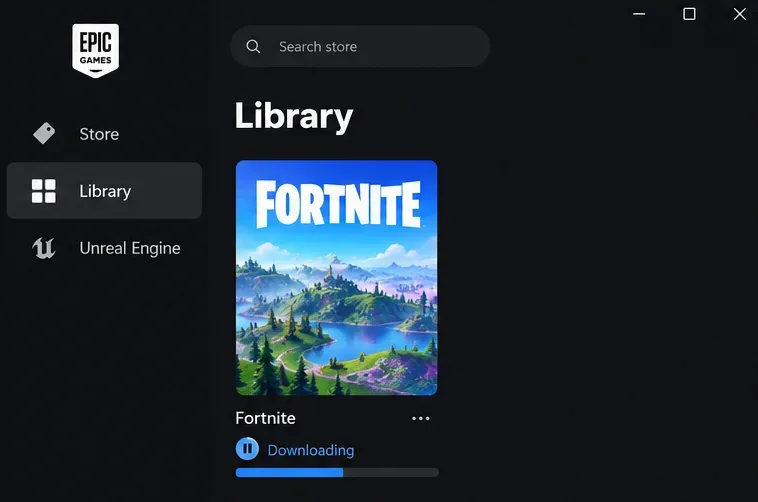
Fix Fortnite’s match queuing canceled error by checking Epic status, isolating party or island issues, testing your region and connection, and verifying PC files.
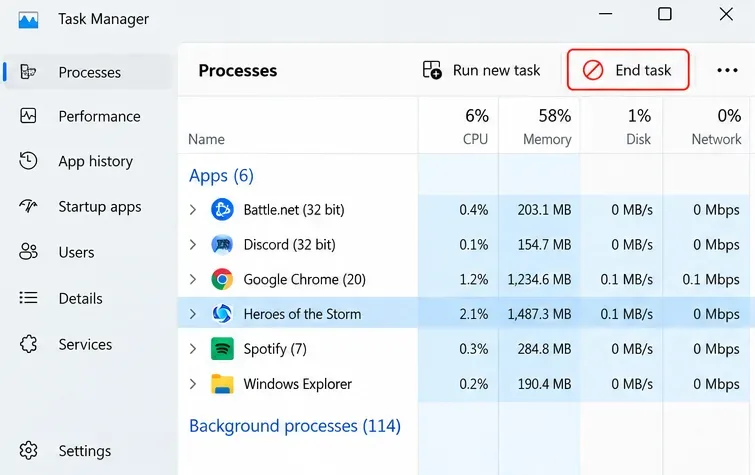
Compare eight targeted fixes for Heroes of the Storm stuck on hero selection, from updates and repair to connection checks, launcher data, drivers, and reinstalling.
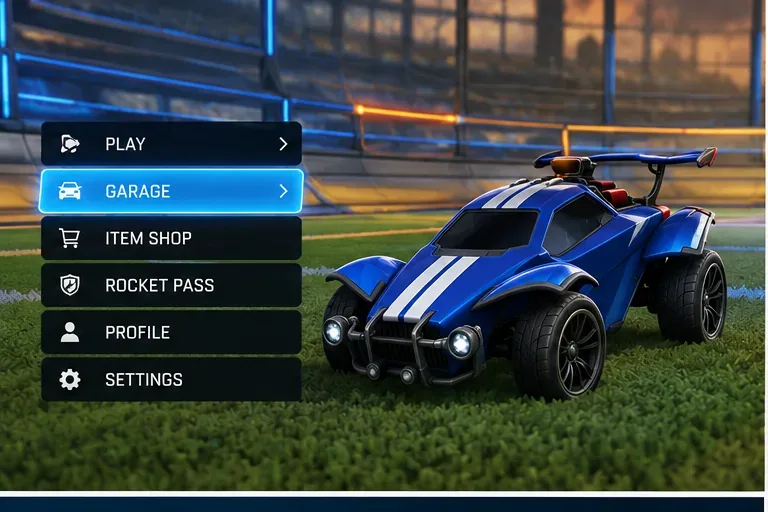
You can't disable the Rocket League trade hold timer. Learn why player trades ended, how Trade-In works, and where Credits are available.
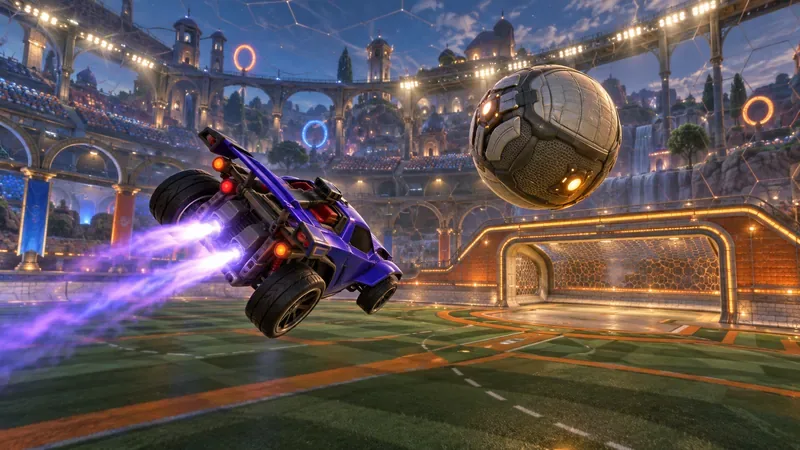
Explore the best BakkesMod plugins for freestyle training in Rocket League, with air-roll drills, flip-reset feedback, and critical 2026 compatibility limits.
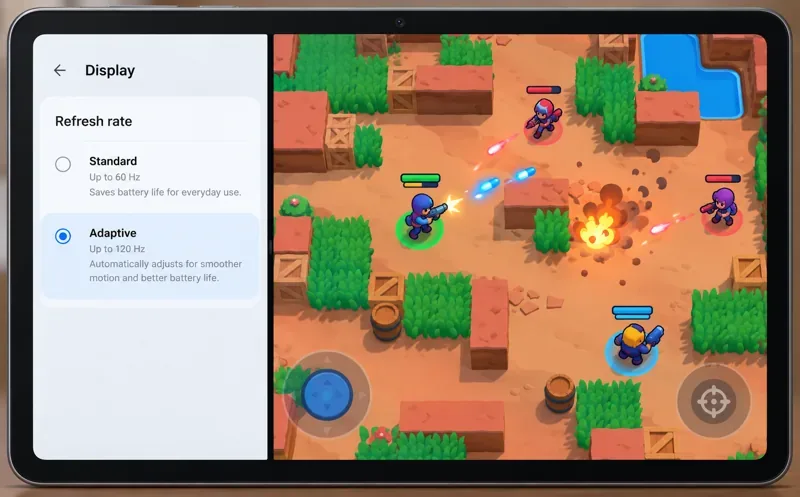
Find the best frame-rate setting for Brawl Stars on a tablet, understand 60 Hz vs. 120 Hz, and choose a smooth mode that balances heat and battery life.
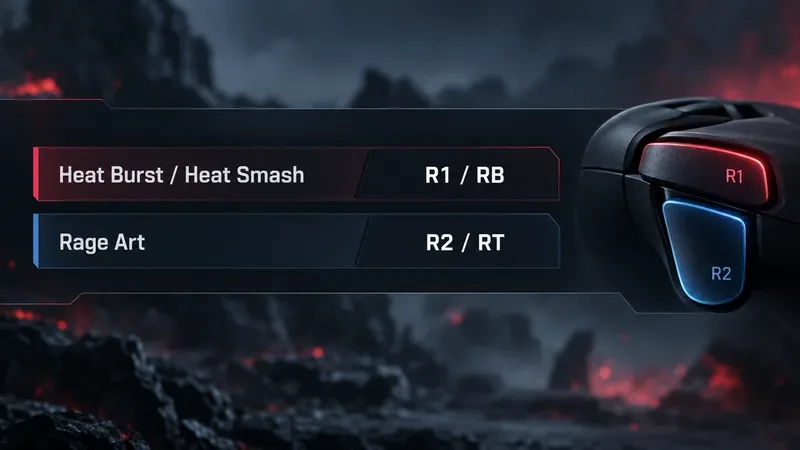
Get a practical Tekken 8 button mapping for Heat Burst, Heat Smash, and Rage Art, with clear starting layouts for gamepads, keyboards, and arcade controllers.
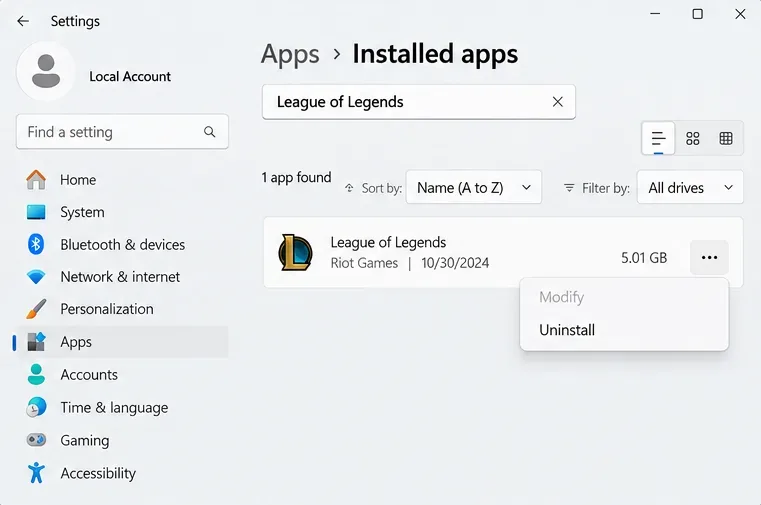
Follow a focused Windows checklist to fix a League of Legends black screen after champ select, from Riot Client repair and compatibility checks to graphics drivers, overlays, and a Vanguard-safe clean boot.
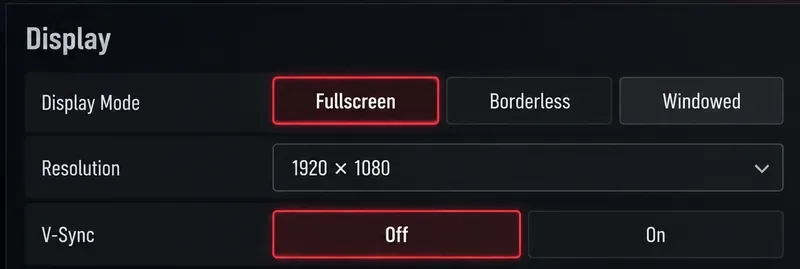
Find the best Tekken 8 display mode for your PC, compare Fullscreen with Borderless, and use Bandai Namco’s V-Sync guidance to reduce local input lag.

Can you hide match history from friends in League of Legends? Learn why Streamer Mode and blocking do not conceal games, plus privacy steps that help.
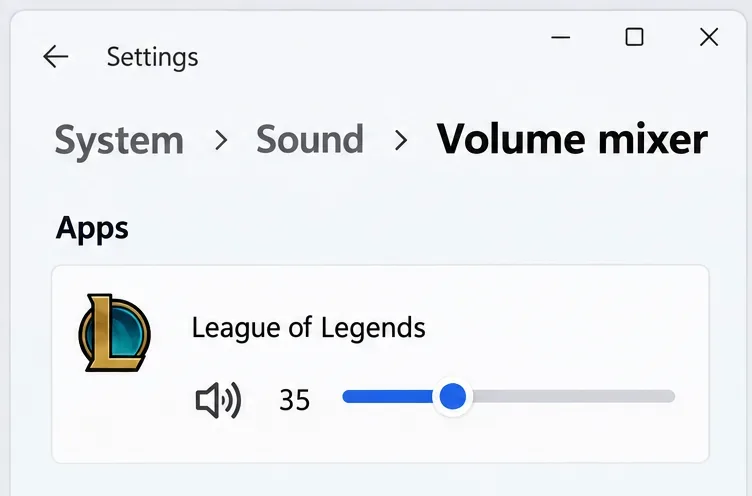
Learn how to mute Tactician emotes in TFT, lower in-game effects, or silence the game in Windows while keeping other apps audible.
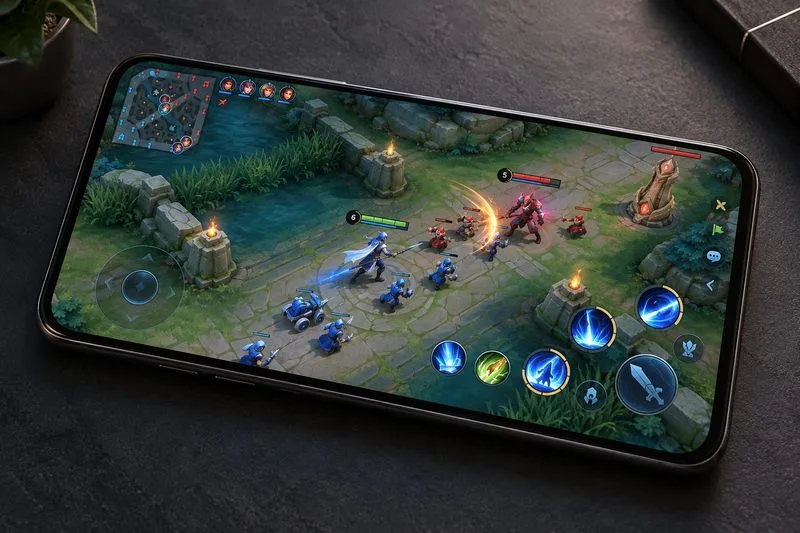
Best Honor of Kings graphics settings for stable FPS: balance image quality and frame rate, manage heat, and test performance in team fights.
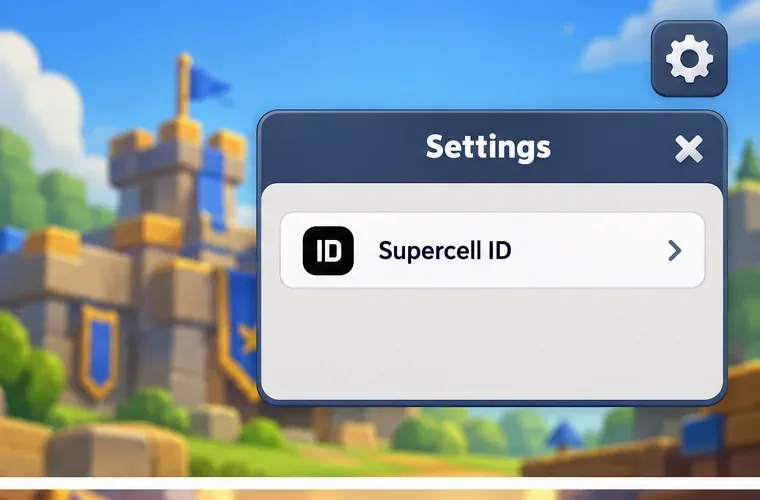
Restore a lost Clash Royale account with Supercell ID using the linked email and latest code, or contact in-game Support if you lost inbox access.
Find the best TFT resolution settings for laptop battery life, when to keep native resolution, and which display controls save power without a blurry interface.
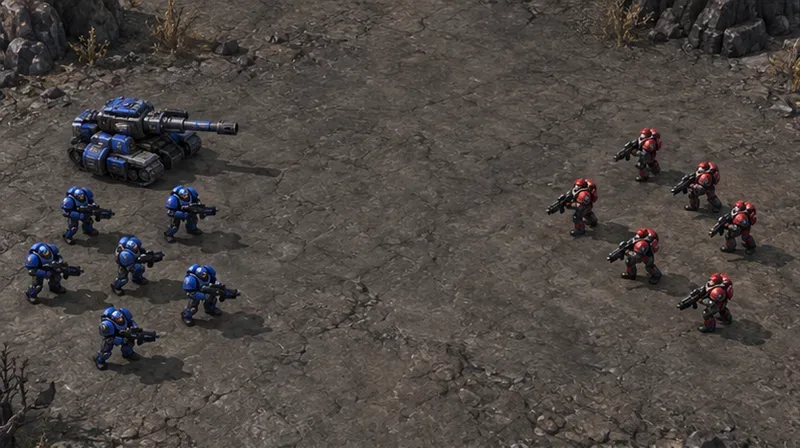
Find the best low graphics settings for clear army visibility in StarCraft II with a sharp resolution, readable health bars, and a replay-based check.
Best Paladins audio settings for Flank footsteps: set a clean headphone baseline, reduce masking music, and test stereo or one spatial audio layer.
Find a balanced Warzone color filter setup with Filter 2, target options, and strength tips to improve dark-corner visibility while keeping shadows and HUD colors readable.
Use these Free Fire graphics settings for low-RAM devices: Smooth graphics, Normal FPS, and a practical test plan to reduce stutter, heat, and crashes.