Can you hide your League of Legends match history from friends?
Not with a verified, Riot-documented privacy switch for standard League of Legends matches. As of October 2026, Riot’s current support documentation explains how to open Match History, how to block players, and how League match data is exposed through Riot’s developer services, but it does not document a setting that lets you selectively hide your normal or ranked match history from friends.
This matters because some older forum posts, screenshots, videos, or third-party guides may describe privacy controls that do not exist in the current League client. Before changing settings, the safest assumption is simple: if a match appears in your normal League match history, do not rely on the client to make that match private from specific friends.
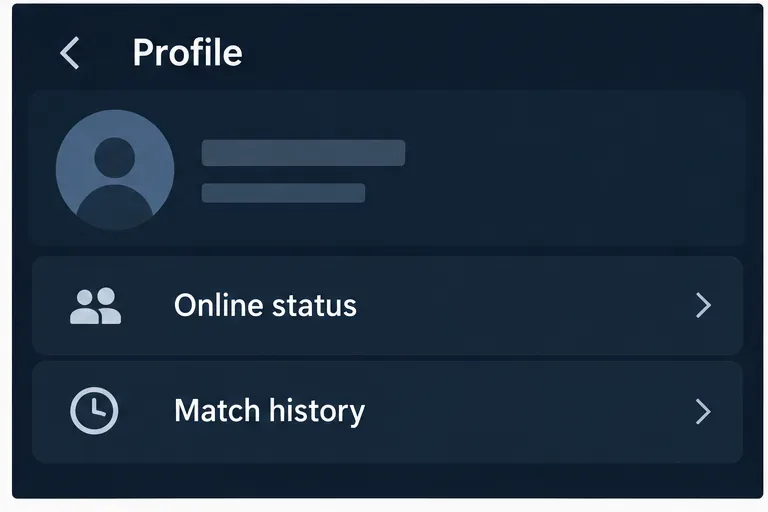
Riot’s own support page for blocking players still directs users to Profile > Match History when locating someone from a past game. You can verify the current workflow in Riot Games Support: How to Mute and Block Players.
What should you do if your goal is privacy rather than hiding one tab?
Start by separating three different goals that often get mixed together: hiding your recent games, stopping a specific person from contacting you, and reducing what third-party services can retrieve. League handles those situations differently.
1. If you only want one friend to stop contacting you
Use Riot’s blocking feature. Riot says that blocking a player removes them from your friends list, prevents friend requests, invitations, and private messages, and automatically mutes their communications. You can block someone directly from the friends list, from Match History, or from the client’s Block List.
However, Riot does not state that blocking hides your historical match data from that person. Blocking is a social and communication control, not a documented match-history privacy control. That distinction is important if your concern is someone reviewing your recent champions, results, or ranked games rather than simply messaging you.
2. If you want to hide all recent standard matches from friends
There is no Riot-documented client option I could verify that does this for ordinary League matches. In practical terms, there is no supported step-by-step toggle to recommend here without inventing a feature.
You can still review the current client settings for new privacy options after major updates, because Riot can change the interface over time. If you see a setting that explicitly mentions match-history visibility, verify what it does against Riot’s current support pages before relying on it. Avoid assuming that unrelated controls such as online status, friend requests, chat restrictions, or blocking also make match history private.
3. If you are worried about third-party stat sites
League match data can also exist outside the League client. Riot’s official Developer Portal exposes a League of Legends match-v5 API, which is part of the service developers use to retrieve match information. Riot’s League developer policy also discusses tools that display player statistics and match histories.
You can confirm the existence of Riot’s match services in the Riot Games API reference and the broader League of Legends developer documentation.
That means removing someone from your friends list is not the same as erasing or privatizing standard match records. A person may still be able to find match information through a service that uses Riot data, depending on the service, region, data retention, API access, and the type of match.
Is there any match-history data Riot treats differently?
Yes. Riot’s League developer policy draws an important distinction for custom matches. Riot states that products may not publicly display a player’s custom-match history unless the player specifically opts in to share it. Otherwise, custom-match data may only be made available to that player through Riot Sign On.
This custom-match rule should not be confused with a universal privacy switch for normal, ranked, ARAM, or other standard queues. Riot documents the custom-match exception separately, which is one reason it is risky to generalize privacy claims from one queue type to another.
What can friends see inside Riot products?
Riot continues to treat match activity as part of the player profile experience. For example, Riot Mobile includes a Match History section that provides a snapshot of recent activity and ranked progress. Riot also documents social settings for friend-list presentation and chat behavior, but its current support material does not identify a match-history visibility toggle.
You can review Riot’s current description of Riot Mobile in Riot Mobile Features. Features can differ between the desktop League client and Riot Mobile, so a setting found in one product should not automatically be assumed to exist in the other.
Will changing your Riot ID hide old matches?
No privacy benefit should be assumed from changing your Riot ID. Riot identifies accounts using internal account identifiers, including PUUIDs in its developer ecosystem. A name change can alter what people type into a search field, but it is not a documented method for deleting or privatizing match history.
Similarly, removing a friend, appearing offline, muting someone, or unlinking a social integration should be treated as separate actions. They can change communication or presence visibility, but Riot does not document them as tools for hiding ordinary match records.
What is the most practical privacy setup?
If your real goal is to reduce unwanted attention rather than achieve full match-history secrecy, use the controls Riot actually supports.
- Block a specific player if you do not want them sending messages, invitations, or friend requests.
- Review your Block List from the League client settings if you want to manage previously blocked players.
- Review Riot Mobile and connected-account settings if you use Discord or other linked services and want to limit social presence sharing.
- Assume standard match results may remain discoverable through Riot-supported data services even after you remove someone from your friends list.
- Treat custom matches separately, because Riot explicitly requires player opt-in for public display of custom-match history by third-party products.
Does blocking a friend hide match history?
No documented Riot source says that it does. Riot describes blocking as a way to stop chats, friend requests, invitations, and private messages, while also removing the person from your friends list. The same Riot article separately shows that Match History is a profile feature. Because Riot does not describe blocking as a match-history privacy mechanism, you should not rely on it for that purpose.
If harassment or unwanted contact is the underlying problem, blocking is still useful. You can right-click a friend and choose Block, or open a past match, right-click the player’s name, and block them from there. Riot also recommends reporting behavior that may violate its rules.
How can you check whether Riot adds a privacy option later?
Because League is a live-service game, settings and account features can change. The best verification method is to check Riot’s own documentation after a major client update rather than following old screenshots.
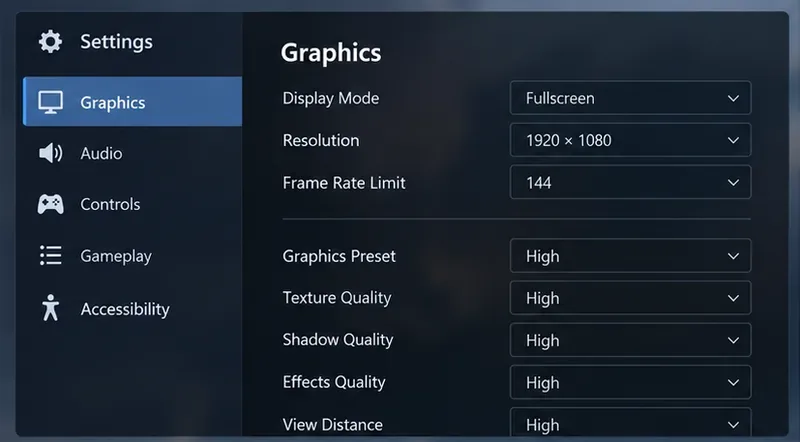
- Open the League client and review the current Settings categories.
- Look specifically for wording about match history visibility, not just chat, presence, or friend requests.
- Search Riot Games Support for the same feature name.
- Check Riot’s League developer documentation if the change claims to affect third-party match data.
- If Riot’s client and documentation disagree, treat the feature as unverified until Riot documents the behavior.
Bottom line
If you came here looking for a switch that hides your League of Legends match history from friends, the current answer is that no such supported setting is documented by Riot for standard matches. You can block or remove people to limit social interaction, but that should not be confused with making your match records private.
For stronger privacy expectations, remember that Riot exposes League match services to approved developers, while custom-match history receives a specific opt-in protection in Riot’s policy. Until Riot publishes a dedicated visibility control for standard match history, assume ordinary match data may remain viewable in the client or through authorized third-party services.