Which Game Patch Does an Esports Tournament Use? How to Check
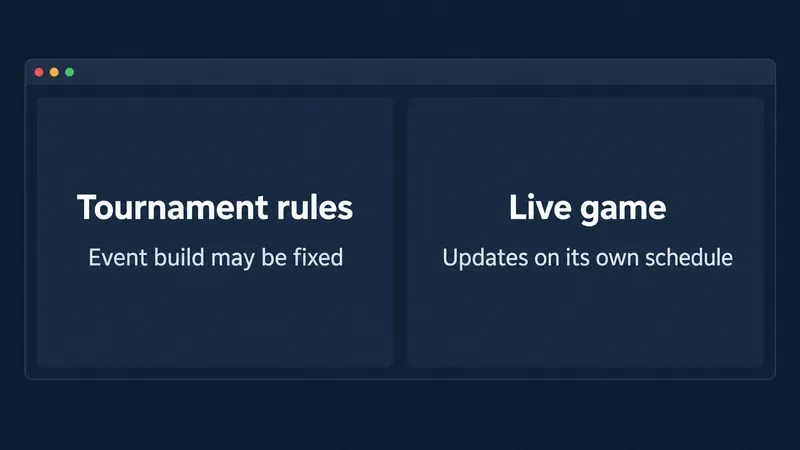
Which game patch an esports tournament uses depends on its event rules. Learn how to verify the build, hotfixes, and restricted content.
Which game patch an esports tournament uses depends on its event rules. Learn how to verify the build, hotfixes, and restricted content.
GTA Online loading taking forever? Use 10 practical checks to separate Rockstar service issues, slow storage, damaged files, and network or console problems.
Set up PSVR2 Cinematic Mode for non-VR PS5 games, resize and recenter the virtual screen, and choose HDR, 120 Hz, and audio settings that fit your setup.
Compare Xbox Developer Mode vs. jailbreaking on Xbox Series X|S and Xbox One. Learn what Dev Mode supports, where its limits are, and how modding can affect Xbox services, security, and warranty coverage.
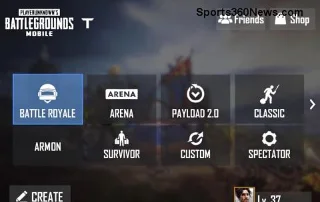
Use a practical PUBG Mobile sensitivity settings baseline for ADS and gyro, then fine-tune each scope and weapon in the Training Ground. Sensitivity improves control; it cannot remove recoil.
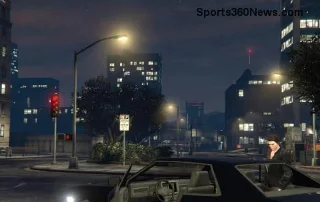
Find out whether the Oppressor Mk II is still worth buying in GTA Online, with current balance notes, price context, upgrade needs, and clear limits.
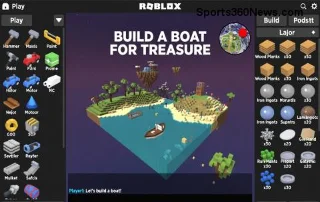
Learn how to use an authenticator app for Roblox, turn on 2-Step Verification, save recovery codes, and solve common login problems safely.
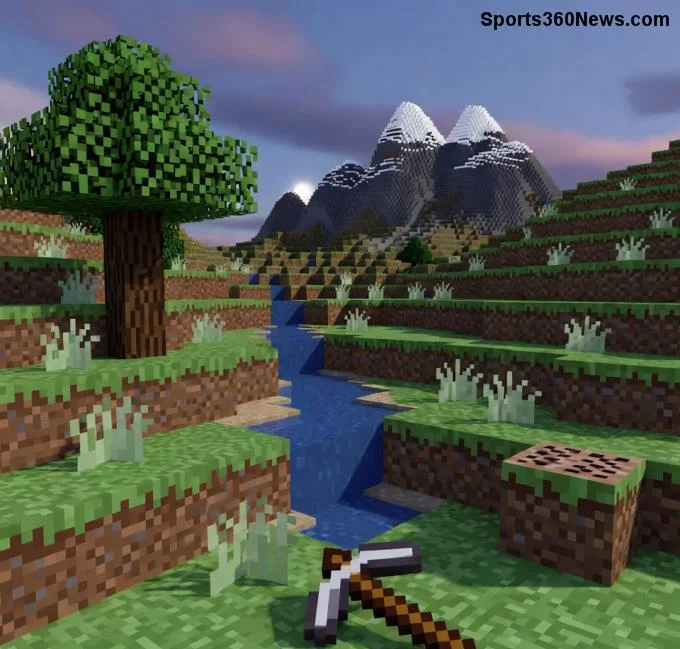
Fix the Entity Ticking Minecraft Error by identifying whether you have a ticking-entity crash or server lag, then follow safe steps to diagnose and reduce the cause.
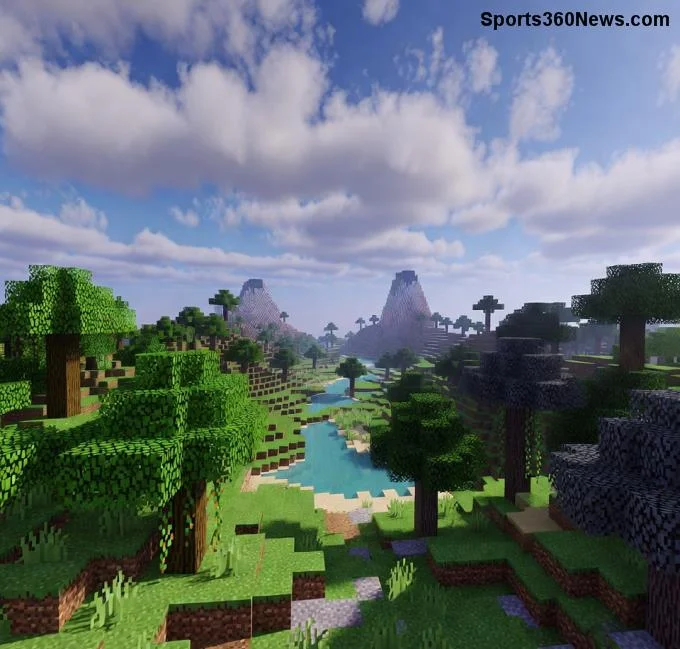
Seeing a Minecraft Bedrock bat error? Check the 26.50 spawn change, test a clean world, isolate add-ons safely, and protect your Realm backup.
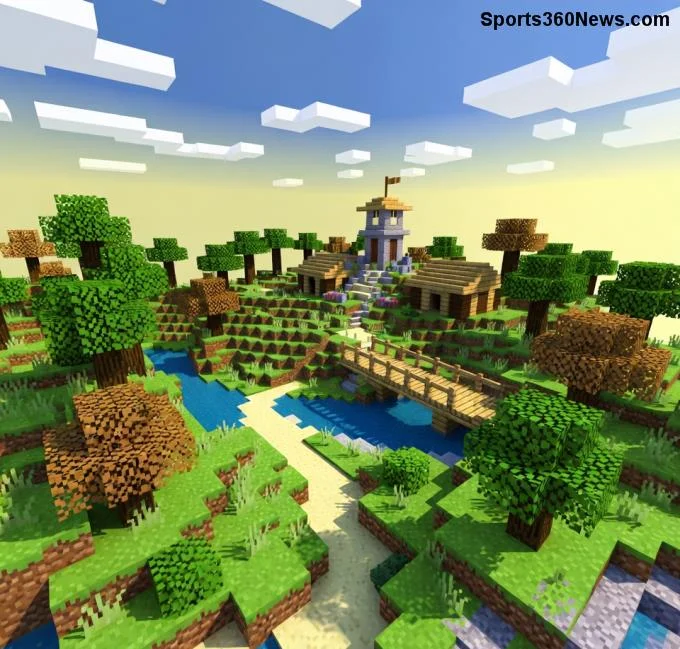
Fix Minecraft Exit Code 1 with a practical Java Edition checklist. Read the crash log, test a clean profile, and safely check mods, Java, memory, and graphics.
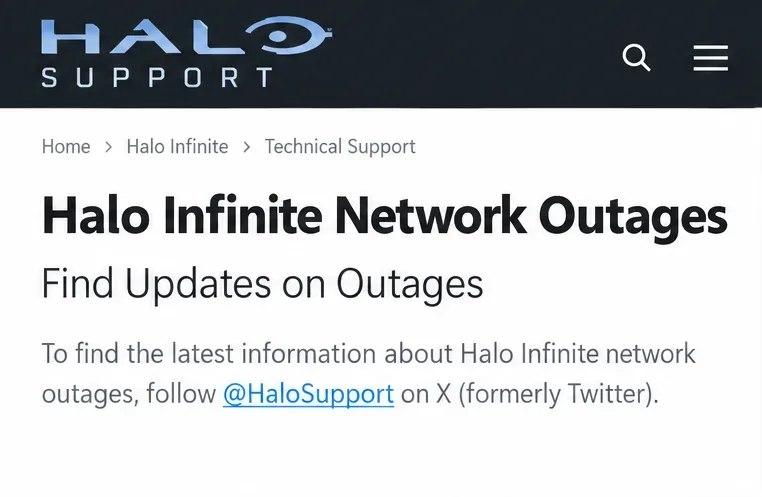
Fix the Halo Infinite Multiplayer Is Unavailable error on Xbox or PC with outage checks, a fresh launch, game updates, network tests, and Steam file verification.
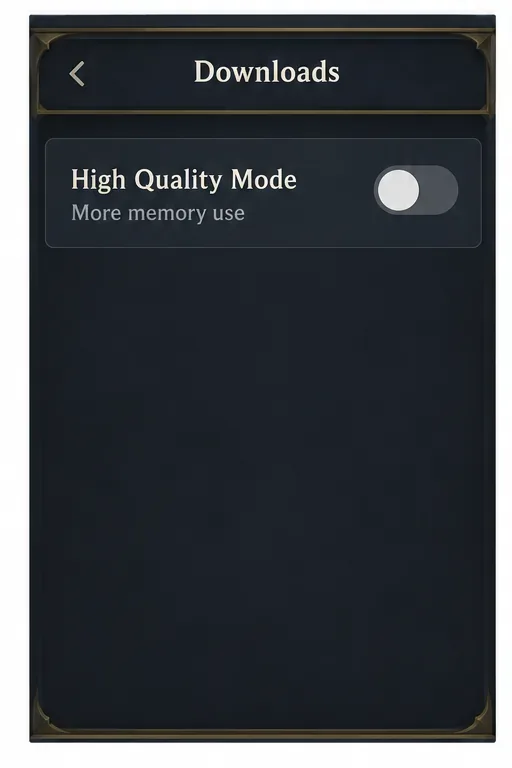
Best Hearthstone mobile settings start with Frame Rate: High, then adjust for heat, memory, and display limits. Compare practical Android and iPhone tips for smoother play.
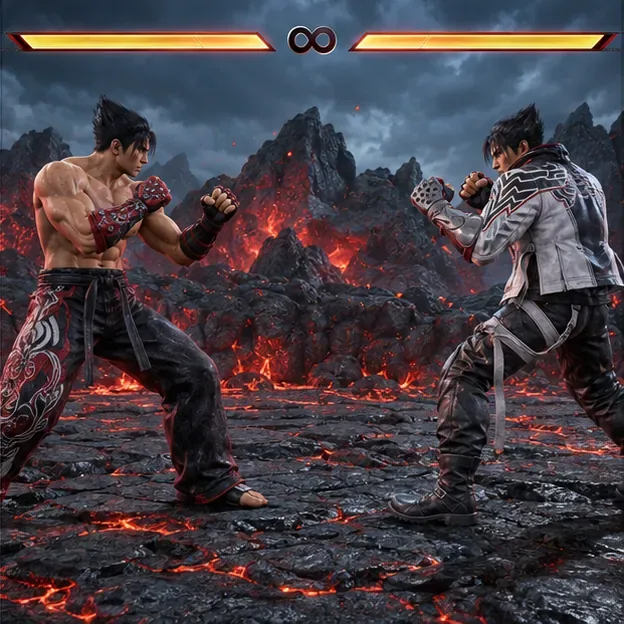
Turn off the Tekken 8 Special Style overlay from your view or stop showing it to opponents with the two separate Player Settings toggles.
An Honor of Kings black screen on startup can stem from a stalled app, outdated software, network trouble, or device limits. Follow eight safe checks before reinstalling.
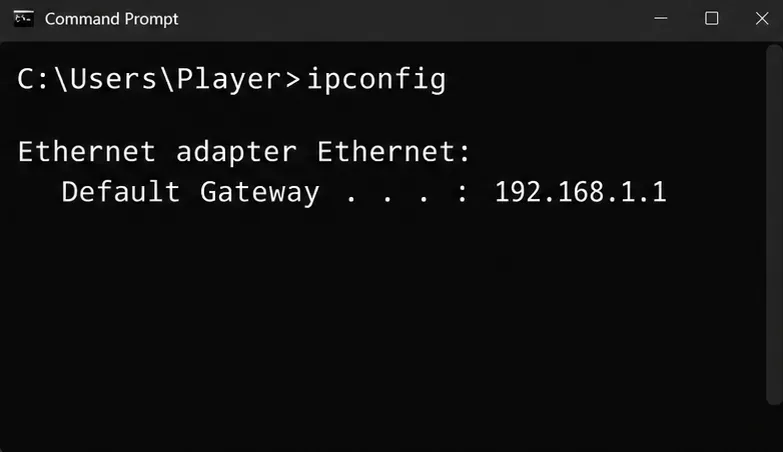
Diagnose StarCraft: Remastered multiplayer latency with connection tests, then compare turn-rate and buffering settings to reduce stutter without mistaking it for PC slowdown.
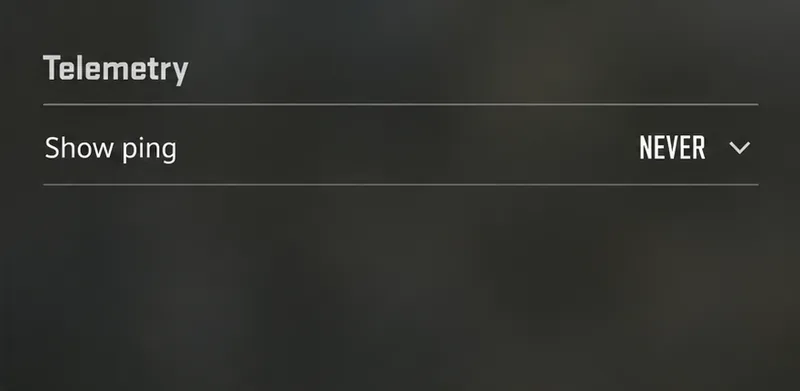
Turn off the CS2 telemetry stats overlay from Game > Telemetry, hide each FPS and network readout, and find out what to check if a Steam counter remains.
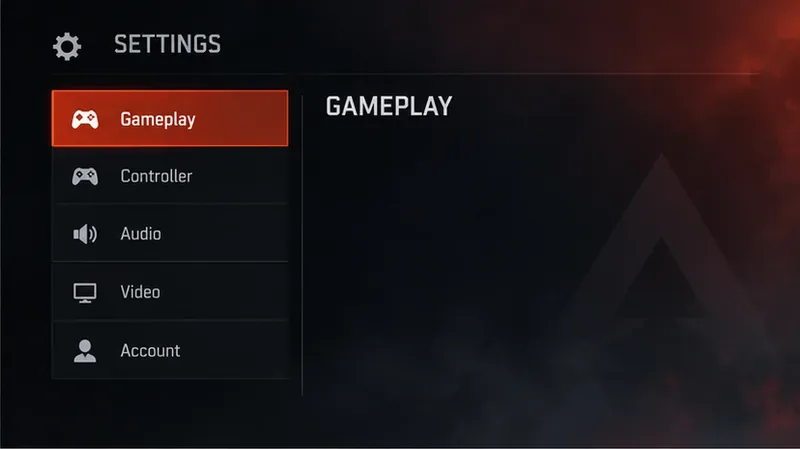
See FPS and latency in Apex Legends with the built-in Performance Display. Turn it on in Gameplay settings and learn what ping and packet loss reveal.
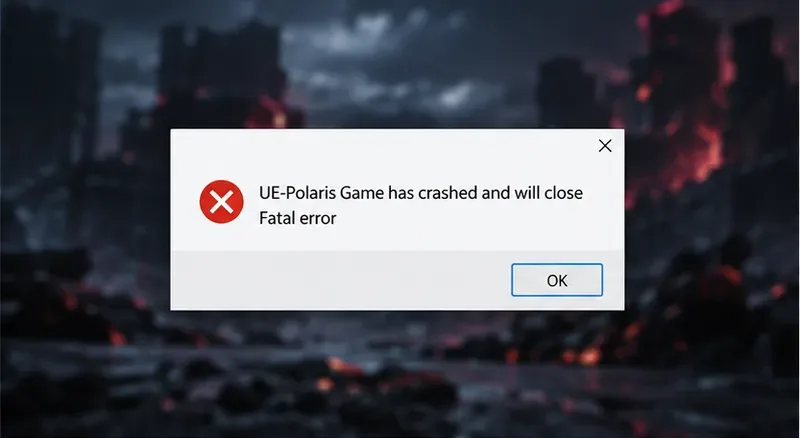
Fix a TEKKEN 8 UE-Polaris crash on PC with a Steam file check, clean-launch test, and official driver review, plus clear steps to document and report persistent failures.
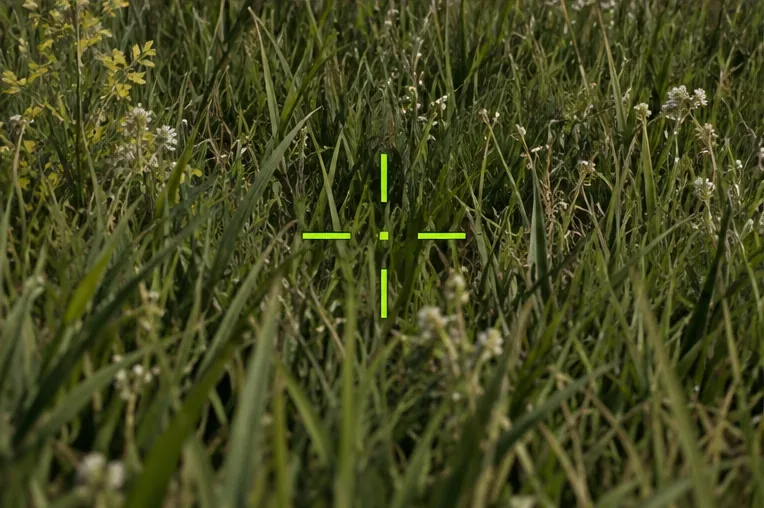
Best color filter for spotting enemies in PUBG grass? Use a repeatable test to compare color-blind presets, silhouette and reticle contrast, and visibility at different distances.
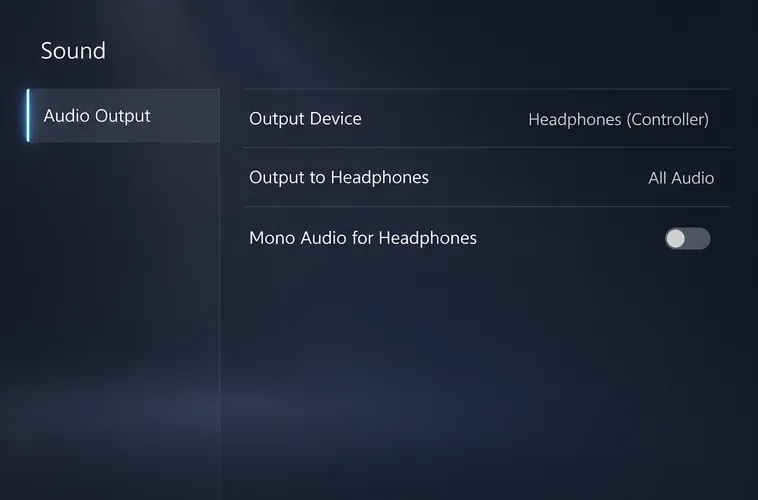
Troubleshoot Rainbow Six Siege inverted sound with a stereo channel test, targeted output and spatial audio checks, and steps for documenting a repeatable bug.
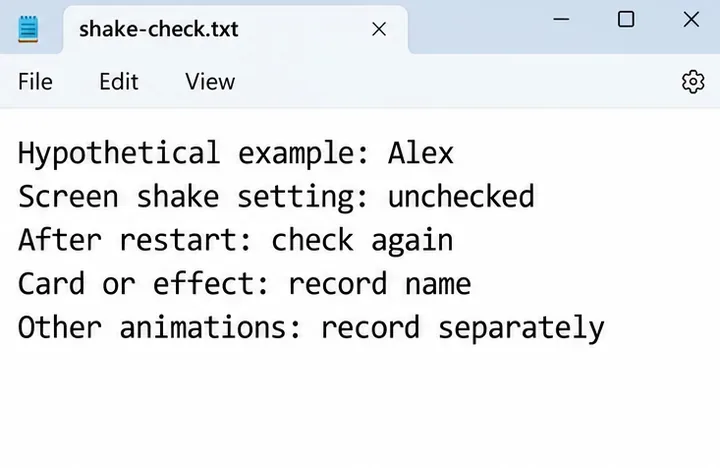
Learn how to disable screen shake in Hearthstone, confirm the option persists, and understand why an unverified config-file tweak is not a reliable fix.
The best audio night mode setting for Rainbow Six Siege depends on your mix: start with Dynamic Range Low, compare High fairly, and check headset balance without turning volume up.
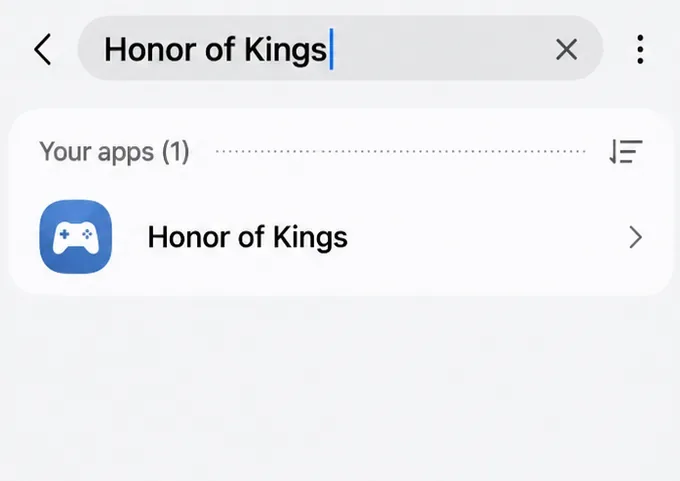
Learn how to clear the Honor of Kings cache on Android, check in-game options, and avoid confusing temporary files with patches or app data.
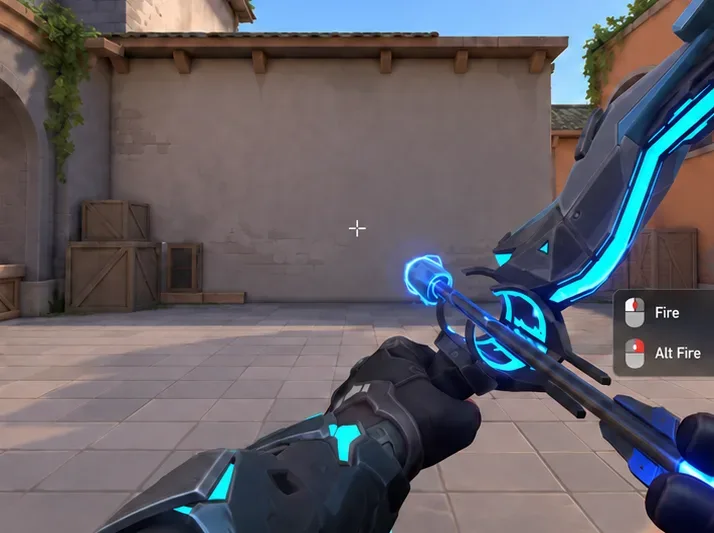
Best VALORANT ability keybinds reduce awkward reaches without sacrificing aim. Compare a practical WASD layout, agent profiles, and a practice checklist.
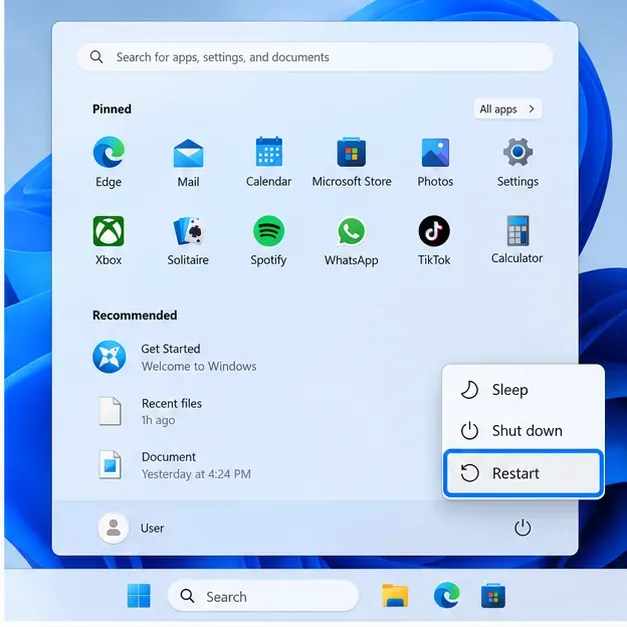
Warzone shader optimization stuck at 0%? Keep the game at the Main Menu, repair files for Steam or Battle.net, and check drivers and background apps.
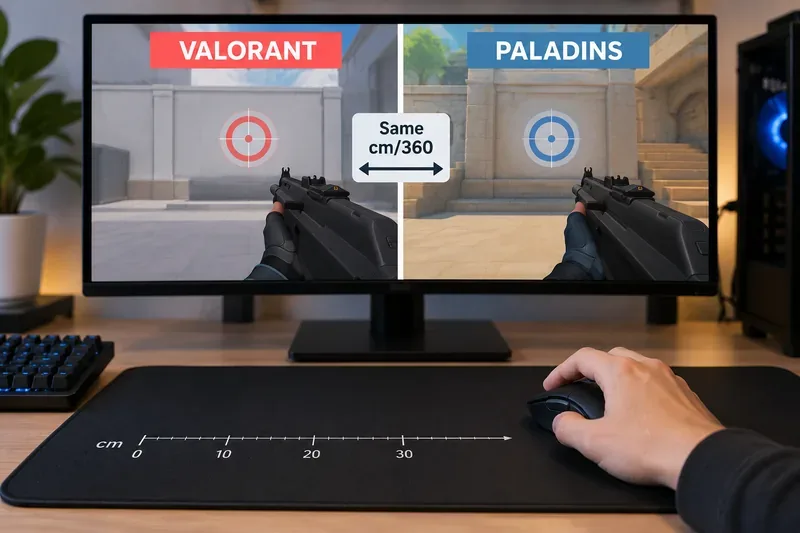
Convert VALORANT sensitivity to Paladins with a 7.65× same-DPI starting estimate, then compare cm/360 and adjust the value for a closer physical match.
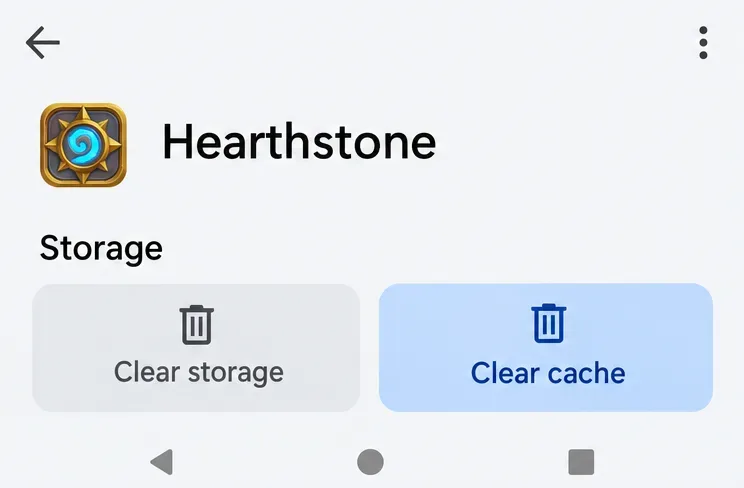
Fix the Hearthstone Playful Sprites error by checking Blizzard service notices and account access, then following safe update, network, repair, and reinstall steps.
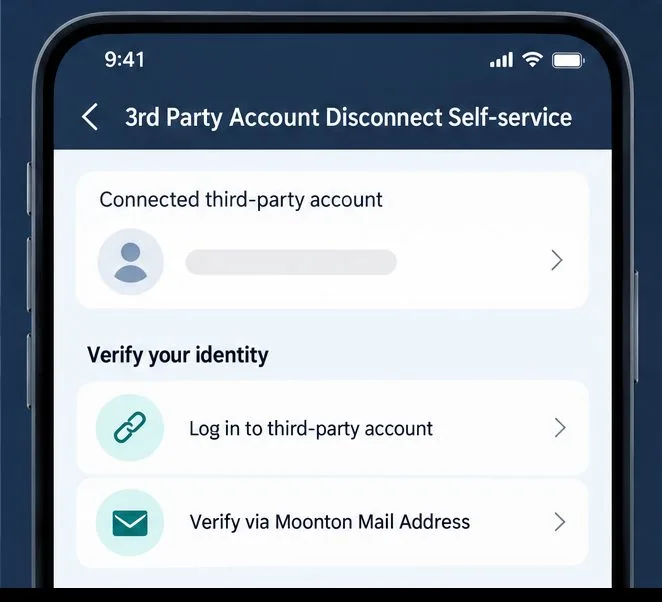
Learn how to unlink a third-party account in Mobile Legends, verify ownership by provider or Moonton email, and keep another login connected.
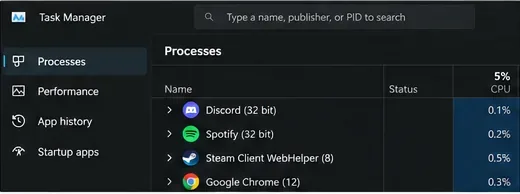
Diagnose CS2 stuttering on a high-end PC by checking frame-time spikes first, then isolate network jitter, shader recompilation, overlays, settings, FPS caps, and system stability.
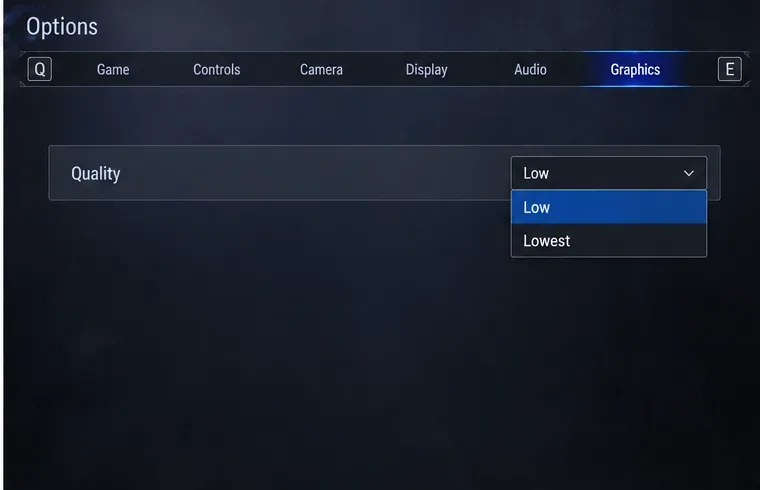
Fix Street Fighter 6 slow motion gameplay on PC by checking offline performance, lowering Graphics Quality, selecting the high-performance GPU, and verifying Steam files.