Home
» 🎮 Esports
»
Best PUBG Mobile Sensitivity Settings for Better Recoil Control
Best PUBG Mobile Sensitivity Settings for Better Recoil Control
Best PUBG Mobile Sensitivity Settings for Better Recoil Control
PUBG Mobile sensitivity settings can make recoil easier to manage, but no camera, ADS, or gyroscope value removes recoil from a weapon. The useful goal is repeatable control: keep your aim responsive, pull down at a pace that counters the climb, and adjust one scope at a time. The starter ranges below give you a place to begin; your device, grip, frame rate, attachments, and comfort with gyro will change what feels right.
This guide covers ordinary in-game controls. It does not promise “zero recoil” or recommend macros. PUBG MOBILE has identified no-recoil cheats as a security-detection target in its official update notes.
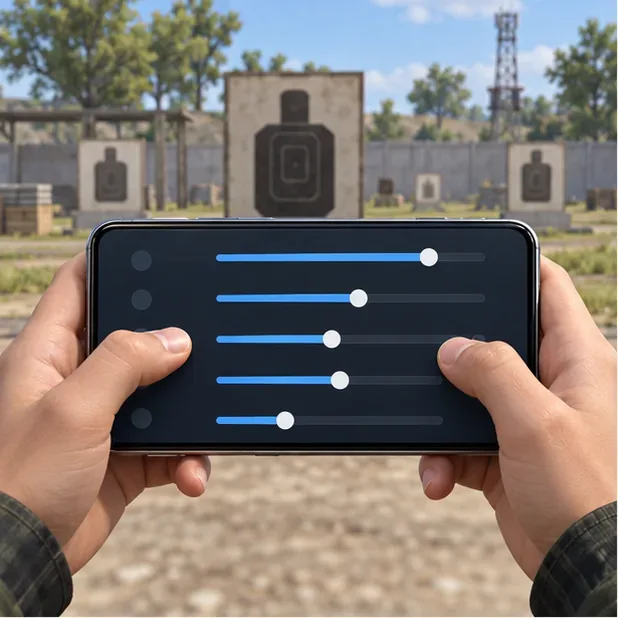
A simplified slider panel illustrates the idea of changing one control at a time; it is not a capture of the game settings screen.
What camera, ADS, and gyro sensitivity actually change
Camera sensitivity controls how quickly the view moves when you swipe to look around or track a target before firing. It helps with turning and target acquisition. ADS sensitivity affects touch movement while aiming, including the downward swipe you use to counter vertical climb. Gyroscope sensitivity maps small phone movements to aim movement, letting you make fine corrections by tilting the device. If your menu has a separate ADS gyro option, tune it independently from general gyro; PUBG MOBILE’s official version 1.5 notes describe customizable gyro sensitivity while aiming down sights.
The current Help Center documents the route as Lobby ▲ → Settings → Sensitivity. It also describes an Exclusive Sensitivity tab for adding settings by weapon; weapons without a custom entry use the general settings. Check the in-game labels after updates, since menus can change. See the PUBG MOBILE Help Center guide to per-weapon sensitivity.
Starter PUBG Mobile sensitivity settings
Use the middle of a range first, then make small changes. These are editorial starting bands for experimentation, not official PUBG values, a verified pro configuration, or a guarantee of recoil-free sprays. They assume the game’s sensitivity sliders are shown as percentages. If gyro is off, ignore that column. If your build displays a different scale, keep the same tuning method and make small relative adjustments.
Sight
Camera
ADS (touch)
Gyroscope
TPP / FPP no scope
110–130%
100–120%
250–300%
Red Dot / Holographic
50–70%
45–60%
250–300%
2×
40–55%
35–50%
200–250%
3×
30–45%
25–40%
170–220%
4×
22–35%
20–32%
140–190%
6×
12–25%
12–22%
70–120%
8×
8–18%
8–16%
50–90%
Camera values are mainly for view movement; do not expect them alone to fix a spray. Start in the lower half of a range if your aim overshoots or shakes, and move toward the upper half if tracking feels slow. New gyro users can start near the bottom of the gyro band. Keep 6× and 8× values lower if tiny hand movements throw the reticle past the target.
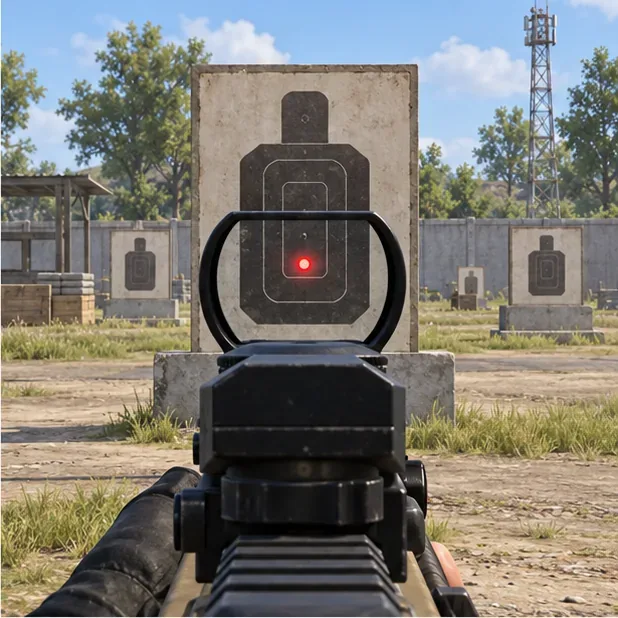
Use a close target to check whether your red-dot aim moves smoothly before changing the setting.
How to tune recoil control in the Training Ground
Save your current setup. Take a screenshot or note the values before changing them. If you use per-weapon settings or cloud saving, confirm which profile you are editing so you can restore it.
Choose one repeatable test. Pick one assault rifle, one scope, and the attachments you normally use. Stand still at a fixed target distance. Fire three short, consistent sprays while keeping the reticle on the same point. Avoid changing stance, weapon, attachment, or distance between attempts.
Read the pattern, not one lucky burst. If most impacts climb above your aim point while your downward correction feels too slow, raise that scope’s ADS or ADS-gyro value a little. If your correction pulls the reticle below the target, lower the value. Change only one slider by about 5–10 percentage points, then repeat the same test.
Separate tracking from recoil. If you overshoot while looking around before you fire, adjust Camera sensitivity. If the sight moves too far during a firing swipe, adjust ADS. If small phone tilts make the sight wobble, lower gyro for that scope. These controls solve different problems.
Do not judge a setting by a single full-auto spray. Recoil includes vertical and horizontal movement, and sensitivity cannot make every bullet land in one spot. If impacts spread sideways, shorten the burst, settle your stance, and compare your usual attachments before changing several sensitivity values at once.
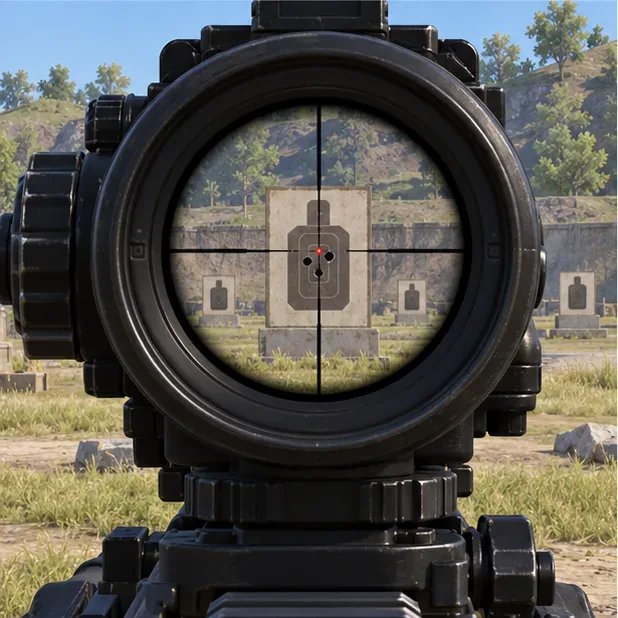
At longer range, compare several controlled bursts; a few clustered impacts are more useful than one unusually tight spray.
Use gyro as a fine correction, not a magic switch
Gyro can help with small corrections during a spray, but “Always On” is not automatically best for every player. If aiming feels unstable while you move or scan, try a lower value or use the gyro mode that fits your control style. Keep your phone grip consistent during practice; changing how you hold the device can make the same slider feel different.
Test close-range red-dot control separately from a 3× or 4× spray. Higher magnification makes small movements more visible, so a gyro value that feels comfortable on a red dot may be too fast on a 4×. Adjust the relevant scope rather than lowering every gyro setting at once.
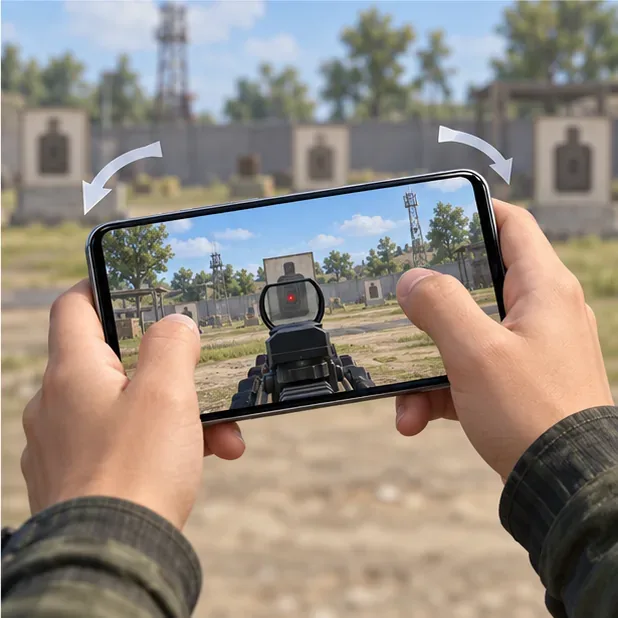
Small, deliberate device tilts illustrate the fine gyro corrections used while tracking a target.
Set different values for weapons that feel different
Once your general setup is stable, use Exclusive Sensitivity for a weapon that consistently feels too jumpy or too slow with a particular scope. Keep a baseline for your usual rifle, then create a weapon-specific entry only when repeated practice shows a clear difference. PUBG MOBILE’s Help Center says that weapons without an exclusive entry use the general sensitivity, and that cloud saving an exclusive setup uploads the current weapon settings together. That makes it worth recording your baseline before saving or sharing a profile.
Common sensitivity mistakes to avoid
Changing several sliders at once: you will not know which change helped. Adjust one scope and one control, then retest.
Copying a creator’s code as a universal answer: screen size, touch response, gyro hardware, frame stability, and grip differ. A shared profile is a starting point, not proof of a best setting.
Using high graphics when frame pacing becomes unstable: choose a graphics and frame-rate combination your device can hold consistently. Sensitivity cannot compensate for inconsistent input or performance.
Expecting settings to fix every weapon: attachments, movement, firing duration, and each weapon’s recoil pattern still matter. Use weapon-specific sensitivity only after confirming the same problem across repeated tests.
FAQ
Can PUBG Mobile sensitivity give me zero recoil?
No. It changes how touch or device movement affects your aim; it does not remove the weapon’s recoil. A stable setup can make manual compensation easier, but the remaining recoil still has to be controlled.
Should I use gyro or touch-only aiming?
Use the method you can repeat comfortably. Gyro gives you another way to make small corrections, while touch-only players can control recoil with ADS swipes. You can test gyro on one scope first rather than rebuilding every control at once.
Why does the same 4× value feel different on two rifles?
The weapon’s recoil behavior and your attachments change the spray, while your finger or gyro input may also interact differently with each weapon. If the difference remains across several identical practice attempts, try an Exclusive Sensitivity entry for that weapon.
The most useful PUBG Mobile sensitivity settings are the ones that let you track, fire, and correct consistently. Begin with one band, test one scope at a time, and keep the values that produce repeatable control on your device.