Home
» 🎮 Esports
»
Why Is GTA Online Loading Taking Forever? 10 Fixes to Try
Why Is GTA Online Loading Taking Forever? 10 Fixes to Try
Why Is GTA Online Loading Taking Forever? 10 Fixes to Try
If GTA Online loading is taking forever, first work out whether the delay happens before the game opens or while it connects to an online session. Slow loading in Story Mode usually points to the game install, storage drive, or PC setup. If Story Mode loads normally but the GTA Online loading screen hangs, check Rockstar’s service status and your network before reinstalling.
Use this quick split to choose where to start:
What you see
Likely area to check first
Story Mode and Online both load slowly
Storage, updates, game files, or launcher
Story Mode is quick; Online stalls while joining
Rockstar services, session connection, or home network
Only one lobby, friend join, or activity gets stuck
That session or connection path; test a different session
As a quick diagnostic, load Story Mode, open Pause > Online > Find New Session, and try an Invite Only Session. Rockstar’s current instructions say a new Invite Only Session starts from Story Mode. This is a test, not a guaranteed speed boost: if it is just as slow, keep checking the game and network below.
1. Check Rockstar’s service status
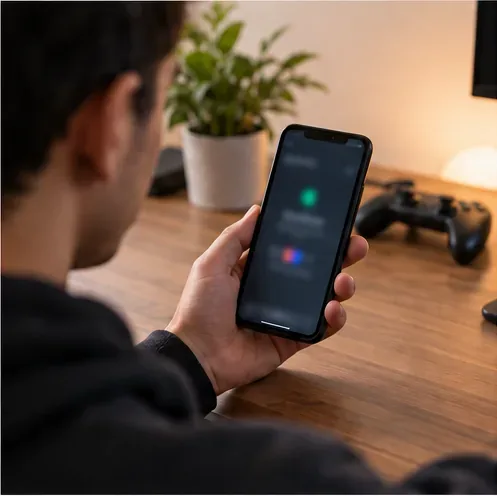
A player checks a phone during an online-service troubleshooting session.
Before changing settings, check the platform-specific Rockstar Games Service Status page for GTA Online, authentication, and the Rockstar Games Launcher. A partial outage can affect sign-in or session matchmaking even when another Rockstar service is listed as operational. If GTA Online is down or maintenance is underway, wait and check again; reinstalling the game will not fix a server-side problem.
2. Fully close the game and restart the platform
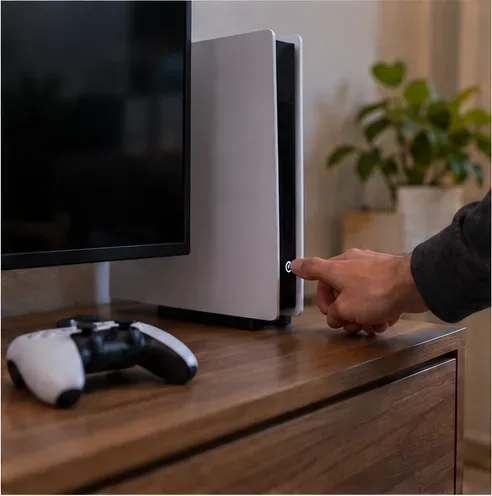
A full console restart clears a suspended game session before another launch.
Quit GTA V completely instead of returning to the console dashboard or leaving the game suspended. On PC, close the game and exit the Rockstar Games Launcher from the system tray if it remains open there. Restart the PC or console, then launch the game normally from its platform. Rockstar recommends closing and relaunching its launcher for some loading and black-screen problems; see its GTAV loading troubleshooting steps.
3. Install pending game, launcher, and system updates
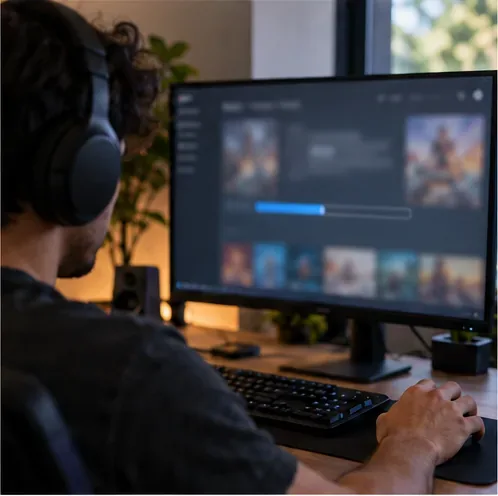
A game update is in progress on a desktop launcher.
Open the game through the Rockstar Games Launcher, Steam, or Epic Games Launcher and let pending updates finish. Also install available system updates; on PC, check your graphics driver through NVIDIA, AMD, or your computer maker. Rockstar’s GTAV PC troubleshooting guide recommends launching online to receive the latest patch and updating drivers. Updates can repair known compatibility problems, though they will not make every online session load instantly.
4. Check where the game is installed
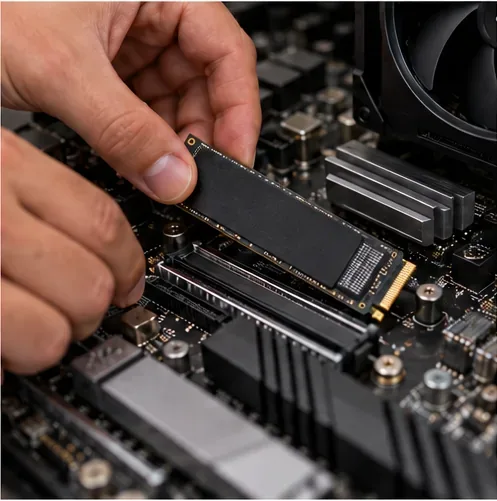
An M.2 solid-state drive is positioned over a desktop motherboard.
On PC, check whether GTA V is on an external USB hard drive or a nearly full, unusually slow drive. Rockstar says an external hard drive can transfer data more slowly than optimal and recommends an internally connected drive in its basic PC troubleshooting guide. If you already have an internal SSD, installing the game there can reduce local asset-read delays. It cannot fix a delay caused by session matchmaking or an unstable connection, so do not expect a specific percentage improvement.
5. Verify or repair the game files on PC
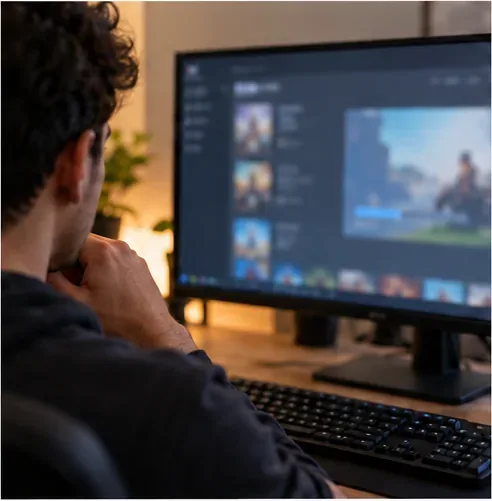
A player checks the game installation from a desktop launcher.
A missing or damaged file can make the game freeze, fail to start, or load inconsistently. In the launcher where you own GTA V, open the game’s management or properties menu and choose its current Verify or Repair option. In Steam, this is under the game’s Properties and Installed Files; Epic Games Launcher places Verify in the game’s library management menu. Rockstar’s PC guide links to file verification for all three launchers. Let the scan finish and allow the launcher to replace files it flags.
6. Test a clean PC launch without overlays
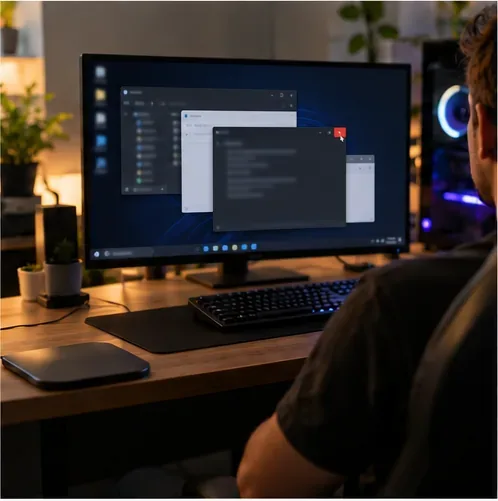
A player reviews open desktop windows before launching the game.
Temporarily close screen overlays, recording or sharing apps, and nonessential background programs, then launch GTA V again. Rockstar notes that overlay, recording, and sharing software can interfere with PC game components. If you have changed game files, test with an unmodified installation and use the launcher’s file verification rather than deleting files at random. Keep your firewall and antivirus enabled; if security software is blocking the game, add the official game and launcher as allowed apps instead of turning protection off wholesale.
7. Stabilize the connection to GTA Online
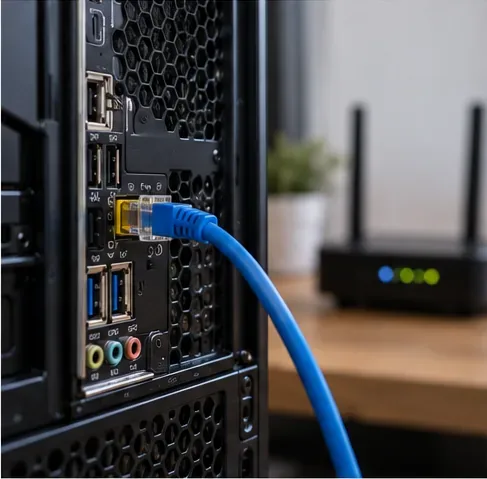
A wired Ethernet connection links the PC to a home router.
If Story Mode loads but online entry does not, try Ethernet if available, pause large downloads or streams on the same network, and test again. Rockstar’s GTA Online PC connection guide lists 7.5 Mbps download, 0.5 Mbps minimum upload, and 1 Mbps recommended upload as connection targets, and suggests a wired connection when wireless play has problems. These are not promised loading times: a high download number does not rule out packet loss, Wi-Fi interference, or a session connection issue.
8. Restart the router and test another network
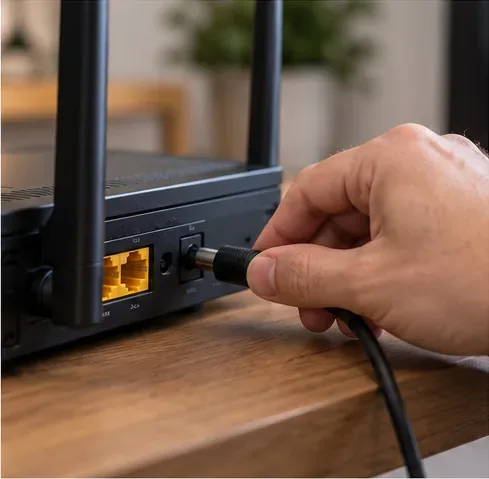
A home router is reconnected after a power cycle.A player checks network details on a laptop before retrying the game.
Restart your modem and router using the manufacturer’s instructions, then fully restart the game before testing again. Rockstar’s connection guide suggests unplugging the router for about 10 minutes; its unavailable-services guide also recommends trying another internet connection, such as a mobile hotspot. If GTA Online connects on a hotspot but not your home network, the issue is more likely with the router, ISP, or home network settings. Be aware that mobile data may incur charges.
9. Check NAT, firewall, and required network ports
A laptop and console sit together during a home network settings check.
If other games work but GTA Online repeatedly times out, check whether the router or firewall is restricting multiplayer traffic. Rockstar lists UDP ports 6672, 61455, 61456, 61457, and 61458 for GTA Online on PC in its PC connection troubleshooting guide. Only change router rules if you understand the settings; do not disable the firewall or copy random port-forwarding rules. On Xbox, use Settings > General > Network settings to test the network and NAT type. If you see Strict NAT or Double NAT, use the console maker’s or ISP’s support steps.
10. Repair console data, then reinstall only as a last resort
A console displays a system menu during troubleshooting.
On PS5, Safe Mode includes Clear Cache and Rebuild Database. Sony describes clearing system software cache for system-feature issues or performance drops; rebuilding the database scans the drive and creates a new content database. On PS4, Safe Mode offers Rebuild Database. Follow Sony’s official Safe Mode instructions and avoid any Reset or Initialize option, which can delete data. On Xbox, use a full shutdown and restart, then run the console’s network test rather than deleting saved data.
A desktop screen shows an indistinct software progress bar.
Reinstall GTA V only after checking service status, updates, storage, files, and network. Rockstar lists uninstalling and reinstalling as a later PC troubleshooting step. Before uninstalling on any platform, confirm how your Story Mode saves are backed up or synchronized, and do not choose a console reset as a shortcut. After reinstalling, update the game and launch it once from the official platform client.
How to tell whether the fix worked
Change one thing at a time and retry the same route into Online, so you know what made a difference. Note whether Story Mode loads, whether an Invite Only Session connects, and whether the same account works on another network. If the game still stalls while Rockstar reports services up, record the platform, launcher, exact error, and where the loading process stops before contacting Rockstar Support. This is more useful than changing graphics settings or buying faster internet when the delay is actually in session matchmaking.