Start with the event’s rules, not the game’s newest update
There is no universal esports patch. A tournament uses the game version named by its publisher or tournament organizer for that specific event, stage, and platform. It may be the current live patch, an earlier version held steady for competition, or a tournament-only build. The announcement or rulebook is the authority. A player’s updated home client, a live-stream overlay, or the newest patch-notes page cannot establish the tournament version by itself.
A patch is a set of game changes released together, often identified by a number such as 11.0 or 13.06. “Live” means the version deployed to the public game servers. An event may use that same version, but esports administrators sometimes use a separate competitive patchline or tournament realm. Those are controlled game environments that can keep the event on an approved version even while public servers receive another update.
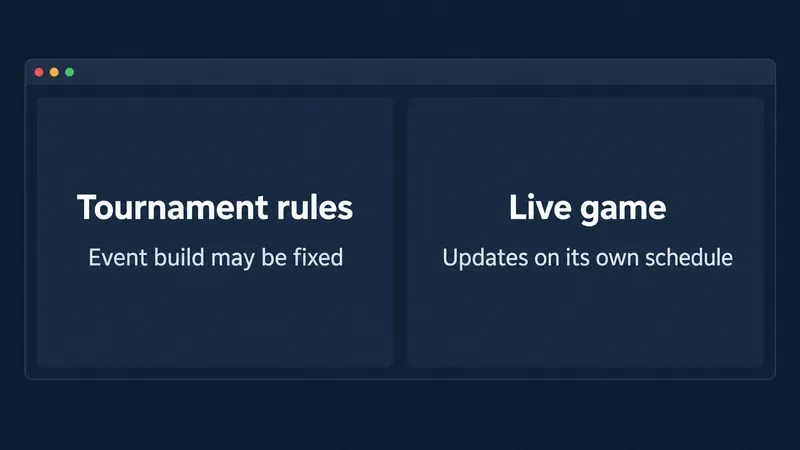
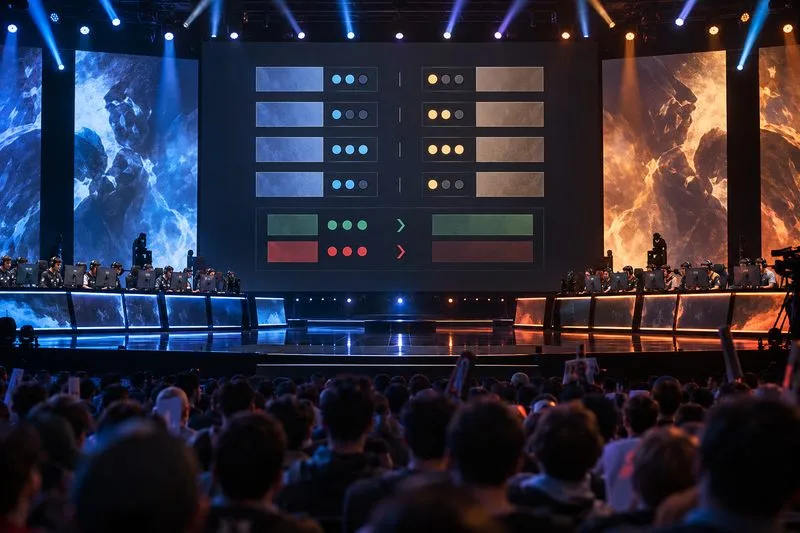
Separate panels show how an event build can stay fixed while the live game follows its own update schedule.
Why can the tournament patch and live servers differ?
Live games need to keep evolving: developers may fix a security issue, correct a serious bug, adjust balance, or release scheduled content. A tournament has a different immediate need: every competing team should face the same rules throughout the match or stage. Applying a major change halfway through preparation can alter strategies, practice plans, map choices, or character availability.
Holding a patch steady gives competitors time to prepare and helps organizers avoid inconsistent matches. It can also give developers and event staff time to check a new build before using it on stage. A separate patchline or tournament realm can support that separation. The trade-off is that the tournament may not show the newest public balance changes. The esports version is not automatically “behind by mistake”; it may be intentionally selected.
Sometimes the event does use the live patch. Some leagues shift after a delay, or only between phases, rather than changing on the exact day the public update arrives. A new character, map, item, or mode can also be restricted even when the underlying patch is current. These details are competition rules, not universal properties of every game.
Official examples show why you must check the event
Patch policies vary even within one publisher’s esports program. For VALORANT, Riot’s 2025 VCT EMEA Stage 2 primer said the league matches would use Patch 11.0 for the entire tournament because of game infrastructure changes. That is a concrete example of an event-specific version lock; it is not a standing rule for every VCT season.
League of Legends’ LEC 2023 competitive FAQ described a different approach: competitive patches would update one calendar week after release to live servers, and the league would not change patch mid-phase. It also said newly released champions were restricted for their release patch. This illustrates both a delay and an eligibility restriction, but it describes the LEC’s 2023 policy—not today’s rule for every League tournament.
Riot’s 2020 VALORANT explanation of First Strike discussed a separate esports patchline and future tournament realms, while noting that tournament patch rules would be specified for particular competitions. Read these examples as evidence that models differ, not as a shortcut for guessing a current event’s build. See the VCT EMEA Stage 2 2025 primer, the LEC 2023 competitive FAQ, and Riot’s VALORANT tournament-patch explanation.
How to find the patch for a tournament you are watching
1. Identify the exact competition and stage
Write down the game, event name, region, stage, and date. A qualifier, regional league, international event, and show match can each have different rules. Even a single event may change its policy between group play and playoffs, or between online and LAN play. “The championship” is not precise enough if several competitions share a name.
2. Search the official event information
Start with the event’s official rulebook, match guide, competitive FAQ, or event primer. Search the organizer’s site for terms such as “patch,” “game version,” “tournament client,” “competitive patch,” “map pool,” and “restricted.” Look for a direct statement about the event and phase you recorded. If the first announcement says “subject to change,” look for a newer official update before relying on it.
3. Check whether a patch number tells the whole story
Confirm whether the number applies to all platforms and regions, and whether it is the base patch or a later hotfix. A hotfix is a smaller update that can change part of a patch without changing its main number. Then check separate rules for content: a tournament may use a patch but disable a recently released character or map. The listed patch alone may not tell you every playable option.
4. Compare the timing with the public release
Open the game publisher’s patch notes and note their publication date. Compare them with the tournament’s official schedule and patch notice. If the event notice says the version is locked, or names a different patch, use the event’s statement. If it does not say, do not infer the tournament version from the latest patch notes; check the current rules or ask the organizer through its official support channel.
5. Recheck before each stage or match day
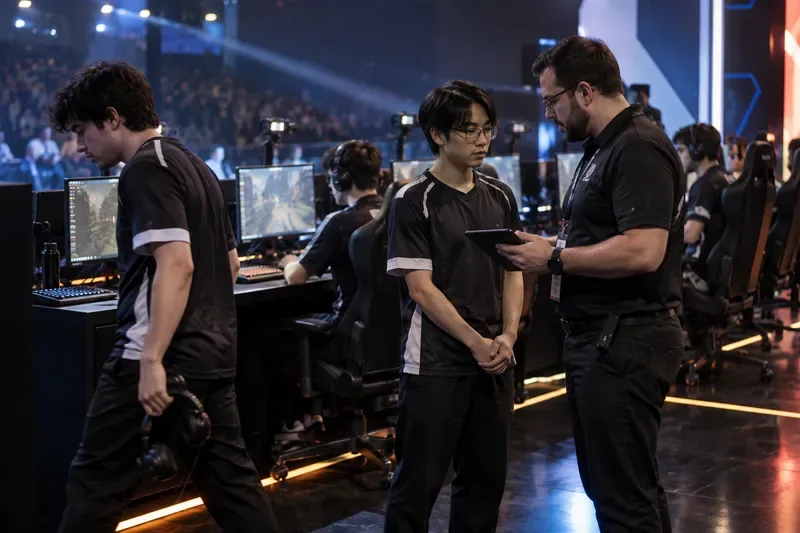
Organizers can issue clarifications after an initial announcement, for example when a bug, emergency fix, or event delay changes the plan. Check the rulebook revision date and official event posts close to competition. For a player or coach, confirm the installed tournament client and any permitted update instructions with event staff. For a viewer, use an official broadcast guide or event post that states the patch.
Common mistakes to avoid
- Assuming “latest patch” means tournament patch. It only describes the public build unless the event confirms it. As of September 30, 2026, Riot’s public VALORANT notes list Patch 13.06, released September 22; that fact alone does not establish the build for a particular competition. Check the official Patch 13.06 notes alongside the event’s own notice.
- Applying an old policy to a new season. A policy published for 2023 or 2025 is useful context, not proof of a 2026 rule. Find the current event document.
- Mixing up patch and content eligibility. A version can be current while a new champion, agent, map, or item remains restricted. Check both the patch statement and the restrictions list.
- Confusing regional rollout with event rules. Public updates can arrive at different times across platforms or regions. The tournament’s own version notice is more specific than a player’s local client display.
- Treating a broadcast label as definitive without context. A HUD or desk graphic may simplify the game version or show the series’ intended patch. If it conflicts with the official rules, seek a correction from the organizer.
A quick checklist for fans and competitors
Before you quote a patch number, record the event and stage, find a current official event source, match the notice to the relevant dates and platform, and check for hotfixes or restricted content. Save the link or document date so you can tell a new policy from an older example. If no official source confirms the version, say it is unconfirmed instead of guessing.
The practical answer to “which patch?” is therefore: the one the tournament’s current rules or official event announcement names. Live servers can differ because the public game and the competition operate on different update schedules, and organizers may lock or isolate a build for stability and fairness. That is normal in some events, but it is never safe to assume without checking the specific competition.