Home
» 🎮 Esports
»
Xbox Controller Won’t Connect? 10 Practical Fixes for Xbox, PC, and Bluetooth
Xbox Controller Won’t Connect? 10 Practical Fixes for Xbox, PC, and Bluetooth
Xbox Controller Won’t Connect? 10 Practical Fixes for Xbox, PC, and Bluetooth
If your Xbox controller won’t connect, start with power, then reconnect it to the device you want to use. A flashing Xbox button usually means the controller is searching for a host; a controller that works over USB but not wirelessly points toward pairing or Bluetooth settings. Try these fixes in order, and stop once the connection is stable.
This guide covers Xbox Series X|S and Xbox One controllers, Windows PCs, and supported phones. Button locations and Bluetooth support vary by controller model, so check the model-specific Xbox Wireless Controller quick-start guide if a control is in a different place.
Start with the symptom
What you see
Try first
The controller will not turn on
Replace or reseat the batteries, or connect a known-good USB cable.
The Xbox button flashes and never stays lit
Pair it again with the console or device you are using.
It works by cable but not wirelessly
Check Bluetooth compatibility, pairing, and wireless range.
It will not work on any device
Update firmware and test a second cable or supported host before seeking repair.
10 fixes for an Xbox controller that won’t connect
1. Check the batteries or battery pack
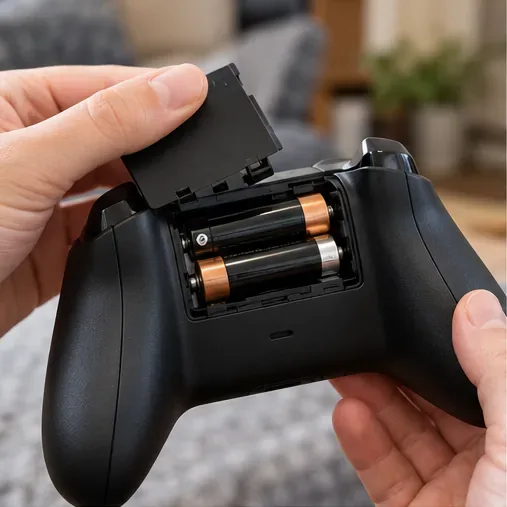
Press the Xbox button. If it does not light up, remove and reseat the batteries, checking their polarity, or replace them with a fresh matched pair of AA batteries. If you use a rechargeable pack, recharge it and reseat it. A USB cable can help distinguish a power problem from a wireless problem: if the controller turns on over USB, continue with pairing and firmware checks.
Reseat the batteries and confirm they are positioned correctly.
2. Fully restart the console and controller
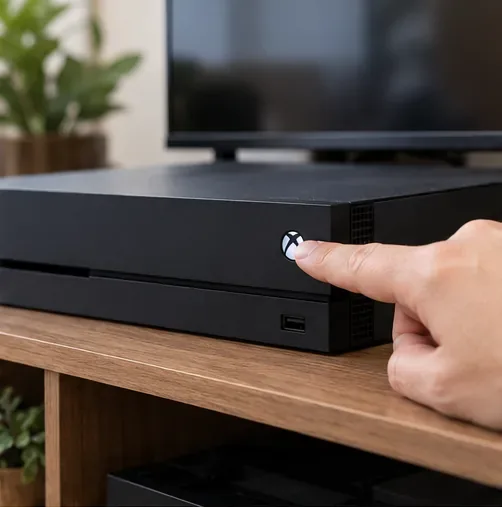
A complete restart can clear a temporary connection hang. If the controller is meant for an Xbox console, hold the console’s front power button for about 10 seconds until the console shuts down, then turn it back on. Let any system update finish before restarting. Turn the controller off by holding its Xbox button until the light goes out, then turn it on again.
A full console restart can clear a temporary wireless connection state.
3. Pair the controller with the console again
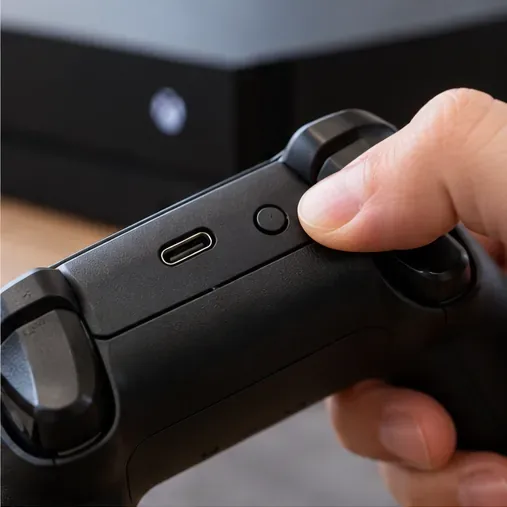
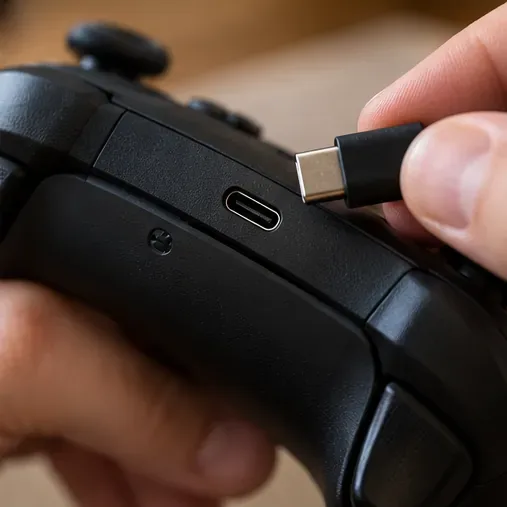
Turn on the console and press its Pair button. Then press and hold the controller’s small Pair button until the Xbox button flashes. When the controller light stays on, pairing is complete. On many current controllers, the Pair button is on the top edge near the USB-C port; its location can differ by model. Follow Xbox’s console pairing instructions if your console’s button is hard to find.
The small Pair button is near the controller’s charging port on many current models.
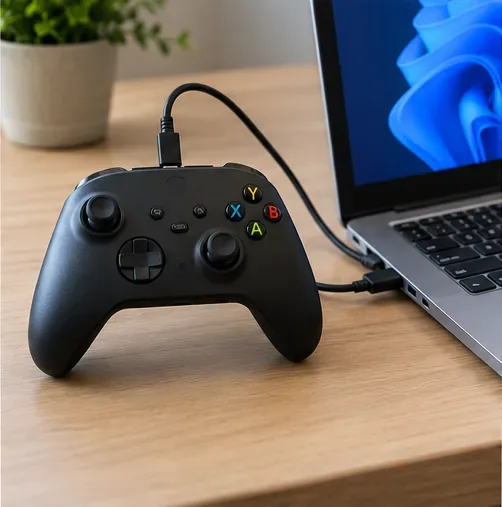
4. Test with a USB cable and a different port
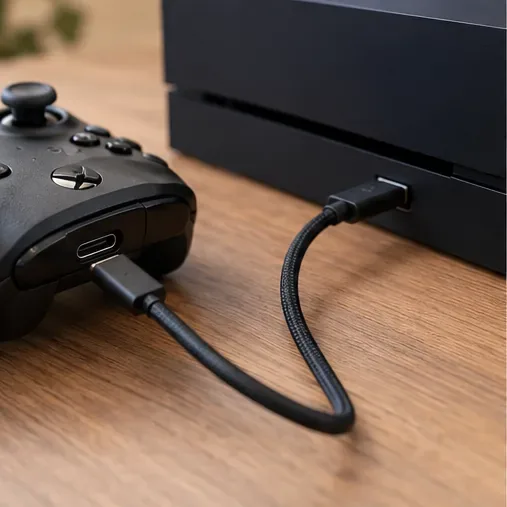
Connect the controller directly to the console using the cable type that fits its port—USB-C on many current controllers and micro-USB on some older ones. Use a cable that supports data, not only charging, and try another console USB port. If the controller works over USB but not wirelessly, the controller has power and the next checks should focus on pairing, Bluetooth, or range. If it fails over USB too, test another cable before assuming the controller is damaged.
A direct wired connection helps separate wireless issues from power or controller issues.
5. Update the controller firmware
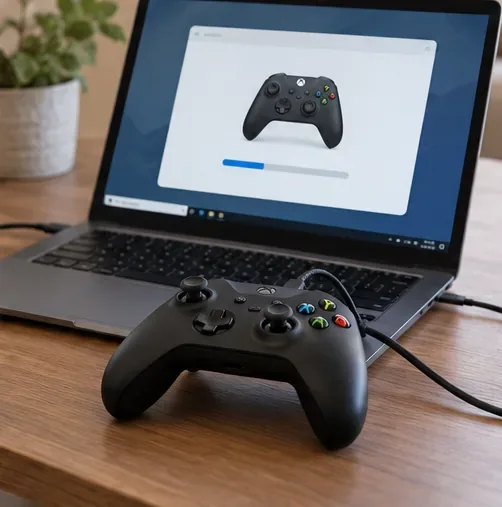
Out-of-date firmware can affect connections and compatibility. On Xbox, open Settings > Devices & connections > Accessories, select the controller, and check for an update. Xbox also supports updating through USB and, on compatible setups, the Xbox Accessories app on Windows. On a PC, install the app from Microsoft Store and connect the controller with a USB data cable. Use Xbox’s controller update instructions for the current options; don’t disconnect it while an update is in progress.
The PC screen is illustrative; the Xbox Accessories app layout can vary by version and controller.
6. Confirm that your controller supports Bluetooth
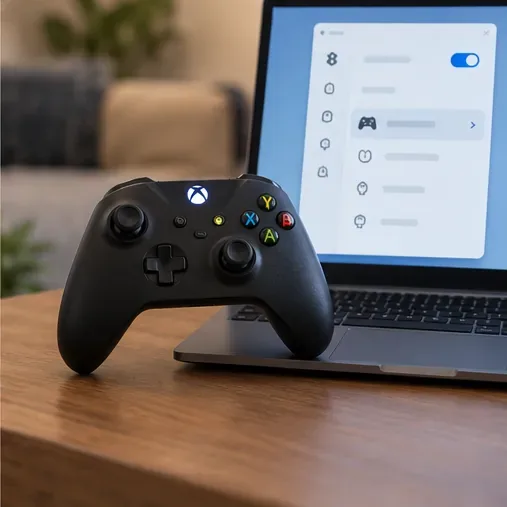
Bluetooth pairing is for supported controller models connecting to a Windows PC or mobile device. Xbox consoles pair controllers through Xbox Wireless. Some older Xbox One controllers do not include Bluetooth, so they will not appear in a computer or phone’s Bluetooth scan. Check the exact model in Xbox’s controller platform compatibility guide. If your PC lacks Bluetooth or the controller model does not support it, use a compatible Xbox Wireless Adapter or a USB connection instead.
Bluetooth pairing is available only for compatible controller and device combinations.
7. Remove the old Bluetooth entry and pair again in Windows
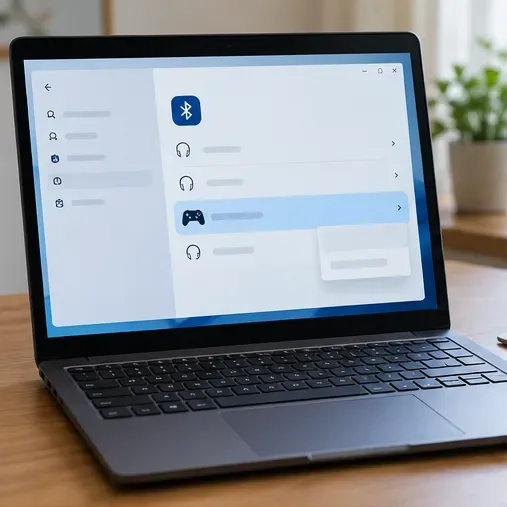
On Windows 11, open Settings > Bluetooth & devices > Devices. If an old Xbox controller entry is listed, choose its menu and remove it. Select Add device > Bluetooth, put the controller into pairing mode by holding its Pair button until the Xbox button flashes, and select it when it appears. Windows 10 uses a different settings layout, but the same remove-then-add approach applies. See Microsoft’s current guide to pairing a Bluetooth device in Windows.
The Windows screen is illustrative; menu names can differ between Windows versions.
8. Troubleshoot the PC’s Bluetooth adapter
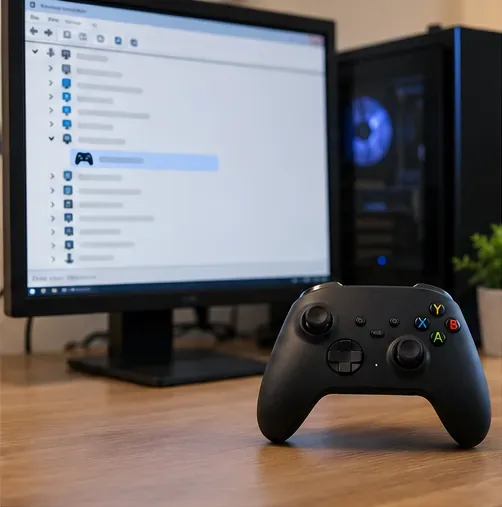
Check that Bluetooth is on and that Airplane mode is off. Restart the PC, then run the Bluetooth troubleshooter in Microsoft’s Get Help app on Windows 11. If the controller still drops or does not appear, use Device Manager to check for a Bluetooth adapter driver update; if needed, install the driver published for your PC model by its manufacturer. Microsoft’s Bluetooth troubleshooting guide has the current Windows steps, and its driver update instructions explain the recommended sources.
Check the PC’s Bluetooth adapter and driver if other Bluetooth devices also have trouble.
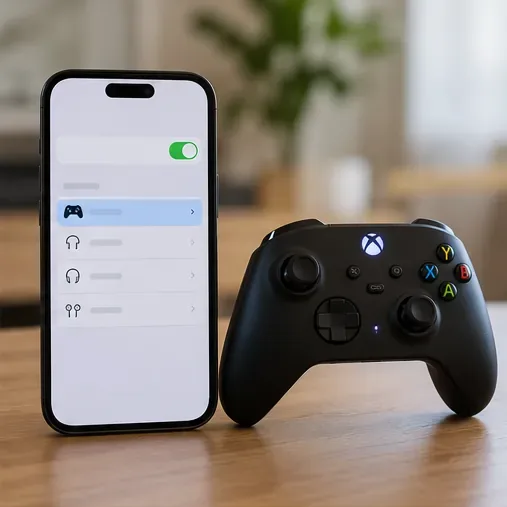
9. Forget and re-pair the controller on a phone
For Android or iPhone, open the phone’s Bluetooth settings, remove or forget an old Xbox controller entry, then scan again while the controller is in pairing mode. Select the controller when it appears. If it never appears, verify both that your controller model supports Bluetooth and that the phone’s operating system supports that controller. Xbox’s Bluetooth setup guide lists the pairing paths for Windows, Android, and iOS.
Use the phone’s Bluetooth settings to remove a stale entry and pair again.
10. Improve the wireless path and isolate the faulty device
Move closer to the console or PC for a test, keep the controller in a clear line of sight, and temporarily move nearby wireless accessories away. Then test the controller on another supported device, or test the original device with another controller. If it works elsewhere, troubleshoot the original host; if it fails across hosts by both wireless and a known-good USB cable, the controller or its port may need service.
Testing nearby helps rule out distance and physical obstructions.Try a second supported device to see whether the fault follows the controller.Check that the cable and controller port are clean and visibly undamaged.
When to contact Xbox Support
If the controller will not power on with fresh batteries or a known-good cable, will not pair with any supported host, or has a loose or visibly damaged port, check warranty status and contact Xbox controller support. Avoid opening the controller if it may still be covered. Before you contact support, note the controller model, whether the Xbox button lights up, and which tests you have already tried.