How to Fix PUBG Stuck on “Initializing” on Steam

Fix PUBG stuck on Initializing on Steam with a focused checklist for PC service notices, launch options, game files, downloads, and connection issues.
To make the referee whistle easier to hear, start by lowering the match sounds that compete with it: reduce Stadium Ambience slightly, then trim Commentary only if needed. EA’s current FC 27 settings reference lists those two separate volume controls for 11-a-side matches, but it does not document a dedicated whistle slider. There is no official percentage that boosts the whistle by itself, so use small changes and listen for the result in the mode you actually play.
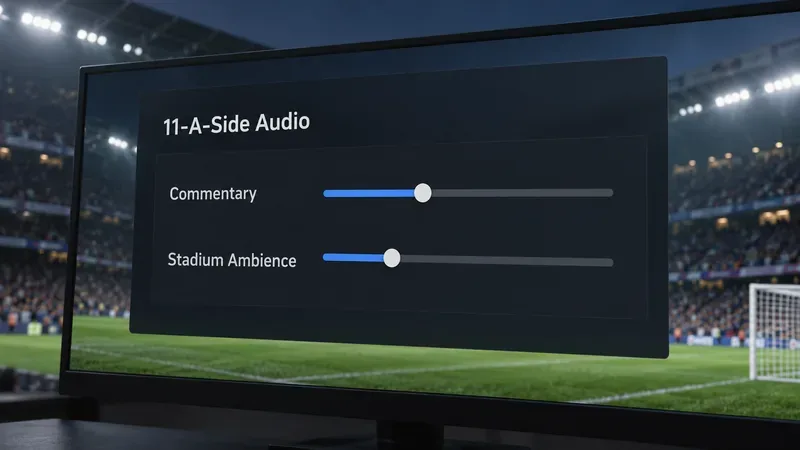
Treat these as listening recommendations, not an official EA preset. Start from your current mix and adjust one item at a time:
| Setting | Starting point | What to listen for |
|---|---|---|
| Stadium Ambience | Reduce it by one small step if the crowd masks short cues. | The whistle should stand out more while the crowd still gives the match atmosphere. |
| Commentary | Keep it at a comfortable level; lower it one step if a commentator overlaps the whistle. | You should still understand narration without letting it dominate the mix. |
| Music | Change it only if the mode has music during play and a matching control. | Do not assume the general EA Music or menu setting changes a standard 11-a-side whistle. |
If you are not sure which control is masking the sound, lower Stadium Ambience first and replay a similar match situation. If that makes the whistle clearer but leaves the stadium too quiet, raise ambience slightly and reduce commentary instead. Keep the master volume at a comfortable level; turning everything up can make tackles, crowd peaks, and other effects unpleasantly loud.
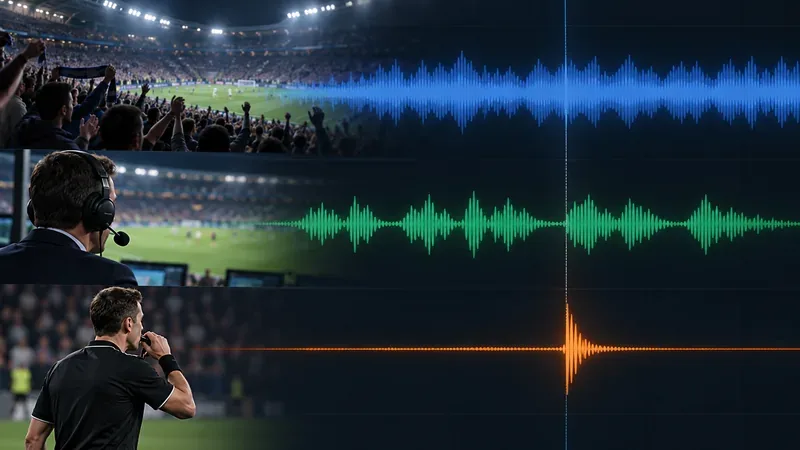
The controls are separated by mode, so a setting in one section may not change another mode’s mix. EA’s FC 27 accessibility and settings reference lists these categories:
EA does not specify which internal mix channel carries the referee whistle or promise that reducing crowd ambience affects only crowd sound. Lowering that layer is a practical balance adjustment, not a guaranteed isolated boost. The menu names and available options can also vary by mode, platform, and game version.
EA Help confirms the path to audio options: open Game Settings from the main menu and select the Audio tab. Use this short test loop so you can tell which change helps:
If the in-game balance seems reasonable but whistles remain faint, confirm that sound is reaching the output you intend to use. Check that the headset or TV is not muted, the game is routed to that device, and any console chat/game balance is not heavily favoring voice chat. A surround or spatial-audio mode can change how a short cue seems positioned; if the mix sounds hollow or one-sided, temporarily compare with the system’s standard stereo output as a diagnostic. Menu labels differ across platforms and receivers, so use the audio output settings for your own device.
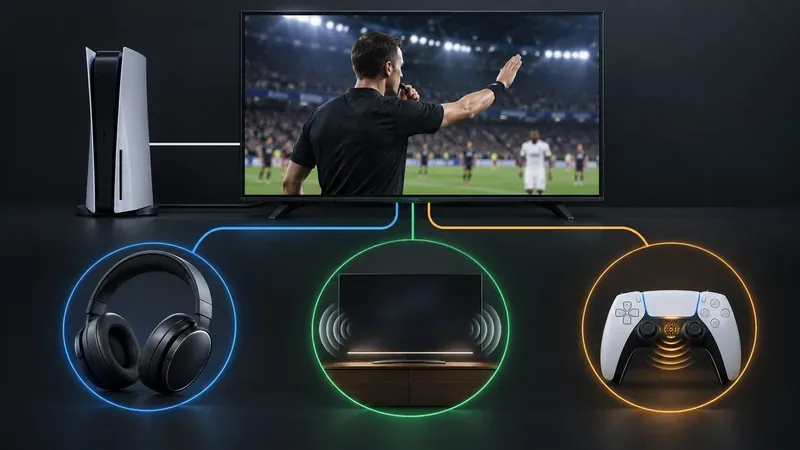
On PlayStation 5, EA lists Controller Audio as its own setting. If you listen through the DualSense speaker, compare it with a headset or TV output and adjust the controller volume separately. A small controller speaker will not sound as full as a headset, and changing its level may not change the match mix sent to other devices.
A whistle that plays late is a timing symptom, not simply a quiet mix. Commentary and ambience adjustments cannot reliably repair a delay. In one FC 25 technical-issues thread, an EA community manager suggested temporarily turning off Beyond Broadcast for a reported delayed whistle, and the player later said that resolved their case. That advice is specific to an older title and a particular report; it is not a confirmed universal fix for FC 27. If your version has that option and the whistle is delayed, you can test it once, then restore the setting if it makes no difference. See the EA Forums FC 25 whistle-delay report.
If the whistle is completely absent, restart the game and check whether other match effects are missing too. If all match audio is affected, recheck the output device and mode-specific audio section. If only the whistle is missing or out of sync across multiple matches, note your platform, game version, mode, output device, and whether the symptom is silence or delay before contacting EA FC 27 support.
For most players, a lower crowd bed and moderate commentary are the best EA SPORTS FC audio settings to try first. If the cue stays buried, adjust the mix in small steps. If it is consistently late or absent, treat it as a possible audio issue instead of continuing to search for a whistle-only slider EA does not document.
Fix PUBG stuck on Initializing on Steam with a focused checklist for PC service notices, launch options, game files, downloads, and connection issues.
Fix Brawl Stars stuck at 92% loading with an ordered checklist for service notices, network tests, safe updates, Android cache, and account-safe reinstalling.
Best Dead by Daylight visual filter settings start with a small Gamma lift, neutral color and contrast, and a quick check for dark corners, fog, and bright lights.
Find the Steam and EA app fields for Apex Legends launch options, use EA’s documented FPS command, and see why +exec autoexec.cfg remains unverified.
Reduce input lag on a Nintendo Switch dock for Smash Ultimate with TV Game Mode, a direct HDMI test, controller checks, and online-latency troubleshooting.
Find the best EA SPORTS FC audio settings for a clearer referee whistle: tune Stadium Ambience and Commentary, then troubleshoot output or timing issues.
Compare the best Attack Move Click keybinds in League of Legends—A, Shift + right-click, mouse side buttons, and left-click—with setup and kiting tips.
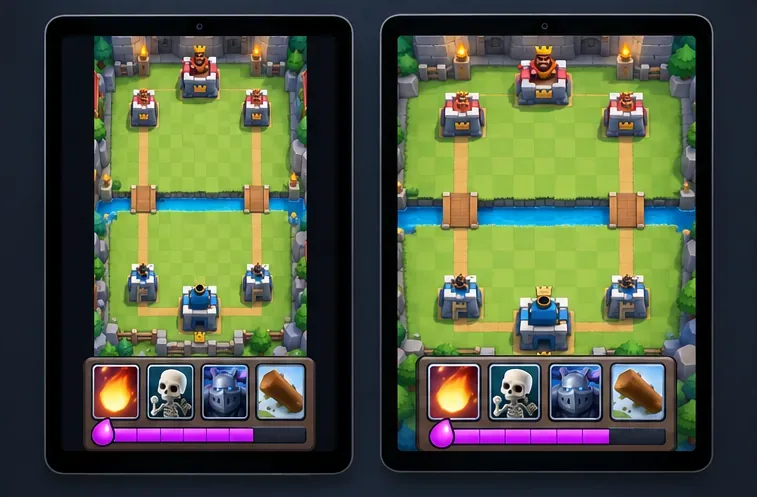
Find the best tablet aspect ratio setup for Clash Royale, compare Android display-fit choices, and check iPad full-screen framing without cropping the arena.
Fix Warzone Dev Error 6068 on startup with safe PC checks for updates, overlays, graphics drivers, game-file repair, and clean boot troubleshooting.
Check your Overwatch 2 overall match win rate with Career Stats, matching game totals, and the right filters—without mistaking hero percentages for match results.