Home
» 🎮 Esports
»
Why Jailbreaking Your Xbox Series X Could Put Your Account and Console at Risk
Why Jailbreaking Your Xbox Series X Could Put Your Account and Console at Risk
Why Jailbreaking Your Xbox Series X Could Put Your Account and Console at Risk
If you mean installing an exploit, altered firmware, or tools that bypass Xbox security and licensing controls, jailbreaking an Xbox Series X is an unsupported gamble. It can put online access, reliable operation, repair options, and account security at risk. That does not mean every attempt automatically triggers a permanent ban: Microsoft says an account may be suspended for a Services Agreement violation and that a device ban can happen in extreme circumstances. The real takeaway is simpler: promised “free games” or unrestricted tweaks can cost more than they give you.
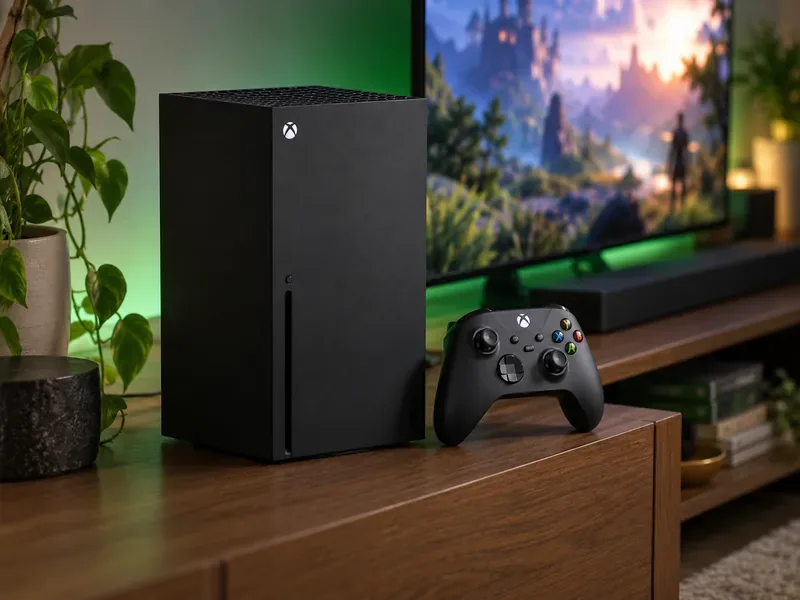
A standard Xbox Series X setup depends on supported software and services to keep games and online features working.
What does “jailbreak Xbox Series X” mean?
Online, Xbox Series X jailbreak can refer to several different things: an exploit, modified system software, unauthorized apps, or hardware changes intended to bypass platform restrictions. These are not the same as changing an in-game setting or using a publisher-approved mod. Many posts also use “jailbreak” loosely, so check what a download actually asks you to install before trusting its claims.
Microsoft documents development tools and development sandboxes for Xbox One and later consoles. That is a controlled workflow for creating and testing software; it is not permission to run pirated games, cheats, or arbitrary modified firmware in retail mode. If you are building an app or game, use current Microsoft developer documentation and its applicable program rules. If you only want more games or customization, use supported Xbox and game features instead.
The practical risks of modifying an Xbox Series X
1. You could lose access to Xbox network features
Microsoft’s current Services Agreement says it may check connected devices for unauthorized hardware or software used for cheating or tampering, and may apply updates or configuration changes that prevent access to Xbox services or unauthorized software. Its enforcement guidance says an account can be suspended after a violation, while a device ban is an extreme enforcement action. An Xbox device ban blocks that console from the Xbox network, so online multiplayer and other network features may no longer work on it.
That is a serious risk, but it is not accurate to promise an instant ban for every attempt or to say every ban wipes out a digital library. Enforcement depends on the conduct and applicable policies. Check the current Xbox account suspension guidance and Xbox device-ban information for the distinctions.
2. Warranty coverage and repair may become harder
A modification does not automatically erase every consumer protection or warranty right everywhere. Coverage depends on the terms that apply in your country or region and on what caused the fault. However, damage linked to unauthorized repair or modification may be excluded under applicable warranty terms, and a service center may need to inspect the console before deciding whether a repair is covered. Microsoft provides warranty terms by country or region; its out-of-warranty pricing guidance says offers vary by product and country, so there is no universal repair bill such as “$500”.
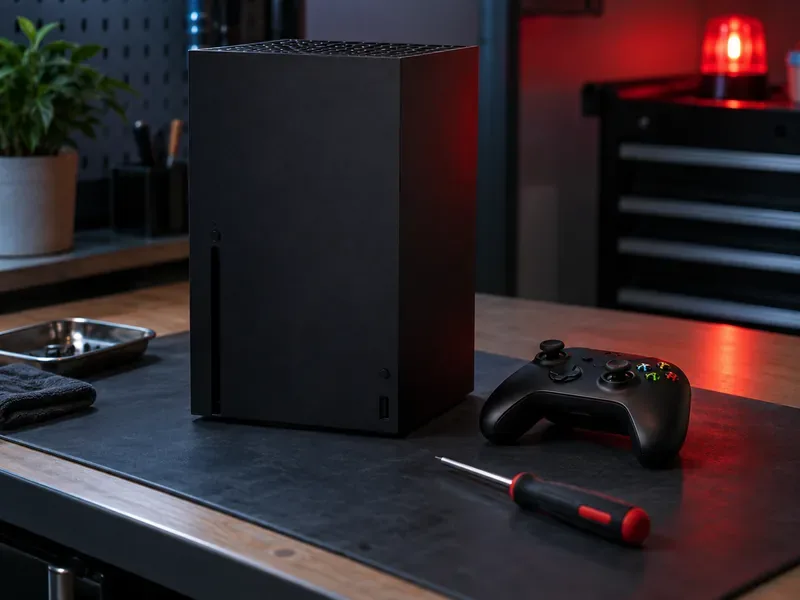
Opening or changing hardware can complicate diagnosis and service if something goes wrong.
3. Unsupported changes can destabilize the console
System-level changes can conflict with updates, game files, or the console’s normal startup process. A failed or incompatible modification could lead to crashes, missing features, or a console that will not boot normally. The exact outcome depends on the software and firmware involved; Microsoft does not publish a safe consumer jailbreak procedure or promise recovery for unsupported changes. Do not assume that a factory reset will reverse a network enforcement action or repair hardware damage.
Updates are another complication. Microsoft’s terms explain that Xbox software updates or configuration changes can prevent the use of unauthorized games, apps, or peripherals. A tool that works today may stop working after an update, or it may pressure you to skip updates that provide security fixes and normal platform support.
4. “Free game” downloads can put your account and data at risk
Files and websites promising free paid games, cheat menus, or one-click jailbreaks are not official Xbox services. A download from an unknown source may contain malware, steal credentials, or simply take payment for a tool that does not work. This is a general security risk of untrusted software, not evidence that every modified console is infected. Never give your Microsoft password, recovery code, or payment information to a jailbreak site.
Copying commercial games or bypassing license protections can also violate platform terms and may violate laws where you live. The legal rules differ by country and by what a person actually does, so do not rely on a forum post that labels every “backup” or exploit legal.
Safer ways to get more from your Xbox
What you want
Safer option
What to know
Try a large selection of games
Browse the official Xbox Game Pass catalog
Games and features vary over time, by region, plan, and platform; check the current catalog before subscribing.
Build or test software
Follow Microsoft’s documented Xbox developer workflow
Development sandboxes and tools are for authorized development and testing, not a retail jailbreak.
Customize a particular game
Use the game’s own settings or publisher-supported mods
Mod availability and online rules are game-specific. Avoid cheats and tools that alter competitive play.
Play older titles
Check Xbox’s supported backward-compatible games and your owned library
Compatibility depends on the specific title and its availability.
For a legitimate development project, Microsoft’s Xbox services sandbox documentation explains that Xbox One or later consoles can use development sandboxes to test games and services. For subscriptions, the Game Pass plan comparison and catalog show current availability for your region.
Official development tools and supported game features offer safer ways to explore and play.
If you have already tried a jailbreak
Stop running additional payloads or entering account details on unfamiliar sites.
Check the official Xbox enforcement pages for the status and any review options available for your case.
If the console is unstable or will not start, check its warranty and contact Xbox Support before attempting more system changes.
A device ban does not erase the console’s hard drive or external storage, according to Xbox Support, but it does block access to the Xbox network. Do not assume that local saves, cloud saves, online features, or purchases will all behave the same after every type of enforcement; check your account and the specific notice you received.
Frequently asked questions
Does jailbreaking an Xbox Series X automatically cause a permanent ban?
No official guidance says every attempt produces the same result. Microsoft says an account may be suspended for a Services Agreement violation and a device may be banned in extreme circumstances. Avoid unauthorized software and review the enforcement notice for your particular case.
Is Xbox Developer Mode the same as jailbreaking?
No. Developer Mode and development sandboxes are documented tools for building or testing software. They do not make piracy, cheating, or unsupported firmware changes legitimate.
Will a device ban delete games from my console?
Xbox Support says a device ban does not affect the console’s hard drive or external storage. It does block the device from the Xbox network, so online access is the key consequence described in the support guidance.
Keep your Xbox Series X on a supported path
The biggest reason to avoid an Xbox Series X jailbreak is the uncertainty: online access, warranty service, system stability, and account safety may all be affected, while the promised upside is often exaggerated. Use official development tools for development, supported game features for customization, and the current Xbox catalog for new games. You keep the console easier to update, troubleshoot, and enjoy.