Home
» 🎮 Esports
»
Why Is My PS5 Fan So Loud? 7 Safe Fixes to Try at Home
Why Is My PS5 Fan So Loud? 7 Safe Fixes to Try at Home
Why Is My PS5 Fan So Loud? 7 Safe Fixes to Try at Home
A PS5 fan gets loud when the console needs to move more heat out of the system. That can happen during demanding games and apps, and Sony says a temporarily louder cooling fan can be normal. Start by checking airflow and dust before assuming the fan is broken. If the noise stays loud at the home screen, turns into grinding or rattling, or comes with a high-temperature warning or shutdown, stop gaming and work through the safe checks below.
Is PS5 fan noise normal or a warning?
The sound and timing are useful clues. A smooth increase in airflow during a demanding game is different from a persistent mechanical rattle. A disc drive can also make a brief sound when reading a disc, so note whether the noise occurs only during disc activity.
What you hear or see
What to try next
A smooth whoosh rises during a game and eases after you close it
Likely normal cooling; confirm that the vents have clear space.
A steady loud fan at the home screen
Check placement, room heat, and dust around the vents.
Grinding, rattling, or repeated clicking
Power down and check for an external obstruction; contact support if it continues.
A high-temperature warning or unexpected shutdown
Turn the console off, let it cool, improve ventilation, and seek service if it happens again.
Sony notes that the fan may run faster during some games and applications. Its current safety guide also says to turn off a console that displays a high-temperature message, let it cool, then move it to a well-ventilated location and check that vents are not blocked. See the PlayStation guide to PS5 console noise and the PS5 safety guide.
7 safe fixes for a loud PS5 fan
1. Test the fan after closing a demanding game
Save your progress, close the game, and leave the console at the home screen for a few minutes. If the smooth airflow noise drops as the system has less work to do, the fan was likely responding to load. Sony confirms that the cooling fan can operate louder than usual during some games and apps. If the PS5 fan is still loud while idle, continue to the airflow and cleaning checks.
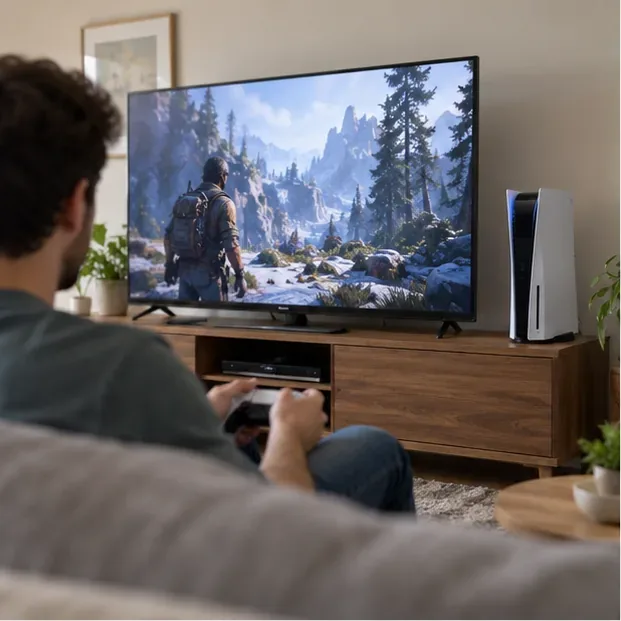
A fan that rises during a demanding game may be responding to the extra cooling load.
2. Clear space around the vents
Check the side and rear of the PS5 for a wall, books, cables, or other objects blocking airflow. Sony recommends at least 4 inches (10 cm) of free space around each side of the console. Move nearby objects rather than trying to compensate with a fan accessory. A cooling stand cannot solve a blocked vent.
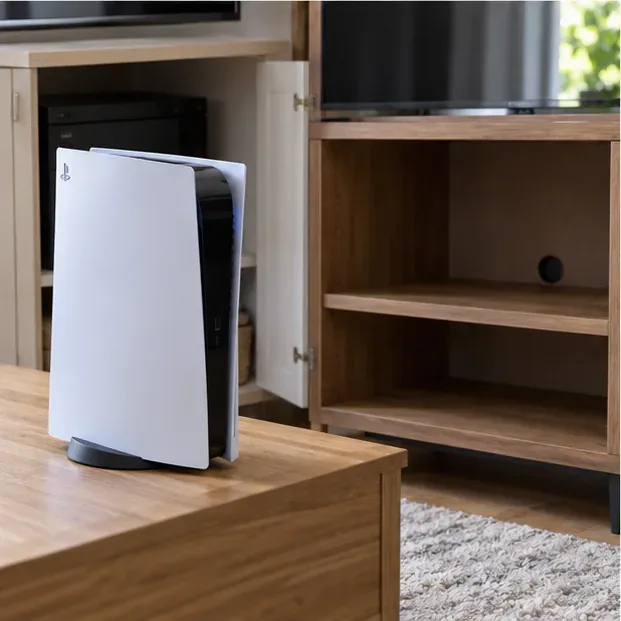
Sony recommends keeping at least 4 inches (10 cm) of clearance around the console.
3. Move the console out of a cramped or hot location
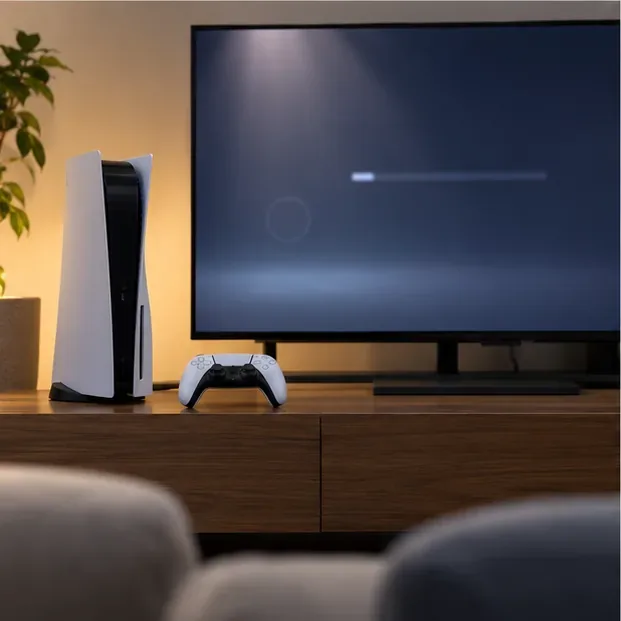
A closed cabinet can trap warm air, while a long-fiber carpet can obstruct airflow beneath the console. Place the PS5 on a stable, open surface away from direct sunlight, heaters, and stacked electronics. If you use it horizontally or vertically, fit the feet or stand required for your model. Turn the console fully off before moving it; do not reposition it while the power indicator is lit or blinking.
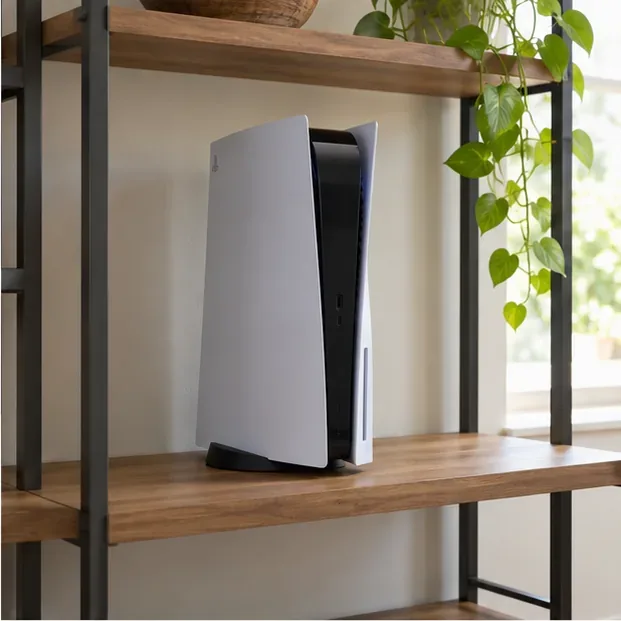
A clear, open setup helps prevent heat from collecting around the PS5.
4. Shut it down and let it cool before maintenance
If you see an overheating message, stop the game and choose Power > Turn Off PS5. Wait until the power indicator is completely off before unplugging the AC cord. Let the console cool before touching or removing a cover. Do not pull the power cord while the indicator is on or blinking, because that can risk data loss or console damage. After it cools, restart only after you have cleared blocked vents and moved it to a better-ventilated spot.
Wait until the power indicator is off before disconnecting the AC cord.
5. Remove dust from the exterior vents
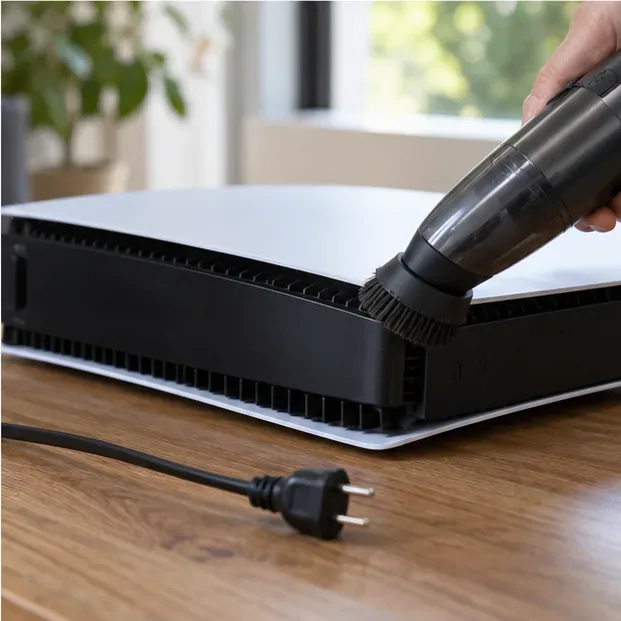
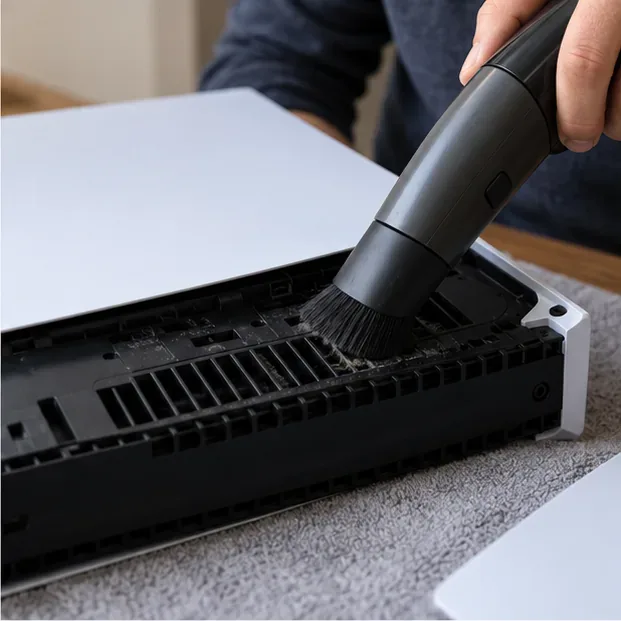
With the PS5 powered off, unplugged, and cool, use a handheld vacuum gently around the side and rear vents. Wipe the exterior with a soft, dry cloth. Sony advises against spraying or applying solvents and volatile substances, including alcohol, to the console. Do not push a tool through a vent or try to reach the fan blades. This is a practical first cleaning step for visible dust without opening the chassis.
Sony recommends a handheld vacuum for dust on the vents and a soft, dry cloth for the exterior.
6. Clean dust beneath the removable covers, if you are comfortable
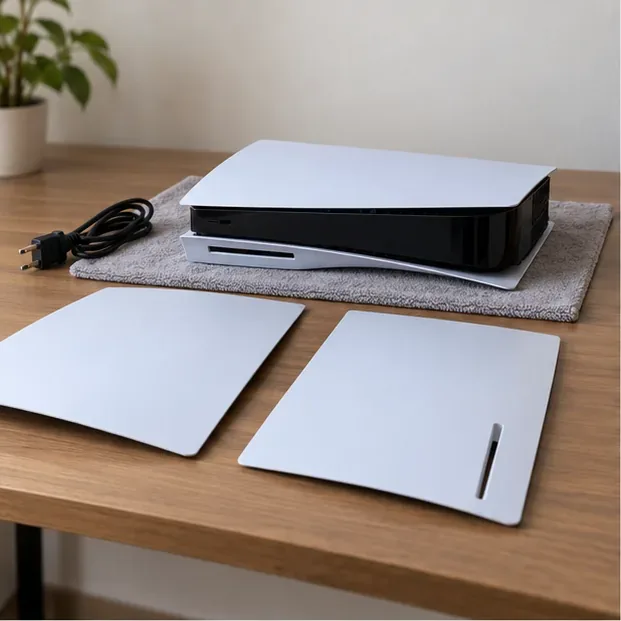
Sony’s safety guide recommends removing the covers and using a handheld vacuum to remove dust trapped underneath. The cover-release steps differ by PS5 model, so check the model-specific instructions on Sony’s PS5 cover removal and replacement page before starting. Work on a soft cloth over a flat surface. Remove only the outer covers; do not disassemble the fan, heatsink, or internal components. Reattach the covers fully before powering on, since an incorrectly installed cover can contribute to overheating.
Only remove the outer covers by following the instructions for your PS5 model.
If you are unsure about removing a cover, skip this step and use the exterior cleaning method or arrange service. Sony says the console has no user-serviceable components inside.
7. Check for a system software update, then retest
A software update will not remove dust or repair a worn fan, but it is a useful final check if the noise began after a crash or software problem. Go to Settings > System > System Software > System Software Update and Settings, then install an update if one is available. Sony’s PS5 system software update instructions show the current menu path. After the update, compare the fan at the home screen and during the same game. Do not reinstall system software or factory-reset the PS5 just to address fan noise.
Check for system software updates after the console restarts; this is not a fan-speed control.
When to stop troubleshooting and contact PlayStation Support
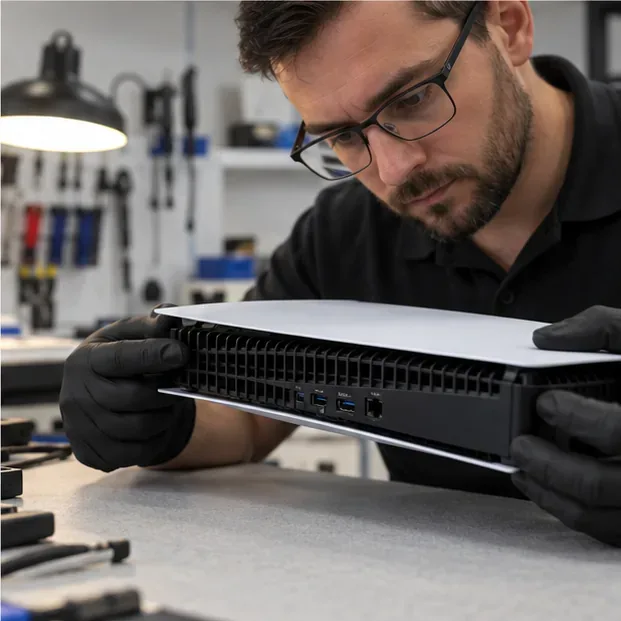
Arrange a repair assessment if the fan still makes a grinding or rattling sound after you have cleared airflow and dust, or if the console repeatedly shows a high-temperature warning or shuts down. Do not try a thermal-paste replacement or internal fan swap as a quick fix. The PS5 safety guide warns against disassembling or modifying the console and states that internal components are not user-serviceable. Use PlayStation Hardware & Repairs support to find the appropriate troubleshooting and repair option for your region.
Persistent mechanical noise or high-temperature warnings call for PlayStation Support.
Keep PS5 fan noise from coming back
Keep the console on a stable, open surface, leave the recommended clearance around the vents, and remove dust when it becomes visible. Before turning the PS5 back on after cleaning, confirm that the covers and the correct base or feet are securely fitted. These steps address the common external causes of a loud PS5 fan without promising a volume reduction that the console’s condition may not allow. If the noise is mechanical or overheating continues, use official support instead of opening the console further.