How to Fix PUBG Stuck on “Initializing” on Steam

Fix PUBG stuck on Initializing on Steam with a focused checklist for PC service notices, launch options, game files, downloads, and connection issues.
PUBG Mobile bot lobbies can give you low-pressure repetitions for crosshair placement, recoil control, movement, and basic map awareness. They are useful when you treat them as a warm-up, but predictable AI opponents do not recreate the decisions, aim, or teamwork of human players. For repeatable drills, the official Training Grounds are a better starting point; use regular matches to check whether a skill holds up under pressure.
Players use PUBG Mobile bot lobbies to describe matches where some opponents appear to be AI-controlled. That is different from the game's dedicated Training Grounds, where players can practice with weapons, attachments, targets, and movement exercises. A regular match is still a match: its opponents, pace, and difficulty are not a controlled training program.
PUBG MOBILE's public support material does not promise a fixed percentage of bots, a guaranteed number of easy matches for a new account, or a universal bot-only switch for Classic mode. Treat any opponent you meet in a standard match as an incidental practice opportunity. Claims that a particular account age, rank, server, or number of games guarantees an easy lobby are not reliable enough to build a practice plan around.
When opponents move predictably or leave longer openings, you can focus on the mechanics you often neglect in a chaotic fight. Keep your crosshair near likely enemy height as you move between cover. Practice short bursts with an assault rifle, then reset your aim before firing again. At close range, work on tracking a moving target while strafing instead of standing still and spraying.
These repetitions can make controls feel more familiar, especially if you are adjusting your sensitivity, button layout, or preferred weapon pairing. Change one setting at a time and give it several focused attempts. If you alter sensitivity, layout, and loadout all at once, it becomes difficult to tell which change helped.
A calmer match can also give you time to read the play zone, identify cover, check a compound before entering, and decide when to move. Use the opportunity to notice which routes leave you exposed and where a vehicle would help. This builds a simple habit: look for the next piece of cover before leaving the one you have.
Map knowledge transfers only in part. A low-pressure match may help you learn building layouts and terrain, but it cannot reliably teach how a coordinated squad holds a compound or punishes a predictable rotation. Avoid treating a bot-heavy win as proof that a drop spot or route is safe against real players.
If you want a consistent place to test weapons, the official PUBG MOBILE Training Grounds support page describes entering through the map selection menu, choosing Training, and selecting TPP or FPP. Menu labels can change between updates, so follow the current in-game options if your screen differs.
PUBG MOBILE has documented target practice features in its developer notes, including simple and complex moving targets in Reaction Training Grounds. An official Training Grounds update announcement also described damage and bullet-trajectory feedback for stationary targets. Those pages are useful references, but they cover particular versions; check what is available in your current build.
AI opponents do not reproduce the full range of human behavior. They may not rotate, hold angles, coordinate abilities and throwables, or react to sound in the same way as experienced players. A string of easy eliminations can build confidence, but it does not show whether you can manage a real third-party fight, disengage from a bad push, or communicate with teammates under pressure.
For that reason, do not use bot kills, win streaks, or a target number of eliminations as your measure of improvement. Track a skill you can control instead: Did you keep your crosshair ready before entering a room? Did you stop spraying when your aim drifted? Did you move to cover before healing? Those habits are more useful than a high score in an easy lobby.
Start with a short Training Grounds session focused on one weapon mechanic. In your next low-stakes match, choose one decision to apply, such as clearing a doorway slowly or moving between covered positions. Afterward, review one moment where your aim or positioning broke down and repeat the relevant drill. Keep the session narrow; a clear objective gives you more useful feedback than trying to fix everything in one game.
Use a bot-filled match if you happen to get one, but do not spend the session chasing a supposedly guaranteed lobby. When you are ready for less predictable fights, move to the regular unranked or Arena options available in your version of the game. Short, focused drills followed by human opponents provide a more balanced routine than farming easy eliminations.
There is a difference between encountering AI opponents through normal matchmaking and installing a bot, recoil tool, modified client, or other software to gain an advantage. PUBG MOBILE's anti-cheating policy identifies auto-aim, recoil reduction, and game or data modification as prohibited behavior that can lead to bans. Do not use third-party services or matchmaking tricks to manufacture easy games.
PUBG Mobile bot lobbies can be a useful low-pressure warm-up when they occur naturally, but the dependable practice tools are the ones you can control: focused target drills, deliberate movement, and a later test against real opponents.
Fix PUBG stuck on Initializing on Steam with a focused checklist for PC service notices, launch options, game files, downloads, and connection issues.
Fix Brawl Stars stuck at 92% loading with an ordered checklist for service notices, network tests, safe updates, Android cache, and account-safe reinstalling.
Best Dead by Daylight visual filter settings start with a small Gamma lift, neutral color and contrast, and a quick check for dark corners, fog, and bright lights.
Find the Steam and EA app fields for Apex Legends launch options, use EA’s documented FPS command, and see why +exec autoexec.cfg remains unverified.
Reduce input lag on a Nintendo Switch dock for Smash Ultimate with TV Game Mode, a direct HDMI test, controller checks, and online-latency troubleshooting.
Find the best EA SPORTS FC audio settings for a clearer referee whistle: tune Stadium Ambience and Commentary, then troubleshoot output or timing issues.
Compare the best Attack Move Click keybinds in League of Legends—A, Shift + right-click, mouse side buttons, and left-click—with setup and kiting tips.
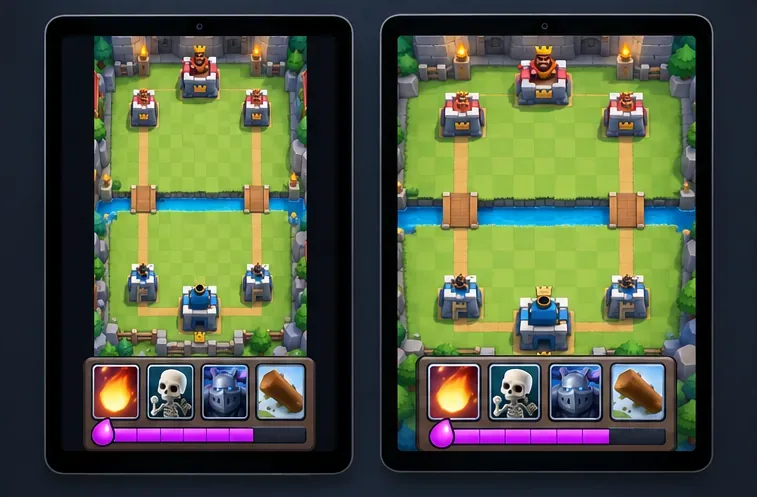
Find the best tablet aspect ratio setup for Clash Royale, compare Android display-fit choices, and check iPad full-screen framing without cropping the arena.
Fix Warzone Dev Error 6068 on startup with safe PC checks for updates, overlays, graphics drivers, game-file repair, and clean boot troubleshooting.
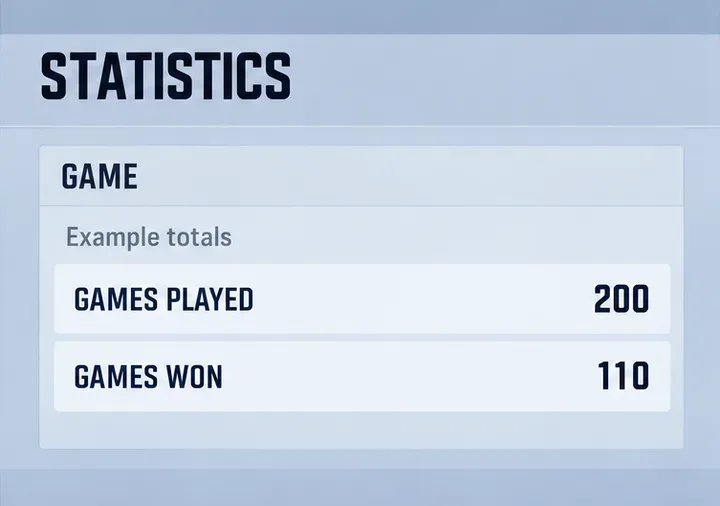
Check your Overwatch 2 overall match win rate with Career Stats, matching game totals, and the right filters—without mistaking hero percentages for match results.