Home
» 🎮 Esports
»
Ultimate Guide to the Crossbow in PUBG Mobile: Aim for Quiet Kills
Ultimate Guide to the Crossbow in PUBG Mobile: Aim for Quiet Kills
Ultimate Guide to the Crossbow in PUBG Mobile: Aim for Quiet Kills
The PUBG Mobile Crossbow rewards patience, a steady sight picture, and a safe exit route. Its main advantage is a quiet shot: the official PUBG weapon overview describes the crossbow as a short- to medium-range option with very high damage and silent firing. That makes it useful for an ambush or a carefully chosen opening shot, but it does not make the player invisible. Footsteps, a missed bolt, an impact, or a follow-up fight can still give away your position. Treat it as a stealth tool, not a guarantee of an undetected kill.
This guide focuses on the standard Crossbow. PUBG Mobile has also documented a separate Tactical Crossbow with special utility such as repairing ziplines and firing flaming bolts in Nusa-related content. Those functions are not part of the standard weapon, and availability can depend on the current map or mode. Check the live mode’s item list before planning around a special variant.
What the PUBG Mobile Crossbow is good at
The Crossbow is strongest when you can choose the timing and range of the engagement. It suits a target who is briefly still, isolated from teammates, or distracted by another fight. The projectile takes time to arrive and follows an arc, so it is less forgiving than a hitscan-style shot. If the target is close, moving quickly, or already pushing your position, a conventional firearm is usually the safer choice.
Do not build your plan around old damage charts or promises of a guaranteed one-shot. Armor, health, game balance, and the exact version matter. The official weapon overview gives broad behavior rather than a current, detailed damage table. Make the first bolt count, and keep a reliable second weapon ready in case the target survives or closes the distance.
Pick a practical loadout
Before committing to the Crossbow, make sure you can support its slow follow-up. Keep bolts in your inventory, carry a firearm for close or sustained fights, and use cover that lets you peek without standing in the open. PUBG Mobile’s Help Center lists the Quiver for Crossbow as an attachment that reduces reload time. That is the clearest crossbow-specific upgrade in the official attachment guide. Use a sight only if it is shown as compatible in your current inventory.
Loadout choice
Why it helps
Quiver, when found
Shortens the reload time between bolts.
Crossbow bolts
Keep enough for practice and a planned engagement; there is no need to assume you can craft more during a match.
Reliable close-range firearm
Covers a missed shot, a rush, or a second enemy.
Hard cover and a retreat path
Lets you break line of sight after firing instead of standing still to reload.
Loot locations and attachments can vary by map, mode, and update. The official PUBG Mobile weapon wiki lists the Crossbow, but the material reviewed here does not provide a dependable current spawn-rate chart. Search naturally as you loot rather than detouring to a spot because an old guide called it a guaranteed spawn.
A four-step Crossbow practice routine
1. Set up before you aim
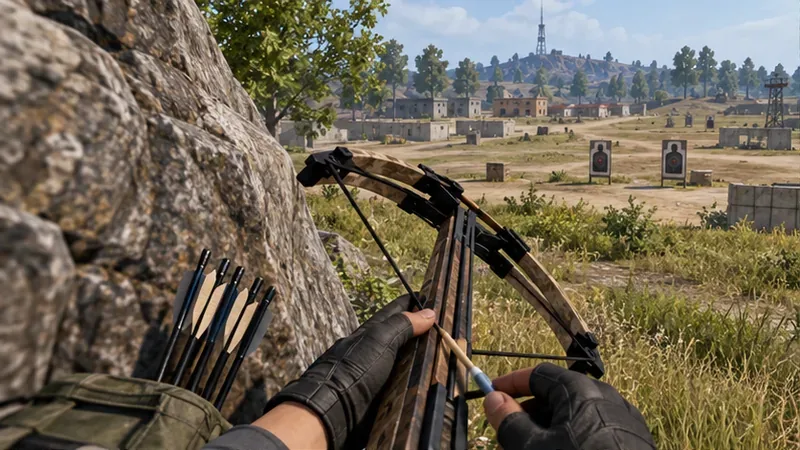
Move behind cover, check that the Crossbow is loaded, and confirm that bolts are available. If you found a Quiver, equip it. Pick a target with a clean sightline and identify where you will move after the shot. This simple setup prevents the common mistake of focusing on the weapon while ignoring the approach and escape.
Check the bolt, Quiver, cover, and escape route before exposing yourself.
2. Learn the bolt’s arc on a stationary target
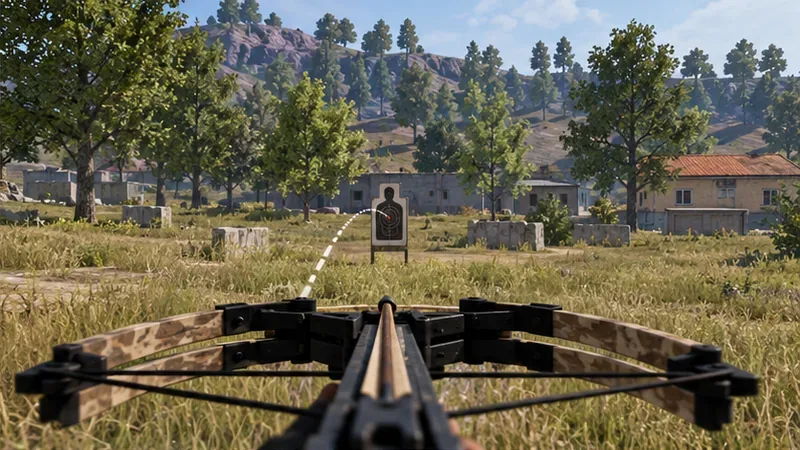
Start with a stationary practice target at a comfortable mid-range distance. Watch where the bolt lands, then make a small correction before the next attempt. Increase the distance gradually so you learn how much the projectile drops and how long it takes to arrive. PUBG Mobile’s official 0.18.0 patch notes announced a trajectory path for Crossbow bolts; use that cue if it is visible in your current build, but still practice judging the flight yourself. Do not assume one universal holdover works at every range.
Use the visible bolt path as a learning cue when your current build shows it.
3. Lead moving targets instead of chasing them
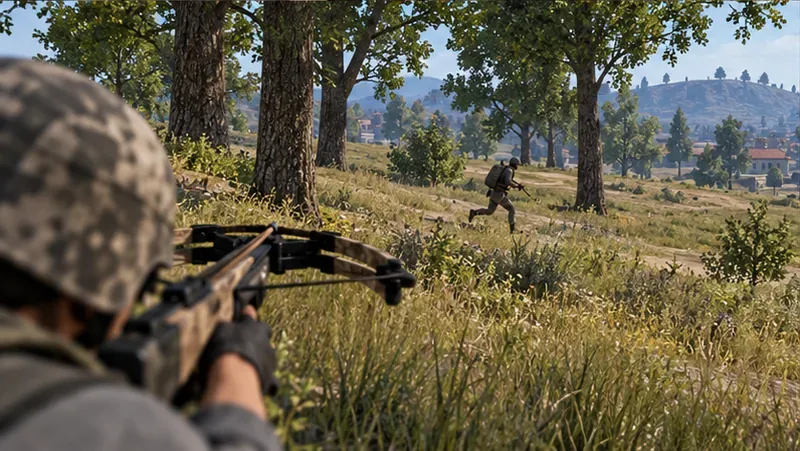
When an enemy runs across your view, aim where they are going rather than where they are now. The faster they move and the farther away they are, the more the bolt’s travel time matters. Practice on targets crossing from side to side; begin with a modest lead, observe the miss, and adjust. If the target is changing direction unpredictably, wait for a pause or choose another angle instead of spending a bolt on a low-confidence shot.
Track the enemy’s path and aim ahead of their movement, not at their current position.
4. Fire once, then relocate
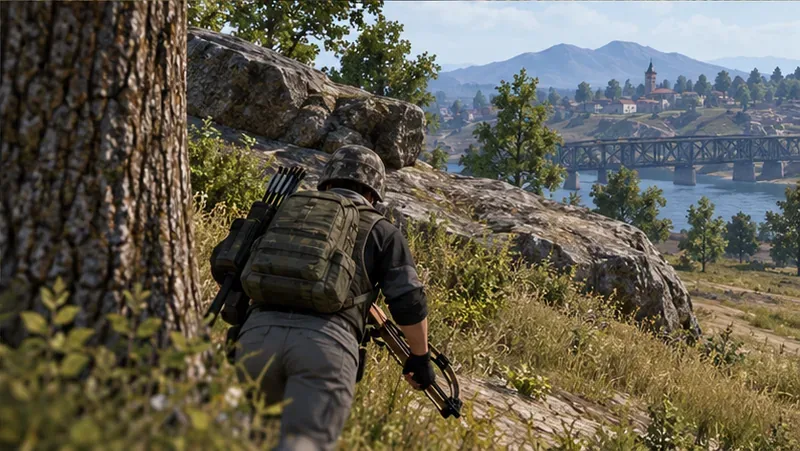
After the shot, move to another piece of cover before reloading or taking a second angle. A quiet weapon can delay an enemy’s response, but it cannot prevent them from noticing damage, seeing the bolt, or searching the likely firing lane. If the first hit does not finish the fight, switch to your backup weapon when necessary rather than waiting exposed for another slow shot.
Break line of sight and change position immediately after the bolt leaves the string.
Use stealth without giving up the fight
Choose distracted targets: An enemy focused on another squad is less likely to react instantly, but avoid firing if a teammate can immediately trade the kill.
Prefer a clear lane: Grass, branches, windows, and railings can obscure a bolt path. Do not count on the Crossbow to penetrate walls or other cover; use a confirmed opening.
Coordinate in squads: Let a teammate call the target’s direction and movement. The Crossbow player can take the quiet opening, while another teammate watches the approach or covers a retreat.
Respect the reload: The Quiver helps, but it does not turn the weapon into a rapid-fire option. Avoid challenging several enemies in sequence without a plan.
Use a firearm when pressure rises: The Crossbow is a deliberate ambush weapon. Switch to your backup for close-range defense, fast follow-up damage, or a moving target you cannot lead reliably.
Crossbow myths to leave behind
The standard Crossbow does not use a campfire recipe for extra bolts, and the old article’s exact damage values, fixed reload timing, attachment spawn chances, and guaranteed loot locations were not supported by current official documentation. The standard Crossbow also should not be confused with the Tactical Crossbow described in PUBG Mobile’s Nusa update material, which discusses rope and flaming-bolt functions. Check the mode you are entering instead of assuming every crossbow has the same utility.
For the mechanics that are documented, use the official PUBG Mobile attachment guide for the Quiver, and the general PUBG weapon-use overview for the Crossbow’s broad range and stealth role. The official 0.18.0 patch notes describe the trajectory-path addition, but that older note is not a current damage or spawn guide.
Quick check before taking a shot: Is the target within a range you have practiced? Is the bolt path clear? Do you have cover and a backup weapon? If any answer is no, reposition first. With good timing and disciplined movement, the PUBG Mobile Crossbow can create quiet openings without forcing you to gamble the entire fight on one bolt.