Home
» 🎮 Esports
»
Top 10 Best Fortnite Gliders for Fast Landings: What Actually Matters
Top 10 Best Fortnite Gliders for Fast Landings: What Actually Matters
Top 10 Best Fortnite Gliders for Fast Landings: What Actually Matters
If you are looking for the best Fortnite gliders for fast landings, here is the key fact first: a cosmetic glider is not a speed upgrade. Epic’s public Fortnite documentation explains that a glider is used when landing from the Battle Bus or falling from a high place, and that its appearance can be changed like an outfit. Epic’s support page says outfits are cosmetic and do not enhance performance. Taken together, those official sources give no basis for claims that a particular glider has a shorter deploy time, lower drift, or a faster fall. The ten picks below are style recommendations, not a speed leaderboard.
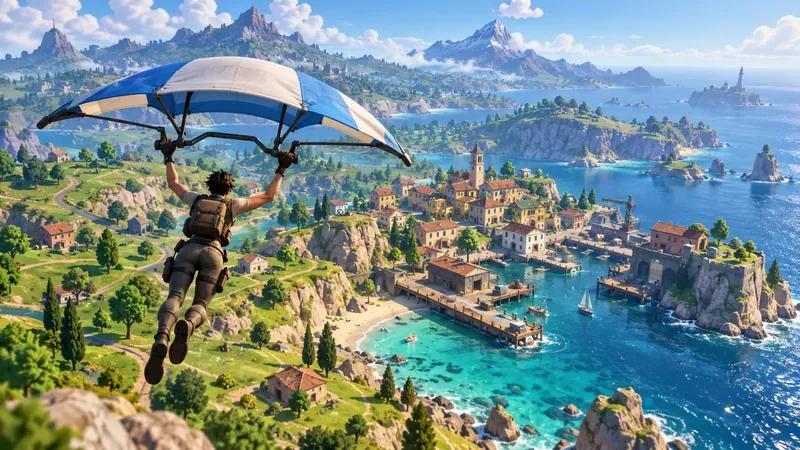
The landing area and surrounding low terrain are visible beneath the player.
What really helps you land sooner in Fortnite?
Your drop route and steering matter more than the cosmetic in your Locker. Decide where you want to touch down before leaving the Battle Bus, and avoid choosing a distant point if your plan depends on being first to nearby loot. A short, direct route generally gives you less time spent gliding horizontally. If the target is on a hill or rooftop, account for its elevation instead of aiming only at the map marker.
Epic lead level designer Sidney Rauchberger’s published Battle Royale tips advise aiming toward low ground before deploying when the intended landing point is a mountain or another high spot. That guidance is older and terrain or mode behavior can change, so use it as a routing principle: understand the height difference, then steer toward the actual landing surface. Don’t assume a cosmetic animation or rarity can make up for a long route.
Choose the drop point from the bus path. A nearby contested building can be reached sooner than a far POI, even if the latter looks like a better loot route.
Pick a precise target. Aim for the roof, doorway, or edge you actually need instead of drifting over the center of a large location.
Limit unnecessary turns. Every correction should move you toward a useful landing spot; repeated side-to-side steering can add distance.
Read the terrain. If your destination is high, plan for the elevation and approach rather than judging only by horizontal distance.
For the basic mechanic, see Epic’s Fortnite glider documentation. Epic’s developer documentation describes changing a glider’s appearance, but it does not publish item-by-item fall-speed or drift ratings. The old claims of exact deploy times or a two-to-five-second advantage should not be treated as verified stats.
Route through lower terrain before steering toward a higher landing point when the target sits uphill.
Top 10 Fortnite glider picks for a clean-looking drop
This list favors recognizable themes, variety, and a mix of owned or earnable options. It is not a ranking of descent speed. Item Shop rotations and availability change, so check your Locker or the official Fortnite Item Shop before planning around a specific cosmetic.
Seasonal Win Umbrella. The best no-extra-purchase goal if you like earning cosmetics through play. Epic says a new Win Umbrella is introduced each season and is added to your Locker after a first-place finish in Battle Royale or Zero Build during that season. See Epic’s Win Umbrella instructions. It is a reward, not a faster-deploy glider.
Celestia. A space-themed choice for players who want a bright, cosmic look in the opening descent. Epic’s listing describes it as part of the Galaxy Pack set.
Ghost Glider. A surf-style pick from the Ghost Rider set. It stands out as a themed ride for players who prefer a board-like profile.
Dayflier. A Blade-set option if you want a Marvel-themed drop. Match it with the rest of your loadout for a coordinated look.
Field Wraith. A spooky scarecrow-themed choice from the Straw Stuffed set, suited to players who like a darker seasonal style.
Raven Express. An Eminem-set option for a music-collab look. Pick it for the theme, not because its name suggests a faster arrival.
Spikey Jet. A jet-inspired style for players who want an aircraft look rather than a canopy or umbrella.
Tusk. A distinctive alternative if you want a less familiar name in your Locker rotation. Its cosmetic identity is the reason to equip it.
Arcana. A fantasy-leaning pick for a more magical-looking entrance. It offers a different visual mood from the mechanical and superhero choices above.
IShow's Speedboard. A board-style option with “Speedboard” in its name. That wording is part of the cosmetic identity; it does not establish a gameplay speed bonus.
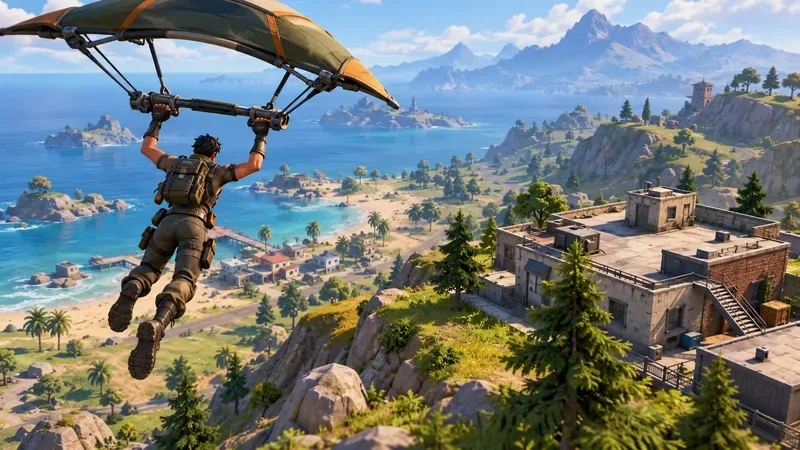
Gliders change the look of a drop; this comparison is about appearance, not speed.
How to choose the right glider for your play style
Use the glider you enjoy seeing in the opening moments, or choose a simple one if you prefer a less busy view. For a coordinated squad, matching a theme can make the drop look intentional. If you are collecting cosmetics, the seasonal Win Umbrella is a clear play-earned target; shop items may rotate in and out, so do not assume an item is available just because it appears on a catalog page.
Epic’s support guidance is explicit that outfits are cosmetic and do not provide a competitive advantage. Its documentation treats glider appearance as a customization choice. That supports the practical advice here: choose a glider for its look, ownership, or set match, then improve landing consistency through your route and steering.
FAQ
Which Fortnite glider lands the fastest?
Epic does not publish a per-cosmetic speed ranking or verified fall-speed table. There is no supported evidence in the cited official material that Celestia, Ghost Glider, or another cosmetic lands faster than the rest. Pick the one you like and focus on your drop path.
Do rarity, drift, or deploy-time stats make a glider faster?
The old list’s exact seconds and “low drift” ratings are not substantiated by an official source. Don’t use rarity or an unsourced stat as proof of a competitive advantage. For confirmed game information, check Epic’s Epic’s Fortnite glider documentation and current Item Shop listings.
How do I get the current season’s umbrella?
Epic’s support page says to finish first in a Battle Royale or Zero Build match during the current season; the seasonal glider is then added to your Locker. Check the linked support page for current eligibility details.
Bottom line
The best Fortnite gliders for fast drops are the ones you want to equip; none of these picks has a verified speed edge. A planned Battle Bus jump, a direct approach, and attention to elevation are the practical ways to work toward a quicker landing. Treat speed claims attached to a cosmetic as unverified unless Epic publishes a mechanic change or item-specific data.