The Official Riot Games League of Legends Page: What You Can Do There
The official Riot Games League of Legends page is leagueoflegends.com. It is Riot’s source for the game overview, the champion directory, the free download, and League news. Use it to start playing or check game information. For live schedules and match coverage, Riot uses the separate LoL Esports site; account and installation help is on Riot Player Support.
This guide was checked on October 16, 2026. At that time, the newest official League game-update entry found was Patch 26.20, published October 6, 2026 at 18:00 UTC. Riot can update pages between checks, so open the linked official page for the newest information.
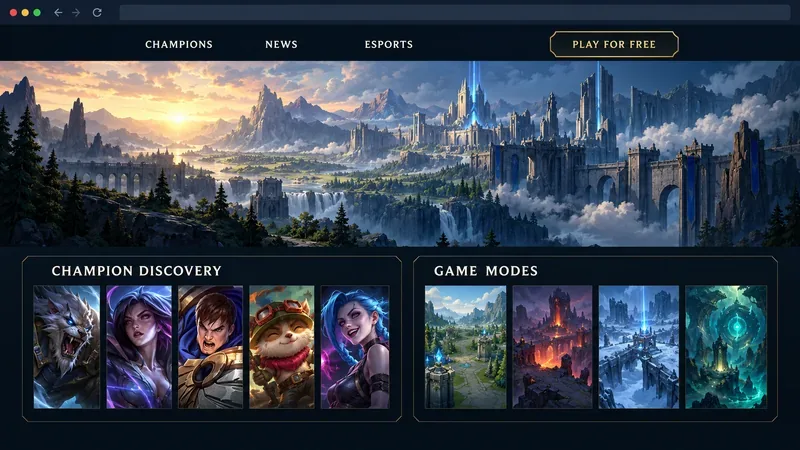
What is the official League of Legends website?
Riot’s League site brings together the public-facing information players most often need: a description of the game, ways to play, champion information, news, and a route to the installer. The current homepage introduces League as a five-versus-five strategy game and highlights champion discovery, featured news, and game modes. The How to Play guide explains the objective and basic systems, including lanes, turrets, jungle objectives, and champion abilities.
The site is useful whether you are new or returning. New players can learn the basics before downloading. Returning players can open the official LoL patch notes and announcements instead of relying on an old summary. Riot’s own pages are the best place to confirm what the company currently says about the game; they do not replace the live client for account-specific status, purchases, or match history.
How to download League of Legends from Riot
The game is advertised as free to play, and Riot provides installers for Windows and Mac from its official League of Legends download page. The basic process is:
- Open the official download page from leagueoflegends.com.
- Choose the installer for your computer and run the downloaded file.
- Follow the installer prompts. Riot’s support guidance says installation sets up the Riot Client, which handles the game download and installation.
- Open the client and sign in with your Riot Account, or follow Riot’s account setup prompts if you need one.
Reading the site does not require a game account. Playing does require signing in. The download page currently offers Windows and Mac installers, but that does not mean every computer is supported. Riot’s requirements have changed since the older article was written: its current requirements page, updated September 22, 2026, lists newer operating-system and hardware requirements than the old macOS 10.13 claim. Check the current system requirements before installing, especially if your computer is older. If installation fails, use Riot’s League client support articles.
Browse champions and learn the basics
The official champion directory currently describes a roster of more than 170 champions. You can open a champion’s page for Riot’s description and role information. If you are unsure who to try, the directory promotes a three-question “Discover Your Best Match” quiz that recommends a champion for your playstyle. Riot’s site also includes a beginner-friendly game overview, so you can understand the objective before choosing a character.
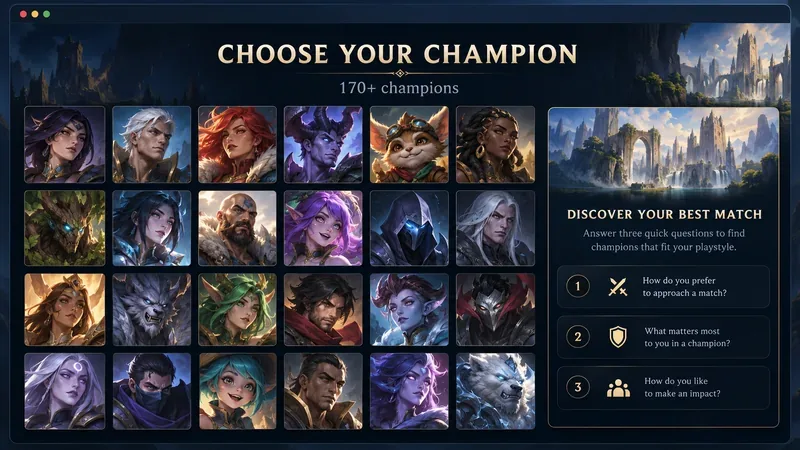
For broad orientation, read the official gameplay guide. It describes the five-player teams, the Nexus objective, lanes, turrets, jungle, and the five recommended positions. These pages are a reliable starting point for terminology and core rules. They are not a promise that every mode or detail stays unchanged: limited-time modes and game systems can rotate, so check Riot’s recent announcements for current availability.
Find current patch notes and game updates
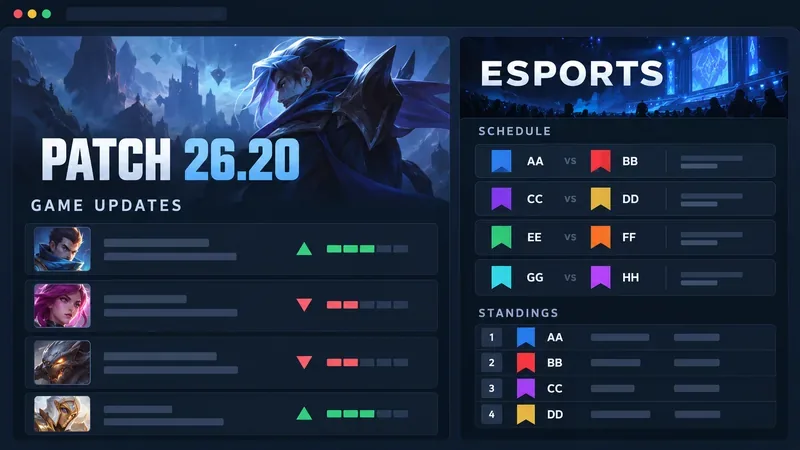
Riot publishes League changes in the Game Updates section. Patch pages are the place to check champion adjustments, item or system changes, bug fixes, and other release notes. As of the check date above, the latest listed entry was League of Legends Patch 26.20 Notes. Its notes include balance changes and updates for multiple game modes.
Do not rely on the old draft’s claim that patch notes arrive every two weeks. Riot’s actual publication schedule can shift, and a fixed cadence is less useful than the dated official update list. Bookmark the League of Legends game updates page, then check the newest entry when you want to know what changed.
Follow LoL esports on its official hub
Competitive League coverage is on lolesports.com, a Riot-operated destination separate from the main game site. Its pages provide regional and international event information, match schedules, standings, news, and watch links. Open the schedule or event page for current fixtures; use the event itself to confirm match details because dates and broadcast information can change during a season.
Quick links for common tasks
| What you need | Official destination |
|---|---|
| Start at Riot’s League site | leagueoflegends.com |
| Download the game | Download page |
| Browse the champion roster | Champions |
| Check game changes | Game Updates |
| Follow competitive matches | LoL Esports |
| Resolve account or client problems | Riot Player Support |
Frequently asked questions
What is the official Riot Games League of Legends page?
It is leagueoflegends.com. Riot also operates separate official sites for esports coverage and player support.
Can I download League of Legends for free?
Yes. Riot’s download page offers the game installers and describes League as free to play. Optional in-client purchases are separate from downloading the game.
Where can I see the newest League patch notes?
Use the official Game Updates page. It lists dated posts, so you can open the newest League patch article directly.
Start with Riot’s official pages
For an accurate overview, use the official Riot Games League of Legends page for the game, download, champion roster, and announcements. Keep Riot Player Support handy for technical or account questions, and use LoL Esports for schedules and competitive coverage. Those official destinations help you find current information without confusing game news, installation help, and esports updates in one place.









