How to Fix PUBG Stuck on “Initializing” on Steam

Fix PUBG stuck on Initializing on Steam with a focused checklist for PC service notices, launch options, game files, downloads, and connection issues.
If Roblox stays on “Waiting for Available Server”, check Roblox’s service status first, then find out whether the problem affects one experience, your connection, or the Roblox app on your device. Work through the checks below in order and retry after each change. If there is a Roblox outage, local troubleshooting usually cannot make the server come back sooner.
Roblox does not document this exact message as a standalone error with one guaranteed cause. Its support guidance says joining can be delayed during service issues, while connection problems can also involve an unstable connection, a firewall, or a damaged or outdated app. That means a server queue, network fault, and app glitch should not be treated as the same problem.
Open the official Roblox Status page and look for incidents affecting the player or game services. If Roblox reports a disruption, wait for service to recover and check the page again; repeated join attempts will not repair an outage.
If the status page looks normal, try joining a different experience. If only one experience hangs, the issue may be limited to that experience or its available servers. Check the creator’s official updates or try again later. If several experiences fail on the same device, continue with the connection and app checks below. Roblox’s general connection guide covers broader problems joining online experiences.
Exit the experience and close the Roblox app rather than leaving it in the background. On Windows, use Task Manager to close a Roblox process that will not exit normally. On a phone or tablet, force-close the app using your device’s app switcher or app settings. Reopen Roblox and try once. If the screen still hangs, restart the device before testing again. This clears a temporary client or device problem without changing account settings.
Open another app or website on the same device. If that also struggles, reconnect to Wi-Fi or restart your modem/router according to its instructions. Then test Roblox on a different connection if one is available, such as a phone hotspot, or use Ethernet on a computer. Pause large downloads or streams while testing. If Roblox works on a different network, the original Wi-Fi, router, or internet provider is a more likely source than the game itself.
Roblox does not promise that a particular download speed or ping will clear a server wait. A steady connection matters more than an arbitrary speed-test target. Avoid changing DNS settings or opening router ports as a first step; those changes can add new problems and may not address the cause.
Install any Roblox update offered by the official Roblox website or your device’s app store. Also install pending operating-system updates if your device is well behind. On mobile, check that the date and time are set correctly; Roblox’s platform troubleshooting guides include this check for app problems. Restart Roblox after updating, then try the experience again.
If Roblox works on another network but not on your computer, check whether your firewall or security suite is blocking Roblox. Roblox’s firewall and router guidance recommends allowing Roblox through the relevant program permissions. Add an exception for the official Roblox app if it is blocked, and turn protection back on after any brief diagnostic test. Do not leave your firewall or antivirus disabled.
On a school, workplace, or managed network, ask the network administrator to check access instead of editing router rules yourself. Roblox says its client uses dynamically selected outgoing ports, so forwarding a random single port is not a reliable general fix.
For Android, Roblox’s official troubleshooting steps include force-stopping, restarting, updating, reinstalling, and, if needed, clearing Roblox app data. Clearing app data can reset local app settings and may sign you out, so make sure you can log back in before using it. On iPhone or iPad, force-close and restart first; reinstall from the App Store only if those checks do not help, following Roblox’s iOS troubleshooting guidance.
On Windows or Mac, use Roblox’s official reinstall instructions. Download the installer from Roblox or the platform’s official store. Avoid deleting folders or changing system files based on an unverified “cache fix.”
If the issue persists across multiple experiences and networks after the checks above, submit a request through Roblox Support. Include your username, device model and operating-system version, the experience name, the exact message, when the issue began, and which steps you tried. A screenshot can help show the message, but crop out personal information. Never include your password.
| Platform | Start with | If that does not work |
|---|---|---|
| Windows or Mac | Close Roblox, restart the computer, and test another experience. | Check firewall permissions; reinstall from Roblox’s official instructions. |
| Android | Force-stop Roblox, reopen it, and restart the device. | Update or reinstall from the official store; consider clearing app data only after confirming you can sign back in. |
| iPhone or iPad | Force-close Roblox, reopen it, and restart the device. | Update or reinstall Roblox from the App Store. |
| Xbox or PlayStation | Restart the console and router, then run the console’s built-in network test. | Check Roblox Status and the console maker’s service status; contact Roblox Support if other experiences also fail. |
The fastest useful path is to check Roblox Status, test another experience, and then compare your connection. Those checks tell you whether to wait for Roblox, troubleshoot a single game, or repair something on your device.
Fix PUBG stuck on Initializing on Steam with a focused checklist for PC service notices, launch options, game files, downloads, and connection issues.
Fix Brawl Stars stuck at 92% loading with an ordered checklist for service notices, network tests, safe updates, Android cache, and account-safe reinstalling.
Best Dead by Daylight visual filter settings start with a small Gamma lift, neutral color and contrast, and a quick check for dark corners, fog, and bright lights.
Find the Steam and EA app fields for Apex Legends launch options, use EA’s documented FPS command, and see why +exec autoexec.cfg remains unverified.
Reduce input lag on a Nintendo Switch dock for Smash Ultimate with TV Game Mode, a direct HDMI test, controller checks, and online-latency troubleshooting.
Find the best EA SPORTS FC audio settings for a clearer referee whistle: tune Stadium Ambience and Commentary, then troubleshoot output or timing issues.
Compare the best Attack Move Click keybinds in League of Legends—A, Shift + right-click, mouse side buttons, and left-click—with setup and kiting tips.
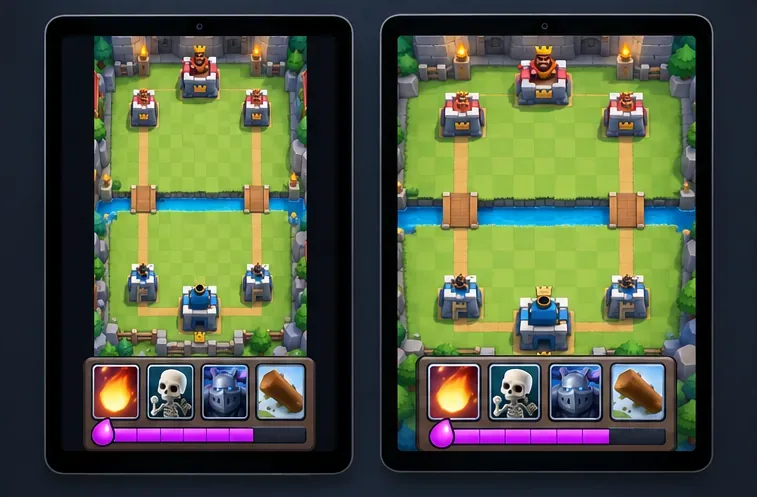
Find the best tablet aspect ratio setup for Clash Royale, compare Android display-fit choices, and check iPad full-screen framing without cropping the arena.
Fix Warzone Dev Error 6068 on startup with safe PC checks for updates, overlays, graphics drivers, game-file repair, and clean boot troubleshooting.
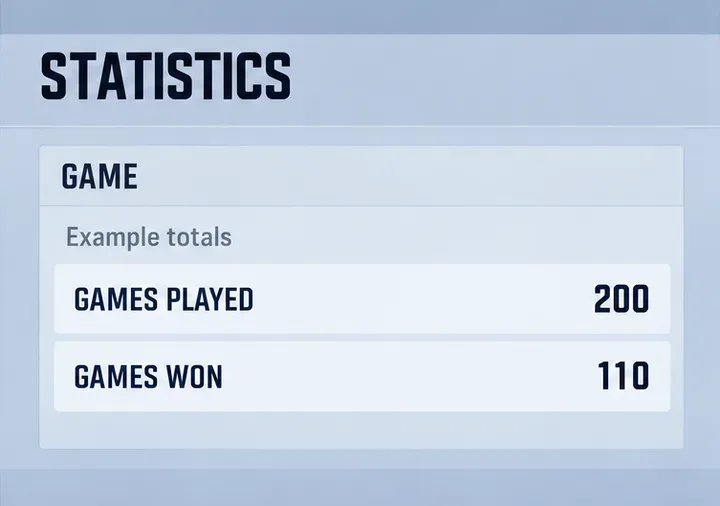
Check your Overwatch 2 overall match win rate with Career Stats, matching game totals, and the right filters—without mistaking hero percentages for match results.