Home
» 🎮 Esports
»
Roblox Crashing or Not Loading? 8 Fixes to Get It Working Again
Roblox Crashing or Not Loading? 8 Fixes to Get It Working Again
Roblox Crashing or Not Loading? 8 Fixes to Get It Working Again
If Roblox keeps crashing, hangs on a loading screen, or will not launch, first check whether Roblox itself is having an outage. If the official status page shows no relevant incident, work through the checks below in order: fully close and restart the app, test your connection, update Roblox from its official source, and then repair or reinstall the client if needed. These steps cover common Roblox crashing and Roblox not loading problems on computers, phones, and consoles without relying on unsupported “success rate” claims.
Try Roblox again after each step. If it starts working, stop there; changing several settings at once makes the cause harder to identify.
Quick diagnosis: what does the Roblox error mean?
What you see
What to check first
Roblox fails on multiple devices or the website also behaves strangely
Check the official Roblox status page for an active incident.
Roblox will not open, loops through installation, or closes immediately
Restart the device, update the official app, then repair or reinstall it.
Error 279 / ID=17 while joining
This usually points to a connection problem between the app and Roblox servers.
Error 267 in one specific experience
This code can mean the experience creator banned the account from that experience; reinstalling will not remove that ban.
Error 280
Roblox says the client may be out of date; update it from the same official source used to install it.
Roblox joins but stutters or crashes during play
Close other high-resource apps and test a lower graphics quality.
1. Check Roblox’s live service status
Before changing your device, open Roblox Status. Look for an incident affecting the website, player, mobile app, game join, or the platform you use. Status can change, so check it while the problem is happening. If Roblox confirms an outage, local reinstall steps are unlikely to help; wait for the service update and try again afterward.
If the status page is clear but only one experience fails, try joining a different experience. A problem limited to one experience may belong to that experience rather than your Roblox app.
Use the live Roblox Status page to see whether a reported incident matches the feature that is failing.
2. Fully close Roblox, then restart your device
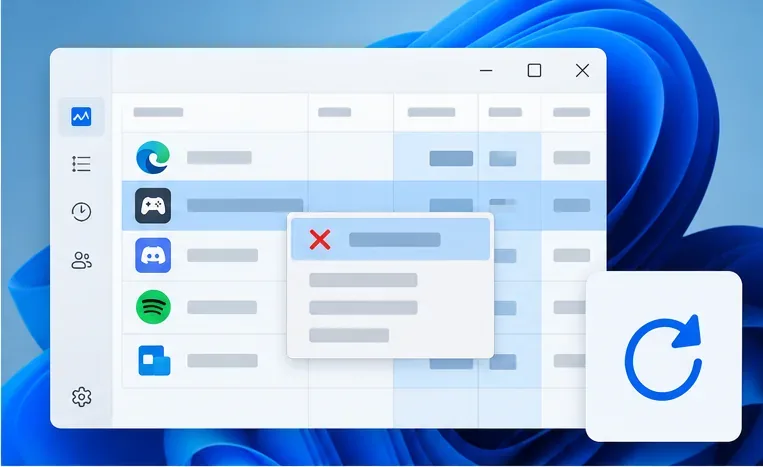
A frozen client can stay open in the background and block a clean relaunch. Close Roblox completely, then open it again. On Windows, use Task Manager to end only the Roblox app or launcher if it is still listed. On macOS, use Force Quit. On a phone or tablet, swipe Roblox away from the recent-apps view or use the device’s force-stop option. Then restart the computer, phone, tablet, or console and launch Roblox again.
This is the quickest check for Roblox crashing on startup or an endless loading screen. Do not end unrelated system processes in Task Manager.
Close only the Roblox client or launcher, then restart the device before testing again.
3. Test the internet connection
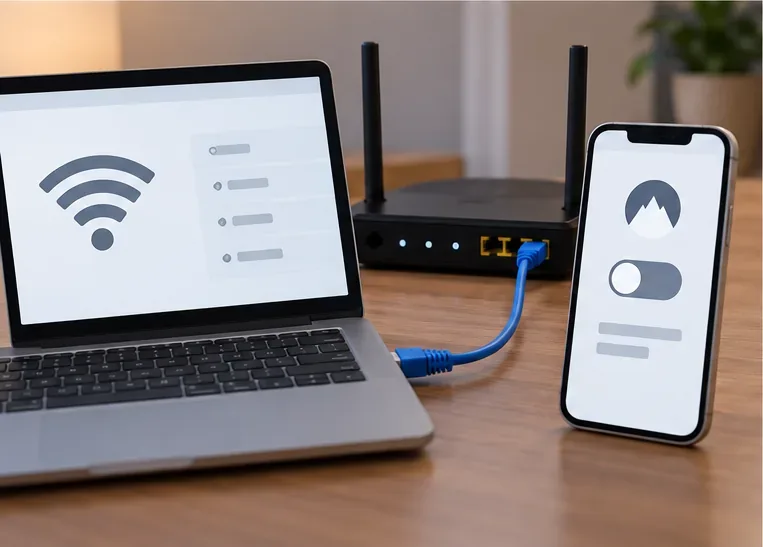
Roblox error 279/ID=17 is a connection error: Roblox’s client and servers are having trouble establishing a network connection. Check that other websites or online games load normally, then retry Roblox. If you are on Wi-Fi, move closer to the router or test a wired connection. If available, compare with another trusted network, such as a phone hotspot; this helps show whether the issue follows the device or the network.
If Roblox works on another network, restart your router and check whether a firewall, security app, VPN, proxy, school network, or workplace network is filtering game traffic. Change one item at a time. For managed networks, ask the administrator rather than trying to bypass their restrictions. Roblox’s connection troubleshooting guide lists additional checks.
Compare Wi-Fi with Ethernet or another trusted network to isolate a connection problem.
4. Update Roblox from its official source
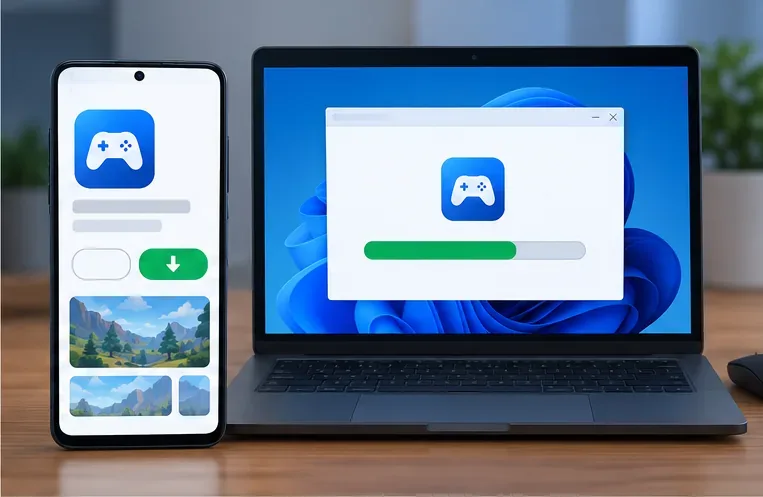
An outdated app can stop a launch or block joining. Update Roblox through the same official source you used to install it: Roblox’s website or Microsoft Store on Windows, the App Store on iPhone or iPad, and Google Play on Android. On a console, check the console’s game-update screen. Avoid unofficial download sites and modified Roblox apps.
If the message is Error Code 280, updating is the right first move. Also install available operating-system updates if your device is far behind; Roblox recommends current mobile operating systems in its platform troubleshooting guidance. See Roblox’s official Microsoft Store app information if you use Roblox on Windows.
Install updates only through the official app store or Roblox download page.
5. Reset local app data on Android
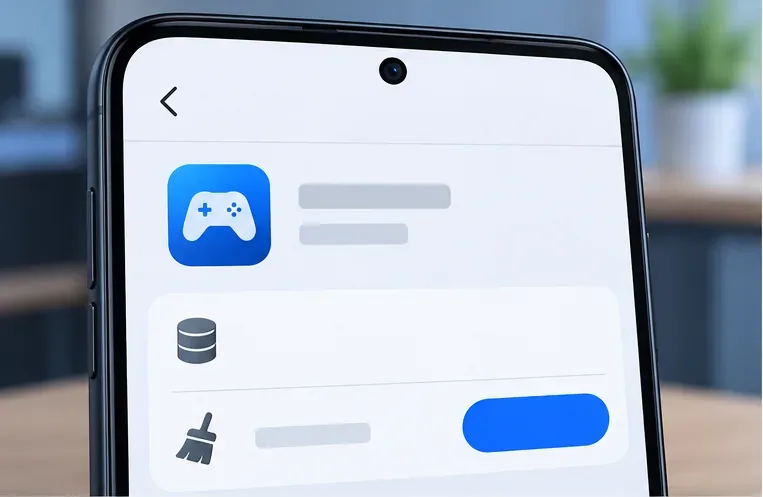
If Roblox still opens to a blank screen or crashes on Android, force-stop it first. If that does not help, open your device’s Settings and find Roblox under Apps. Choose Storage, then Clear data or the similarly named option on your device. Menu names vary by Android version. Clearing data resets the local app state and may sign you out, so make sure you know how to access your account before continuing.
On iPhone and iPad, Roblox’s support steps focus on force-closing, restarting, updating, or reinstalling the app. There is no need to hunt for an Android-style “clear data” control on iOS. Use the platform-specific Android or iOS troubleshooting instructions.
On Android, clear Roblox’s local app data only after confirming you can sign back in.
6. Reinstall Roblox if files appear corrupted
Reinstall only after restarting and updating have failed. First close Roblox and other programs that may be using it. Uninstall the app using your device’s normal app settings, restart if prompted, and reinstall from Roblox.com or the official store for your platform. Roblox’s official reinstall guide notes that reinstalling can replace damaged or missing files.
On desktop, avoid deleting random folders or running cleanup commands copied from forums. On Android, do not sideload an APK from an unofficial site. On Xbox or PlayStation, follow the platform’s own remove-and-reinstall instructions. If you cannot sign in afterward, use Roblox’s account recovery process rather than making a second account.
A clean reinstall can replace damaged client files; use the official source for your device.
7. Check firewall or security-app permissions
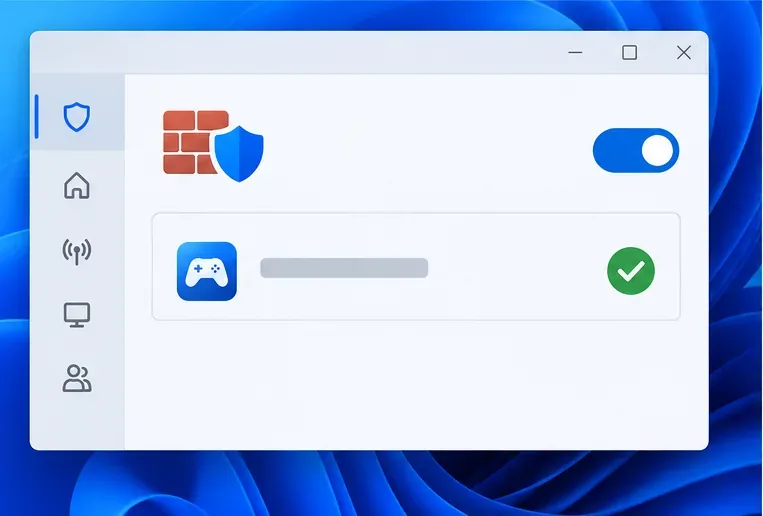
If Roblox launches but cannot connect, a firewall or security product may be blocking it. Keep protection enabled and check the program’s app-permissions list for the official Roblox client. Allow Roblox only if the file and publisher match the client you installed, and follow the security product’s own instructions. Do not turn off your firewall permanently or add broad network rules as a guess.
Roblox’s firewall and router guide explains how to review program permissions. If you use a school or work connection, contact its administrator. If the error appeared after a security-software update, check that vendor’s support page for a false-positive or allow-list procedure.
Review the app allow list while leaving firewall protection turned on.
8. Reduce graphics load and close conflicting apps
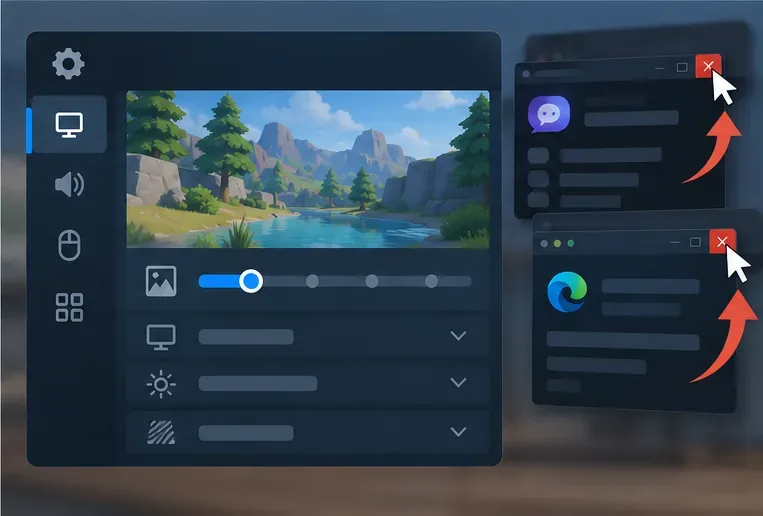
If Roblox reaches an experience before stuttering or crashing, close other demanding apps and test with lower graphics quality. While in an experience, open the Roblox menu, choose Settings, change Graphics Mode to Manual, and move the Graphics Quality slider to the left. This reduces visual quality to ease the load on the device. Roblox documents these controls in its Graphics Quality guide.
If the client shows a graphics initialization error or crashes across many experiences, update the graphics driver only through the computer or graphics-card manufacturer’s official support page. If the crash names incompatible third-party software, close that specific program and consult Roblox’s anti-cheat and incompatible-software guidance. Do not install third-party “driver fixer” utilities.
Lower graphics quality and close unnecessary high-resource apps if Roblox starts but crashes during play.
Know when a code is not a loading problem
Error 279/ID=17 means the client is having trouble connecting to a game server. Error 267 can mean the creator of a specific experience banned the account from that experience; Roblox says that ban is not issued by Roblox Support and only the creator can address it. Error 280 points to a possibly outdated version. These codes need different next steps, so record the full message instead of treating every number as a reinstall problem. Roblox maintains an official Error 279/ID=17 article, Error 267 explanation, and Error 280 guide.
Still asking “why won’t Roblox work”?
For PlayStation or Xbox launch failures, Roblox directs players to the console maker’s troubleshooting steps: PlayStation app troubleshooting and Xbox app troubleshooting. For a persistent issue on any device, contact Roblox Support with your username, device model, operating-system version, exact error message, the experience affected, and the steps you already tried. A screenshot of the error can help support understand what is happening.
In short, check the live status, restart once, test the connection, update from an official source, and then move to device-specific repair. That sequence addresses the most common reasons Roblox will not work while keeping account and device settings intact.