Home
» 🎮 Esports
»
PUBG Mobile Royale Pass Reset: Check the Exact Time and Claim Elite Rewards
PUBG Mobile Royale Pass Reset: Check the Exact Time and Claim Elite Rewards
PUBG Mobile Royale Pass Reset: Check the Countdown and Claim Rewards
There is no reliable first-of-the-month reset time for every PUBG Mobile Royale Pass. The pass follows its own season schedule, and the exact closing time for your account is the countdown shown in the game lobby. As of October 16, 2026, the official global site lists Royale Pass A21. PUBG MOBILE’s Japan update notice gives A21’s start as September 12, 2026, at 11:00 a.m. Japan Standard Time (JST, UTC+09:00), or 02:00 UTC that same day. That is a published regional start time, not proof that every region’s pass always changes at 2:00 a.m. UTC. Check your in-game timer before spending UC or leaving rewards unclaimed.
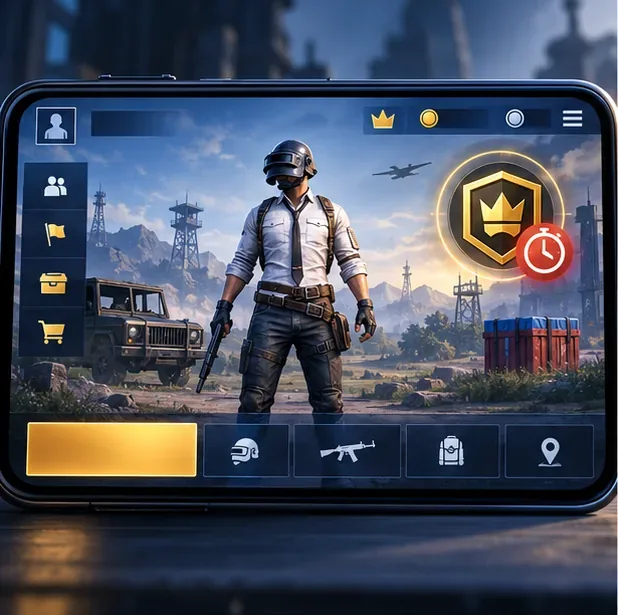
Illustration of a lobby timer check; the actual in-game layout can vary by version and server.
What the current Royale Pass schedule actually confirms
The old claim that the PUBG Mobile Royale Pass reset happens at 2:00 a.m. UTC on the first of every month is not supported by the current official schedule. The global A21 page confirms the pass and its reward tracks, while the official PUBG Mobile Help Center says the pass remains usable until the current season ends and tells players to check the remaining time from the lobby. It does not publish one permanent monthly clock for every server.
Here is the useful distinction as of October 16, 2026:
What you are checking
Verified information
How to use it
Current Royale Pass
The official global page lists Royale Pass A21.
Open your pass in the game and use its live countdown for your account.
A21 start in the Japan notice
September 12, 2026, 11:00 a.m. JST (UTC+09:00), which is September 12, 02:00 UTC.
Treat this as the Japan-published schedule, not a universal end-time rule.
Pass expiration
The Help Center directs players to the remaining-time display in the lobby.
Use the live countdown instead of assuming the pass closes on the first.
Ranked-season reset
It has its own season control and schedule.
Do not use a Ranked or Season countdown as your Royale Pass deadline.
The current A21 page also describes Free, Elite, and Elite Plus tracks. It lists Elite benefits such as access to level rewards and Elite Missions, and says the A21 pass can return up to 720 UC through progression. Check the in-game purchase screen for the price and terms shown in your version; those can vary by region and offer.
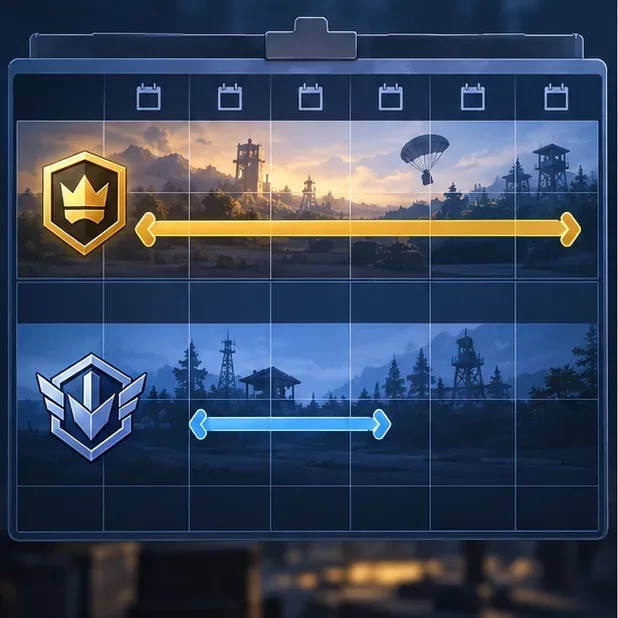
Royale Pass and ranked-season schedules are separate timers.
How to find your exact PUBG Mobile Royale Pass reset time
Start from the game lobby. Check the current Royale Pass or season countdown shown there. PUBG Mobile support identifies the lobby as the place to find the remaining time.
Open the Royale Pass reward page. Confirm that the timer belongs to the pass, then review the current pass name and reward track. The pass name helps you avoid mixing it up with a ranked season or a separate event.
Recheck near the end. If you are planning a purchase or have points to spend, look again before the countdown reaches zero. A maintenance notice, regional schedule, or version update can make a calendar estimate unreliable.
If the game presents a countdown rather than a dated timestamp, treat that countdown as the practical deadline for your account. The official A21 landing page does not provide a single global closing hour to replace it.
Claim Elite rewards before the pass closes
Unlocking a reward and collecting it are different actions. Before the timer expires, scan the track from your current level through the rewards you have earned. Tap each available claim control, and use any Royale Pass points on rewards you want while the redemption page is available. The official A21 page says players earn points through daily missions, challenge missions, weekly challenges, events, and some crates; exact tasks and rewards can change between passes.
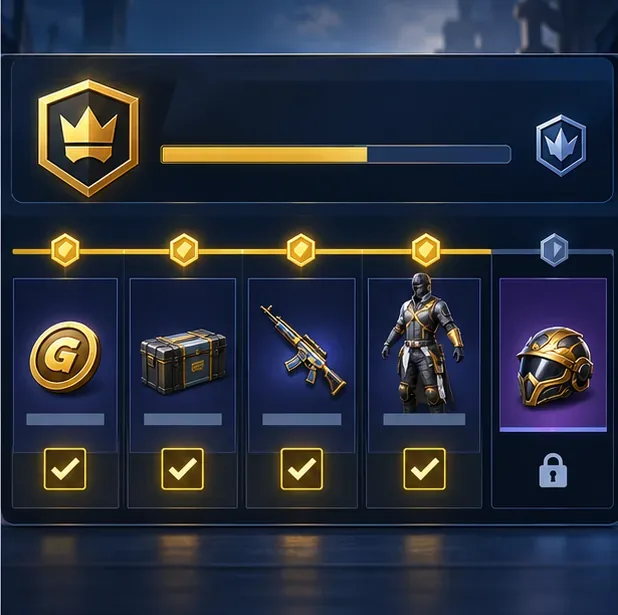
Review each unlocked reward and claim it while the pass is active.
Check both tracks. The Free Pass is open to all players; Elite unlocks additional level rewards and missions. Elite Plus includes the Elite content and its current listed bonuses.
Read the current offer first. Don’t rely on old guides for UC prices, upgrade bonuses, or reward values. Review the in-game purchase panel for your account and region.
Claim items as you unlock them. This reduces the chance of forgetting a reward during the final hours. Keep valuable purchase receipts if you need to contact official support.
Review the redemption rules before expiration. Use the current in-game instructions for any remaining Royale Pass points instead of assuming they carry over to another pass.
Earned cosmetic items are generally intended to remain in your inventory, but the pass itself and its redemption window are seasonal. The safest approach is to collect every reward and redeem remaining points before the timer ends.
Royale Pass reset vs. ranked-season reset
These schedules are easy to confuse because both appear in the game and can change around the same update. A Royale Pass reset closes one reward track and brings in another. A ranked-season reset changes the competitive season and its rank-related rewards. A limited-time event may have yet another countdown. PUBG Mobile support handles Royale Pass duration and season duration in separate help articles, so check the timer attached to the feature you care about.
This is why a “monthly reset” table listing one clock for UTC, the United States, Europe, India, and Asia can mislead players. It assumes the pass always changes on the first, applies one UTC time across regions, and can confuse local daylight-saving rules. For A21, the cited Japan start is in JST, which does not observe daylight saving time; the equivalent UTC time is 02:00. Use your own in-game countdown for the closing time.
A simple plan for the rest of the pass
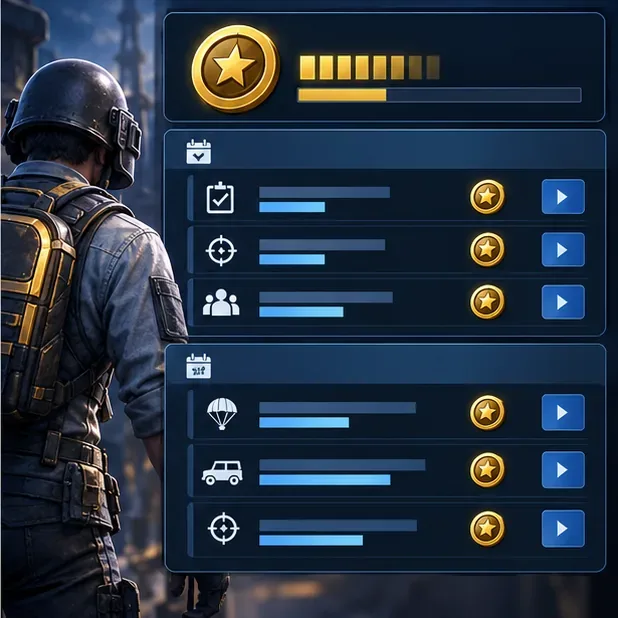
Use the missions listed in your current pass to plan progress without relying on outdated mission advice.
Check your time remaining today. Record the countdown and compare it with the reward levels you still want.
Prioritize missions you can finish naturally. Work through the daily and weekly tasks shown in your pass, then use event missions for extra points when available.
Decide on Elite only after checking progress. Compare the rewards you have already earned, the remaining days, and the current purchase terms. Buying late does not automatically complete the track.
Make a final claim check. Before the countdown ends, revisit the reward track and redemption page, claim unlocked items, and spend any remaining points.
This approach avoids rushed purchases and protects rewards you have already earned. It also keeps the PUBG Mobile Royale Pass reset separate from the Ranked schedule, so you can plan around the timer that actually controls your rewards.