Home
» 🎮 Esports
»
PUBG Mobile Notifications Not Showing on Android? 8 Fixes to Try
PUBG Mobile Notifications Not Showing on Android? 8 Fixes to Try
PUBG Mobile Notifications Not Showing on Android? 8 Fixes to Try
If PUBG Mobile notifications are not showing on Android, start at Settings > Apps > PUBG MOBILE > Notifications and turn on the app’s notifications. Then check whether alerts are set to silent, a Do Not Disturb mode is active, or Android has restricted background activity or data. Menu names vary across Android versions and manufacturers, so use the Settings search box if a path looks different.
These steps troubleshoot alerts delivered to your phone while PUBG MOBILE is in the background. A notice that appears only inside the game is controlled by the game itself; Android settings cannot make the game send a push alert it does not offer. The screen images below are generic examples, not exact screenshots of every Android phone.
1. Open PUBG MOBILE’s Android app settings
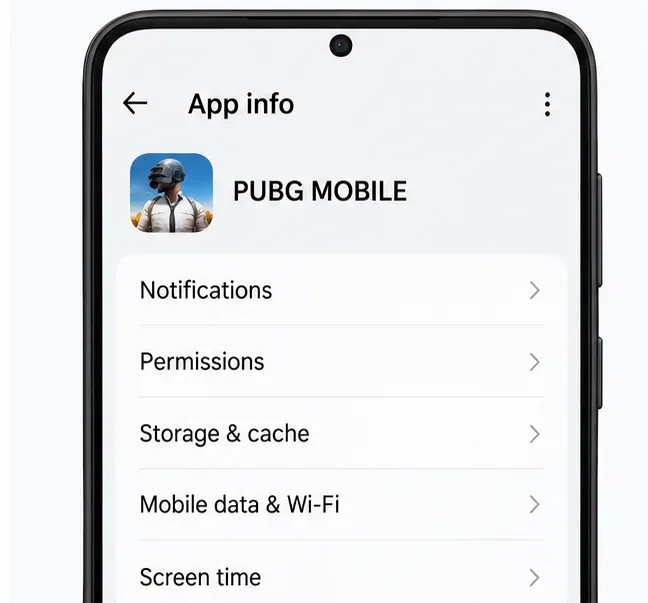
Open Settings, tap Apps or Apps & notifications, and choose PUBG MOBILE. If it is not in the list, tap See all apps or search Settings for the game’s name. On some phones, you can also long-press the game icon and tap App info.
Open App info and choose Notifications; the menu layout can differ by phone.
2. Allow app notifications
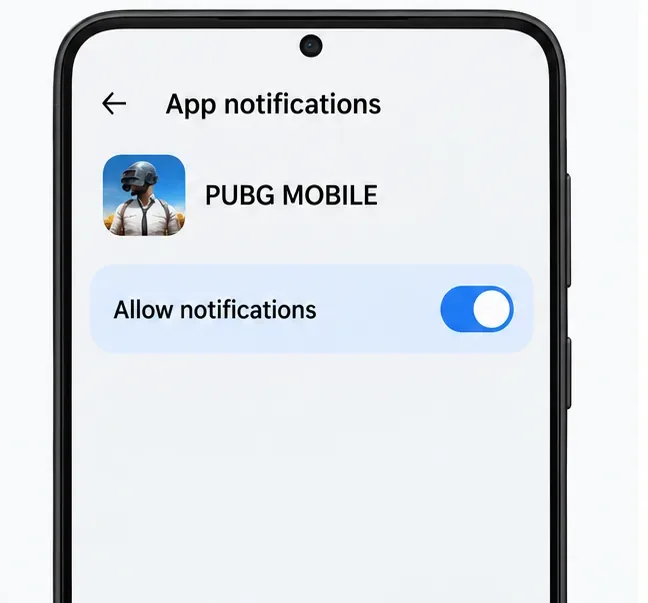
On the game’s App info page, open Notifications and switch on Allow notifications (the wording may be slightly different). On Android 13 and later, apps use a runtime notification permission, so a denied permission can stop ordinary app alerts. You can change that permission here even if you dismissed the prompt when PUBG MOBILE first asked. See Google’s Android notification permission guide and Android notification settings help.
Make sure the main Allow notifications control is enabled.
3. Check notification categories and alert style
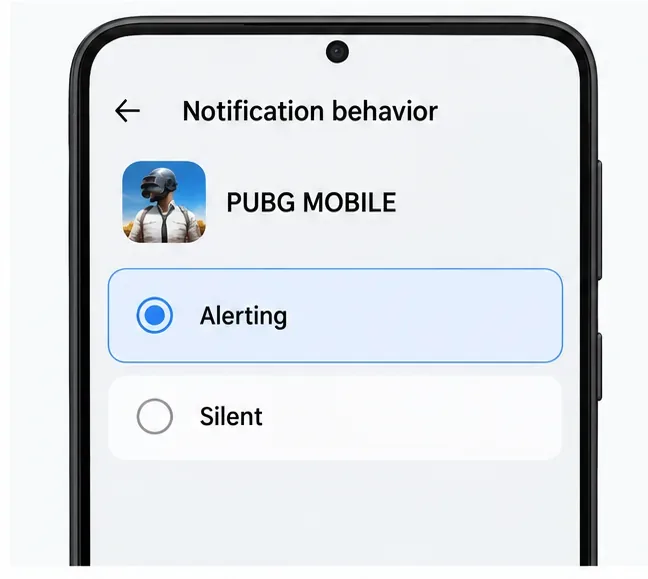
If the main switch is already on, inspect the options below it. Android apps can use notification categories, and some phones let you control each category separately. Turn on the relevant category if it is disabled. If PUBG MOBILE appears as Silent, change it to Alerting if you want a sound or banner. Silent notifications can still appear in the notification shade without making a sound or vibrating. Category names depend on what the current app version provides; do not worry if your phone does not show a specific label such as “events” or “invites.” Google explains the difference between alerting and silent notifications in its app notification guide.
Choose Alerting when you want a visible or audible alert instead of a silent entry.
4. Turn off Do Not Disturb or allow the game through
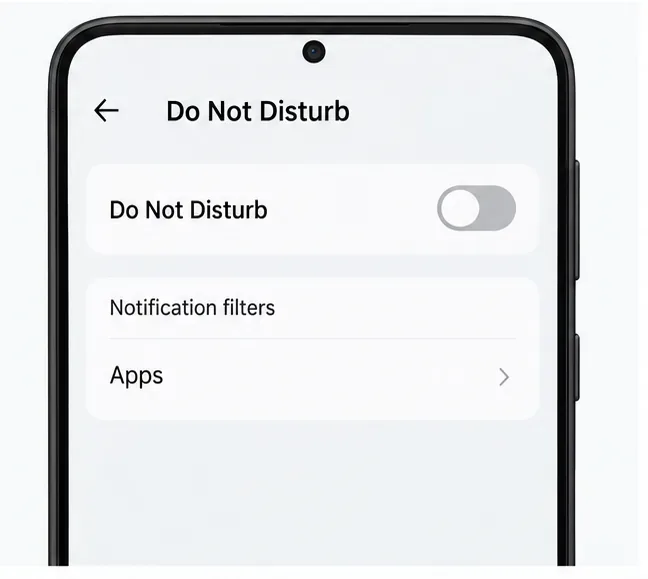
Swipe down to Quick Settings and look for Do Not Disturb, Bedtime, Driving, or another active mode. Turn off the mode temporarily and check for schedules that switch it back on automatically. If you want to keep the mode enabled, open its notification filters and allow PUBG MOBILE, if your Android version offers that option. Google notes that mode and filter labels can vary by device; use its Do Not Disturb and Modes instructions as a reference.
Check both the current mode and any scheduled rules or app filters.
5. Check battery restrictions without disabling optimization everywhere
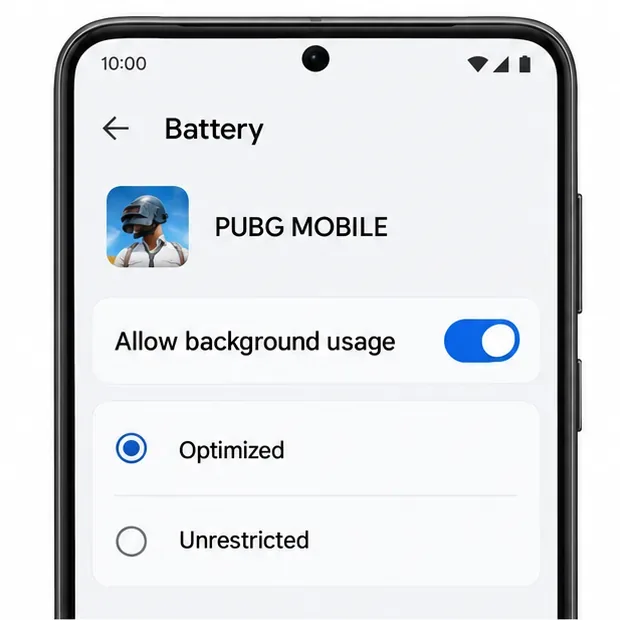
Open Settings > Apps > PUBG MOBILE > App battery usage or the closest battery option on your phone. Make sure background use is allowed and that the game is not marked Restricted. Labels and controls differ: many devices can keep an app optimized while still permitting background activity. Avoid turning off Adaptive Battery or battery optimization globally as a first step.
On Samsung Galaxy phones, check Settings > Battery and device care > Battery > Background usage limits. If PUBG MOBILE is listed under Sleeping apps or Deep sleeping apps, remove it from that list. Samsung says deep-sleeping apps cannot run in the background normally; see its guide to sleeping apps.
First make sure the app is not restricted or put to sleep; optimization can remain on.
6. Allow background data if Data Saver is enabled
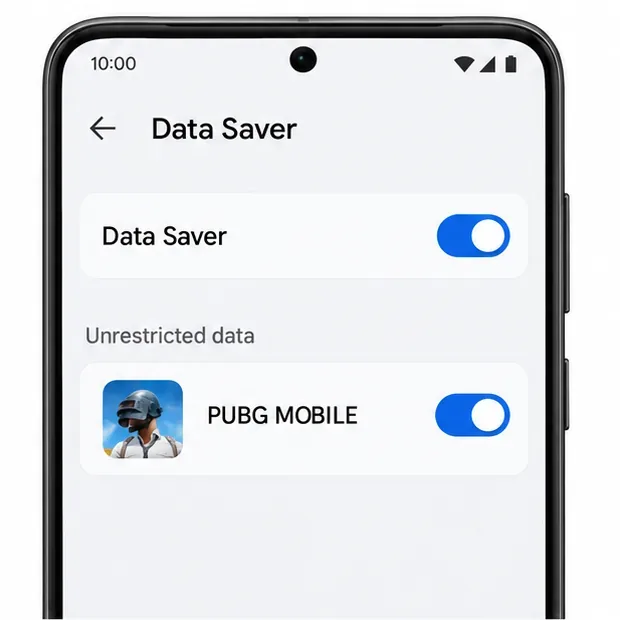
Notifications may be delayed when an app cannot use data in the background. In PUBG MOBILE’s App info, look for Mobile data & Wi-Fi or Data usage and allow background data. If Data Saver is on, open its unrestricted-data list and permit PUBG MOBILE, if available. You can also compare Wi-Fi with mobile data to see whether the issue is tied to one connection. Google’s background data instructions note that settings vary by Android version.
Allow the game through Data Saver only if you keep Data Saver enabled.
7. Clear the cache, not app storage
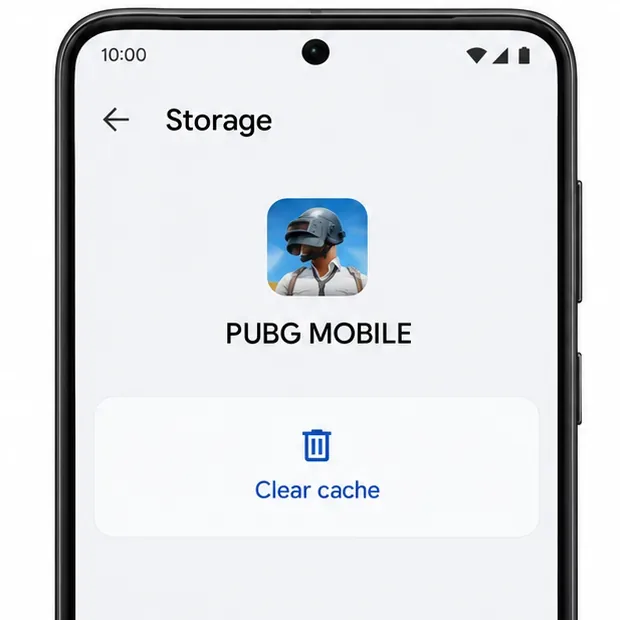
If permissions and background settings look right, go to Settings > Apps > PUBG MOBILE > Storage and tap Clear cache. Then reopen the game and restart the phone. Clearing the cache removes temporary files; Clear storage or Clear data is a different action that can reset local app data and require you to sign in again. Do not use it unless your account is linked and you know how to access it.
Use Clear cache; avoid Clear storage or Clear data during routine notification troubleshooting.
8. Update the game and check notification history
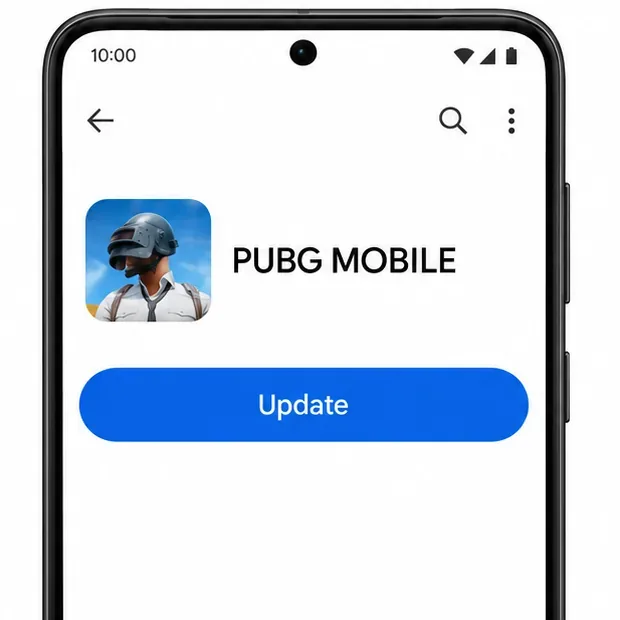
Open the official PUBG MOBILE listing on Google Play and install an update if one is available. Restart your phone, then check again after an alert you expect. If your phone supports Notification history, look under Settings > Notifications. If PUBG MOBILE appears there, Android received a notification; revisit its category, silent-alert, or lock-screen settings. If it does not appear, the game may not have sent a push alert, so check any relevant notification option in the current game version or contact PUBG MOBILE Player Support.
Install an available update from Google Play, then restart and check again.
Reinstalling should be a last resort. Before removing the game, confirm your account is linked, you know the sign-in method, and you are prepared to download game resources again. A reinstall cannot fix a notification the game does not send.
Quick checklist
Allow notifications is on for PUBG MOBILE.
The relevant category is enabled and not set to silent.
Do Not Disturb and automatic modes are off or allow the game.
The game is not restricted, sleeping, or blocked from background use.
Background data is allowed when Data Saver is active.
You cleared cache, updated the app if needed, and checked Notification history.
If every phone setting is correct but no PUBG MOBILE push alert appears, the remaining issue may be specific to the game’s current alert behavior or service. Use Player Support to report what alert you expected, your Android phone model, and whether other apps still notify normally.