How to Fix PUBG Stuck on “Initializing” on Steam

Fix PUBG stuck on Initializing on Steam with a focused checklist for PC service notices, launch options, game files, downloads, and connection issues.
If PUBG Mobile keeps relaunching after closing, first check whether the game is actually opening by itself or whether it crashed and reloads the next time you tap its icon. A game that returns to the home screen is usually a crash or forced stop; a game that comes back to the foreground without a tap may point to a device routine, launcher, or another app. Try the fixes below in order, changing one thing at a time so you can identify what helped.
There is no universal “stop relaunching” switch for every Android phone and iPhone. Menu names vary by manufacturer and software version. Battery optimization is not a proven cure for an app that visibly opens itself, so start with the checks that distinguish a crash from an automatic launch.
| What you see | What it may mean | Start here |
|---|---|---|
| The game closes to the home screen and stays there | A crash or force stop | Restart the phone, update the game, then clear Android cache |
| The game returns only after you tap its icon | The app is reopening normally, possibly after a crash | Use the crash fixes below and note where the game stopped |
| The game appears in front without you tapping it | A routine, shortcut, launcher feature, or another app may be involved | Review user-created automations and recently installed utility apps |
On Android, background apps are restricted from launching screens in many situations. That makes a user-created trigger or a device-specific behavior worth checking when an app truly comes to the foreground on its own. It does not, by itself, prove that PUBG Mobile or another app is responsible.
On Android, open Settings > Apps > PUBG MOBILE (the wording can vary), tap Force stop, then restart the phone. Open the game once after the restart. This clears a stuck app process and is a low-risk first step.
On iPhone or iPad, open the App Switcher, swipe up on PUBG Mobile to close it, restart the device, and launch the game again. Apple recommends closing and reopening an unresponsive app and restarting the device when needed. If the game still crashes, continue with the update and reinstall steps.
Install any available PUBG Mobile update from the same official store you used to install it. On Android, check Google Play’s app updates; on iPhone or iPad, check the App Store. Then check for an Android or iOS update in the device’s settings and restart after installing it. Do not install an APK from an unofficial download site to try to fix a PUBG Mobile crash; an altered or mismatched package can introduce more problems.
If the problem continues on Android, open Settings > Apps > PUBG MOBILE > Storage & cache and choose Clear cache. Paths and labels vary by phone. Clear the cache only at this stage: Clear storage or Clear data can remove local app data and may require you to sign in and download game resources again. iOS does not provide the same universal per-app cache button, so skip this step on an iPhone rather than changing unrelated settings.
If PUBG Mobile visibly comes to the foreground without a tap, check automations you set up yourself. On iPhone, open the Shortcuts app and review the Automation tab for a personal automation that opens PUBG Mobile. On Android, look in any routines, automation, or gaming tools you use for an action that launches the game. Turn off only a trigger that clearly matches the behavior, then test again.
A third-party utility can change how apps are managed, but do not assume every game launcher causes a relaunch. If this started after installing a cleaner, booster, alternate launcher, or automation tool, temporarily disable that app’s game-start or automation features—or uninstall that one app if you no longer need it. Test after each change. Avoid granting broad permissions to unfamiliar “fix” apps, and do not disable accessibility or security features you rely on just to experiment.
Low free space can contribute to app and system instability. Google says an Android device may start having problems when less than 10% of its storage is free, so check Settings > Storage and remove downloads or apps you no longer need if space is tight. If the phone is unusually hot, stop playing and let it cool in a ventilated place before testing again. Heat can contribute to performance problems or crashes; it does not prove that the phone is intentionally reopening the game.
Reinstalling can replace damaged app files, but deleting the app may erase local data. Before uninstalling, make sure your PUBG Mobile account is linked to a sign-in method you can access and that you know which method you used. Be especially careful if you play as a guest. Then reinstall from the same official store and test before restoring optional tools or overlays.
If the PUBG Mobile relaunching issue remains, contact PUBG Mobile Player Support through the game’s Customer Service option or the official support site. Include your phone model, OS version, game version, whether the game closes or opens without a tap, and the troubleshooting steps you tried. That gives support useful details without guessing at a device-specific cause.
After each change, open the game once and observe what happens when you leave it. Avoid changing several battery, permission, and launcher settings together; that makes it harder to identify the trigger and can affect other apps. If only PUBG Mobile crashes while other apps work normally, send the details to the game’s support team. If the whole phone restarts or crashes, contact the device manufacturer as well.
Fix PUBG stuck on Initializing on Steam with a focused checklist for PC service notices, launch options, game files, downloads, and connection issues.
Fix Brawl Stars stuck at 92% loading with an ordered checklist for service notices, network tests, safe updates, Android cache, and account-safe reinstalling.
Best Dead by Daylight visual filter settings start with a small Gamma lift, neutral color and contrast, and a quick check for dark corners, fog, and bright lights.
Find the Steam and EA app fields for Apex Legends launch options, use EA’s documented FPS command, and see why +exec autoexec.cfg remains unverified.
Reduce input lag on a Nintendo Switch dock for Smash Ultimate with TV Game Mode, a direct HDMI test, controller checks, and online-latency troubleshooting.
Find the best EA SPORTS FC audio settings for a clearer referee whistle: tune Stadium Ambience and Commentary, then troubleshoot output or timing issues.
Compare the best Attack Move Click keybinds in League of Legends—A, Shift + right-click, mouse side buttons, and left-click—with setup and kiting tips.
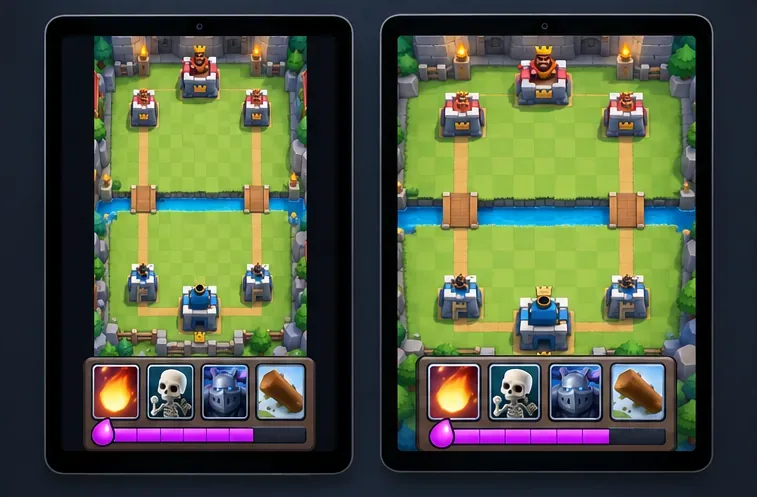
Find the best tablet aspect ratio setup for Clash Royale, compare Android display-fit choices, and check iPad full-screen framing without cropping the arena.
Fix Warzone Dev Error 6068 on startup with safe PC checks for updates, overlays, graphics drivers, game-file repair, and clean boot troubleshooting.
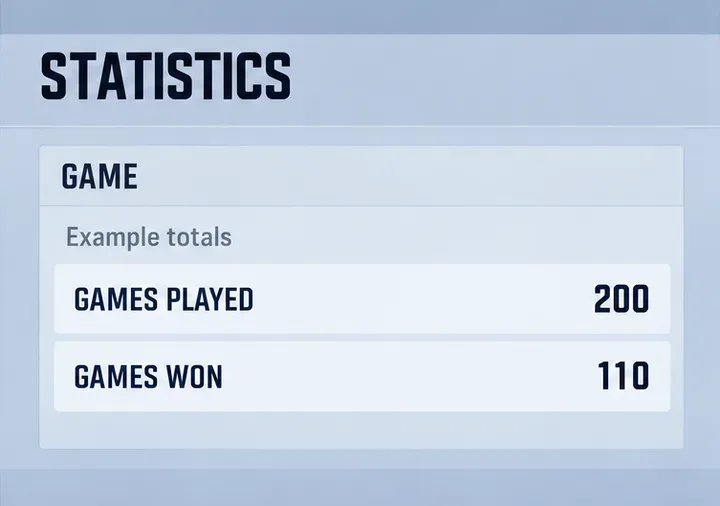
Check your Overwatch 2 overall match win rate with Career Stats, matching game totals, and the right filters—without mistaking hero percentages for match results.