Home
» 🎮 Esports
»
PS5 Internal SSD vs. External SSD: Which Is Faster for Gaming?
PS5 Internal SSD vs. External SSD: Which Is Faster for Gaming?
PS5 Internal SSD vs. External SSD: Which Is Faster for Gaming?
A PS5 internal M.2 SSD is the faster choice for playing PS5 games because it installs in the console’s expansion slot and can launch PS5 titles directly. An external USB SSD is useful for storing games and playing PS4 titles, but PS5 games on it must be copied back to the console or an M.2 drive before you can play them. For most libraries, the best setup is a compatible M.2 SSD for games you play often and a USB drive for PS4 games or PS5 games you want to archive.
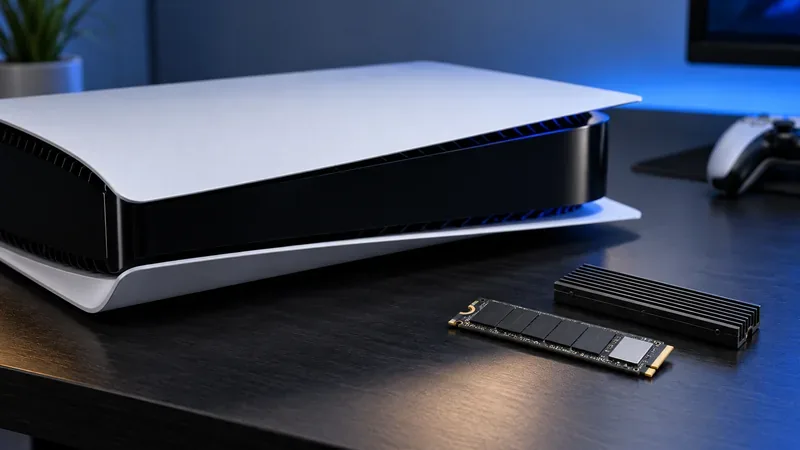
An M.2 NVMe drive adds internal expansion space for games you want ready to launch.
What “internal SSD” means on a PS5
The PS5 has built-in console storage, plus an expansion slot for a compatible M.2 NVMe SSD. In storage comparisons, “internal SSD” often means that added M.2 drive. Both the built-in storage and the M.2 expansion are console storage locations: PS5 games can be installed and played from either. The M.2 drive is a separate component you buy and install; it does not replace the console’s built-in SSD.
Sony’s compatibility guide specifies a PCIe Gen4 x4 NVMe drive, 250 GB to 8 TB, with an M key. It recommends sequential read speeds of 5,500 MB/s or faster and requires a cooling structure such as a heatsink. Check the drive and heatsink dimensions against your PS5 model before buying. Sony also cautions that a compatible M.2 drive may not deliver exactly the same game performance as the console’s built-in SSD, even when its advertised sequential read speed exceeds 5,500 MB/s. See PlayStation’s M.2 SSD compatibility and installation guide.
How an external USB SSD works
A portable USB SSD connects to the console as USB extended storage. It gives you extra room for game data, but it does not function like an M.2 expansion drive. You can play compatible PS4 games directly from USB storage. You can also move PS5 games onto it when you need space, but you must copy those games back to the PS5’s console storage or M.2 SSD to launch them.
That makes an external SSD a handy game library or staging area, not a way to run current-generation PS5 games at full speed from USB. Sony lists supported SuperSpeed USB connections and storage capacity requirements, but the console’s supported connection, the drive, and the game all affect actual transfer behavior. A drive’s advertised peak throughput is not a promise of a particular PS5 loading time. Review Sony’s USB extended storage requirements and instructions before formatting a drive; formatting erases data on it.
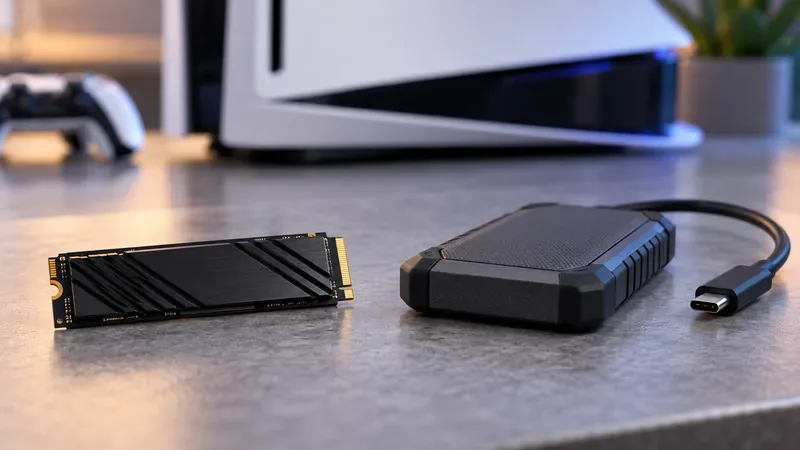
The M.2 drive expands playable console storage; the portable USB SSD is best for PS4 play or storing PS5 games between sessions.
PS5 internal SSD vs. external SSD at a glance
Use case
Built-in PS5 storage
Internal M.2 SSD
External USB SSD
Play PS5 games directly
Yes
Yes, if compatible
No; copy the game back first
Play PS4 games directly
Yes
Yes
Yes, for compatible games
Keep PS5 games installed but not playable
Yes
Yes
Yes; use it as an archive
Best role
Everyday game storage
More space for games you play
PS4 library, archive, or transfer staging
Which drive gives faster PS5 game load times?
For a PS5 game, the practical speed winner is the built-in storage or a compatible internal M.2 SSD, because the game runs from console storage. An external SSD cannot compete as a direct PS5 game drive: the console requires you to move the game back before playing. For PS4 games, USB storage can run the title directly, but actual loading differences vary by game, drive, and connection.
Be careful with headline numbers. “Sequential read speed” is a drive specification measured under particular conditions; it is not the same thing as a game’s loading time. Loading also depends on the game’s data, the console’s software, and how the game accesses assets. Sony’s own guidance says an M.2 SSD may not match the built-in drive’s performance in every game. There are no universal seconds-per-game figures that apply across every console, title, and storage device, so the old fixed benchmark claims should not be treated as a guarantee.
Storage affects how quickly data can be read and transferred. It does not upgrade the PS5’s graphics processor or guarantee a higher frame rate. Choose storage to solve the problem you actually have: space for games you play, a place to keep a large library, or fewer downloads and reinstalls.
Which PS5 SSD should you choose?
Choose an internal M.2 SSD if you want more space for PS5 games you can launch without moving them back and forth. Confirm PCIe Gen4 x4 NVMe compatibility, capacity, heatsink, and physical dimensions before purchase.
Choose an external USB SSD if you mainly want to play PS4 games from an added drive or keep PS5 games archived so they are quicker to retrieve than downloading them again. You will still need to copy a PS5 game to console or M.2 storage to play.
Use both if your library includes many PS4 and PS5 games. Keep active PS5 titles on console storage or M.2, and use USB extended storage for PS4 titles and games you are not currently playing.
Skip the upgrade for now if you have enough free console storage and rarely keep several large games installed. A faster label alone does not make an external USB drive a direct PS5 game drive.
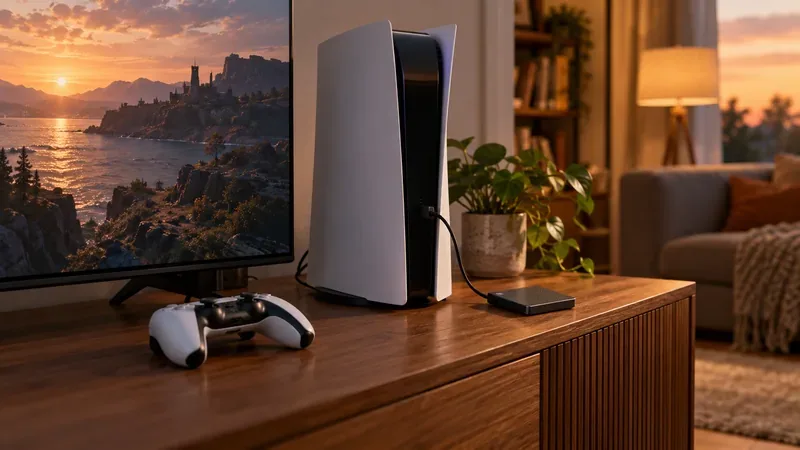
A hybrid setup keeps frequently played PS5 games on console storage while the USB drive holds other games.
Moving games between storage without confusion
When you want to move a game, open the PS5 Game Library, highlight the title, press the Options button, and choose Move Games and Apps. Select the destination shown for that game, then let the transfer finish before disconnecting a drive. To play a PS5 game stored on USB, select it in the Installed tab and copy it back to console storage or M.2 SSD storage. PS4 games can stay on compatible USB extended storage while you play them.
Use the PS5’s safe-removal option before unplugging USB storage while the console is on. Also remember that formatting a drive as USB extended storage erases its existing contents, so back up anything important first. For location-specific steps and saved-data limits, see PlayStation’s PS5 storage management guide.
The verdict
In the PS5 internal SSD vs. external SSD comparison, an internal M.2 SSD is the clear pick for expanding space you can use to play PS5 games directly. An external USB SSD is still valuable for PS4 games and for keeping PS5 titles stored between play sessions, but it adds a copy-back step before those PS5 titles can run. If you want convenient capacity for both generations, combine the two and put each drive to the job it supports.