Home
» 🎮 Esports
»
PS5 Boot Loop After a Factory Reset? Safe Mode and USB Fixes
PS5 Boot Loop After a Factory Reset? Safe Mode and USB Fixes
PS5 Boot Loop After a Factory Reset? Safe Mode and USB Fixes
A PS5 boot loop after a factory reset means the console repeatedly restarts or cannot finish starting up. The symptom can come from a system-software problem, a storage error, an interrupted update, or a power or display issue; it does not by itself prove that the SSD has failed. Start with a complete shutdown and Sony’s non-erasing Safe Mode repair options. Save a USB system-software reinstall for later because that step deletes console data.
First, confirm what is looping
Watch the console’s power indicator and the TV. If the PS5 keeps showing its startup animation and restarting, continue with the recovery steps below. If the console stays on but the TV is blank or says “No Signal,” the issue may be video output rather than a boot loop. Sony lists Change Video Output in Safe Mode for blank-screen troubleshooting. If the console loses power completely, use the official power troubleshooting route as well.
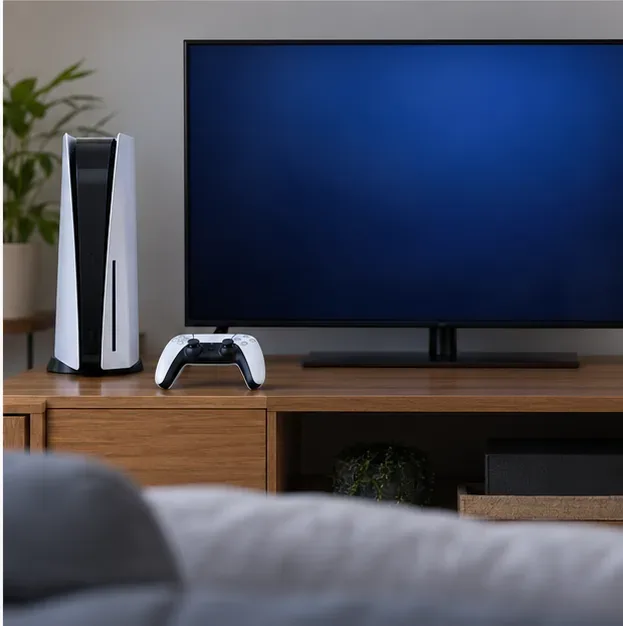
A blank display can look like a startup failure; check the video path before assuming the system software is looping.
Fix a PS5 boot loop in this order
1. Shut down fully and disconnect accessories
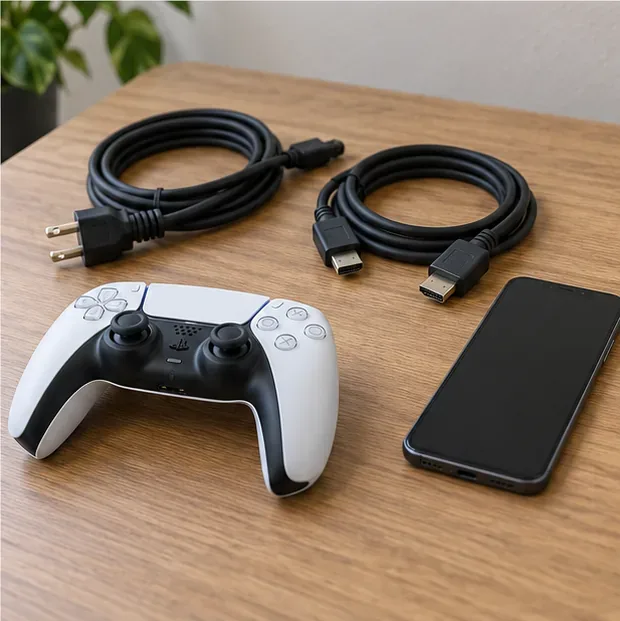
Hold the console’s power button for about three seconds and wait for the power indicator to stop blinking and turn off. Once the PS5 is fully off, disconnect external USB storage, hubs, and nonessential USB accessories. Leave the power and HDMI cables available for the next checks. If you unplug the AC cord, do it only after the console is off; reconnect it securely before restarting.
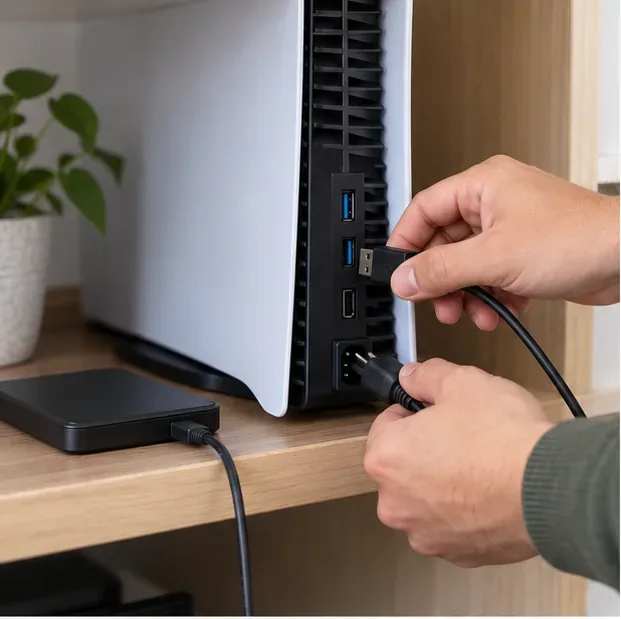
Remove external storage and accessories after the console is fully powered down.
Try one normal startup. If it still restarts, move to Safe Mode rather than repeating factory resets. Repeated resets do not identify the cause and can erase data again.
2. Start the PS5 in Safe Mode
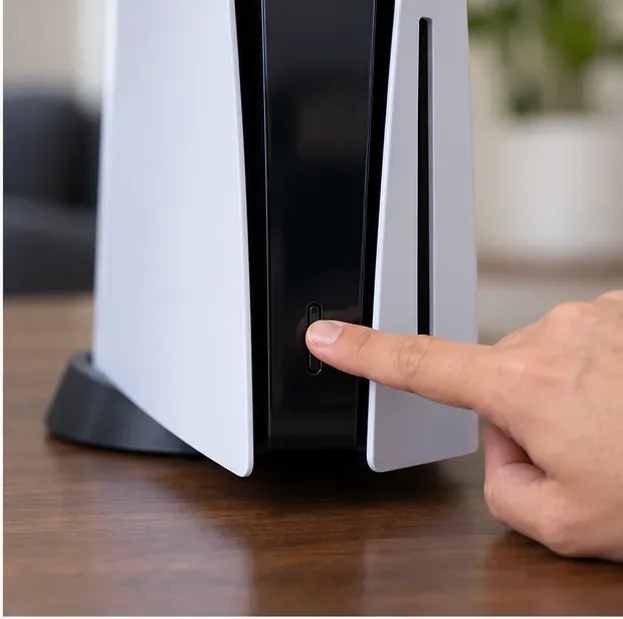
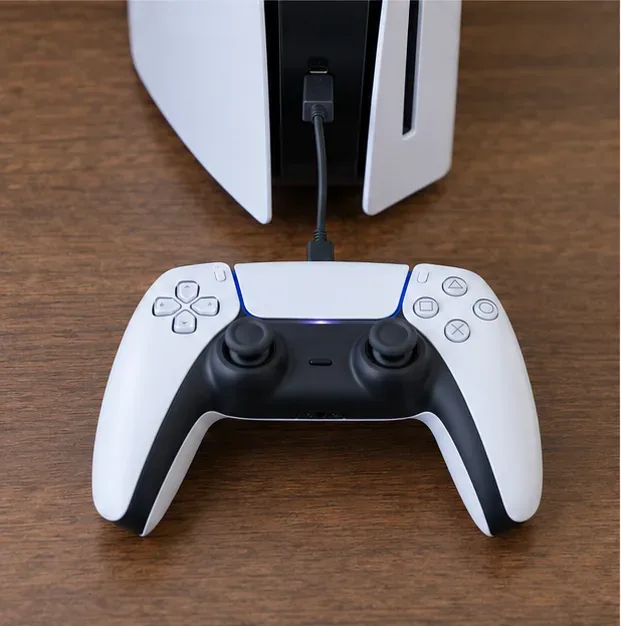
With the console off, press and hold the power button. You will hear one beep immediately and a second beep about seven seconds later; release the button after the second beep. Connect a controller to the console with a USB cable, then press the controller’s PS button. Safe Mode starts the console with basic functions and gives access to repair, update, and reset tools.
Hold the power button until the second beep to enter PS5 Safe Mode.Connect the controller by USB and press its PS button when Safe Mode appears.
If Safe Mode will not open, check the power and HDMI connections, make sure the console is fully off, and try the button sequence once more. Sony also recommends checking cables when the console cannot start Safe Mode. If the second beep never comes or the console immediately powers off, stop here and use PlayStation’s repair diagnostics.
3. Choose Repair Console Storage first
In the PS5 Safe Mode menu, select Repair Console Storage (option 3). Sony says this option does not erase data and recommends it when the PS5 does not start properly or has storage trouble. Let the console complete the repair without interrupting power. This is a sensible first software-side action after a reset loop because it checks the storage needed for startup without performing another factory reset.
Safe Mode also includes Clear Cache and Rebuild Database (option 6). You can try Clear System Software Cache for system-feature problems, then Rebuild Database to scan the drive and recreate its content index. These are different from Reset PS5 and Reset PS5 (Reinstall System Software). Read the selected option carefully: the reset choices delete user data, while the repair option is the one Sony explicitly identifies as non-erasing.
4. Update the system software
If storage repair does not stop the loop, use Safe Mode’s Update System Software option. Choose an internet update if the console can connect. If the update was interrupted, repeated downloads failed, or the console is offline, use a USB drive and follow Sony’s current instructions. The update file and the reinstallation file are separate downloads even though Sony names each file PS5UPDATE.PUP; choose the update section for this step.
For a USB update, download the file from Sony’s PS5 system-software page.
For a USB update, Sony specifies a drive formatted as FAT32 or exFAT, with folders named PS5 and UPDATE, and the downloaded update file saved as PS5UPDATE.PUP inside PS5/UPDATE. Start Safe Mode, choose Update System Software, and select the USB update option. Use only Sony’s official file and do not turn off the console during installation.
5. Reinstall PS5 system software only as a last software step
A full reinstall can help when the system software is too damaged to recover with repair or update, but it is destructive. Sony states that Reset PS5 (Reinstall System Software) deletes all user data and removes the installed system software. If you have data that is not backed up, pause before choosing it. A reinstall cannot recreate saves or captures that were not backed up beforehand.
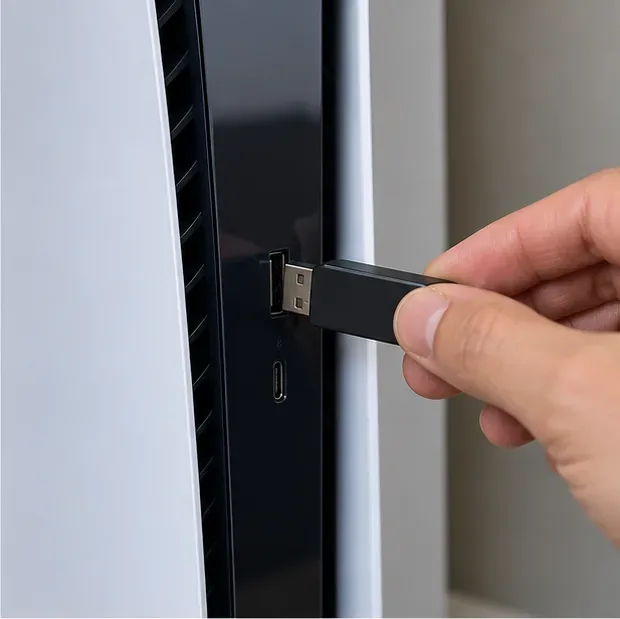
Connect the USB drive directly to the console for the reinstall process.
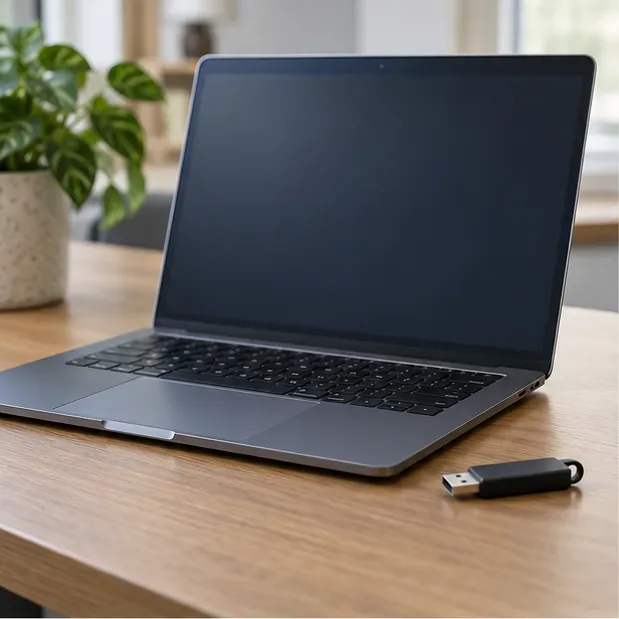
On a PC or Mac, format a USB drive as FAT32 or exFAT if needed.
Create the folders PS5 and UPDATE on the drive.
Download Sony’s reinstallation file, not the standard update file, and save it as PS5UPDATE.PUP in PS5/UPDATE.
With the PS5 off, connect the drive and start Safe Mode using the second-beep sequence.
Select Reset PS5 (Reinstall System Software) and follow the prompts. Do not unplug or turn off the console while the installation is running.
If the console does not recognize the file, verify the folder names, capitalization, filename, and that you downloaded the reinstallation file. On some computers, hidden file extensions can make an accidental name such as PS5UPDATE.PUP.PUP harder to notice.
6. Check power, airflow, and the display path
If the PS5 still restarts, turn it off and test a securely connected power cable and a different wall outlet. Temporarily remove power strips or hubs from the setup to simplify the test. Keep the console on a stable, open surface with its vents unobstructed; let it cool if it has been unusually hot. Do not open the console or assume a particular storage component has failed based only on a boot loop.
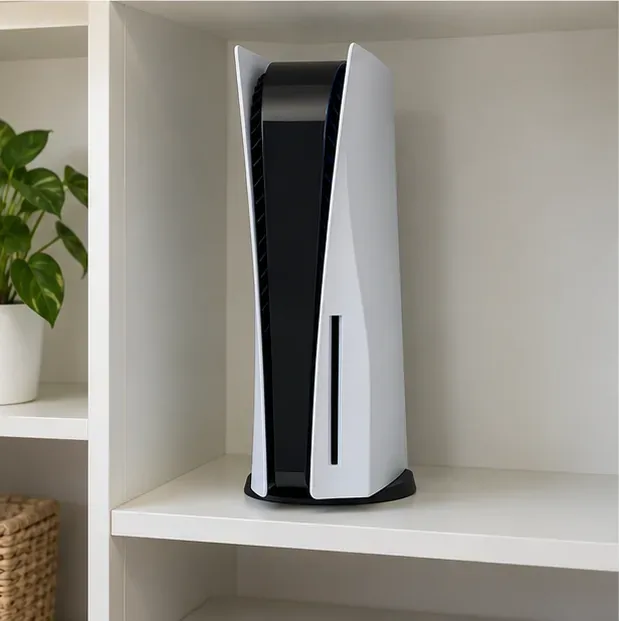
Give the console clear space around its vents while testing for heat or power-related interruptions.
For a blank screen with the console still on, check the TV input and HDMI connection. If you can reach Safe Mode, try Change Video Output and then Change Resolution. Those options target display problems; they are not a substitute for storage repair when the console repeatedly restarts.
When to contact PlayStation Support
Use the official repair diagnostic if Safe Mode will not start, the console shuts off during startup, or the boot loop remains after a correct USB reinstallation. Include the error code, what the power indicator does, whether Safe Mode opens, and which steps you already tried. Avoid opening the console or attempting an internal SSD replacement based on guesswork. Repair eligibility, warranty terms, and service options vary by region, so check the support page for your country.
Have the console model, error details, and troubleshooting steps ready when contacting support.
No. A reset removes user data and restores the console’s software state, but it will not fix every storage, power, or hardware fault. Start with Safe Mode repair options and use reinstall only when appropriate.
Which Safe Mode option should I try first?
For a console that does not start properly, try Repair Console Storage first. It is the option Sony says does not erase data. Use the update options next if system software may be incomplete or outdated.
Does reinstalling system software erase PS5 data?
Yes. Sony says Reset PS5 (Reinstall System Software) deletes all user data. Restore data only from a backup you already made, and do not confuse the reinstallation file with the standard update file.