Home
» 🎮 Esports
»
Minecraft NoClassDefFoundError: Fix Missing Java Class Crashes
Minecraft NoClassDefFoundError: Fix Missing Java Class Crashes
Minecraft NoClassDefFoundError: Fix Missing Java Class Crashes
A Minecraft NoClassDefFoundError means Java could not load a class that the game, a mod, or a loader expected to use. The error does not identify one universal fix: the missing class name in the log usually tells you whether to check a mod dependency, loader version, game files, or Java runtime. Start by reading that name, then test a clean vanilla profile before changing files.
If you searched for a “Lang Java” Minecraft error, java.lang is Java’s package name in the exception text. It is not a Minecraft language asset folder. Follow the four checks below in order, and avoid deleting your saves or the entire Minecraft libraries folder as a first step.
What NoClassDefFoundError means in Minecraft Java
Oracle defines NoClassDefFoundError as a linkage error raised when the JVM or a class loader cannot find a class definition that code needs at runtime. In Minecraft, that class may belong to Minecraft itself, Fabric or Forge, a mod, or a library required by a mod. It can happen after an update, when a mod is built for a different Minecraft or loader version, when a required dependency is absent, or when an installation or runtime is damaged. The name alone does not prove which cause applies. Oracle’s Java API reference for NoClassDefFoundError explains the JVM-level meaning.
Read the class after the colon. For example, net/fabricmc/... points toward Fabric-related code, while com/vendor/mod/... often points toward a mod or bundled library. A name under java/lang/ belongs to the Java runtime. These are clues, not a verdict; use the surrounding stack trace to confirm.
Missing class begins with
What to check first
net/minecraft/
Whether the mod or loader matches the exact Minecraft version; then check for altered or incomplete game files.
net/fabricmc/, net/minecraftforge/, or another loader package
The loader installation, loader version, and any loader API or bridge required by the affected mod.
A mod or library namespace such as com/example/
The named mod, its required dependency, and whether both are the correct build for this game and loader.
java/lang/ or another Java platform package
The Java runtime selected by the launcher and whether the error also occurs in a clean vanilla profile.
java.lang.IllegalArgumentException is itself a standard Java class, not a Minecraft language file. If the log claims that this class is missing, treat the selected runtime or class-loading setup as suspect and verify it with a clean vanilla launch. Do not download a replacement class from a third-party site.
Four steps to fix Minecraft NoClassDefFoundError
1. Find the exact missing class in the log
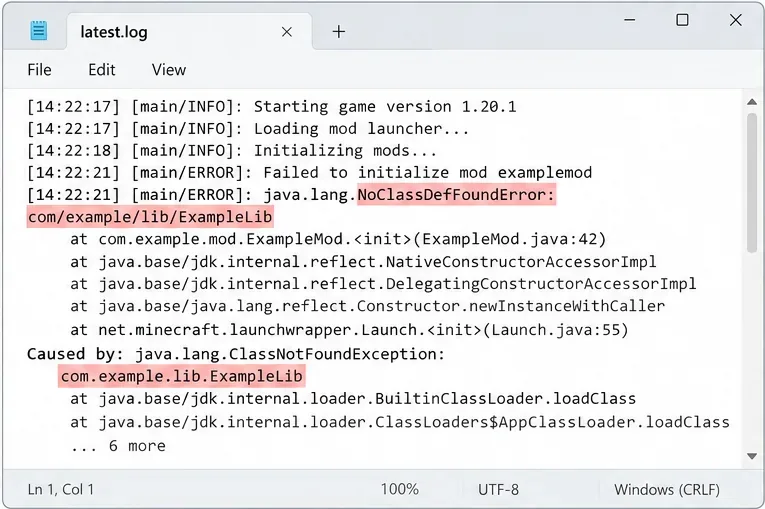
Open the newest crash report or logs/latest.log for the affected installation. Search for NoClassDefFoundError, copy the full class name that follows it, and read several lines above and below the match. Also note the first Caused by: entry and the first mod or loader named in the stack trace. The final line may be a consequence of an earlier failure, so do not stop at the last message.
Illustrative log view: capture the missing class name and nearby cause before changing the installation.
For the standard Minecraft Launcher, logs are normally inside the game directory’s logs folder and crash reports inside crash-reports. A custom game directory or a third-party launcher keeps its files in that instance’s own folder. Fabric’s log-finding guide lists common locations for several launchers. If you share a log for help, remove account details, access tokens, and private server addresses first.
2. Test the same Minecraft version without mods
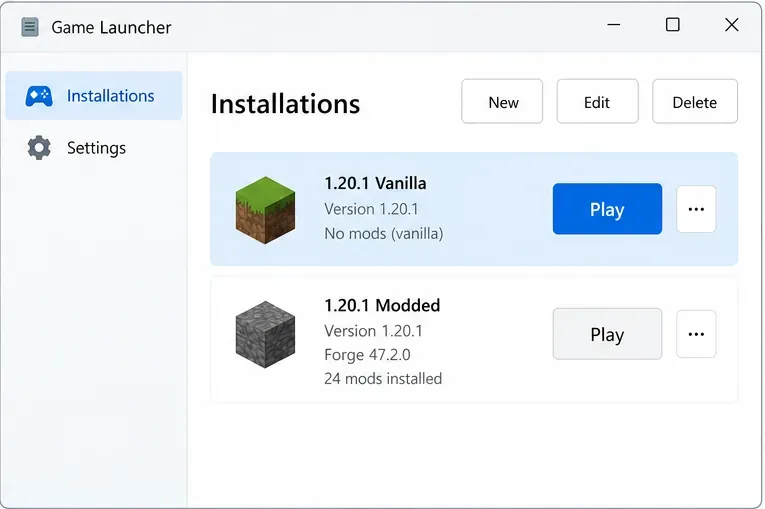
Launch the exact Minecraft version in a clean vanilla installation. If your launcher supports a separate game directory, use a temporary one so the test does not reuse the mod folder or world saves. Start the game to the title screen; do not open a world created with a modpack during this test.
Illustrative launcher list: use a separate vanilla profile to see whether the crash follows the game version or stays with the modded instance.
If vanilla starts, the Java runtime and basic game files are less likely to be the cause; focus on the modded instance, its loader, and dependencies. If vanilla also crashes, test another clean profile of the same version and check the selected runtime before investigating individual mods. This comparison narrows the search without removing data.
3. Match every mod to the game and loader
Confirm the Minecraft version, loader family, and loader version shown by the affected profile. Then check each suspect mod’s release page for all three. Fabric, Forge, and NeoForge builds are not interchangeable unless the mod author explicitly provides compatibility. Also install dependencies listed by the mod author; a mod can be present while one of the classes it relies on is not.
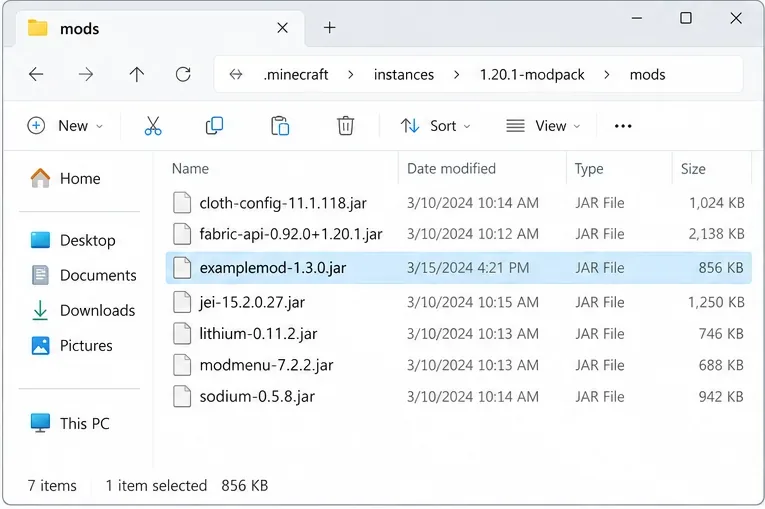
Illustrative mod folder: move a recently added mod out of the instance temporarily, then relaunch to test whether that removes the error.
Start with mods added or updated immediately before the crash. Move them to a temporary folder outside the instance rather than deleting them. If the game starts, add the removed mods back in small batches until the error returns; check the last batch and its declared dependencies. For a large modpack, use the pack’s own repair or update function and avoid mixing files from unrelated packs. A documented incompatibility can produce a missing-class error even when every JAR is readable, so replacing a corrupt file is not always the answer. Fabric’s user FAQ includes examples of loader and mod incompatibilities.
4. Check Java, then repair only the affected installation
The Java version required depends on the Minecraft release and launcher. The official Minecraft Launcher includes its own Java runtime for ordinary game profiles, so installing a system-wide JDK is not automatically a fix. If you use another launcher or run a server manually, verify the Java executable selected for that instance and compare its required version with the game and loader documentation. For example, Mojang’s 1.20.5 release notes state that the game requires Java 21; that requirement should not be applied to every Minecraft version. See the official 1.20.5 release notes and Fabric’s Java installation guidance.
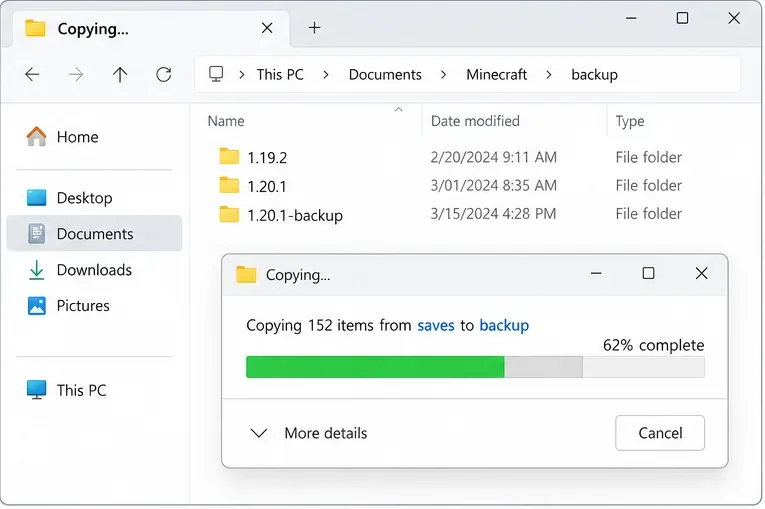
Illustrative backup dialog: copy the saves folder before recreating an installation or changing game files.
If the log implicates a vanilla Minecraft class and a fresh vanilla profile still fails, back up saves, screenshots, and any configuration you want to keep. Then recreate only the affected version or profile through the launcher’s supported installation or repair process. Do not delete the whole .minecraft/libraries directory, all versions, or a launcher’s shared cache without evidence; broad cleanup can create more downloads and make the original cause harder to identify. Never replace a game JAR with a file from an unofficial mirror.
Common mistakes that do not fix the cause
Do not add random JVM flags. Flags such as -Dfml.ignorePatchDiscrepancies=true do not restore a missing class and can hide useful diagnostics.
Do not assume Java is always outdated. A runtime mismatch is possible, but the missing class may instead come from a mod dependency or incompatible loader. The exception text and a vanilla test are more useful than installing the newest Java blindly.
Do not erase world data to test a launch crash. A world is rarely needed to reproduce a failure that happens during startup. Keep your original saves untouched while testing.
If the crash continues
When asking a mod author or support community for help, include the Minecraft version, loader and version, launcher type, Java runtime selected by that profile, full missing class name, and the relevant log or crash report. State whether a separate vanilla profile launches. These details let helpers distinguish a missing mod dependency from a loader, runtime, or game-file problem. If the crash began after an update, mention exactly which mod, loader, or game version changed. With that information, a Minecraft Java class crash becomes a targeted compatibility check instead of a guess-and-delete cycle.