Home
» 🎮 Esports
»
Minecraft Error 999: How to Fix Multiplayer Connection Problems
Minecraft Error 999: How to Fix Multiplayer Connection Problems
Minecraft Error 999: How to Troubleshoot Multiplayer Connection Problems
If you see a message described as Minecraft Error 999, first check where the number appears and copy the full message. I could not verify “999” as a standard, universal Minecraft error code in the official Minecraft support material reviewed. It may be text from a server host, launcher, device, mod, or another service. If the actual problem is that Minecraft cannot join a multiplayer world or Realm, use the four checks below to identify whether the cause is the server, game version, account, or network.
That distinction matters: the number alone does not prove a timeout, a Java problem, or a Mojang server outage. Minecraft’s support pages provide symptom-based multiplayer troubleshooting and a list of named Bedrock error codes. Check the official Bedrock named error-code guide if the message is from Bedrock Edition.
Fix a Minecraft “999” connection problem in four checks
1. Capture the complete message and test another destination
Take a screenshot or copy the exact text, including punctuation and any words before or after “999.” Note whether you play Java Edition or Bedrock Edition, your device, game version, and what you were doing when it appeared. Then try another server or a trusted friend’s world. For a Realm, check whether the Realm is open and your invitation is valid.
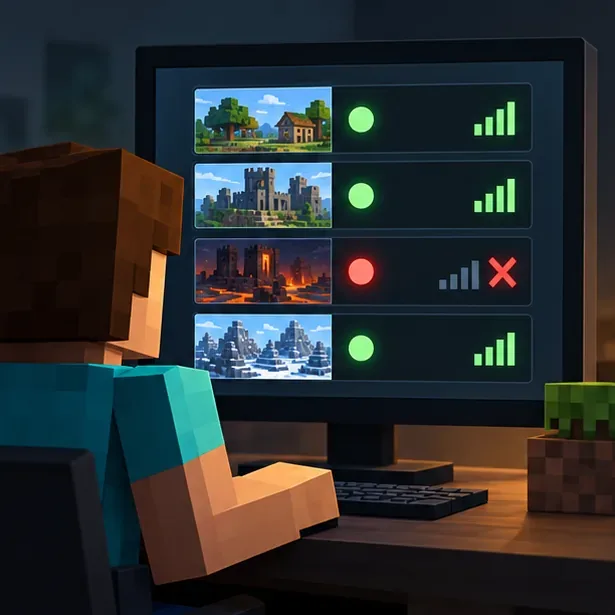
Illustration of a player comparing several server destinations, with one destination unavailable and the others responding.
If other destinations work but one server does not, your internet connection is less likely to be the only issue. The server may be offline, full, restricted, or configured for another edition or version. Ask its owner to confirm its status and access rules. If no multiplayer destination works, continue with the local account and network checks.
2. Match the edition, game version, and multiplayer permissions
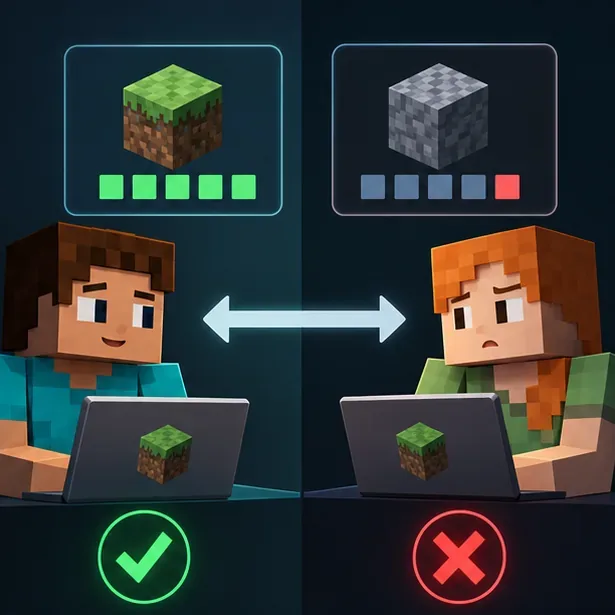
Players must join a compatible edition: Java Edition servers are for Java Edition players, and Bedrock worlds and servers are for Bedrock Edition players. Make sure you and the host are using compatible current game versions; an older client, preview build, or snapshot can prevent a match. Update through the official platform or launcher, then retry. Minecraft’s multiplayer requirements explain version, edition, account, and platform requirements.
Illustration of two players comparing different game-version indicators, with a green check for a match and a red X for a mismatch.
For Bedrock, check that multiplayer is enabled in the account’s privacy settings and in the host’s world settings. Console players may also need the platform’s active online-play subscription. For Realms, confirm the owner’s subscription is active and that you have an invitation. If the game appears signed in under the wrong account, sign out, fully close Minecraft, reopen it, and sign in with the intended account. The official multiplayer connection guide covers these checks.
3. Restart the game and separate a device issue from a server issue
Close Minecraft completely and launch it again. If the problem continues across multiple servers, restart the device and test once more. A restart can clear a temporary stuck session, but it will not repair a server that is offline or an account that lacks permission. For a hosted world, ask the owner whether other players can connect; for Realms, check the service and subscription status rather than assuming the owner must be online.
If you are using a modded profile, test the same connection with a clean, unmodified profile from the official launcher. This helps identify a mod or custom configuration conflict. Do not install a different launcher or delete saved worlds as a first troubleshooting step.
4. Check the network path and security settings safely
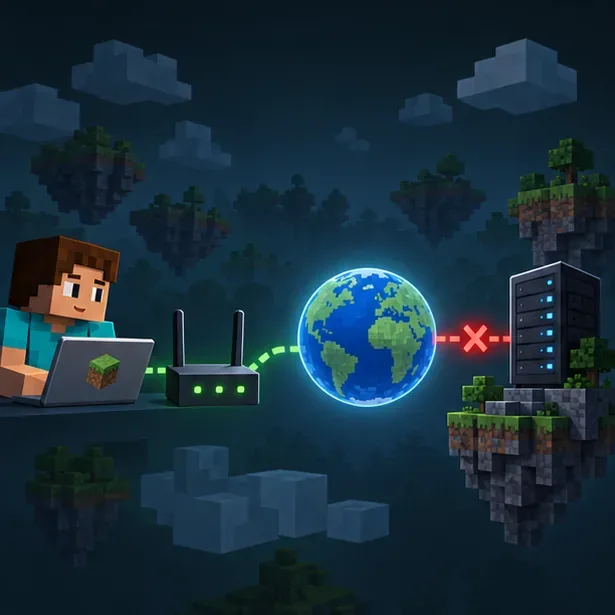
If multiple online games or devices also have connection trouble, restart your router and modem according to the manufacturer’s instructions. If only your device is affected, try a wired connection or a different trusted network, where permitted. A VPN or custom DNS can sometimes change routing; if you recently changed either, temporarily return to your normal setup for one test, then restore your preferred settings.
Illustration of a connection path from a player device through a home router and the internet to a game server, with a break near the server.
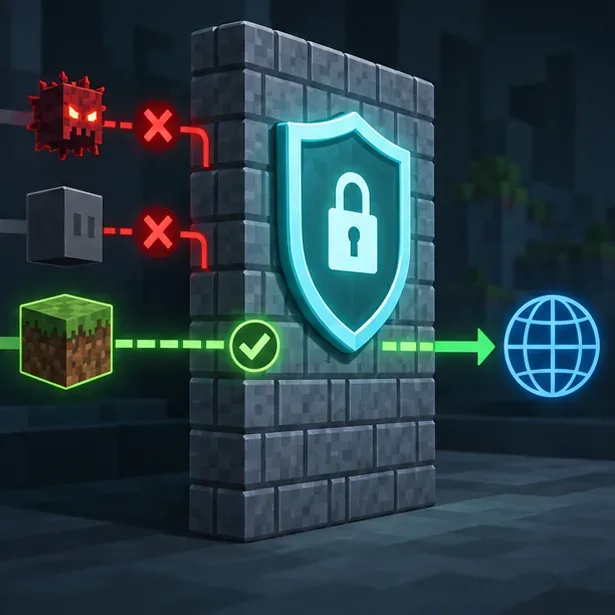
Keep your firewall and antivirus enabled. If you use Windows and suspect an app block, allow the official Minecraft Launcher or the Java runtime used by that installation through the firewall for a private network; do not broadly disable protection. Ask a parent, administrator, or network owner before changing managed settings. Minecraft’s network connection troubleshooting page specifically advises checking custom DNS and port configurations when multiplayer services fail.
Illustration of a firewall keeping protection active while allowing an approved game connection through.
Do not forward router ports just to join someone else’s public server. Port forwarding is a hosting configuration, and the correct settings depend on the edition and server setup. If you run the server yourself, follow the official server documentation and your router manufacturer’s guidance.
Read the result before changing more settings
What you observe
Most useful next check
Only one server fails
Ask its owner about availability, edition/version, capacity, whitelist, and address.
Every server fails on one device
Check sign-in, multiplayer permissions, game updates, and that device’s network rules.
Several devices on the same network fail
Check the router, internet connection, DNS or VPN changes, and service status.
A Realm alone fails
Verify the invitation, Realm availability, subscription, and platform requirements.
When the number still appears
Send the complete error text, a screenshot, edition, device, game version, and the name of the server or service to the relevant server administrator or Minecraft Help. If a launcher, hosting panel, or mod displays “999,” identify that product too; its own documentation may define the number. Avoid treating “Triple Nines Troubles” as an official diagnosis unless the screen or the service that produced it confirms that meaning.
Frequently asked questions
Is Minecraft Error 999 an official Mojang code?
The official Minecraft support pages reviewed do not establish “Error 999” as a universal Minecraft code. The Bedrock support guide documents named errors and their suggested fixes. A “999” shown by a third-party host, launcher, mod, or operating system needs to be interpreted in that product’s context.
Will changing DNS or opening a port always fix it?
No. DNS changes only make sense when name resolution or a recent custom DNS setting is involved. Opening ports is generally a server-hosting task, not a routine fix for a player joining a public server. Diagnose the failing destination and follow the network owner’s guidance before changing router settings.