Home
» 🎮 Esports
»
Minecraft Error 437 Creepypasta: The Terrifying Glitch Legend Explained
Minecraft Error 437 Creepypasta: The Terrifying Glitch Legend Explained
Minecraft Error 437 creepypasta is an online horror premise, not a verified Minecraft feature or supernatural fault. In retellings, an apparent error code becomes the doorway to a world with warped terrain, unnerving sounds, and a watcher at the edge of view. If Minecraft actually crashes on your device, the number alone cannot tell you why: the edition, launcher, exact message, installed content, and logs matter.
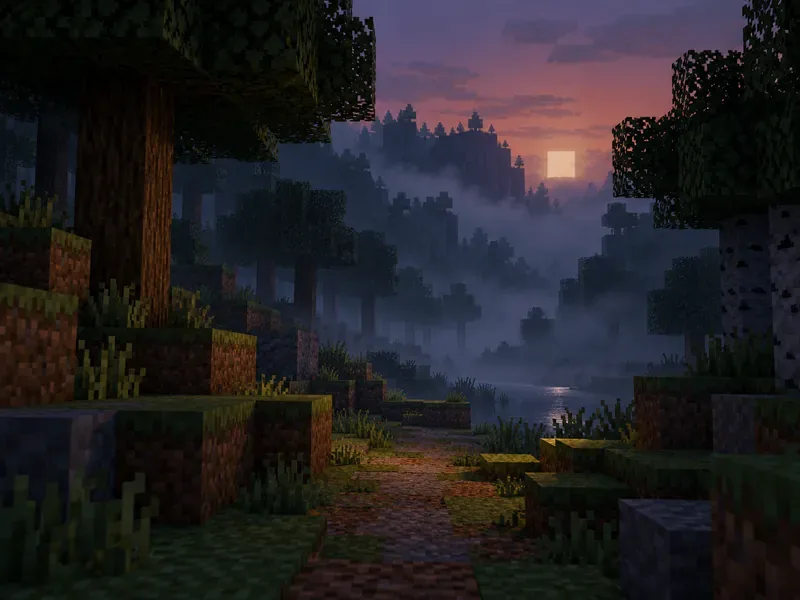
A block-built forest path fading into mist sets up the legend's first sense of unease.
What the Error 437 creepypasta describes
The number gives the story a technical-sounding hook. Instead of a routine crash, the player is said to load a world that looks subtly wrong: fog hangs in unexpected places, familiar terrain appears distorted, lights flicker, or sounds seem to follow from behind. Some versions add an entity glimpsed at a distance and suggest that the world itself is changing around the player.
There is no single, reliably sourced canon for the Minecraft Error 437 story. Names, dates, crash text, and plot details vary between retellings. Claims about a specific 2011–2012 forum origin, a player named Tyler, Beta 1.7.3, or a peculiar quoted error string should be treated as unverified story details unless an original post or other primary record can be produced. The creepypasta works as folklore precisely because people can adapt the same unsettling idea.
A typical Minecraft Error 437 story arc
Not every retelling uses every beat, but the horror usually escalates in a recognizable way:
Story beat
What the retelling suggests
The interruption
A numbered message appears during startup or world loading.
Small anomalies
Lighting, fog, terrain, or sound seems just a little out of place.
The watcher
A distant figure appears in the landscape, then vanishes when the player looks again.
The threat
The world or player seems corrupted, turning a familiar save into the source of suspense.
These are storytelling devices, not verified Minecraft mechanics. Their effect comes from ambiguity: each strange scene could be framed as a harmless visual oddity until the story invites the player to read it as a warning.
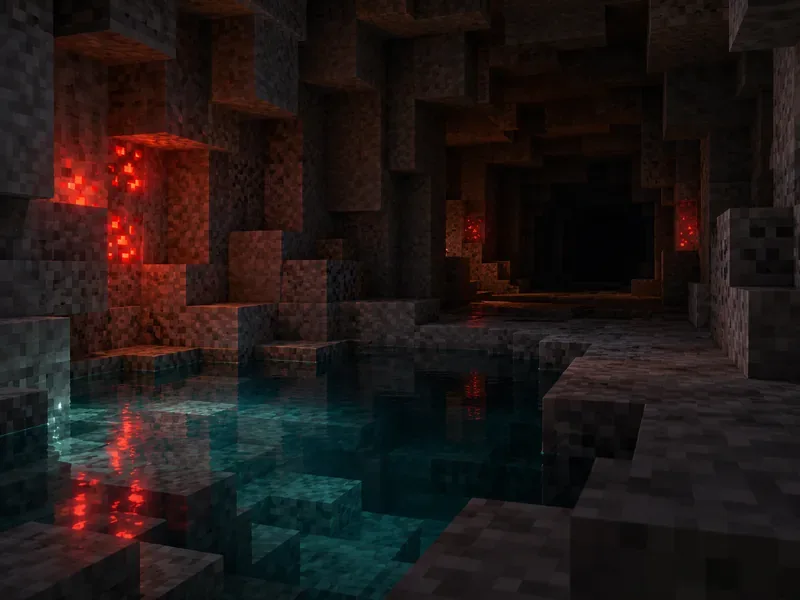
Faint red light in a stone cave echoes the legend's shift from odd details to mounting suspicion.
Is Minecraft Error 437 a real error?
I could not find an official Minecraft support entry defining Error 437 as a Minecraft-specific error or supporting the creepypasta's supernatural events. The official support material reviewed here addresses crashes as technical problems, rather than confirming a haunted-world feature. A number by itself is not enough to diagnose a failure; a launcher, mod, operating system, or network tool may have its own message.
If you see a real crash, write down the complete text and note whether you are using Java or Bedrock, the game version, launcher, installed mods or resource packs, and what you were doing when it happened. Then follow Minecraft Support's official crash and lag guidance. Do not use a creepypasta page or an unexplained code number as a troubleshooting diagnosis.
Why the legend still feels unsettling
Minecraft gives players wide, quiet spaces to explore, so a small inconsistency can feel significant. A shadow at the end of a cave or an empty hillside that seems to contain a watcher plays on the gap between what the player can see and what they can confirm. The error-code framing adds a second layer: a familiar technical message appears to come from the game itself, even though the horror is supplied by the storyteller.
The idea also turns ordinary uncertainty into suspense. A delayed chunk or an odd sound can happen for mundane reasons, but a creepypasta asks the audience to imagine intention behind it. That blend of recognizable game imagery and an unexplained presence is why Error 437 Minecraft creepypasta retellings sit naturally beside other fan-made Minecraft horror legends.
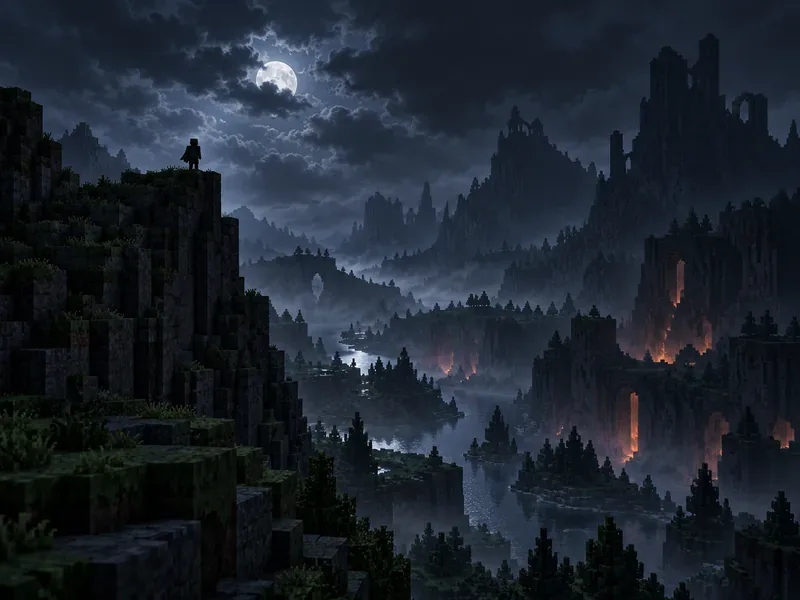
A distant silhouette on a ridge captures the story's central fear: something may be watching from beyond reach.
How to explore the story safely
For the atmosphere, choose a written story or a clearly labeled video retelling; you do not need a suspicious download to understand the legend.
Avoid unknown executable files or launchers claiming to be a cursed Minecraft build, especially if they ask you to disable security protections.
Back up important worlds before trying community add-ons, mods, or resource packs, and use a separate test profile for experimental content.
If your game is genuinely crashing, preserve the exact error and use official support resources instead of assuming the creepypasta explains it.
Frequently asked questions
Does Error 437 permanently haunt a Minecraft world?
That is a horror-story premise, not a verified game behavior. Retellings may describe a world that stays corrupted, but I found no official documentation connecting a Minecraft-specific Error 437 to a save that remains haunted.
Can Error 437 delete a Minecraft save?
No verified Error 437 feature is known to delete worlds. Technical problems can still put saves at risk, so keep backups before experimenting with third-party content or old game versions.
Is Error 437 the same as Error 422 or Herobrine?
They are separate fan-horror ideas that can share themes such as corrupted worlds or mysterious figures. Similar storytelling does not establish a shared origin or official Minecraft connection.
The lasting scare is the simple one: a world you know by heart looks almost normal, but one detail makes you hesitate before taking another step.