Home
» 🎮 Esports
»
How to Slash PlayStation Portal Input Lag for More Responsive Play
How to Slash PlayStation Portal Input Lag for More Responsive Play
How to Reduce Input Lag on PlayStation Portal
To reduce PlayStation Portal input lag, stabilize the Remote Play connection: connect your PS5 to the router with Ethernet, use 5 GHz Wi-Fi on the Portal, and play where that Wi-Fi signal is strong. Then update both devices and compare gameplay from the same spot. These changes follow Sony’s current network guidance; they can improve responsiveness when an unstable connection is the cause, but they cannot guarantee a particular number of milliseconds.
The Portal streams your PS5’s video and sends your controls back to the console. The delay you feel can include game processing, wireless interference, network congestion, and the time needed to display each frame. A fast internet speed test alone does not prove that this full path has low latency.
Before changing settings: identify the kind of lag
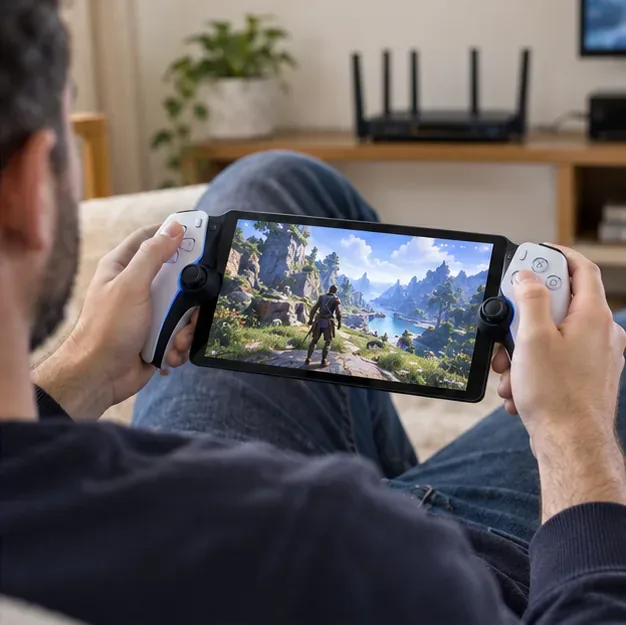
Notice whether button presses feel delayed, the picture stutters or drops in quality, or both. Test the Portal in the same room as the router, then try another game. If moving closer makes the stream steadier, Wi-Fi coverage is a likely factor. If the image stays smooth but one game’s controls feel slow, the game itself may be contributing to the sensation; network changes cannot alter its built-in response.
Four steps to reduce PS Portal lag
1. Connect the PS5 to your router with Ethernet
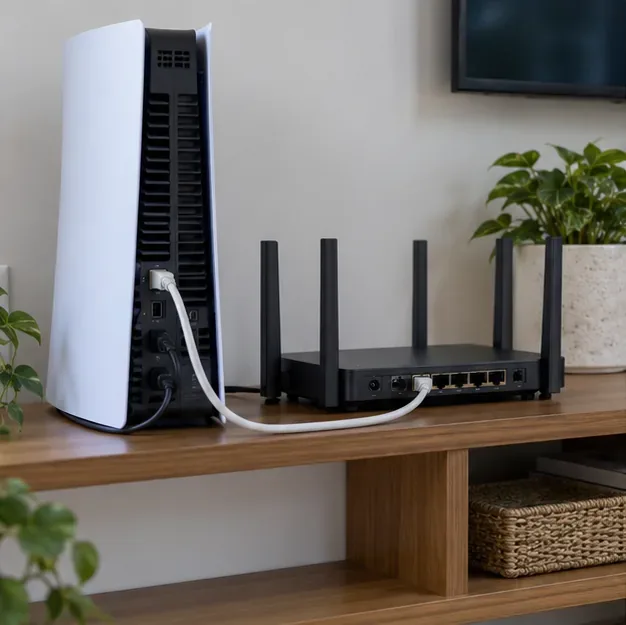
A wired PS5 Ethernet connection takes the console’s Wi-Fi link out of the Remote Play path. Connect the console to a LAN port on your router and confirm the PS5 reports a wired connection. Keep the Portal on Wi-Fi. If Ethernet is not practical, connect the PS5 and Portal to the same Wi-Fi network and place both closer to the router, with as few walls or large obstructions between them as possible.
A wired PS5 connection removes the console’s Wi-Fi hop from the Remote Play setup.
2. Put the Portal on a stable 5 GHz Wi-Fi network
Sony recommends connecting the PS Portal over 5 GHz Wi-Fi. On the Portal, open the Quick Menu, choose Settings, then Network, and check or change the Wi-Fi connection. If your router uses one network name for both 2.4 GHz and 5 GHz, band steering may move the Portal between them. Sony recommends disabling band steering for the Portal connection if your router allows it. A separate 5 GHz network name can also make it easier to choose the band deliberately.
Five gigahertz can be faster and less congested, but its signal does not travel through walls as well as 2.4 GHz. If the Portal’s connection weakens in your usual seat, move closer or try another location rather than forcing a weak 5 GHz signal.
Use 5 GHz when the Portal receives a strong, steady signal in your play area.
3. Improve router placement and reduce network load
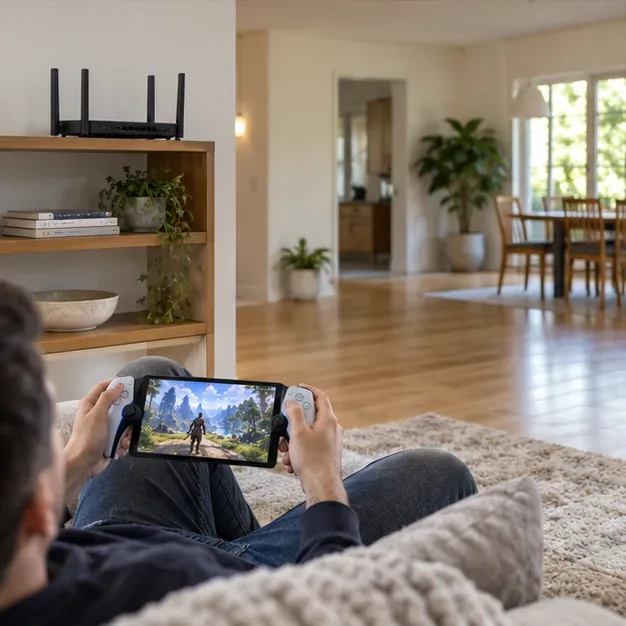
Place the router in an open, elevated spot instead of inside a cabinet or behind a television. Keep the Portal within reliable range and away from thick walls where possible. Then pause large downloads and other heavy transfers on devices sharing the network and retest. Change one thing at a time so you can tell which adjustment helped.
A mesh system or extender may improve coverage in a dead zone, but it is not an automatic latency fix. First test beside the main router. If that is responsive and another room is not, the weak link is likely coverage; the best mesh node placement depends on the system and its connection back to the router.
An open router location and a clear path can help the Portal maintain a steady Wi-Fi connection.
4. Update the Portal and PS5, then check connection status
On the Portal, swipe left from the upper-right corner to open the Quick Menu, then go to Settings > System > System Software > Update System Software. On PS5, go to Settings > System > System Software > System Software Update and Settings. Keep both devices current, but do not expect an update to compensate for weak Wi-Fi.
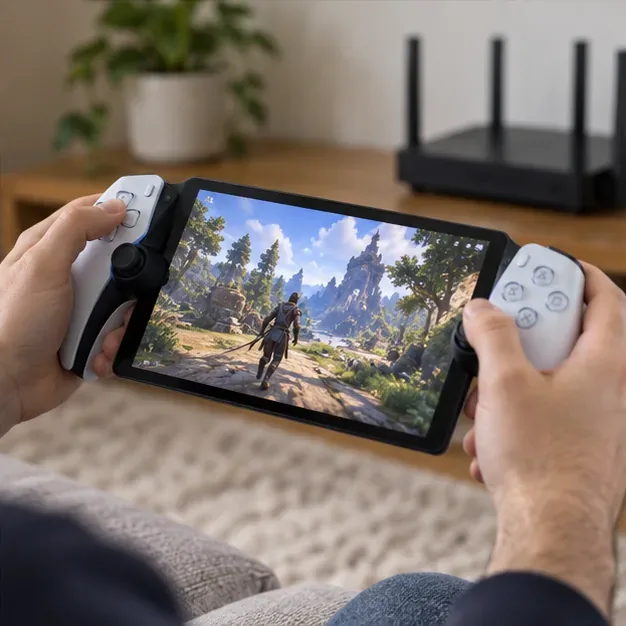
During a session, open the Portal Quick Menu and select Troubleshoot > Show Network Status. Use it alongside what you see in the game: a stable picture, fewer interruptions, and responsive controls matter more than a single internet speed-test result. For a repeatable comparison, keep the game, location, and network conditions the same before and after a change.
Retest the same game near the router after each change to compare responsiveness consistently.
What to do if input lag remains
Restart the Portal and router, then reconnect and test again.
Pause downloads or other heavy network activity on the home network.
Try the Portal beside the router. If it improves there, focus on coverage and placement.
Check PlayStation Network status and confirm the Portal’s Wi-Fi works normally on other services.
If controls still feel delayed in multiple games on a strong connection, contact PlayStation Support rather than factory-resetting the Portal as a first step.
Sony lists 5 Mbps upload and download as a standard connection recommendation, and 15 Mbps in each direction for best performance. Those are throughput recommendations, not a promise of low end-to-end latency. Public Wi-Fi and connections away from home add network conditions you may not control.
Skip fixes that the Portal does not offer
The Portal’s network settings let you choose a Wi-Fi connection and view connection status; they do not provide a user-facing bitrate or H.265 switch. Sony’s recommended wired setup is for the PS5, while the Portal connects over Wi-Fi. Do not expect a USB-C Ethernet adapter, a router’s 160 MHz setting, a controller swap, or a claimed “under 40 ms” target to guarantee lower Remote Play latency. Router features vary, so make a change only when you can test whether it actually improves your connection.