Leon in Brawl Stars: Abilities, Tips & How to Unlock Him (2026)
Leon in Brawl Stars is a Legendary Assassin built around a fan-shaped blade attack and a Super that lets him disappear for a short time. The key to using him well is to close the distance before firing, then use invisibility to flank or escape instead of rushing straight into a crowded fight. To unlock him in 2026, use Brawler Blast from the Brawler Collection. The Legendary unlock costs 3,800 Credits, but Leon is not guaranteed in every target lineup.
This guide reflects Supercell’s August 2026 change that replaced Starr Road with Brawler Blast, plus the Leon upgrade notes from 2026. If a later update changes a number or menu label, the live game’s Brawler Collection and ability panel are the final reference.
Leon at a glance
| Detail | What to know |
|---|---|
| Rarity and class | Legendary; Assassin |
| Main attack | Spinner Blades; a four-projectile fan that deals less damage at longer distance |
| Super | Smoke Bomb; temporary invisibility for a flank, escape, or surprise approach |
| Gadgets | Clone Projector and Lollipop Drop |
| Star Powers | Smoke Trails and Invisiheal |
| Standard unlock path | Brawler Collection → Brawler Blast → Legendary unlock for 3,800 Credits |
Leon’s abilities and upgrades
Spinner Blades: aim for close-range hits
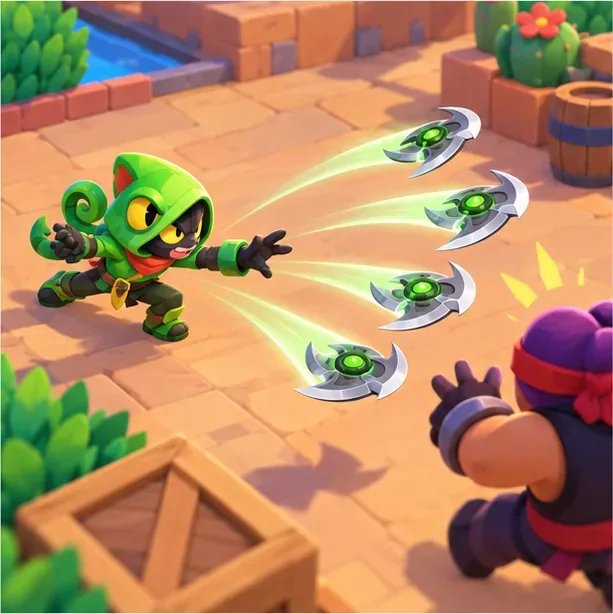
Leon’s Spinner Blades send four spinning projectiles outward in a fan. Their damage falls as they travel, so a long-distance volley is better for pressure than a quick knockout. At close range, several blades can connect with one opponent and deliver a much stronger burst. Move into range from a side lane or behind cover, then aim so the fan overlaps the target instead of spreading past them.
Smoke Bomb: vanish to reposition
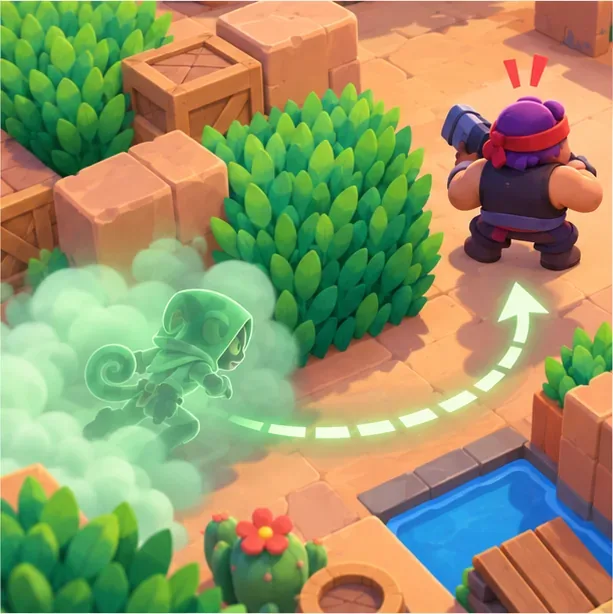
Leon’s Smoke Bomb turns him invisible for a limited window. Use it to approach a vulnerable opponent, cross an exposed lane, or disengage when your health is low. The Super is a timing tool, not a shield: Leon can still be punished if he walks into danger or spends the invisibility window moving in a predictable straight line. Attacking normally ends the invisibility early, so plan the ambush around one decisive approach. His Limbo Hypercharge is the exception: while it is active, Leon can attack and remain invisible.
Star Powers: speed or healing
- Smoke Trails increases Leon’s movement speed by 30% while his Super invisibility lasts. Its Buffie adds 15% damage to his first attack after he becomes visible.
- Invisiheal restores 1,440 health per second while Smoke Bomb is active. Its Buffie extends the Super by one second.
Smoke Trails suits a fast flank or retreat, while Invisiheal can help Leon survive between fights. Supercell’s April 2026 notes say the Smoke Trails speed bonus and Lollipop Drop speed bonus no longer stack, so don’t build a plan around combining both movement boosts.
Gadgets: decoy or team stealth
- Clone Projector creates a copy that distracts opponents and can deal minor damage. With its Buffie, Leon can reactivate the Gadget while the clone is active to swap positions with it.
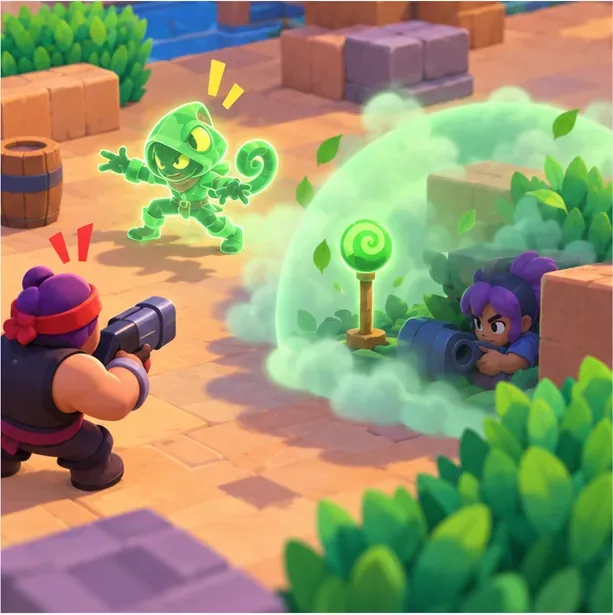
- Lollipop Drop places a stealth area for Leon and nearby teammates. Its Buffie grants Leon and allies inside the area a 15% movement-speed bonus; the lollipop gradually loses health.
Choose the clone when you want to draw fire or confuse an enemy’s aim. Choose Lollipop Drop when your team can use a temporary hiding area to set up a flank, protect a retreat, or change lanes together.
Limbo Hypercharge
Leon’s Limbo Hypercharge lets him attack without immediately breaking his invisibility. It gives him a stronger window to finish an ambush, especially when paired with a carefully timed Super. Its Buffie also makes Leon’s main attacks deal at least 75% of their damage regardless of distance. Treat this as a late-game upgrade to his stealth plan; the basic Smoke Bomb still calls for careful positioning.
How to unlock Leon in Brawl Stars
Since the August 2026 update, the normal progression route is Brawler Blast, not Starr Road. Credits move you toward the next Brawler in a fixed rarity order. The current official costs are:
| Rarity | Credits |
|---|---|
| Rare | 160 |
| Super Rare | 430 |
| Epic | 925 |
| Mythic | 1,900 |
| Legendary | 3,800 |
| Ultra | 5,500 |
- Open the Brawler Collection. Find Brawler Blast beside the collection. The August update removed the old Starr Road and Fame buttons from the Home screen.
- Earn Credits and follow the rarity order. Collect Credits from the rewards and quests currently available to your account. They apply toward the next unlock; you may need to clear earlier rarities before the Legendary stage becomes active.
- Check the Legendary target lineup. A Brawler Blast opening shows ten targets. If more than ten unowned Brawlers remain at that rarity, the game selects ten at random. If Leon is among the targets, knock down the other Brawler targets and leave Leon standing for the unlock. Some openings also offer a choice of two to four Brawlers; choose Leon if he is included.
- If Leon is absent, continue progression. You cannot force Leon from a lineup that does not contain him. Complete the available unlock, keep earning the Credits needed for another Legendary opening, and check the next target set or choice offer.
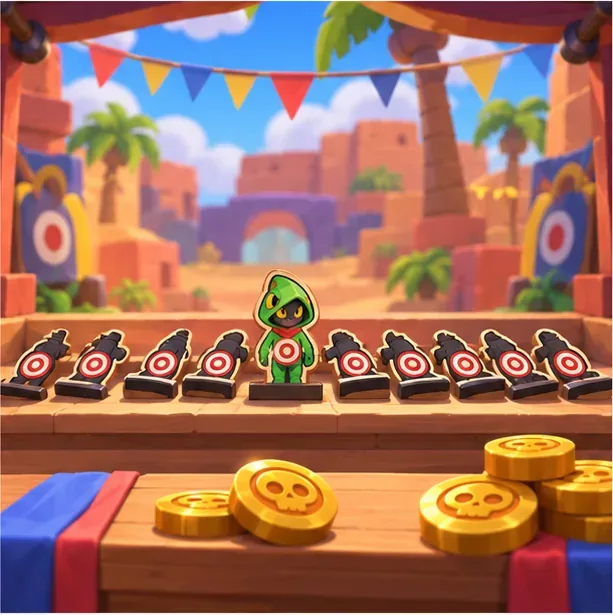
The 3,800-Credit figure is the Legendary rarity cost, not a promise that every opening will display Leon. Supercell says there is a 50% chance that an opening offers a choice of Brawlers; the available choices depend on which Brawlers you still do not own.
Quick tips for playing Leon
- Build Super charge before diving. Land safe attacks first, then use Smoke Bomb when you have a clear target or escape route.
- Approach from the edge. Bushes, walls, and side lanes help Leon close the gap without taking unnecessary fire.
- Save the blades for close range. A close volley can connect multiple projectiles; at long range, use attacks to pressure or charge rather than expecting a full burst.
- Pick isolated, low-health opponents. Leon is less forgiving in a direct trade with a durable Brawler, especially after Supercell reduced his base health in April 2026.
- Use invisibility defensively. A safe retreat can be more valuable than a risky attempt to finish a target.
Frequently asked questions
Can I still unlock Leon from Starr Road?
Starr Road was reworked into Brawler Blast in August 2026. Open the Brawler Collection to find the current progression path.
Is Leon guaranteed after I earn 3,800 Credits?
No. That amount advances a Legendary unlock, but the target lineup can contain other unowned Legendary Brawlers. Leon must appear among the targets or in a choice offer for you to select him in that opening.
Does standing still reveal Leon?
Standing still is not the central rule to remember. Smoke Bomb lasts for a limited time, and a normal attack ends the invisibility early. Limbo Hypercharge allows Leon to attack while staying invisible.
Is Leon a good first Legendary?
Leon can be effective, but he rewards patience and positioning. Players who prefer a forgiving frontline Brawler may need practice before they get consistent value from his short-range damage and timed invisibility.
Official sources
- Supercell’s August 2026 release notes — Brawler Blast, Credit costs, target lineups, and choice offers.
- Supercell’s February 2026 release notes — Leon’s Gadgets, Star Powers, Buffies, and Hypercharge upgrade details.
- Supercell’s April 2026 release notes — Leon’s health change and Smoke Trails/Lollipop Drop speed interaction.
- Supercell’s Hypercharge notes — Limbo’s invisible-attack effect.
- Official Brawl Stars site.









