How to Get the Fiberglass Rod in Stardew Valley (2026)
To get the Fiberglass Rod in Stardew Valley, reach Fishing Level 2 and buy it from Willy’s Fish Shop for 1,800g. The shop is on the Beach, south of Pelican Town. Once you own the rod, you can attach bait to shorten the wait for a bite. The upgrade does not accept tackle, and you do not need bait to fish with it.
What you need before you go
| Requirement | What to know |
|---|---|
| Fishing skill | Level 2 |
| Purchase price | 1,800g |
| Seller | Willy’s Fish Shop on the Beach |
| Materials or quest | None; this is a direct shop purchase |
The rod appears in Willy’s stock once your Fishing skill reaches Level 2. Having enough gold without meeting the level requirement will not unlock it, and reaching Level 2 does not automatically buy it. The Fiberglass Rod entry in the Stardew Valley Wiki confirms the price, unlock level, and bait-only attachment slot.
How to get the Fiberglass Rod: step by step
1. Reach Fishing Level 2
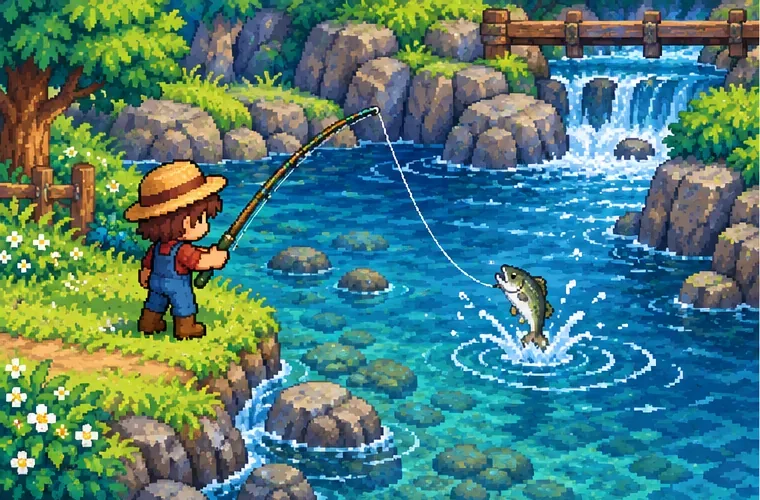
Use your Bamboo Pole to fish in any accessible water: the river, the mountain lake, or the ocean are all options. Catching fish builds Fishing experience, and your skill level rises as you gain enough experience. There is no fixed number of catches that guarantees Level 2; the fish you catch and your results affect how quickly you progress. Check the skill tab if you are unsure whether the level-up has registered.
If the fishing minigame is difficult at first, make shorter casts and keep practicing the reel timing. You can still make progress without bait or a Fiberglass Rod. The Fishing skill guide lists the level unlocks and explains how the rods fit into the progression.
2. Go to Willy’s Fish Shop on the Beach
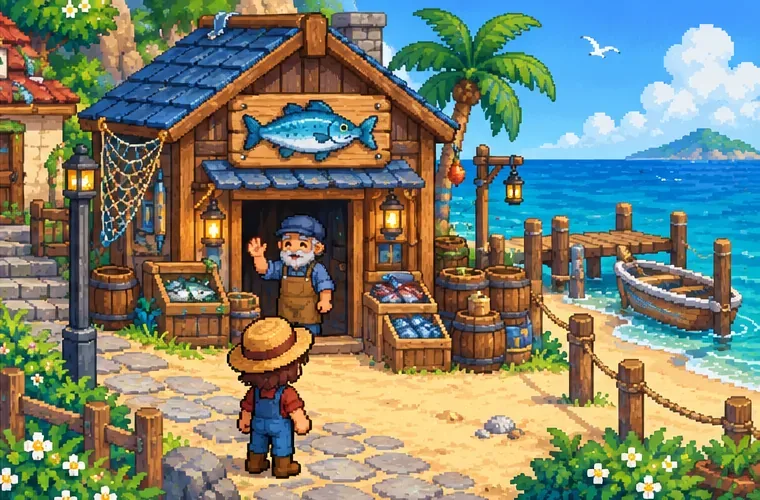
From Pelican Town, take the southern route to the Beach. Willy’s shop is the wooden fish shop beside the shoreline. It normally operates from 9 a.m. to 5 p.m., but it is closed on Saturdays when the weather is nice because Willy goes fishing. Special event schedules can also affect access, so check the calendar if you arrive and cannot use the counter. The Willy schedule and Fish Shop page provide the current location and schedule details.
3. Buy the rod for 1,800g and equip it
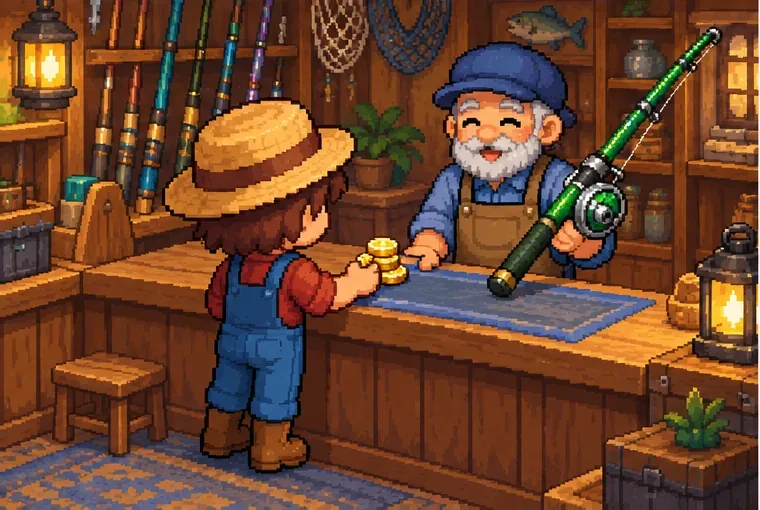
Interact with the shop counter and browse Willy’s inventory. When your Fishing skill is Level 2, select the Fiberglass Rod and confirm the 1,800g purchase. It goes into your inventory. Move it to an available hotbar slot, then select that slot to hold the rod. The exact buttons vary by platform, but the basic sequence is the same on PC, console, and mobile: open inventory, place the rod on the toolbar, and select it before casting.
The Fiberglass Rod is a tool upgrade, not a crafting recipe. You do not need to bring wood, fiber, or other materials to the shop. If you can see the rod but cannot afford it, sell or ship a few items and return with the remaining gold.
4. Attach bait if you want faster bites
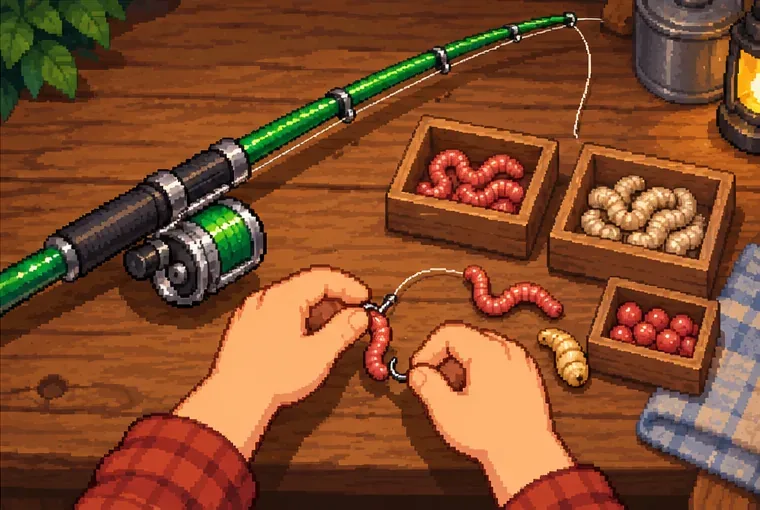
Bait is optional, but standard bait reduces the delay before a nibble by 50% and lowers the chance of pulling up trash. Fishing Level 2 also unlocks the basic Bait recipe, which uses one Bug Meat per piece; Willy sells bait as well. Open your inventory, select the bait stack, and apply it to the Fiberglass Rod. On desktop, the mouse click you use on the stack determines whether you pick up one bait or the stack; on mobile, drag the bait onto the rod. Controller inputs differ by console.
Each cast uses one piece of bait, even if you do not land a fish, so attach a small amount while you are learning or stock up for a longer session. If the rod has no bait attached, it still works normally. See the Bait guide for the current attachment controls and bait effects.
Fiberglass Rod vs. the other fishing rods
| Rod | Unlock or price | Attachments |
|---|---|---|
| Bamboo Pole | Willy’s early-game gift | Cannot use bait or tackle |
| Fiberglass Rod | Fishing Level 2; 1,800g | Bait only |
| Iridium Rod | Fishing Level 6; 7,500g | Bait and tackle |
The Fiberglass Rod is a useful middle step if you want bait but are not ready to pay for the Iridium Rod. It does not improve your fishing skill by itself, and it does not make fish easier to reel in through tackle. Its main advantage over the Bamboo Pole is the bait slot; the later Iridium Rod adds tackle compatibility.
If the Fiberglass Rod is missing from the shop
- Check Fishing Level: Confirm that your skill has reached Level 2. Keep fishing if the skill tab still shows Level 0 or 1.
- Check the day and time: Visit during shop hours. On a fair-weather Saturday, Willy is away fishing, so return on another day.
- Check your gold: You need 1,800g for the purchase. The rod is not free and is not found as a mine reward.
- Check the right inventory: After buying, look in your backpack or toolbar. If you moved it earlier, check your storage before buying another rod.
Frequently asked questions
Can you get the Fiberglass Rod for free?
No. In the base game, Willy sells it for 1,800g after you reach Fishing Level 2. It is not a quest reward or a mine pickup.
Can you put bait on the Bamboo Pole?
No. The Bamboo Pole cannot use bait. The Fiberglass Rod is the first standard upgrade that accepts bait, while the Iridium Rod accepts bait and tackle.
Does the Fiberglass Rod use tackle?
No. It has a bait slot only. If you want to attach tackle such as a bobber, save for the Iridium Rod, which becomes available at Fishing Level 6 for 7,500g.









