Home
» 🎮 Esports
»
How to Get Free Hextech Chests and Keys in League of Legends
How to Get Free Hextech Chests and Keys in League of Legends
How to Get Free Hextech Chests and Keys in League of Legends
Quick answer: As of October 16, 2026, the no-cost route is the free reward track in the Season 3: Worlds 2026 Battle Pass plus its two Honor Objectives. Finish all eight free pass milestones that award a Hextech Chest and Key, then earn 1,200 Honor Points twice for two more matched chest-and-key rewards. You do not need to buy the paid pass or spend RP to claim these free rewards.
This is the current system, not the older weekly Honor capsule or random post-game chest advice repeated on outdated guides. The active Worlds pass offers eight direct rewards on the free track, and the current Honor guide lists two additional chest-and-key rewards per Act. The client’s live pass and objectives remain the source of truth if a later Act changes its lineup.
1. Claim the free Worlds 2026 Battle Pass rewards
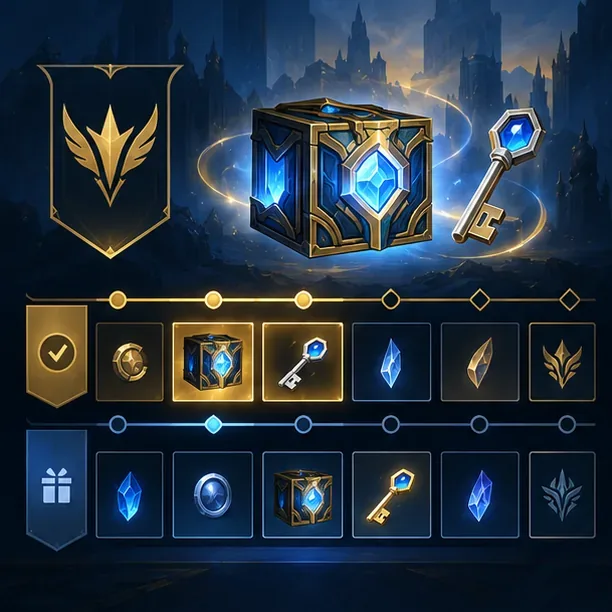
Every player can earn the free Battle Pass rewards by progressing through the pass. For Season 3: Worlds 2026, the free track gives one Hextech Chest + Key at milestones 7, 16, 18, 27, 30, 36, 38, and 43. That is eight matched sets before any bonus chest drops. The paid pass unlocks separate paid rewards; it is not required for the chest-and-key milestones listed here.
The reward track illustration highlights chest-and-key milestones; use the live Worlds 2026 pass for the exact reward layout.
Free pass milestone
Reward
7
1 Hextech Chest + Key
16
1 Hextech Chest + Key
18
1 Hextech Chest + Key
27
1 Hextech Chest + Key
30
1 Hextech Chest + Key
36
1 Hextech Chest + Key
38
1 Hextech Chest + Key
43
1 Hextech Chest + Key
The official schedule says the Worlds 2026 pass began October 7, 2026, at 11:00 a.m. in Los Angeles, Pacific Daylight Time (UTC−07:00). Pass progression ends January 5, 2027, at 11:59 p.m. in Los Angeles, Pacific Standard Time (UTC−08:00); the pass deactivates January 6 at 11:59 p.m. PST (UTC−08:00). Earn the milestones before progression closes and claim the rewards before the pass deactivates.
2. Earn Battle Pass XP without paying
Pass progress is the practical way to reach the free chest levels. Riot’s current Worlds pass page says every minute in a matchmade game earns Battle Pass XP, regardless of whether your team wins. You can therefore make progress in modes you already enjoy instead of grinding ranked solely for loot. The page specifically includes Co-op vs. AI among the eligible matchmade modes for time-based progress.
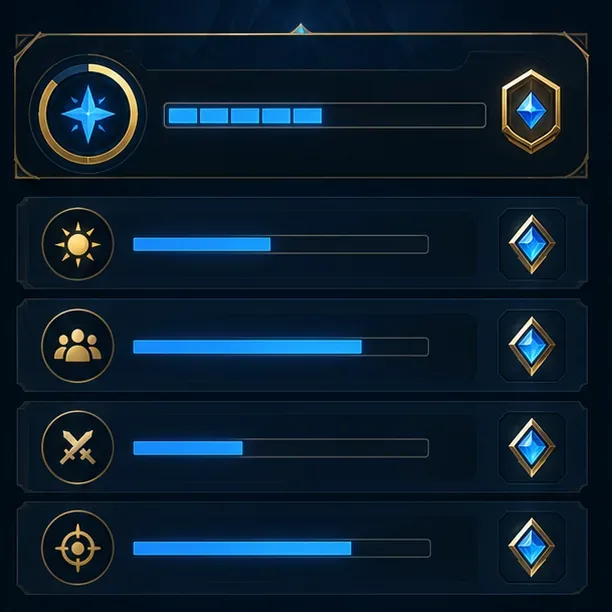
Mission requirements and progress change; check the current objectives in the League client.
Complete the daily objective as well: for this Act, it awards 100 Battle Pass XP for either winning one League game or playing two League games. Weekly objectives add more XP, and their requirements vary; some are limited to standard League matches while a weekly venture can accept a broader set of matchmade modes. Check the current objective list in the client before choosing a mode, and collect each reward after reaching its milestone.
Do not assume that a first win automatically drops a chest. In the current pass, the daily objective gives XP; the chest appears when you reach a milestone that explicitly lists a chest and key.
3. Earn two more chest-and-key sets through Honor
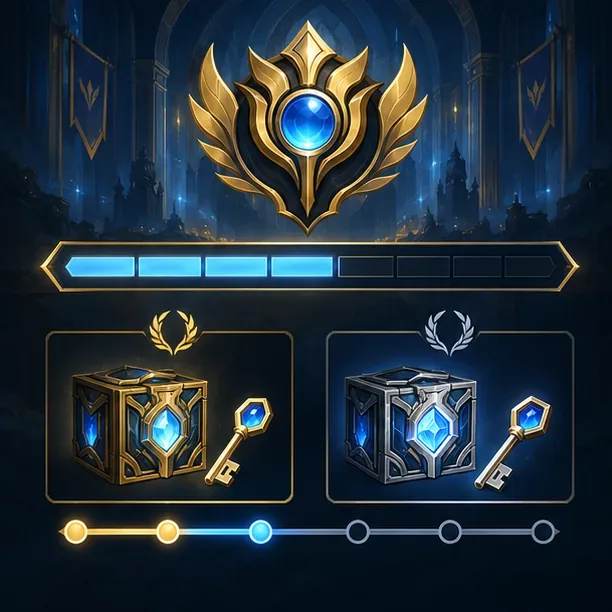
Each Act has two sequential Honor Objectives. Complete 1,200 Honor Points for the first Hextech Chest + Key, then earn another 1,200 points for the second. Each objective also grants 50 Battle Pass XP. These are not weekly Honor capsules: the current track is based on eligible League PvP play time and your Honor level.
Honor chest-and-key rewards come from sequential objectives that each require 1,200 Honor Points.
Honor level
Honor Points per minute
Eligible play time for 1,200 points
Level 5
10
About 120 minutes
Level 4
2
About 600 minutes
Level 3
1
About 1,200 minutes
Levels 1–2
0
No Honor Objective progress
Honor points for these objectives come from League PvP matches, not Co-op vs. AI. A higher Honor level makes the track move faster; playing fairly, communicating respectfully, and avoiding behavior penalties helps you maintain that level. Post-game Honor votes are part of the wider Honor system, but the chest objectives themselves fill according to play time and current Honor level. You do not receive a chest simply for voting for a teammate.
4. Open the chest and manage the loot
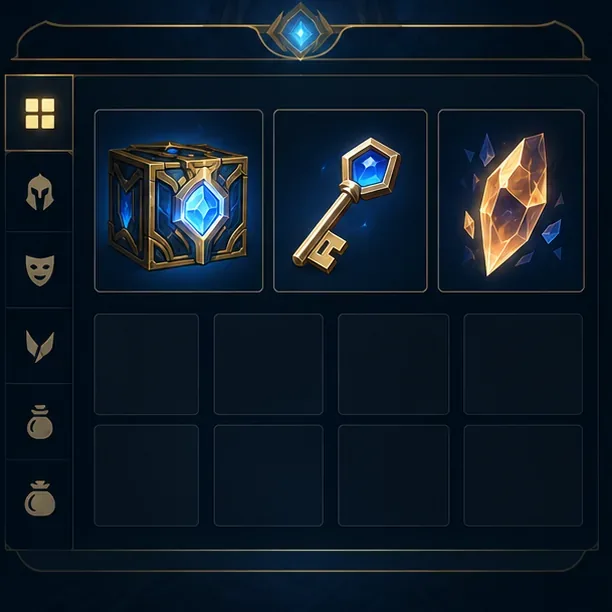
When you earn a chest-and-key reward, open the client’s Loot area and use the key to open the Hextech Chest. Hextech Crafting has its own inventory, separate from your owned-content inventory, so redeem any reward you want to use. A chest can produce a skin shard, champion shard, emote, ward skin shard, icon, or essence; a skin is not guaranteed on every opening.
A chest requires a key to open; shards and permanent rewards are managed in Hextech Crafting.
Riot’s current crafting FAQ lists a skin shard in 50% of chest openings, with protection that prevents three consecutive chests from opening without at least one skin shard. Duplicate shards can be disenchanted for Orange Essence, while rerolling three shards gives a random permanent you do not own. Each chest opening also has a 10% chance to award a bonus chest with a key. Treat that as a possible extra, not a monthly target or guaranteed return.
Keep the difference clear: a Hextech Chest is the container, a Hextech Key opens it, and a shard may need Orange Essence to become a permanent item. The current free pass and Honor rewards pair the chest with a key, so you can open those rewards without buying either item.
Old advice to skip
Prime Gaming capsules: Riot announced that the promotion’s final drops ended in March 2024. An old Prime Gaming page will not provide a current monthly League capsule.
Weekly Honor Level 2 capsules: Riot’s current Honor guide describes two 1,200-point objectives per Act, each awarding one chest and key. It does not promise a weekly capsule or a fixed number of keys each month.
Random chests for ranked wins or champion mastery: Do not plan around an alleged per-match drop chance. Riot’s current Hextech FAQ points players to Battle Passes and Honor Objectives as the current ways to earn chests.
Referral links or third-party “chest generators”: These are not listed as current Riot chest rewards. Use the official client and Riot event notices, and never give your account credentials to a reward site.
Official limited-time events may add other rewards, but the reward list varies. Check the Activity Center and the event’s Riot support page; only count a chest or key when the current notice names it directly.
Frequently asked questions
Can I get Hextech Chests and Keys without spending money?
Yes. In the current Worlds 2026 Act, the free pass lists eight chest-and-key rewards, and the two Honor Objectives can award two more. You can progress through the free reward track without buying the paid pass.
Do I need to win games or play ranked?
No ranked queue is required for the free pass route. Matchmade play earns pass XP by time spent, and the current daily objective can be completed by winning one League game or playing two. Honor Objective progress is limited to League PvP and depends on your Honor level.
Does every Hextech Chest contain a skin?
No. The chest has a random loot table. Riot lists a 50% skin-shard rate, with bad-luck protection across consecutive openings. You may receive champion or cosmetic loot instead, so treat free chests as random rewards rather than a guaranteed skin unlock.
How many free chests can I earn in this Act?
The current pass and Honor Objective lists provide up to ten matched chest-and-key rewards directly: eight on the free pass and two from Honor. Bonus chest drops may add more, but they are chance-based.