Home
» 🎮 Esports
»
How to Get Free Fire Weekly and Monthly Memberships for Less
How to Get Free Fire Weekly and Monthly Memberships for Less
How to Get Free Fire Weekly and Monthly Memberships for Less
The safest way to spend less on a Free Fire Weekly Membership or Free Fire Monthly Membership is to compare the offer in your own game account, use a payment route Garena recognizes for your market, and wait for an official promotion that actually applies to that membership. There is no verified global price table promising 50% off, and no reliable code that always grants a membership for free. Prices, payment methods, and reward terms can change by country and platform.
Use the steps below to find the lowest legitimate total for your account. The example screens are conceptual illustrations, not screenshots of the live Free Fire interface.
What counts as a real membership saving?
Compare what you will actually pay at checkout, including taxes or payment fees, and subtract only a credit or discount that the checkout accepts. A free skin, bonus diamonds, or a general event reward can add value, but it does not lower the membership price unless the offer specifically says it applies to the weekly or monthly membership.
Also check the reward schedule before buying. Read the displayed duration, included items, delivery timing, claim requirements, and any renewal or cancellation terms. If an offer distributes rewards over several days, count only the rewards you expect to claim and use.
1. Check the membership price in your own game
Open the official Free Fire client and review the membership or subscription area available to your account. Record the exact name, price, currency, duration, and reward list shown on the purchase screen. The weekly and monthly options, available bundles, and terms may differ across markets or change after an update, so a price copied from an old article may no longer match your checkout.
Use this quick comparison: effective cost per day = (price + checkout fees − eligible credit or discount) ÷ the offer’s stated number of days. Treat this as a price check, not a full measure of value; only count rewards you want and can claim. If daily rewards are part of the current offer, consider whether you will log in often enough to collect them.
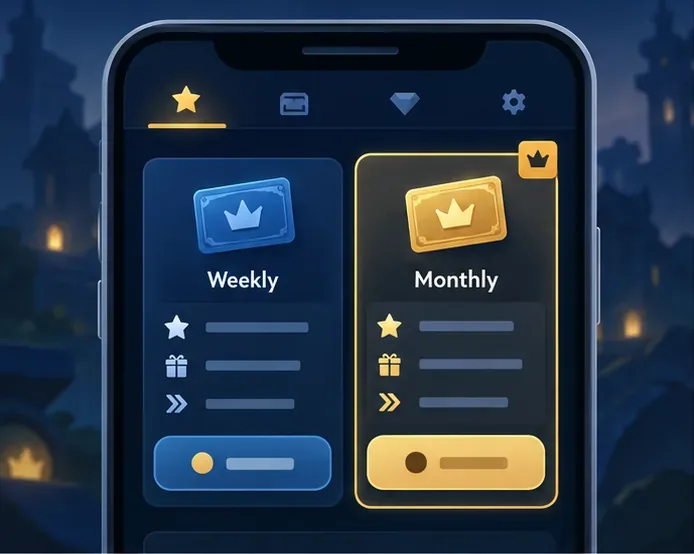
Conceptual screen: compare the current prices and rewards displayed in your own Free Fire client.
2. Compare only payment channels authorized for your market
Check the in-game checkout and the official app store or regional payment options linked from Garena’s local Free Fire channels. If you consider a third-party top-up provider, verify that the exact site and country storefront are recognized by Garena. A provider may be available in one country but not another, and a low advertised price does not prove that a seller is authorized.
Regional notices are not global price lists. For example, Garena published a Vietnam-specific membership price notice with a named set of payment channels and a stated effective date. Those terms were for that market and period; they are not a current quote for every player. Compare the live checkout for your own account instead.
Before paying, confirm the final amount and the account identifier the official checkout requests. Never give a seller your game password, email or social login, one-time password (OTP), recovery code, or full card details in chat. Garena’s account-protection guidance recommends official channels and warns players away from sites promising free items.
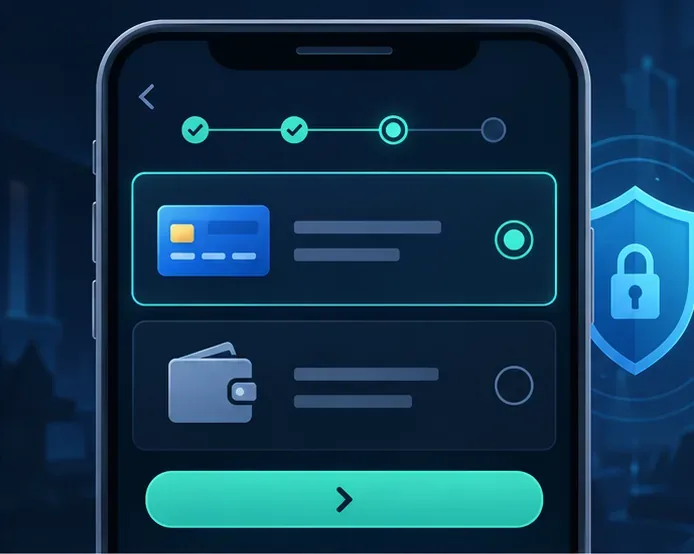
Use a payment route confirmed for your region; this conceptual screen does not represent a specific provider.
3. Watch official events and redeem codes, with realistic expectations
Check the in-game Events area and Garena’s official website or social channels for current campaigns. Events can offer free cosmetics or bonus items, but those rewards are not automatically a discount on memberships. Garena’s event guidance describes examples such as first-top-up bonuses; read the specific event rules to see what the bonus covers before spending.
Use the official Free Fire Rewards Redemption site only for codes published by Garena or an authorized campaign. Garena’s redemption-code instructions explain that codes have a limited character format and that guest accounts cannot redeem rewards. A code grants only the reward described by its campaign; do not assume it unlocks a weekly or monthly membership unless the offer says so.
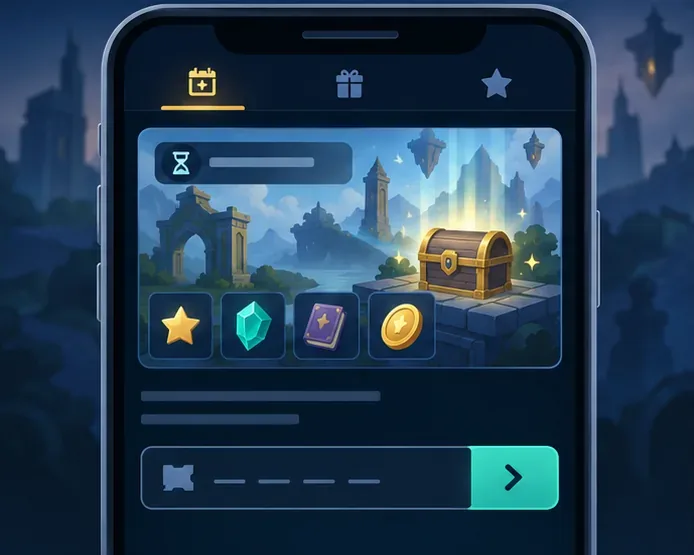
Check the official campaign details: a redeem code gives only the reward stated in its offer.
4. Use store credit only when the purchase screen accepts it
If Google Opinion Rewards is available where you live, surveys may add Google Play credit that can offset an eligible purchase on Android. Google says survey frequency varies, country determines eligibility and reward currency, and Opinion Rewards credits expire one year after they are earned. That makes it a possible small balance boost, not a guaranteed way to get a free membership every month.
Keep the receipt and confirm the item arrived; never send account passwords or verification codes to a seller.
Weekly or monthly: which offer is cheaper for you?
Do not assume the monthly option has the best value just because it lasts longer. Compare each option’s final checkout total, stated duration, and reward schedule. If you play only during a short event, the shorter offer may fit better; if you expect to use the full month and collect its rewards, compare the monthly cost per day against the weekly offer. Use the exact duration and terms shown in your version of the game.
Choose the offer whose rewards you will actually use.
Include payment fees and subtract only a discount or credit accepted at checkout.
Do not convert unrelated cosmetics or bonus diamonds into a promised cash saving.
Review renewal and cancellation details before confirming any recurring payment.
Red flags to avoid
Skip “diamond generators,” unofficial APKs, account-sharing offers, and sellers who promise a membership at a dramatically reduced price in exchange for your login. Garena warns that free or unusually cheap currency offers can be scams and advises players to use legitimate purchase sources. A VPN or false billing region is not a dependable savings method: the store’s currency and payment options are tied to account and billing-region settings, and the displayed price may not be usable for your account.
If a purchase is not delivered, save the receipt and contact the relevant official app store or your regional Garena support team. Do not pay another seller to “recover” the purchase or account.
Quick checklist before you buy
Open the official game client and note the current membership price and terms.
Compare the final checkout total through payment channels recognized for your region.
Check official events and code offers, but verify that the stated reward is actually a membership discount.
Apply store credit only if the checkout accepts it and the currency matches.
Keep your receipt and protect your password, OTP, and recovery details.
The reliable path to a lower Free Fire membership price is to check the offer in your account, compare legitimate regional payment options, and wait for a clearly applicable official promotion. Treat “free membership” and huge discount claims as unverified until Garena’s own offer page confirms them.