Home
» 🎮 Esports
»
How to Get the Falcon Companion for Free in PUBG Mobile (2026 Guide)
How to Get the Falcon Companion for Free in PUBG Mobile (2026 Guide)
How to Get the Falcon Companion for Free in PUBG Mobile
Short answer: You can get the Falcon Companion for free only when an official PUBG MOBILE event or reward explicitly offers the Falcon, Companion materials, or shards that can be exchanged for it. The official Help Center lists Falcon as a Companion and says Companions are obtained through events or paid crates. It does not promise a permanent free unlock. Check the current event rules in your own game before spending time on a guide or code list.
As of October 16, 2026, official public pages confirm the event-based route but do not verify a universal, always-active Falcon code or a guaranteed free mission. Events can change by account, region, and date, so the reward page in your client is the final check. This guide separates the valid ways to check from old claims that cannot be confirmed.
Check the current in-game event list; the reward details in your client determine whether a free Falcon offer is available.
Method 1: Check official in-game events for a free Falcon
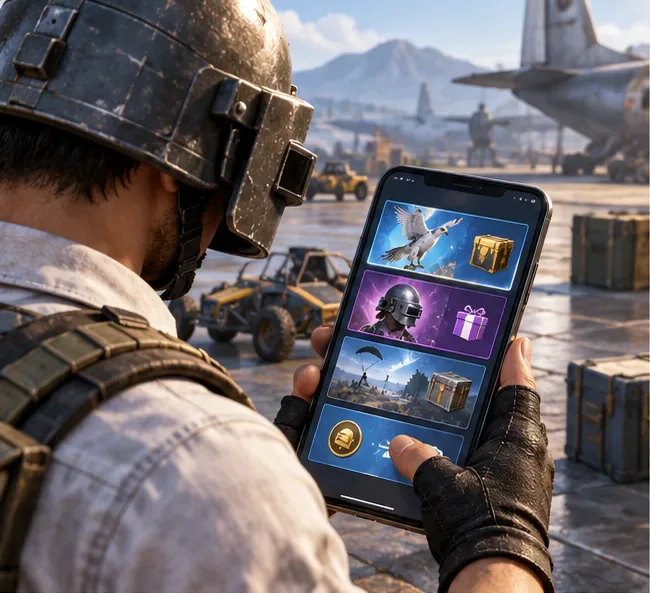
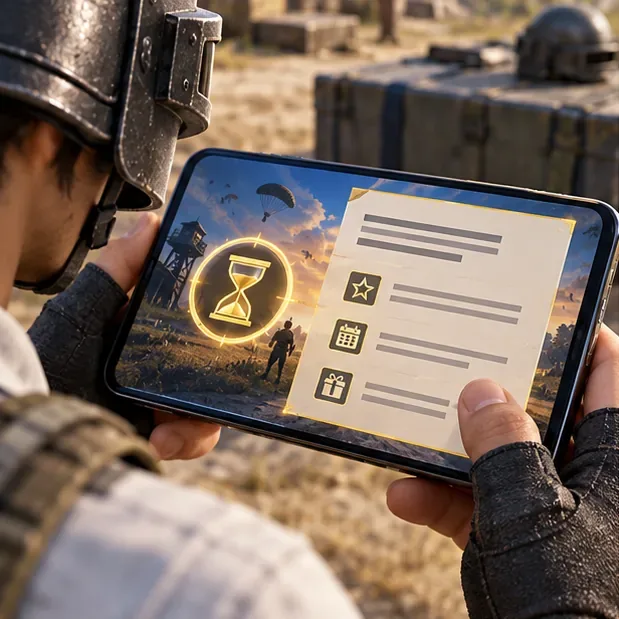
Limited-time events are the clearest no-cost route supported by PUBG MOBILE’s help information. An event may offer the Companion directly, or it may offer materials that can be exchanged for it. The exact reward and requirements are event-specific, so follow this five-part check:
Open the right account and server. Update the game through your device’s official app store, sign in to the account where you want the Companion, and open the lobby. Event availability can differ between versions and regions.
Open Events and inspect the active notices. Look for a reward page that names “Falcon” or “Falcon Companion.” A falcon-themed outfit, avatar, parachute, or other cosmetic is not the Companion itself.
Read the reward rules before grinding. Confirm the listed reward, the event end date, and whether it is a guaranteed claim or a chance-based draw. If the event uses materials or shards, check the in-game exchange page for the amount required; do not assume an old shard count still applies.
Separate free tasks from paid attempts. The rules should say whether you can earn the required event currency through missions, logins, or play, and whether extra attempts cost UC. A free first attempt does not make every later draw free.
Complete the stated tasks and claim before the deadline. Follow only the current event’s instructions, then check the event page and your inventory for the reward. Do not assume that a mission, Royale Pass tier, or clan activity awards Falcon unless its current reward list says so.
Read the event rules for the exact item, eligibility, cost, and expiration date before you start.Only count event tokens toward Falcon if the active event explicitly lets you exchange them for the Companion or its required materials.Daily missions are useful only when the current event lists them as a way to earn its Falcon reward.Claim the reward on the event page before the event closes, then confirm it appears in your account.
Method 2: Use a redeem code only when PUBG MOBILE publishes one
PUBG MOBILE has an official redemption center, but that does not mean a Falcon code is currently available. The center asks for a Character ID, a redemption code, and a verification code; after a successful redemption, the reward can be collected through in-game mail. A code must come from a current official announcement and must name the Falcon or the specific materials you need.
The strings “FALCONWINGS2026,” “PUBGFALCONFREE,” and “SKYHAWKZERO” circulated in the older version of this article could not be verified in official PUBG MOBILE sources. Treat them as unconfirmed, not as working codes. Do not use third-party generators, account-sharing offers, or pages that ask for your password, login token, or one-time security code.
Use the official redemption page only after an official PUBG MOBILE notice provides a valid code for the reward.
Verify the announcement. Start from PUBG MOBILE’s official Events page or an official channel linked from the site. Check the reward, eligible region, expiration, and redemption instructions.
Redeem and check your mail. Open the official redemption center, enter your Character ID, the published code, and the on-page verification code, then submit. If accepted, open in-game mail and claim the reward.
After a successful official redemption, check the in-game mailbox for the stated reward.
Method 3: Check the free Royale Pass and other reward tracks
A free Royale Pass track or a clan/event reward can be a no-cost route only when its current reward list includes Falcon or exchangeable Companion materials. Do not rely on claims that Falcon is always at a particular tier, that a fixed number of fragments will unlock it, or that a week of play is enough. Those details can change, and the current in-game pass and event pages are the evidence to follow.
There is a historical reason some older guides describe a free Falcon event: PUBG MOBILE’s official November 2019 version 0.15.5 notes announced that players would be able to collect Falcon materials for free in a redemption event, with additional Companion Shards available through the Shop or Royale Pass. That announcement describes a past event, not a 2026 offer. See the original 0.15.5 patch notes for the dated details.
What the Falcon Companion does—and does not do
The Falcon is a companion cosmetic, not a scouting tool or combat boost. PUBG MOBILE’s Help Center says Companions can gain experience and level up by participating in combat, and their emotes can vary with the player’s status. It also says Companions are visible only to you and your teammates and do not affect combat balance. The claims in the old article about spotting enemies, finding loot, dropping supplies, or improving win rates are not supported by that official description.
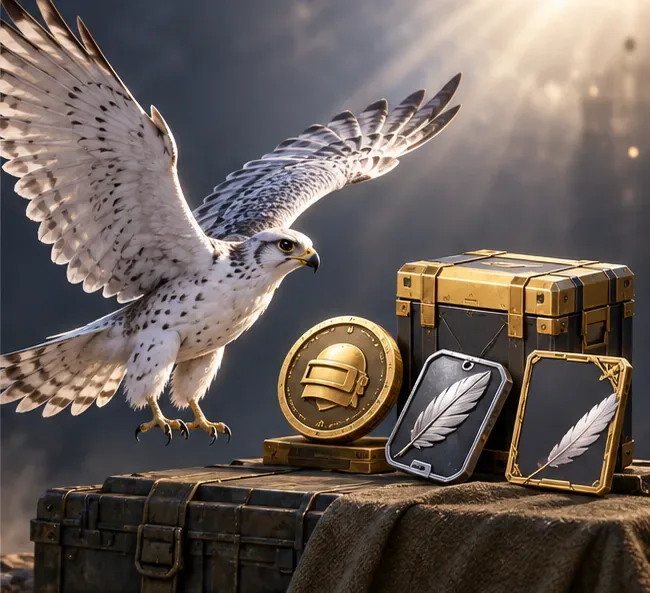
The Falcon appears beside the player as a companion; PUBG MOBILE says Companions do not affect combat balance.
To check or use an unlocked Companion, open the lobby and select Workshop > Companion, the path named in the official Companion help article. Choose Falcon if it appears in your collection and use the current in-game control to activate it. The exact button labels may change with an update.
Quick checklist before you spend time or UC
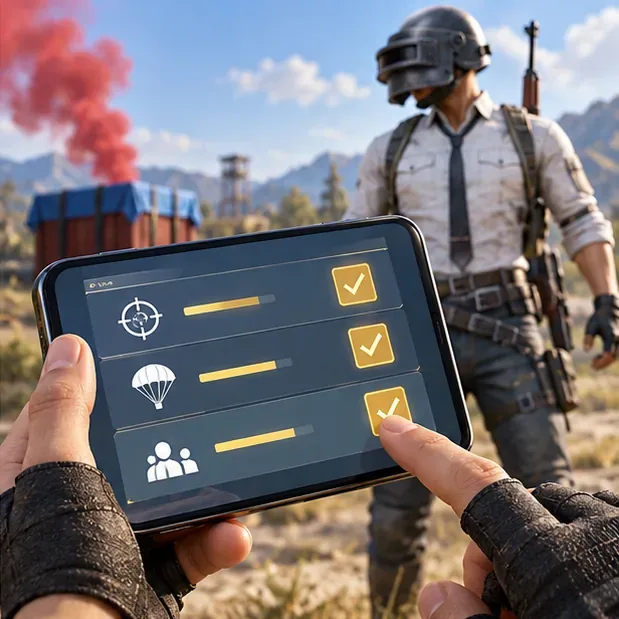
The current event or official code announcement names the Falcon Companion or the exact materials needed for it.
The rules show a way to earn the reward without UC, and you understand whether the result is guaranteed or random.
You checked the event deadline, region, account eligibility, and claim location.
You ignored code lists and gameplay-perk claims that have no official confirmation.
If none of the current official reward pages offers Falcon through free tasks, there is no verified free shortcut to claim today. Keep an eye on the in-game Events page and wait for a confirmed offer rather than risking your account on a generator or an outdated code.