How to Convert Riot Points to Pounds (GBP) in 2026
There is no official cash exchange rate that turns Riot Points into pounds. If you want to know what RP costs in the UK, use the price and RP amount displayed in your League of Legends store: divide the GBP price by the RP in that bundle. This gives you a useful GBP-per-RP estimate for comparing purchases. It does not make RP redeemable for pounds, and the exact current offer should be checked in your account before you pay.
Is there an RP-to-GBP conversion rate?
No universal Riot Points to GBP exchange rate is published. RP is an in-game currency sold in fixed purchase bundles, so the implied cost per point depends on the bundle, region, and current store offer. Riot’s support guide says RP comes from direct purchase in the store or a gift from a friend, and that RP can buy most items in the League store. It is not a bank balance or a currency you can cash out through a standard conversion tool.
That distinction matters when a search result gives a single number such as “1 RP equals £0.01.” A number like that is only an estimate derived from a particular purchase. It is not a guaranteed redemption value. If your goal is to budget for a skin or pass, work from the live bundle price and the RP cost of the item instead.
UK RP prices: what the published figures do and don’t confirm
Riot’s UK-specific price table published in July 2022 listed the bundles below. These are useful reference figures, but they are not a verified 2026 checkout list. Riot’s 2024 regional pricing notice says the 1,380 RP bundle would be made available across all League PC regions and lists no UK price change, but it does not republish the complete UK bundle table. Because bundle amounts can be standardized separately from cash prices, confirm both numbers in the live client.
| Published UK bundle reference | Approx. cost per 1,000 RP |
|---|---|
| 575 RP for £4.49 | £7.81 |
| 1,450 RP for £10.99 | £7.58 |
| 2,850 RP for £20.99 | £7.36 |
| 5,000 RP for £34.99 | £7.00 |
| 7,250 RP for £49.99 | £6.90 |
| 15,000 RP for £99.99 | £6.67 |
The calculations use the 2022 table and are rounded to the nearest penny per 1,000 RP. Read them as a historical comparison, not a promise that each package is still offered. The live purchase panel is the final source for your account’s price, bundle size, and total.
How to calculate the current GBP cost of RP
Step 1: Open the official League of Legends store
Launch the League of Legends client, open the store, and choose Purchase RP. Riot’s PayPal help page describes this client-based route. You can also use Riot’s official site to reach account help, but complete the purchase only through Riot’s client or another official Riot checkout route.
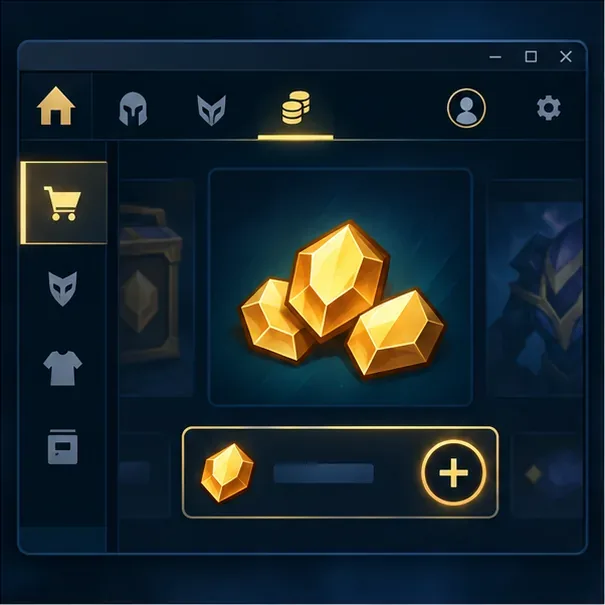
Schematic view of the store route; the live client layout can vary. Step 2: Read the live UK bundle amount and price
For each option, note the full RP amount and the price in pounds. Use the amount the store says you will receive, including any bonus RP shown at checkout. If the price appears in another currency, stop and check that you are signed into the correct account and region. Do not use a VPN or a third-party seller to force a different region’s pricing; Riot advises players to buy RP through the official store and warns against outside sellers.
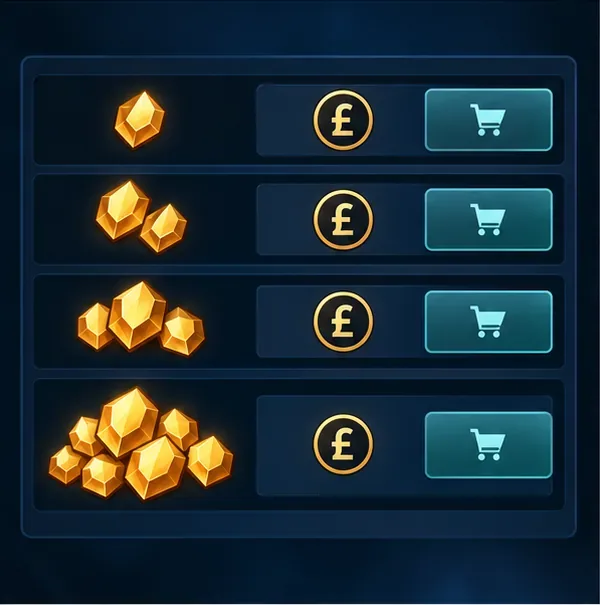
Compare the exact RP amount and GBP total shown in your own UK store. Step 3: Divide the GBP price by the RP amount
Use this formula: bundle price in GBP ÷ total RP received = GBP per RP. To make the result easier to read, multiply it by 1,000 for the cost per 1,000 RP. For example, if a live offer showed 1,380 RP for £10.99, the calculation would be £10.99 ÷ 1,380 = about £0.00796 per RP, or £7.96 per 1,000 RP. This is a worked example only; use the pair of numbers currently shown in your client.
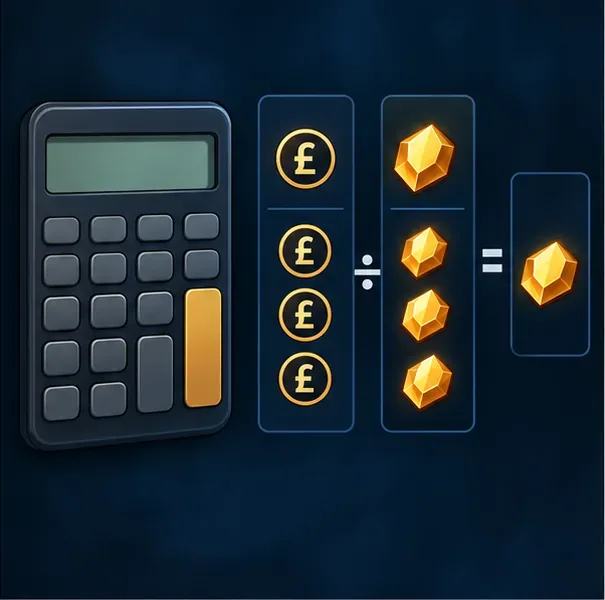
Divide the GBP price by the RP amount to find the cost per point. Step 4: Match the purchase to what you plan to buy
Compare both the unit rate and the amount you actually need. A larger package can lower the cost per RP while requiring a higher payment today, so “best value” does not always mean “best choice.” If an item costs 1,350 RP and a bundle gives 1,380 RP, for example, you would have 30 RP left afterward. Item prices and offers can change, so check the item’s current RP price in the store before choosing a bundle.
If you are buying a champion, check whether it can be unlocked with Blue Essence first. Riot’s rewards guide says Blue Essence can be used to craft or purchase champions in the store, which can help you save paid RP for other League content.
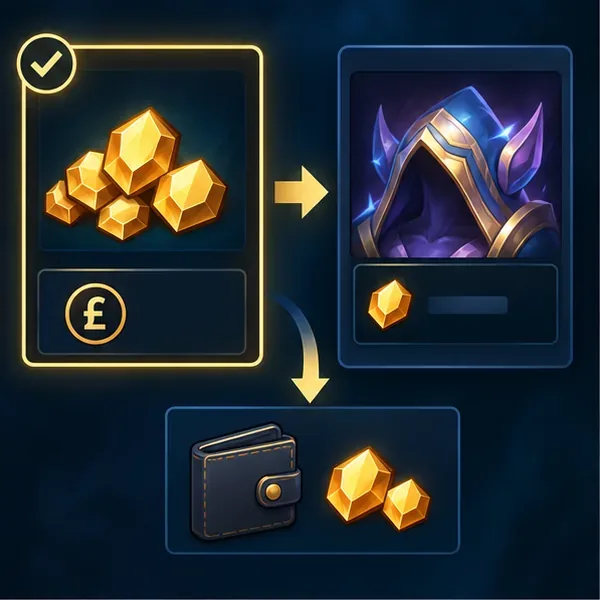
Choose enough RP for the item you want and treat the balance as in-game credit, not cash.
Before you pay
- Check the total at checkout. Confirm the bundle, currency, and final GBP amount before approving payment. Available payment options depend on what the account’s checkout displays; Riot’s PayPal guide covers PayPal purchases, but do not assume every method is offered to every player.
- Use Riot’s official routes. Riot’s account security guidance warns against buying RP outside the store and against sites promising cheap or free RP.
- Keep the receipt. If a payment is completed but the RP balance does not update, save the transaction details, restart the client after a short wait, and contact Riot Player Support if the balance remains incorrect.
- Do not treat leftover RP as pounds. The calculation estimates what you paid per point. It does not establish cash value for unused RP or a right to redeem it in GBP.
Quick answer
To convert Riot Points to pounds for budgeting, divide the current UK bundle’s GBP price by its total RP, then multiply by 1,000 if you want a per-1,000-RP figure. Riot’s last UK-specific published price table is from 2022, and its 2024 note does not provide a complete replacement list. Check the live League of Legends client for the exact 2026 bundle and price, and remember that RP is in-game credit rather than cash that can be converted back into pounds.









