How to Buy Fruits in Blox Fruits (2026 Guide)
To buy a fruit in Blox Fruits, visit a Blox Fruit Dealer, open the fruit shop, choose a fruit that is available, and select its payment option. The important choice is what you are buying: paying with Beli immediately equips that fruit and replaces your current power, while a Robux purchase is a permanent unlock you can equip again later. A Beli purchase is not a physical fruit item you can save or trade.
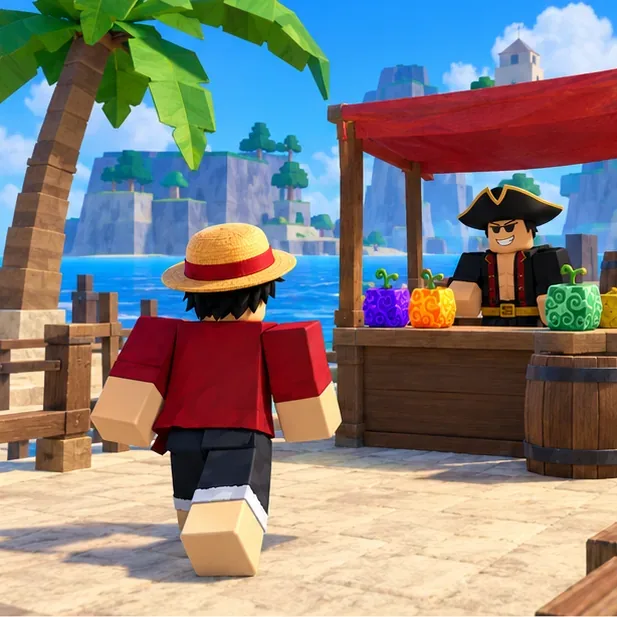
The images in this guide are explanatory illustrations, not literal screenshots of the current game interface. Menu layout and prices can change; follow the labels shown in your live game.
Know what each purchase gives you
| Option | What happens | Best for |
|---|---|---|
| Beli | The fruit power becomes active right away and replaces your current fruit power. It is not permanent. | Changing your build using in-game currency when you are ready to switch. |
| Robux | A permanent fruit unlock can be equipped again later. Check the current Shop prompt for the exact price and purchase terms. | Keeping access to a specific fruit across future switches. |
| Physical fruit | A fruit item obtained in the world or through another game method can be held, stored, or traded under the game's rules. | Players who want an item to keep or trade rather than immediately change their power. |
If your goal is to hold a fruit for later or trade it, do not buy it with Beli from the dealer expecting it to appear as an item. Look for a physical fruit through an in-game method such as a map spawn or the fruit gacha, then use the storage options available to your character.
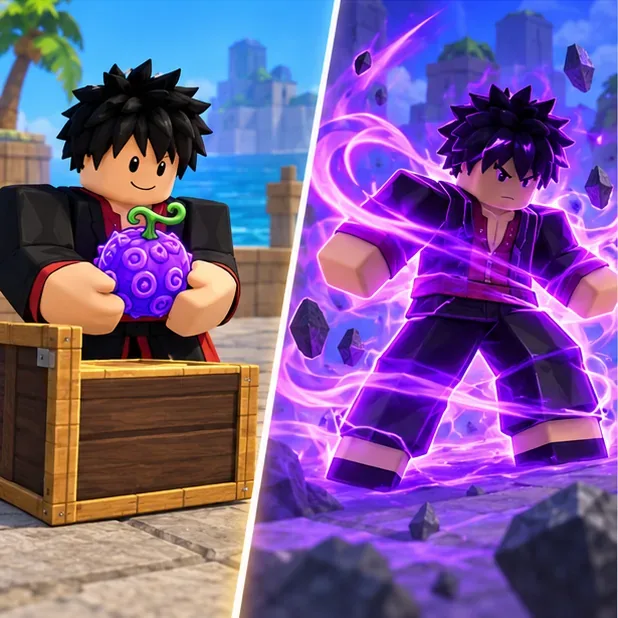
How to buy a fruit from the dealer
Find a Blox Fruit Dealer
In the First Sea, start with the dealer on your Pirate Starter Island or Marine Starter Island. Middle Town is another First Sea location. In later seas, use a dealer at a hub you can access. Check the NPC name before interacting; other merchants sell different items.
Open the fruit shop
Walk up to the dealer and use the interaction prompt for your platform. Choose the option to buy fruits. The dealer also handles other fruit-related actions, so make sure you are in the purchase menu rather than a storage or gift flow.
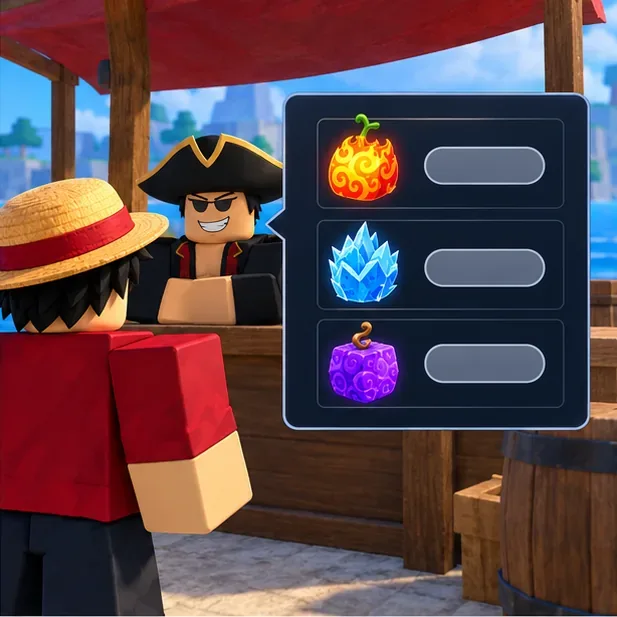
Interact with the dealer and choose the fruit-buying option. This is a conceptual illustration, not an exact game screenshot. Check the current stock
The normal Blox Fruit Dealer sells a random rotating selection. The official Blox Fruits experience listing on Roblox says the dealer restocks every four hours. The Gamer Robot Inc Roblox community FAQ says every server has the same fruits for sale, so joining another server will not reroll the normal stock. If your target is missing, check again after the next rotation or consider a permanent purchase in the Shop.
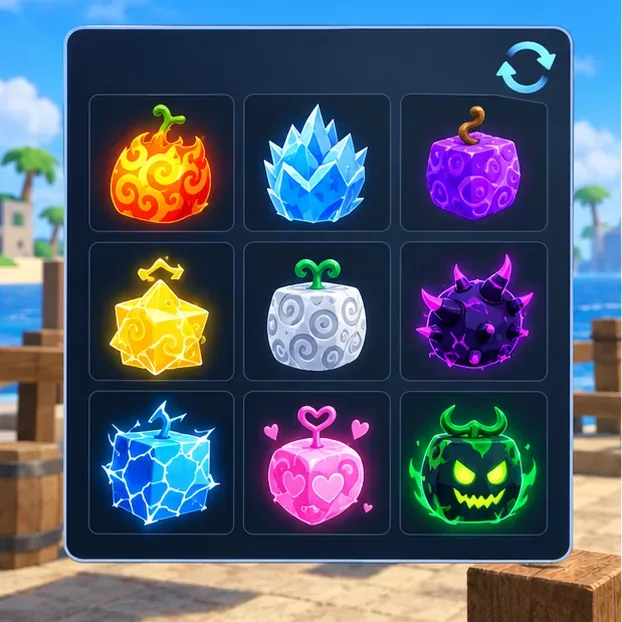
The dealer offers a rotating selection. Check the live in-game menu before spending. Compare the Beli and Robux options
Read both prices before you choose. Beli is earned in the game; Robux is Roblox's premium currency. The two choices do not work like two payment methods for the same stored item: Beli switches your active power, while a permanent Robux unlock lets you equip that fruit again later. Use the live menu for current prices rather than relying on an old price list.
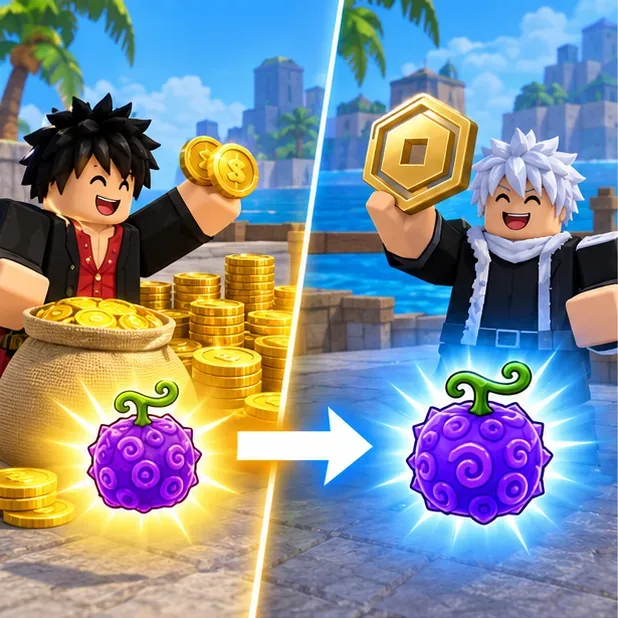
Beli and Robux lead to different purchase outcomes; inspect the payment label before confirming. Confirm only when you are ready to switch
For a Beli purchase, assume the fruit will replace your currently equipped power as soon as the transaction completes. You do not need an empty fruit-inventory slot for this purchase, because it does not create a physical fruit item. Pause at the confirmation prompt and verify the selected fruit and currency before you accept.
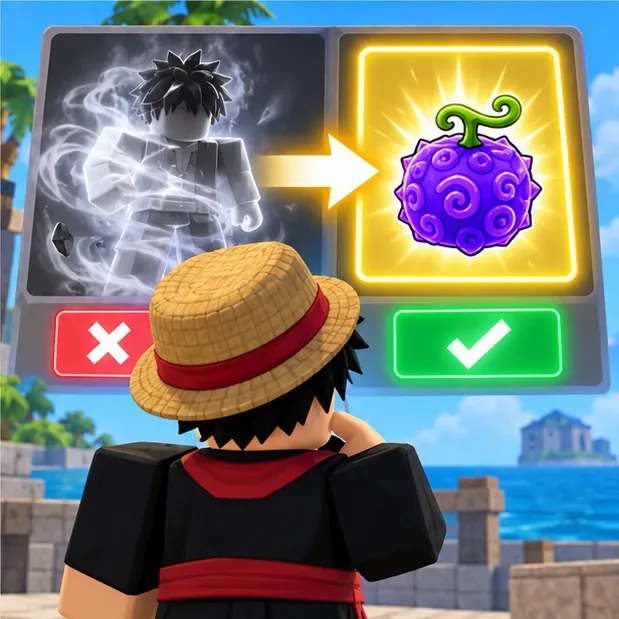
Before confirming, make sure you are ready to change your active fruit. 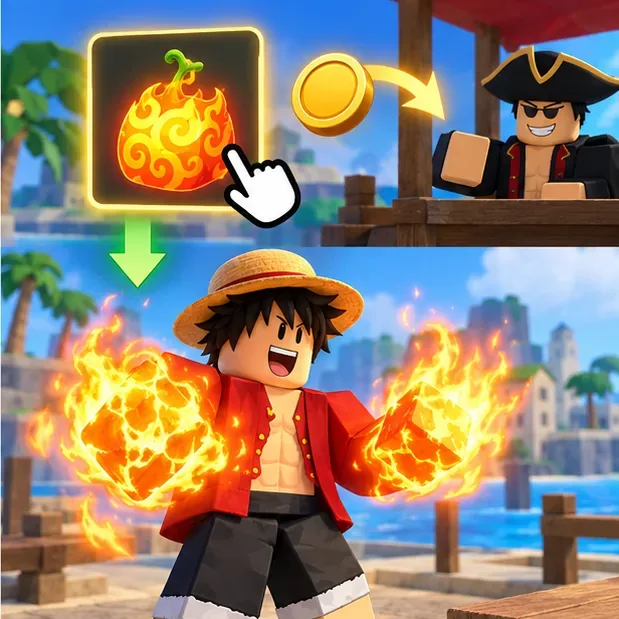
A Beli purchase equips the selected fruit power and replaces the one you were using. Check the result and re-equip permanent fruits when needed
After a Beli purchase, check that the new fruit's abilities are active. If you bought a permanent fruit, it remains available to equip again from the Shop or dealer after you change to another fruit. A physical fruit you found or received is handled separately through the game's fruit storage and trading rules.
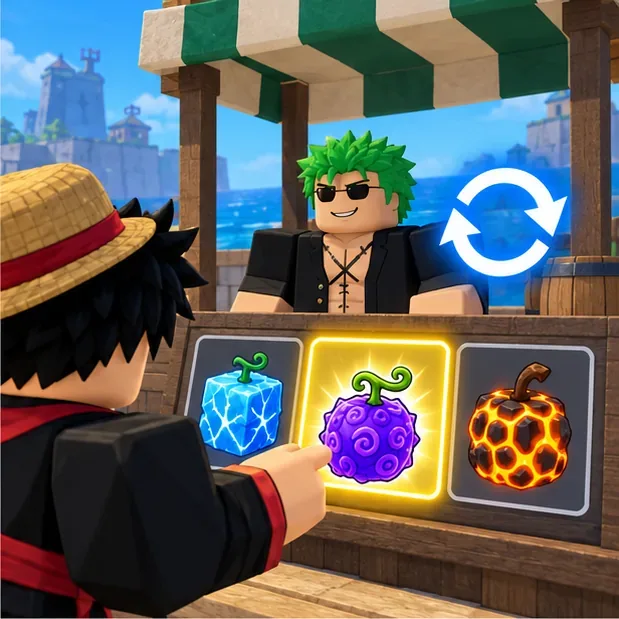
A permanent fruit unlock can be equipped again later through the game shop or dealer.
Tips for buying without wasting Beli or Robux
- Decide whether you want a power or an item. Dealer purchases with Beli change your active power; they do not give you a tradable fruit to carry away.
- Check the selected currency twice. The fruit row may show both Beli and Robux prices. Stop if the prompt shows a payment you did not intend to make.
- Do not server-hop for stock. The normal dealer rotation is shared across servers, according to the developer's Roblox community FAQ.
- Save for the fruit you actually want. Prices vary by fruit and are displayed in the live shop. Quests and defeating enemies or bosses are common ways to earn more Beli.
- Keep the current fruit if you are unsure. Wait to make a Beli purchase until you are comfortable replacing your active power.
Common problems
The fruit I want is not listed
It is not in the current normal dealer rotation. Check again after the four-hour restock. If you want a permanent unlock, look for that fruit in the Shop and review the Robux price shown there.
I bought with Beli but cannot find the fruit in my inventory
That is expected. A Beli dealer purchase equips the power; it does not create a physical fruit item. If you need a fruit to hold or trade, acquire a physical fruit through another in-game method.
My old fruit disappeared after I bought another one
A Beli purchase replaces the active fruit power. A previously purchased permanent fruit can be equipped again, but a regular Beli fruit is not a permanent unlock. Confirm which type you bought before switching.
The purchase did not go through
Check whether you have enough Beli, whether you accepted the Roblox purchase prompt, and whether the fruit is still available. The shop price and availability at the moment you confirm are the ones to trust.
Frequently asked questions
Where do you buy fruits in Blox Fruits?
Use the Blox Fruit Dealer and choose the fruit shop. First Sea players can check Pirate Starter Island, Marine Starter Island, or Middle Town.
How often does the Blox Fruit Dealer restock?
The official Roblox experience listing says the normal dealer restocks random fruits every four hours. The developer community FAQ says the same fruits are sold across servers.
Can I buy a fruit with Beli and save it for later?
No. Buying with Beli changes your active fruit power. To save or trade a physical fruit, obtain an item fruit through a separate in-game method and follow the game's storage rules.
Does a permanent fruit stay available after I switch?
Yes. A permanent unlock can be equipped again later from the Shop or dealer, subject to the current game interface.









