Honor of Kings Redeem Codes: How to Redeem Them (2026)
To redeem an Honor of Kings code on the global English service, open the official Exchange Code page, sign in with your game account, enter the code, and select Exchange. Then check the game or event page for the reward using that promotion’s instructions. The current official page shows an account-login prompt, an Exchange Code field, and an Exchange button. It is a redemption form, not a public list of codes that are guaranteed to work.
Codes are tied to promotions, so availability and eligibility can depend on the event, account, server, and end date. This guide explains the verified redemption route and how to troubleshoot common problems. It does not list unverified “active” codes.
Before you redeem a code
- Get the code from an official Honor of Kings announcement, event page, or other promotion source.
- Read the promotion rules first. Check the expiration date, eligible region or server, account requirements, and any redemption limit.
- Know which game account and character should receive the reward. The exchange page asks you to sign in with your game account.
- Use the official Honor of Kings Exchange Code page. Do not give your password or verification code to a third-party “redeem” website.
The steps below use the global English exchange page. If you play through a separate regional client or server, follow the official instructions for that version; a code may not work across regions.
How to redeem Honor of Kings codes
Step 1: Check the code’s source and rules
Confirm that the code was published for a current promotion and copy its terms. Some codes are limited by region, server, time window, or eligible account. A code shown in an old video or post may have expired even if the characters look valid. The official exchange page does not publish a universal active-code list, so use the announcement that supplied your code to verify whether it is still eligible.
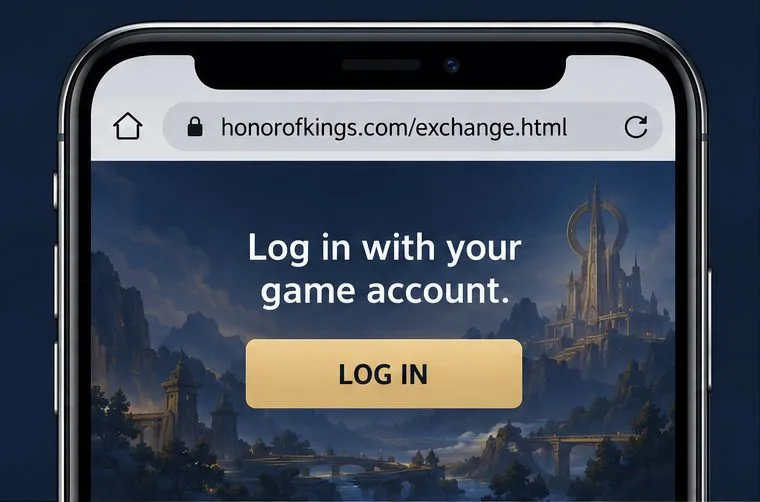
Step 2: Open the official page and sign in
In a browser, go directly to honorofkings.com/exchange.html. Check the address bar before entering account details. Select Log In and complete sign-in with the account connected to the Honor of Kings character you intend to use. If the page redirects you to an account provider, confirm that the sign-in flow is expected before continuing. Never enter credentials on an unrelated site.
If the wrong account is already signed in, log out and return with the correct game account before submitting a code. That helps avoid sending an eligible reward to an unintended account.
Step 3: Enter the code and select Exchange
After signing in, locate the Exchange Code field. Type or paste the code exactly as the promotion displays it, then select Exchange. Avoid adding spaces before or after the code, and check similar-looking characters if you typed it by hand. Follow the result shown on the page; do not assume a code has succeeded until the exchange page confirms it.
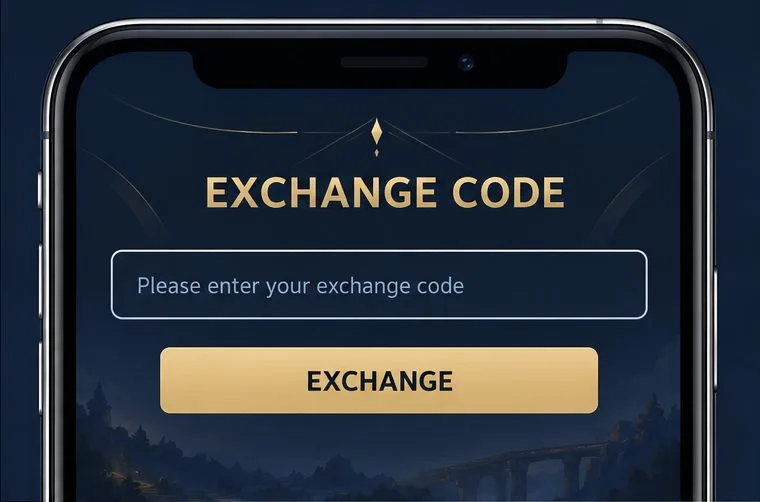
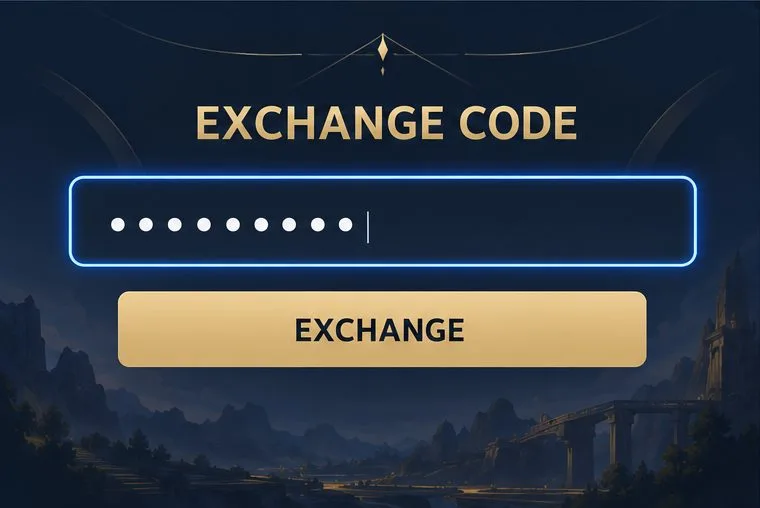
Step 4: Check where the promotion sends the reward
When the exchange is accepted, return to the game and follow the delivery instructions for that specific promotion. Check in-game Mail and the event page if the rules direct you there. Some official event rules say rewards will be sent to Mail, while other events may use a separate claim step or reward screen. The destination is campaign-specific, so do not assume every code delivers items to the same place.
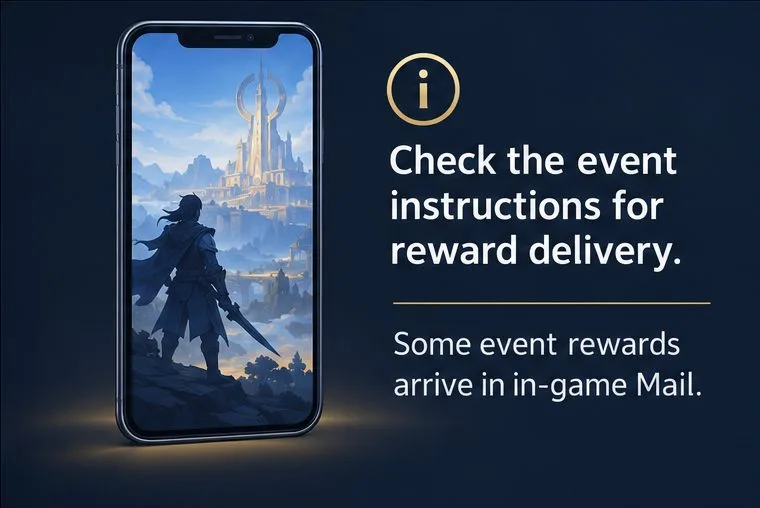
What can Honor of Kings redeem codes give you?
There is no single reward attached to every code. A promotion may offer an in-game item, currency, an event benefit, or another reward described in its own rules. The official exchange page does not promise a fixed bundle of tokens, gold, or skin fragments, so check the announcement before redeeming and avoid relying on reward lists copied from old posts.
Codes are usually promotional and time-limited. Use them only through the official exchange flow or an event page linked from an official Honor of Kings channel. Do not pay a stranger for a code or share account details to “unlock” a reward.
Troubleshooting: why a code may not work
- Invalid code: Compare every character with the original announcement, remove accidental spaces, and make sure you are using the correct game account.
- Expired or unavailable: Recheck the campaign’s end date, region, server, and eligibility requirements. An old code can remain visible online after its event ends.
- Already used or limited: Review the promotion rules for account or redemption limits. Do not keep retrying if the event page says the code has already been claimed.
- No reward is visible: Follow the campaign’s delivery instructions, including checking Mail or returning to the event page if required. Allow the page or game to refresh, then contact official support if the reward is still missing.
- Login or page issue: Confirm that you are on the official domain, sign out of an incorrect account, and try the official exchange page again. The official customer-service page directs players to the in-game Customer Service area for game issues.
For account or game problems, use the official Honor of Kings Customer Service page. For new promotion announcements, start at the official Honor of Kings website.
Frequently asked questions
Where do I enter an Honor of Kings redeem code?
For the global English service, sign in at the official Exchange Code page, enter the code in the Exchange Code field, and select Exchange. Event-specific instructions may provide a separate official claim route.
Can I redeem a code in the game’s Settings menu?
The current official global exchange page provides a web form. I could not verify a universal in-game Settings path from the current official instructions. If a particular event says to redeem inside the game, follow that event’s official directions.
Why does a code work for someone else but not for me?
Promotions can restrict codes by region, server, account eligibility, time period, or redemption limit. Check the original event rules and make sure you are signed in to the intended game account.
Where do redeemed rewards go?
Check the event rules. Some official promotions send rewards to in-game Mail; others may require a separate claim or use another delivery location.









