Home
» 🎮 Esports
»
Herobrine Minecraft Errors Exposed: What’s Real and How to Fix Them
Herobrine Minecraft Errors Exposed: What’s Real and How to Fix Them
Herobrine Minecraft Errors Exposed: What’s Real and How to Fix Them
Herobrine Minecraft errors are not a special error code, and a strange figure in your world does not prove that a hidden mob appeared. In standard, unmodified Minecraft, Herobrine is not a documented creature or encounter. A sighting is more likely to involve another player, a mod or add-on, a texture effect, ordinary world details, or a real game problem that needs its own diagnosis. Use the checks below to separate the legend from a fixable issue.
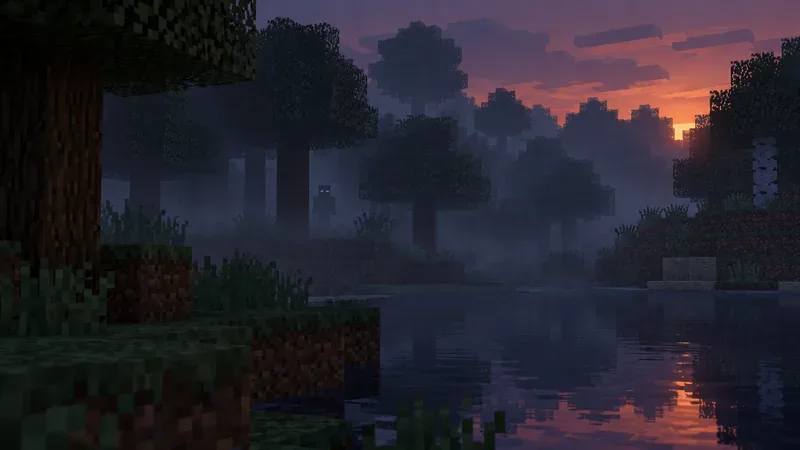
A distant figure in fog makes a memorable Herobrine-style sighting, but the image alone cannot identify what caused it.
Is Herobrine actually in vanilla Minecraft?
Herobrine is a community horror legend built around the image of a Steve-like character with blank white eyes. Stories describe a figure watching players or changing the world, but those stories are not a reliable list of game mechanics. No vanilla setting, seed, or command is documented as a way to summon Herobrine.
Mojang’s official Java Edition 1.21.6 release notes include the line “Removed Herobrine.” It is a recurring joke in release notes, not proof that the game contained a secret Herobrine mob. Read the official Java Edition 1.21.6 changelog in context: the surrounding bullets list ordinary gameplay and technical changes.
Mods and custom maps can add a Herobrine character on purpose. In that case, the character belongs to that modded experience, not to standard Minecraft. That distinction matters when you troubleshoot: a modded sighting may be expected content, while a crash or broken world should be investigated as a separate technical issue.
Common Herobrine Minecraft errors and what to check
Use this table as a short investigation guide. These are possible explanations, not guaranteed diagnoses; the edition, server, installed content, and exact error message can change the answer.
What you noticed
Possible explanation
Useful check
A white-eyed figure at a distance
A player skin, mob silhouette, fog, darkness, or a visual pack can make a shape look unusual.
Take a screenshot, move closer in a safe area, then compare in a new vanilla world with packs disabled.
A figure appears only on a server
Another player, a server-side plugin, or a custom map may be involved.
Ask the server operator to check the player list, installed plugins, and relevant logs.
Blocks, signs, or structures look altered
Another player, a datapack, a mod, commands, or normal world generation may explain the change.
Compare with a backup and review server or world history where available; a screenshot cannot identify who changed a block.
An item or chest looks impossible
Custom loot, commands, a plugin, a mod, or a version-specific bug may be responsible.
Record the edition and exact version, preserve the world, and check whether the same result happens in a clean test world.
The game freezes or crashes near a sighting
A crash is a technical symptom. Recent mods, add-ons, graphics settings, or installation files may be relevant.
Save the crash report or error text and test one change at a time rather than treating the timing as evidence of Herobrine.
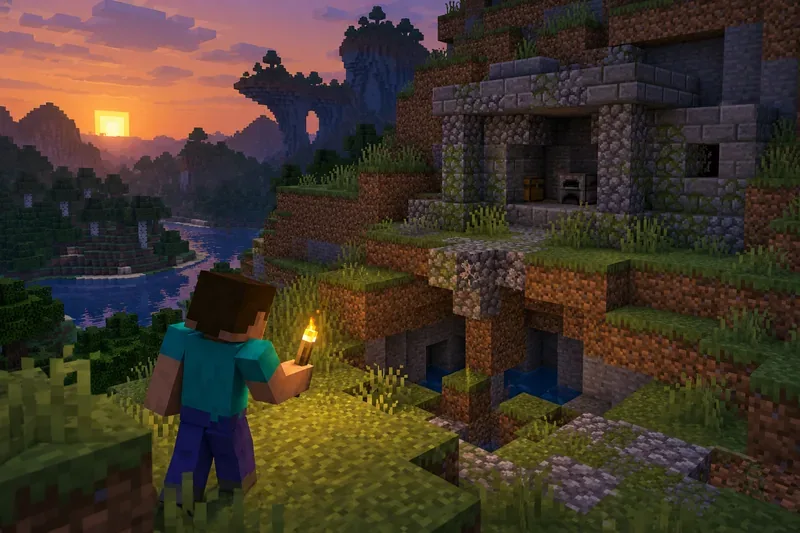
An odd-looking hillside or old structure is worth checking against your world and installed content, but it does not point to a hidden mob by itself.
How to troubleshoot a real Minecraft problem safely
Back up the world first. Copy the world or use the platform’s built-in export or backup option before changing files, removing add-ons, or testing recovery steps. Minecraft Help provides instructions to save a backup of a Java Edition world. Keep the original untouched while you test a copy.
Write down what happened. Note Java or Bedrock Edition, the exact game version, device, world or server, error text, and what changed just before the problem began. A short recording can help distinguish a visual effect from a crash or a multiplayer interaction.
Test without custom content. In Java Edition, use a fresh launcher installation with the same game version to see whether the existing installation, settings, or downloaded mods are involved. Minecraft Help explains how to create a new installation to troubleshoot launcher crashes. For Bedrock, disable add-ons on a test copy or create a separate test world; the official guide recommends checking add-ons individually and trying a new world when isolating a conflict.
Check mods, packs, and add-ons one at a time. Confirm that each item matches your Minecraft version and mod loader. Remove or disable it only in the test profile or copied world, then repeat the same steps. Minecraft Support notes that Java mods are third-party software, are not reviewed or endorsed by Mojang Studios, and can cause the game to malfunction; see its Java Edition mod guidance. For Bedrock, follow the separate add-on troubleshooting steps.
Use the error, not the legend, to choose the fix. If Minecraft crashes, keep the crash report and consult the official guidance for the launcher or memory allocation. Avoid copying random JVM arguments or assuming that adding more RAM always helps. If the issue remains in a clean installation or a new world, use Minecraft Help’s support options and include the exact version and reproduction steps.
When a Herobrine sighting comes from multiplayer or a mod
A player wearing a pale-faced skin can resemble the legend, especially at night or through fog. On a server, only an operator can reliably inspect the plugin list, server configuration, and logs. If you own the server, use its normal moderation and backup tools; if you do not, report the event to an administrator instead of downloading a “Herobrine remover” or running unknown commands.
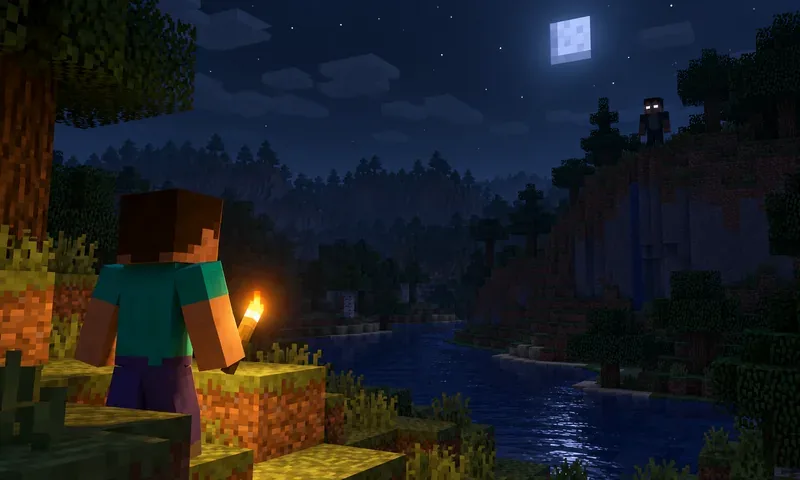
On a multiplayer server, a distant avatar and its skin can create a convincing look-alike.
If the experience is intentionally modded, check the mod’s own documentation and installation page. A custom character appearing as designed is not a vanilla error. If the game began crashing after you installed a mod, compare the mod’s supported Minecraft and loader versions, then test without it on a copy of your world.
Prevent false alarms and protect your saves
Keep a recent backup before updating the game or changing mods and add-ons.
Maintain a clean vanilla profile for testing, separate from modded profiles.
Use trusted download sources and read the supported version and loader before installing custom content.
For multiplayer, use a private server or whitelist when you want to limit who can join, and ask an operator to review suspicious changes.
When reporting a bug, include the exact version, reproducible steps, and a crash log or screenshot. Do not label an unexplained event as a Herobrine error until you have ruled out the game setup and other players.
Frequently asked questions
Can a Minecraft seed spawn Herobrine?
No vanilla seed is documented as a Herobrine spawn trigger. Seeds can produce different terrain, but a seed name or unusual landscape is not proof of a hidden entity.
Why do official patch notes say “Removed Herobrine”?
The phrase is a recurring joke in Java Edition release notes. It should not be read as confirmation that Herobrine was a normal mob or that a specific sighting was fixed.
Should I reinstall Minecraft after seeing Herobrine?
Usually, no. First back up the world and test a clean profile or world. Reinstalling is only one possible response to a reproducible installation problem; it will not explain a player skin, custom mod, or server prank.