Home
» 🎮 Esports
»
Fix Bedrock Edition BAT Code Error: What It Means and How to Reconnect
Fix Bedrock Edition BAT Code Error: What It Means and How to Reconnect
Fix Bedrock Edition BAT Code Error: What It Means and How to Reconnect
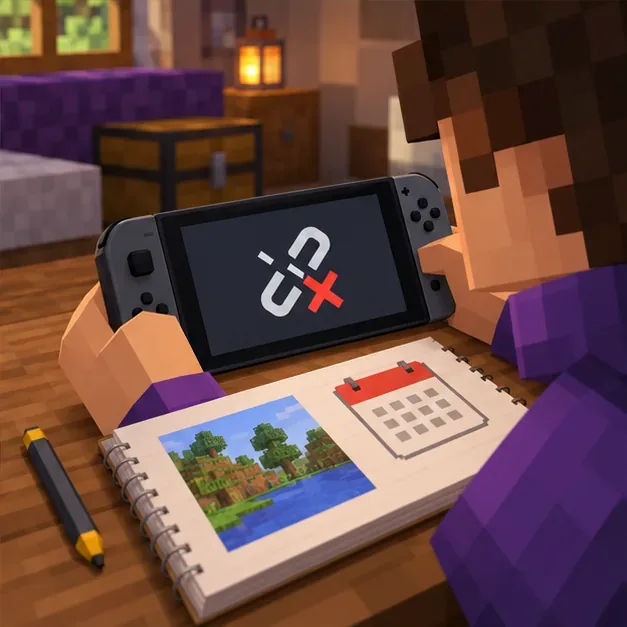
Quick answer: Minecraft’s official Bedrock error list defines Bat as being disconnected from a server. The Minecraft Bedrock BAT error is a multiplayer connection message, not a vampire-bat entity code or an add-on version warning. Check the exact destination, update and restart the game, confirm the host or Realm is available, and then test your network.
The “Version Vampires” wording does not appear as a diagnosis in Minecraft’s official named-error guide. That guide does not tie Bat to corrupted bat scripts, a specific add-on release, or Bedrock 1.21.30. The old claims of a 2.1 pack update and a 90% success rate are unsupported, so do not use them to choose a download or edit game files. Minecraft Help directs Bat errors to its general Bedrock error-code troubleshooting.
What the Bedrock Edition BAT error means
The code identifies a server disconnection; by itself, it does not name the cause. The interruption may involve the target server or world, multiplayer access, platform services, or the connection between your device and the destination. It does not mean your single-player save is corrupt.
What you see
First check
How to read the clue
One server disconnects, but other destinations work
Ask the server owner whether it is running and whether the address is current
The issue may be destination-specific; this is a clue, not proof.
A friend-hosted world is no longer available
Confirm the host is in the world and multiplayer is enabled
A friend-hosted world depends on its host being online.
A Realm or several destinations fail
Check Realm status, updates, multiplayer access, platform services, and your network
Look for a shared service or settings issue before reinstalling.
The game crashes while opening a world, even offline
Use world or add-on troubleshooting
This is a different symptom from a BAT disconnect.
These are troubleshooting clues rather than guaranteed diagnoses. Minecraft’s general error guide is the official next step if the checks below do not resolve the problem.
Eight checks for a Minecraft Bedrock BAT error
1. Record the exact code and destination
Write down the message exactly as it appears, the device you are using, and whether you were joining a featured server, a privately hosted server, a friend’s world, or a Realm. Note whether other players were disconnected too. If the screen shows a different named code, use that code’s entry in the official guide because sign-in, version, storage, and network errors can require different fixes.
Keep the exact error, device, game version, and destination together for the server owner or support team.
2. Try one other multiplayer destination
Return to the Play screen and make one attempt to join a different available server, Realm, or friend-hosted world. If the second destination works, report the first destination and time of failure to its owner. That comparison narrows the next check, but it does not prove your local network is fault-free.
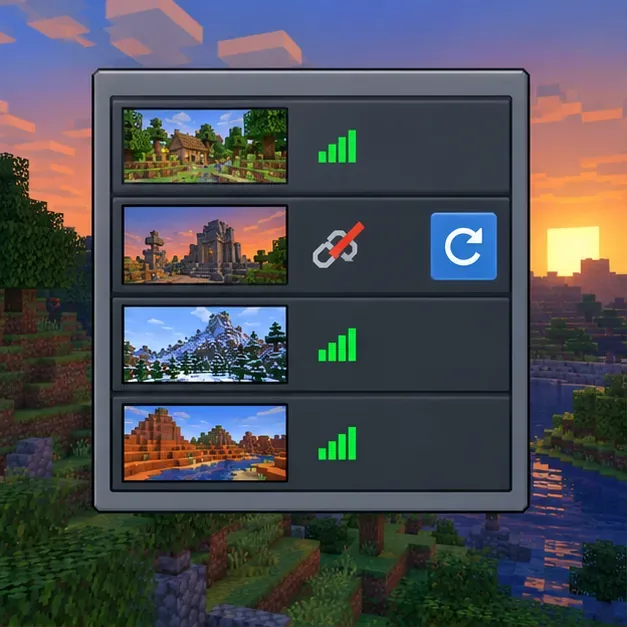
The Bat notice means a server disconnection; record which kind of destination failed.
3. Close and reopen Minecraft, then update everyone
Fully exit the game and launch it again. Install available updates through your platform’s official store or launcher, and ask the host and other players to update as well. Minecraft’s multiplayer guidance recommends current game versions for players joining one another. If you are using Preview or Beta, verify that the destination supports it; use the regular release when compatibility is uncertain. Do not install a third-party downgrade APK or change a pack’s minimum engine version to address a server disconnect.
Update the game for every player before trying to join again.
4. Confirm a friend or private server is still available
For a friend-hosted world, ask the host to stay in the world while you reconnect. For a privately hosted server, have its owner verify that it is running, accepts Bedrock players, and is using the address and port they gave you. If only that server fails while other destinations work, share the error details with its administrator rather than changing files on your device.
For a friend-hosted world, confirm the host is still online and the session remains open.
5. Check Realm status and multiplayer access
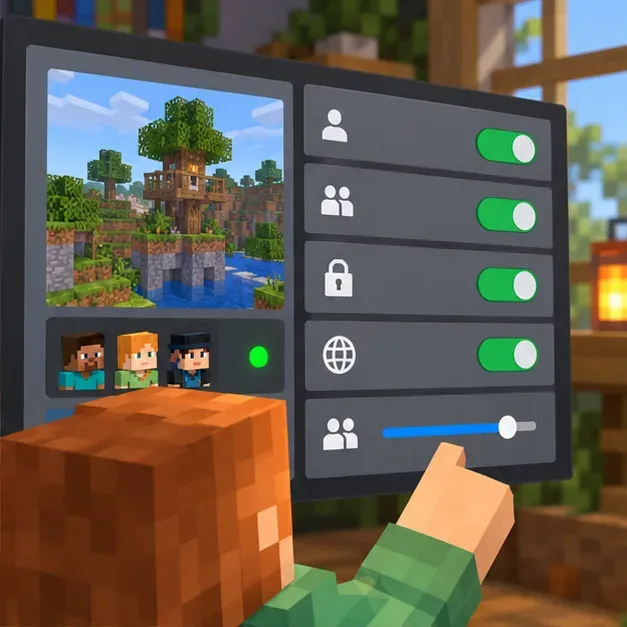
A Realm must be active, although its owner does not need to be online for guests to play. Ask the owner to confirm the Realm is open and its subscription is active. On consoles, an online-play subscription may also be required. Check the world’s multiplayer setting and account privacy permissions, especially if a child account is involved. If several people cannot reach the same Realm, check the relevant game-platform service status before treating it as a local device problem.
Conceptual view of checking Realm and multiplayer access; real controls vary by platform and account.
6. Check your regular internet connection
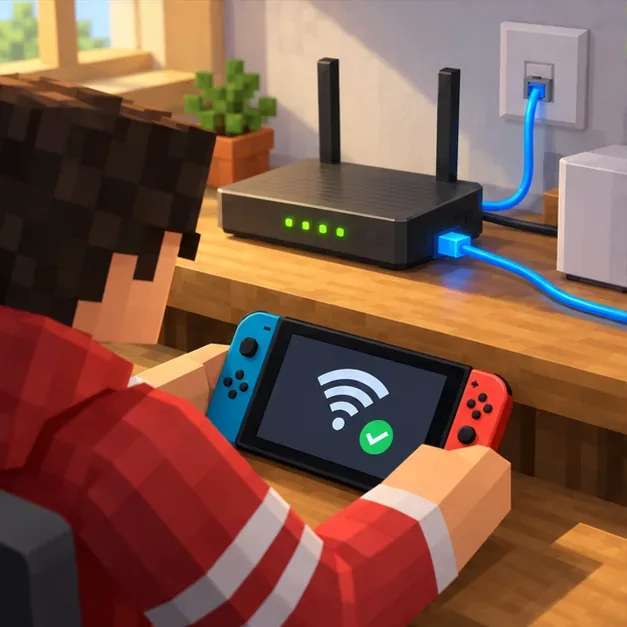
Confirm the device is online, reconnect to Wi-Fi or Ethernet, and pause large downloads or other heavy network activity while testing Minecraft. If you are on a school, work, or public network, its administrator may block game connections; test only on another network you are allowed to use. Minecraft’s network guide has additional checks for multiplayer connectivity.
Check your ordinary internet connection and pause other heavy network activity while testing Minecraft.
7. Undo custom DNS or port changes only if you made them
If you manually configured custom DNS or router port rules, temporarily restore the normal settings and try again. Minecraft Help notes that custom DNS and open-port configurations can interfere with multiplayer even when other online services work. Do not add random port-forwarding rules from an unrelated tutorial. Read the official Minecraft network connection guide before changing router settings.
If you changed DNS or router ports yourself, restore the usual settings and retest; do not add random forwarding rules.
8. Separate add-on crashes from the Bat disconnect code
If Minecraft crashes while loading a world or shows a pack-specific error, that is different from the official Bat meaning. Bedrock add-ons can cause crashes, visual issues, and error messages. Minecraft recommends backing up the world and disabling resource or behavior packs one at a time to find a conflicting add-on. Make changes on a copy when possible: disabling a pack can remove its custom mobs or replace its blocks in that world.
If the game crashes while loading a world, use the separate add-on troubleshooting path on a backup copy.
When to contact Minecraft Support or the server owner
If the Bedrock Edition BAT code error continues, share the screenshot, device and game version, destination type, whether other players are affected, and the checks you completed. Contact a private server’s administrator for a destination-specific failure, the Realm owner for a Realm issue, or Minecraft Support for problems that continue across multiple destinations or involve your account or platform.
Frequently asked questions
Does BAT mean a vampire-bat add-on is broken?
No. Minecraft’s official named-code list uses Bat for a server disconnection. A vampire-themed add-on may have its own loading or compatibility problem, but the BAT entry does not identify one.
Should I delete the world database or reinstall Minecraft?
Not as the first response to Bat. The official guidance points to connection troubleshooting. Avoid deleting world folders, database files, or backups; those actions can risk saved progress and do not address the documented meaning of this code.
Is the BAT error tied to Bedrock 1.21.30?
The official Bat entry does not name a particular game release. Keep Minecraft updated and ensure the people joining the same session are using compatible current versions, then check the destination and connection.