Home
» 🎮 Esports
»
Fix “This Connection Is Terminated” in Minecraft 1.7.10 Vampires
Fix “This Connection Is Terminated” in Minecraft 1.7.10 Vampires
Fix “A Fatal Error Has Occurred: This Connection Is Terminated” in Minecraft 1.7.10 Vampirism
If Minecraft 1.7.10 sends you back to the menu with “A Fatal Error Has Occurred: This Connection Is Terminated,” start by checking the log from that exact attempt. The message is a disconnect notice, not a diagnosis: a mod exception, a client/server mismatch, or a real network interruption can all lead to a disconnect. In single-player, the same screen can appear when the integrated server inside your local world fails, so changing your internet settings may do nothing. Back up the world and the modpack instance before changing files.
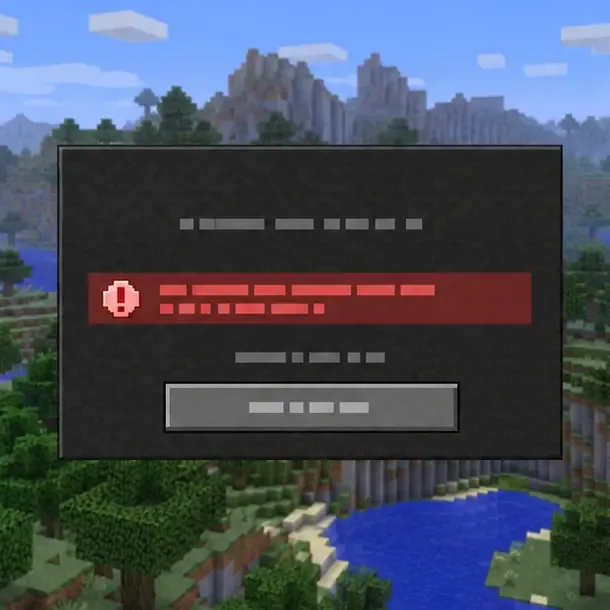
Schematic disconnect screen: the message identifies the disconnect, while the log points to its cause.
What the Minecraft 1.7.10 error usually tells you
The wording alone cannot identify which mod or setting failed. Forge support has a 1.7.10 report where the same message appeared while creating a single-player world, and the player attached fml-client-latest.log for diagnosis. That example is a useful reminder to inspect the error context instead of assuming every case is a server or internet problem. Treat the clues below as starting points, not guaranteed fixes.
When it happens
First thing to investigate
Only one world or one modpack fails
A mod exception, damaged world data, or a recently changed file
It starts after adding or updating a mod
That mod, its dependencies, and whether its file matches Minecraft 1.7.10
Only a multiplayer server fails
Client/server Minecraft, Forge, mod, and config parity; then server logs
The log says “Timed out” or “Connection reset” without a mod exception
Network stability, server availability, or a server-side disconnect
Step-by-step fixes for “This Connection Is Terminated”
1. Reproduce the error and protect your world
Write down what you did immediately before the disconnect: loading a particular save, joining a server, opening a chest, using a vampire ability, or encountering a specific mob. Note whether the same thing happens in a new test world. Copy the whole launcher instance or modpack folder, including saves, mods, and config. Test changes in the copy. Do not delete the main .minecraft folder as a first fix; that can remove saves and settings without identifying the cause.
2. Find the exception in the log
Open the game directory for the launcher instance you actually used, then check logs/latest.log and, if present, fml-client-latest.log. Also look in crash-reports for a report created at the same time. The standard Windows game directory is usually %appdata%\\.minecraft; third-party launchers often keep each instance in its own folder. The Forge support example for this exact 1.7.10 wording also uses fml-client-latest.log.
Search near the end of the matching log for ERROR, Exception, Caused by:, Network Disconnect, or a mod’s package or class name. Read upward from the first relevant exception: the final disconnect line may only report that the connection closed after another error. If you ask for help, share the log from that run and redact account names, server addresses, or other private details.
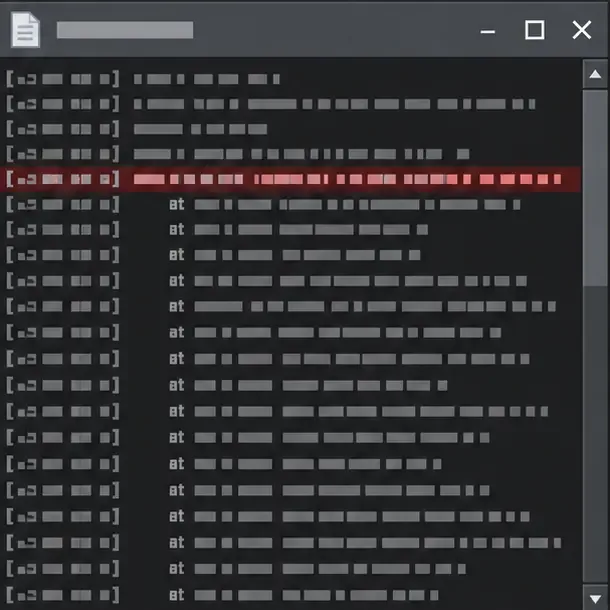
Schematic log viewer: inspect the exception and surrounding lines in the log from your own run.
3. Test for a mod conflict safely
If the problem began after changing the pack, restore the previous version of the changed mod in your copied instance. If you cannot identify the change, temporarily move only optional or recently added mods out of that copy and retry. Remove one at a time, or split the optional mods into groups, so you can tell which change affects the result. Keep required libraries and dependencies with their mods; removing a dependency can create a second failure that hides the original one.
If the failure consistently follows a Vampirism action, verify that the Vampirism file is specifically for Minecraft 1.7.10 and that its required companion mods match the pack. The project’s file history includes a distinct Vampirism-1.7.10-0.7.9 release; do not substitute a file built for a newer Minecraft version just because it is newer overall. Download only from the project’s Minecraft 1.7.10 Vampirism file page.
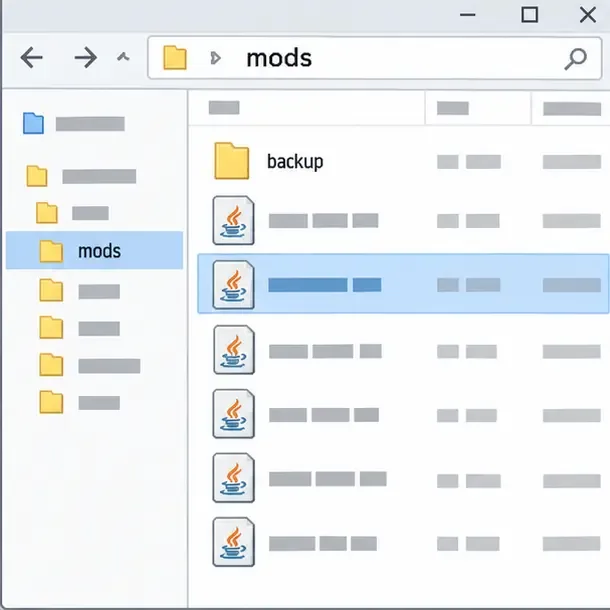
Schematic file list: use a copied instance and keep a backup before moving mod files for an isolation test.
4. Match the multiplayer client and server
For a server-only failure, ask the administrator to compare the exact Minecraft version, Forge build, mod file names and versions, required libraries, and relevant configs on both sides. One extra or differently versioned network mod can cause the client and server to disagree about packets or registries. If the server changed recently, test against the pack version it requires rather than updating your client independently.
Forge lists 10.13.4.1614 as both the latest and recommended Forge build for Minecraft 1.7.10 on its download page. That does not mean you should install it blindly: a curated pack may pin another build, and the server must use the matching setup. Use the version specified by the pack or server owner, then compare both sides. A direct-IP connection can help rule out a server-list entry problem, but it will not repair a mod or packet mismatch.
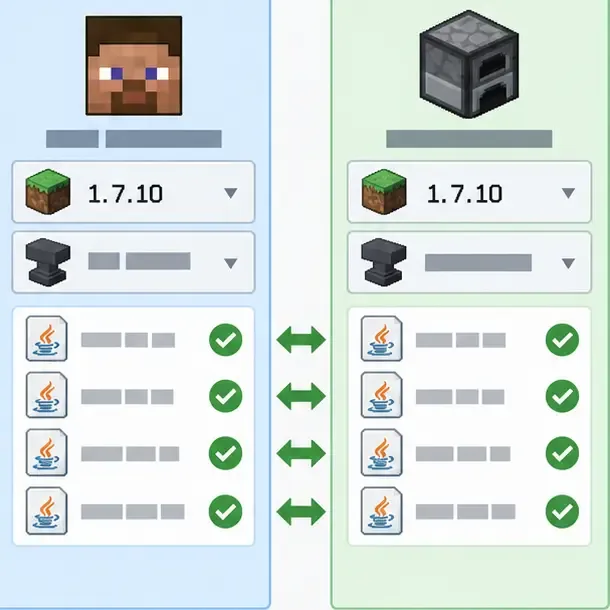
Schematic client/server comparison: match the Minecraft and Forge builds and every required mod on both sides.
5. Change Java, memory, or the installation only when logs support it
A Java runtime problem is more plausible when the log reports a JVM startup failure, an unsupported class version, or a repeatable crash before the world loads. For an old Forge 1.7.10 profile, test a separate 64-bit Java 8 runtime only if the pack’s instructions support it; select it for the test profile instead of changing Java system-wide. If the error occurs only after a world action and the log names a mod, investigate that mod first.
More RAM is not a general fix for a packet or mod exception. Increase the pack’s memory allocation only if the log reports an out-of-memory condition and your computer has enough free memory. Likewise, reinstall Forge only in a separate clean profile after backing up the pack, and use the build required by that pack. Minecraft’s support guides cover changing Java Edition versions and general crash troubleshooting, but a 1.7.10 modpack still depends on its own matching mod and Forge versions.
Quick checklist
Back up the world and duplicate the launcher instance.
Reproduce once, then inspect the log from that attempt.
Undo the most recent mod or config change in the copy.
For multiplayer, compare the complete client and server mod setup.
Change Java or memory only when the log points to a runtime or memory problem.
Frequently asked questions
Does this error always mean my internet disconnected?
No. The same message can occur in a local single-player world when its integrated server stops after an exception. Check the log before troubleshooting the router.
Should I allocate 6 GB of RAM to Minecraft 1.7.10?
Not automatically. Use the pack’s recommendation and the available system memory. Extra RAM will not correct a mismatched mod packet or a Java exception, and the log should show an out-of-memory error before you treat allocation as the cause.
Can I fix it by reinstalling Forge 1.7.10?
Sometimes a damaged profile can be repaired by rebuilding it, but first compare the Forge build and mod files with the pack or server requirements. Test in a separate profile so you can preserve the original save and configuration.