How to Fix PUBG Stuck on “Initializing” on Steam

Fix PUBG stuck on Initializing on Steam with a focused checklist for PC service notices, launch options, game files, downloads, and connection issues.
Quick answer: To earn the PUBG Mobile Weapon Master title, complete all six required elimination types in one eligible Classic match while your tier is Platinum or higher: Assault Rifle, SMG, Sniper Rifle, Shotgun, Throwable, and Vehicle. The current Weapon Master achievement card in your game is the final authority, so check its wording before you queue in case your version has changed.
This is a category checklist, not a demand to carry six guns at once. You have limited weapon slots, and the important detail is which tool gets credit for each elimination. A win or top-10 finish is not listed among the current conditions; focus on completing the six categories, then stay alive until the match results register.
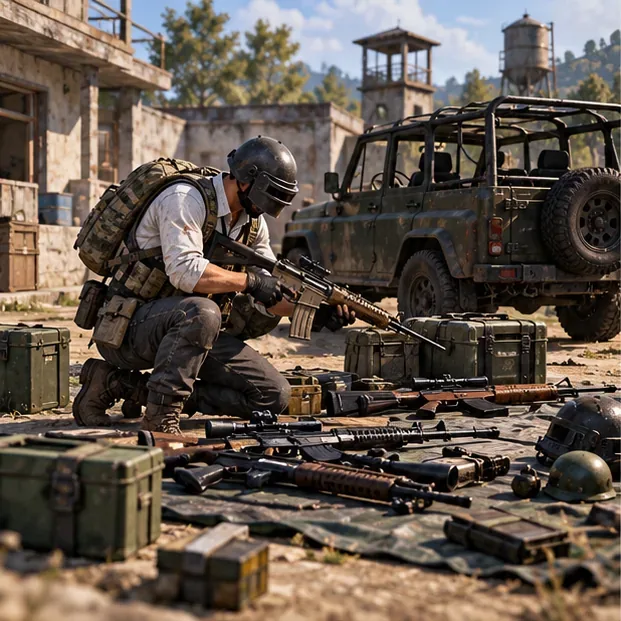
The achievement is earned by completing the listed eliminations in the same Classic match. These examples are common choices, but use whatever weapon you find and can control.
| Required category | Examples | What to track |
|---|---|---|
| Assault Rifle | M416, AKM, SCAR-L | One elimination credited to an AR |
| SMG | UMP45, UZI, Vector | One elimination credited to an SMG |
| Sniper Rifle | Kar98k, M24 | One elimination credited to a sniper rifle |
| Shotgun | S686, S12K, DBS | One elimination credited to a shotgun |
| Throwable | Frag grenade or Molotov | One elimination caused by a lethal throwable |
| Vehicle | A drivable vehicle | One elimination credited to a vehicle |
Do not substitute an LMG, pistol, or melee weapon for one of these categories just because it is another weapon type; those were incorrectly included in the older version of this guide. The official Help Center says achievements do not count in War Modes, so avoid trying to finish the checklist in a respawn mode such as Team Deathmatch. Check the live in-game entry for the exact mode and tier conditions. PUBG Mobile Help Center: achievements and season tiers and ranking rules.
Before matchmaking, confirm you are at least Platinum in the relevant ranked tier and that you selected Classic. If your tier is below Platinum, you can practice the route, but the achievement will not meet its current rank condition. Since the requirement is tied to a match, do not assume a different mode or a custom room will count.
Choose a landing area with several buildings and a road nearby. A very hot drop can produce fast fights, but it can also end your run before you find a throwable or vehicle. A quieter edge-of-zone cluster gives you more time to loot and rotate. Prioritize a dependable AR or SMG first, then collect a shotgun or sniper rifle when you find one. You only need to hold a weapon long enough to secure its credited elimination; after that, you can swap it out.
Keep a simple six-box checklist on paper or in your head. Mark a category only after the match feed confirms the elimination. In Duo or Squad, a knock is not the same as a completed elimination, and a teammate taking the final blow with a different weapon can leave your category uncredited. Coordinate who will finish each opponent.
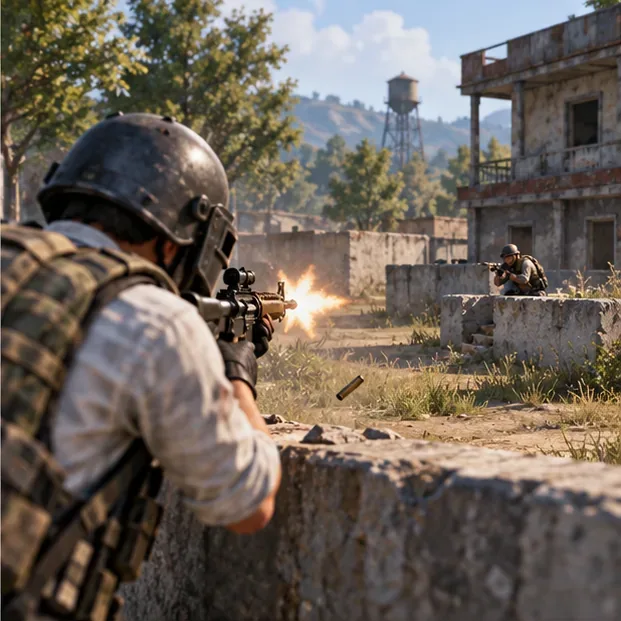
Work through AR, SMG, Shotgun, and Sniper Rifle in whichever order your loot and fights allow. Do not force a long-range sniper duel if you have not found a sniper; rotate through another compound or check a defeated opponent’s crate. Likewise, save a shotgun for a close building fight instead of crossing open ground to find one.
Use cover, heal between engagements, and avoid shooting at every distant player. The aim is not to rack up a high kill count. It is to get one valid, clearly credited elimination with each required class while keeping enough health and supplies to finish the remaining conditions. PUBG Mobile’s support pages describe titles as cosmetic profile badges earned through in-game content, events, or achievements; the Weapon Master title does not improve damage or recoil. Official title information.
A smoke or stun grenade will not satisfy this condition. PUBG Mobile’s Help Center lists the Frag Grenade and Molotov Cocktail as the throwable types that can eliminate an opponent. Keep one available, and use it when an enemy is behind predictable cover or has limited room to move. Avoid throwing it at full-health opponents in open ground and hoping for luck; wait for a safe, clear opportunity and make sure the final elimination is credited to the throwable.
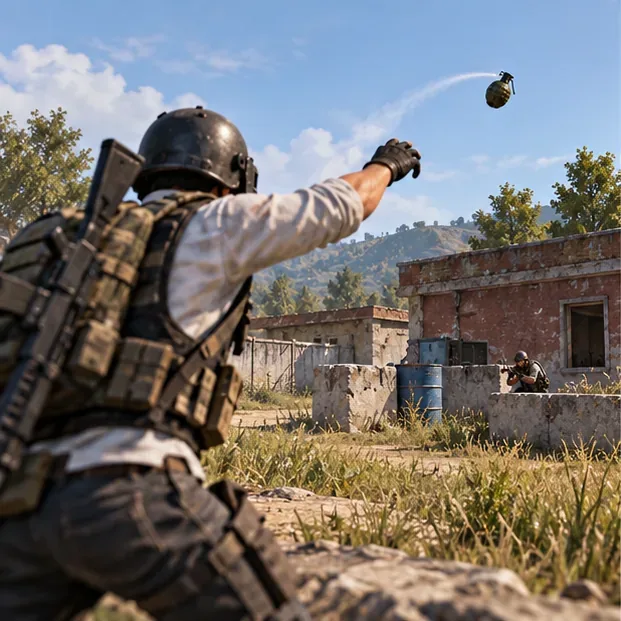
PUBG Mobile Help Center: which throwables can eliminate opponents.
Find a vehicle early enough that you are not forced to search for one in the final circle. Keep it in usable condition and use it for rotations, but do not mistake vehicle damage for a completed vehicle elimination. The safest plan is to get an elimination the game clearly credits to the vehicle itself; if you merely damage an opponent and finish them with a rifle, the vehicle box may remain incomplete. Do not let a teammate take the final blow if you are trying to complete this condition.
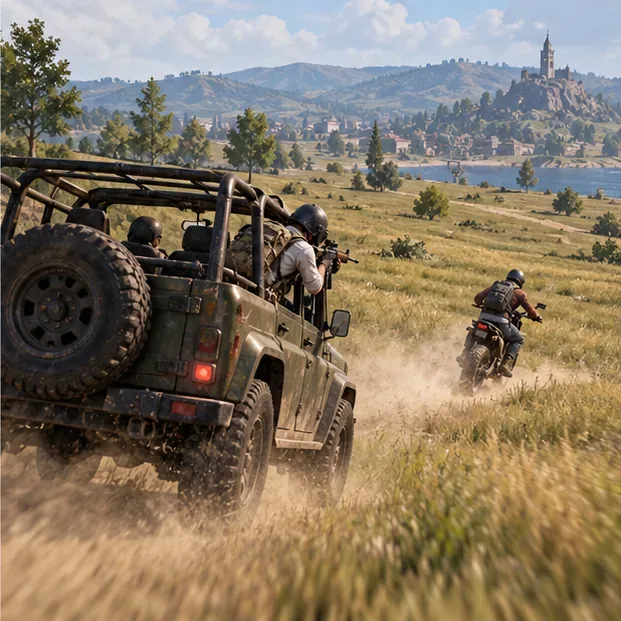
Once all six boxes are covered, prioritize survival and let the match reach its results screen. There is no advantage in taking an unnecessary fight after the checklist is complete. If the title does not appear, review the Weapon Master entry and match record before repeating the run; one missed category, an uncredited finisher, a non-Classic mode, or a tier below Platinum can invalidate the attempt. PUBG Mobile’s Help Center explains that titles are equipped from profile settings after they are earned.
The PUBG Mobile Weapon Master title is achievable in one match when you meet the tier requirement and deliberately secure each listed elimination. Treat the in-game achievement text as the final checklist, adapt your weapon swaps to the loot you find, and protect the run after your last category is complete.
Fix PUBG stuck on Initializing on Steam with a focused checklist for PC service notices, launch options, game files, downloads, and connection issues.
Fix Brawl Stars stuck at 92% loading with an ordered checklist for service notices, network tests, safe updates, Android cache, and account-safe reinstalling.
Best Dead by Daylight visual filter settings start with a small Gamma lift, neutral color and contrast, and a quick check for dark corners, fog, and bright lights.
Find the Steam and EA app fields for Apex Legends launch options, use EA’s documented FPS command, and see why +exec autoexec.cfg remains unverified.
Reduce input lag on a Nintendo Switch dock for Smash Ultimate with TV Game Mode, a direct HDMI test, controller checks, and online-latency troubleshooting.
Find the best EA SPORTS FC audio settings for a clearer referee whistle: tune Stadium Ambience and Commentary, then troubleshoot output or timing issues.
Compare the best Attack Move Click keybinds in League of Legends—A, Shift + right-click, mouse side buttons, and left-click—with setup and kiting tips.
Find the best tablet aspect ratio setup for Clash Royale, compare Android display-fit choices, and check iPad full-screen framing without cropping the arena.
Fix Warzone Dev Error 6068 on startup with safe PC checks for updates, overlays, graphics drivers, game-file repair, and clean boot troubleshooting.
Check your Overwatch 2 overall match win rate with Career Stats, matching game totals, and the right filters—without mistaking hero percentages for match results.