Home
» 🎮 Esports
»
Dominate Low Elo: How to Carry Your Team as a Support in League of Legends
Dominate Low Elo: How to Carry Your Team as a Support in League of Legends
Dominate Low Elo: How to Carry Your Team as a Support in League of Legends
To carry as a support in low elo, create advantages your team can turn into objectives: win safe trades, leave lane only when the wave allows it, control vision with teammates, and use your crowd control or protection on the right target. You do not have to win every lane or deal the most damage. A support carries by making the next good play easier for the whole team.
The old idea that supports should roam constantly, buy the same items every game, or ward at fixed early-game times is unreliable. Match the plan to the champion, wave, enemy locations, and current game state. The advice below applies to League of Legends support play across patches; balance and item details change. Riot’s latest live notes on October 16, 2026 are for Patch 26.20.
1. Pick a small champion pool you can execute
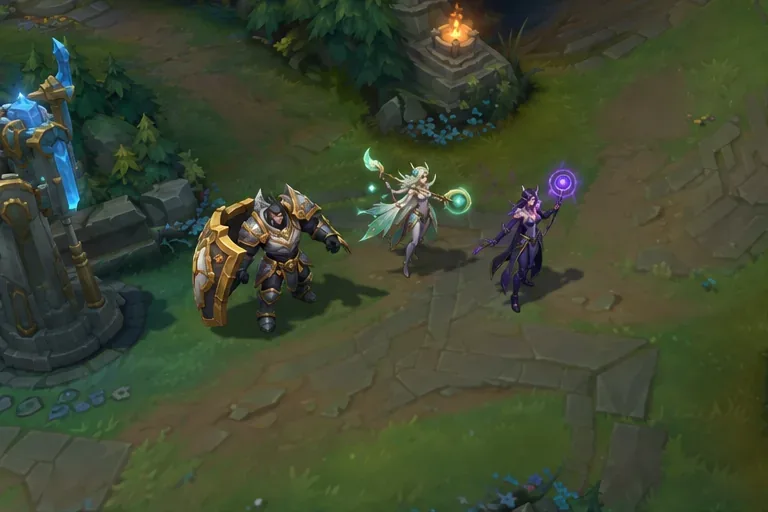
Choose one support you understand well and one backup with a different job. For example, an engage support such as Leona or Nautilus can start fights and punish an exposed target. An enchanter such as Lulu or Janna can protect a strong carry and interrupt divers. These are examples of playstyles, not a current tier list or a guarantee of success.
In champion select, ask what your team needs and what the opposing lane can punish. If your team already has reliable engage, a peel support may add more value. If your lineup has little way to start a fight, a tank with dependable crowd control can help. Pick the champion whose abilities you can land consistently, then learn its common matchups instead of swapping to a new pick every game.
Build a small champion pool around clear jobs, such as engage, protection, or ranged pressure.
2. Win lane with wave and threat awareness
Your position beside the ADC affects how safe it is for both of you to trade. Stand close enough to threaten an ability, but avoid lining up with your partner so one enemy skill shot hits both. Use brush and terrain to create pressure when you know the opponents cannot punish you for entering. If your lane has the stronger level-up or cooldown window, ping before moving forward so your ADC can follow.
Do not force an all-in just because your engage ability is ready. Check the nearby minion wave, your health and mana, enemy summoner spells, and whether the enemy jungler could be close. If the opponents use an important ability and miss, that can create a short trade window. When your ADC is taking a wave under tower, prioritize keeping them safe over wandering away.
Help with minions intentionally. If you and your ADC want to push for a crash or prevent the enemy from building a dangerous wave, communicate and hit the wave together. Avoid taking last hits or changing the wave without a reason; a well-timed crash creates a safer recall or roam, while an accidental push can leave your lane exposed.
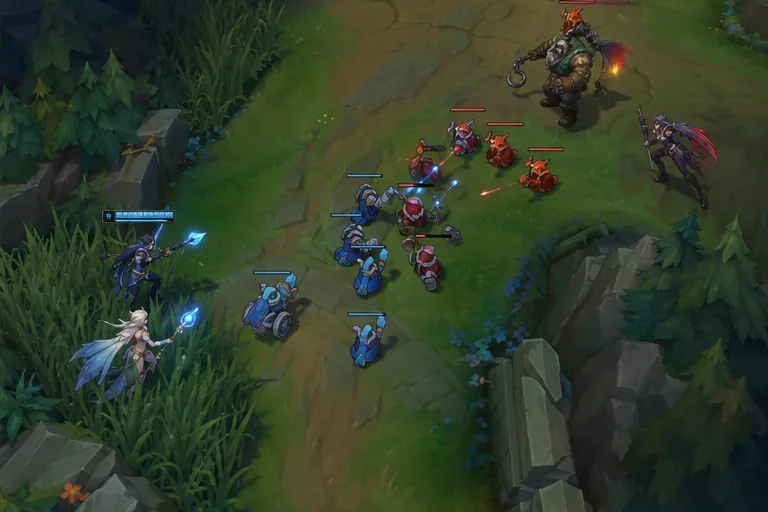
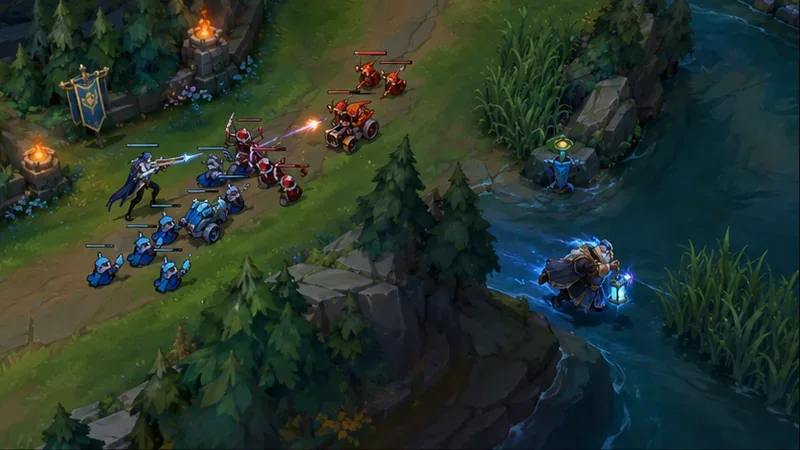
Use your lane position to threaten a trade while keeping your ADC in range to follow up.
3. Make vision control safe and purposeful
Vision control is information, not a ward-count contest. Before placing a ward, decide what question it should answer: Is the enemy jungler approaching bot? Is the river safe to cross? Can your team enter the objective area? Place vision where it helps answer that question, then move back to your teammates or a safe route.
Use lane priority or a teammate’s escort to enter river or enemy territory.
Ward likely approach paths when your lane is vulnerable; ward objective entrances when your team plans to contest.
Use your trinket or vision-clearing tool when your team can act on the information. Do not face-check brush alone just to clear a ward.
Buy a control ward when you can defend its location or deny vision that matters. Replacing one automatically on every recall can waste limited gold.
There is no universal “ward at 1:30” rule that makes every game safe. Watch the minimap, track opponents you have seen, and change the ward location when the game state changes. If the enemy support disappears and you cannot see the jungler, ping danger rather than assuming the route is clear.
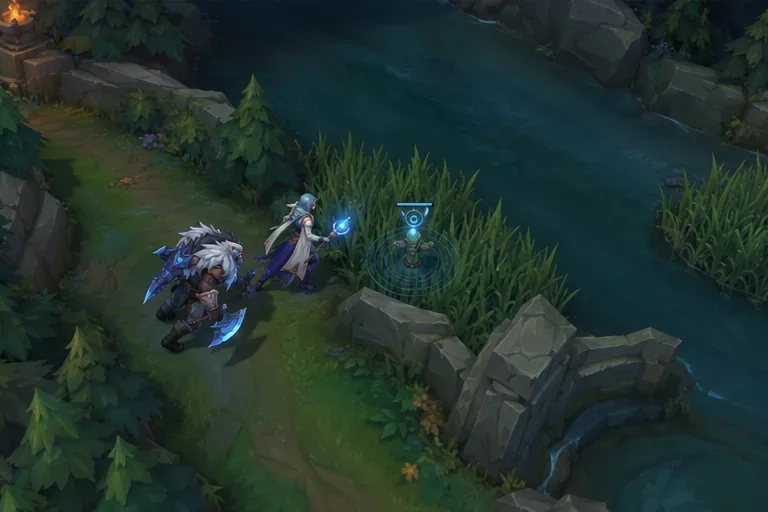
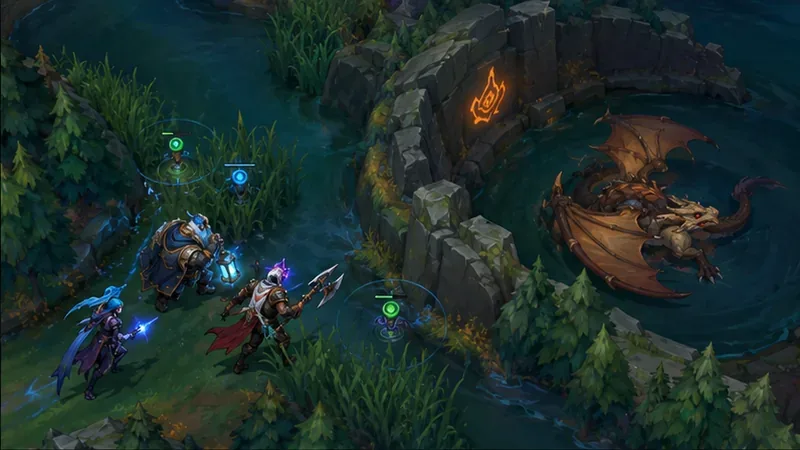
Enter river with an ally and place vision along a route your team can safely use.Clear enemy vision when nearby teammates can protect the play or follow up on what you find.
4. Roam when the map gives you a window
A good support roam starts with a reason and an exit plan. Look for a window after your team pushes a wave into the enemy tower, when your ADC has recalled, or when your partner can safely collect minions without you. Before leaving, check the bot wave, the enemy lane’s position, your own health, and the jungler’s last known location.
Ping that you are leaving and where you are going.
Take a route that does not force you to face-check alone.
Look for a realistic play: help mid break a freeze, protect your jungler, or add crowd control to a gank.
If no play is available, return to bot or reset. Do not keep roaming because the first attempt failed.
Do not abandon your ADC while a large enemy wave is crashing or when a dive is likely. A short, timed roam can create pressure; a long detour can cost your lane partner farm, plates, or their life. Returning on time is part of the play.
A pushed wave can create a safer roam window, but check whether your ADC can stay alone first.
5. Turn vision and lane priority into objectives
Wards do not win games by themselves. Convert information into something your team can take: a safe recall, a tower, a neutral objective, or a pick on an enemy who walks into a controlled area. Check the objective timer and your team’s health before you call for a contest. If your allies are far away, low on resources, or unable to enter the river, avoid walking in alone just to place one more ward.
When your team can contest, set up the area together. Clear or replace vision from a safe position, ping the route you want allies to use, and keep an escape path open. If the enemy arrives first and your team cannot challenge, help your team make a useful trade elsewhere rather than starting a losing fight. In low elo, a clear ping and a simple plan are often easier to follow than a long chat explanation.
Approach an objective as a group and establish vision before the opposing team controls the entrances.
6. Choose your teamfight job before the fight starts
In a teamfight, your champion’s kit and your team’s strongest damage dealer should guide your decision. An engage support can start when teammates are close enough to follow. A peel support should save control or protection for the diver threatening the carry. A poke support can help your team hold space and make enemies spend health before committing.
Do not automatically dive the enemy back line or spend every ability on the first target you see. Ask: Who can deal the most damage for my team? Which enemy can stop them? Is there a safe way to engage, or should I wait to counter-engage? Sometimes keeping one carry alive is more valuable than landing a flashy initiation. You can also play around a fed mid or top laner if they are your team’s clearest win condition.
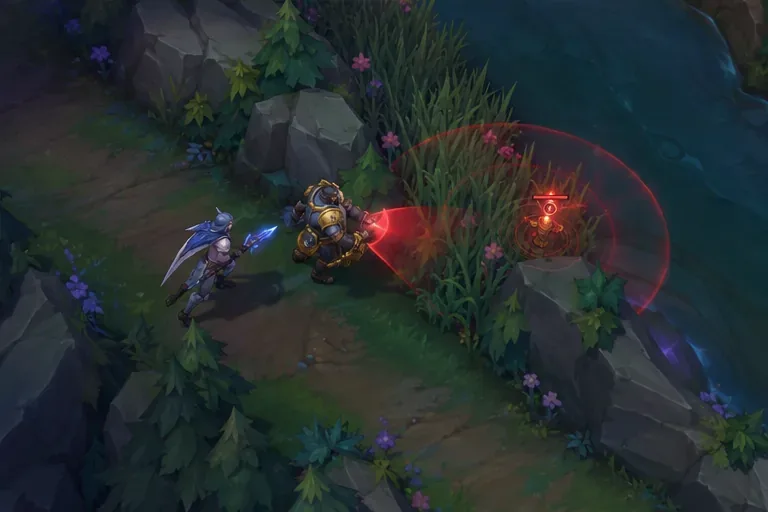
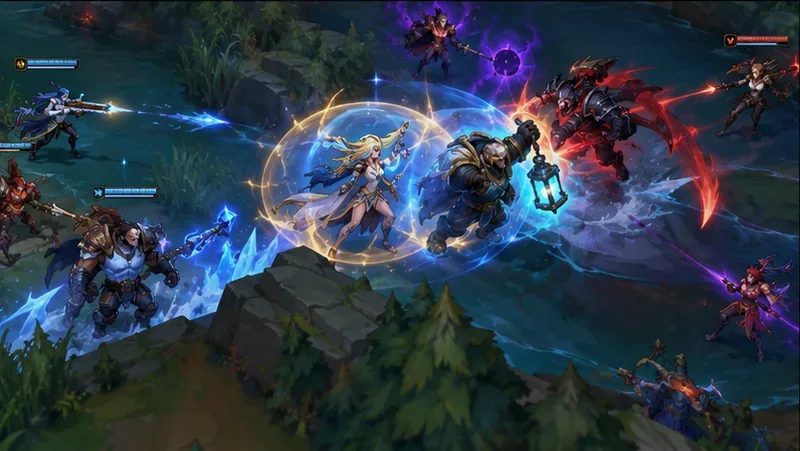
Peel when an enemy diver threatens your main damage dealer; use defensive abilities before the carry is forced out.
7. Reset, communicate, and review one decision
After a play, check whether it is time to recall, defend a wave, place vision, or regroup. On a reset, buy according to your champion and the enemy threats rather than following a frozen build from an older guide. Item names, effects, and balance shift between patches, so check the in-client shop recommendations and the current patch notes. Riot’s Patch 26.20 notes are the live reference as of October 16, 2026.
Use pings to communicate the next action: danger, on-my-way, retreat, or an objective call. Keep chat short and specific. If teammates ignore a call, adapt to what they are doing instead of repeating the same ping or typing through a fight. When behind, do not walk alone into unlit territory; defend safely, clear waves where you can, and trade across the map when a contest is not realistic.
After each match, review one moment: Did you roam on a safe wave? Did you place vision with help? Did your ultimate protect or start the fight your team needed? A single repeated improvement is more useful than blaming your ADC or changing your champion pool after every loss.
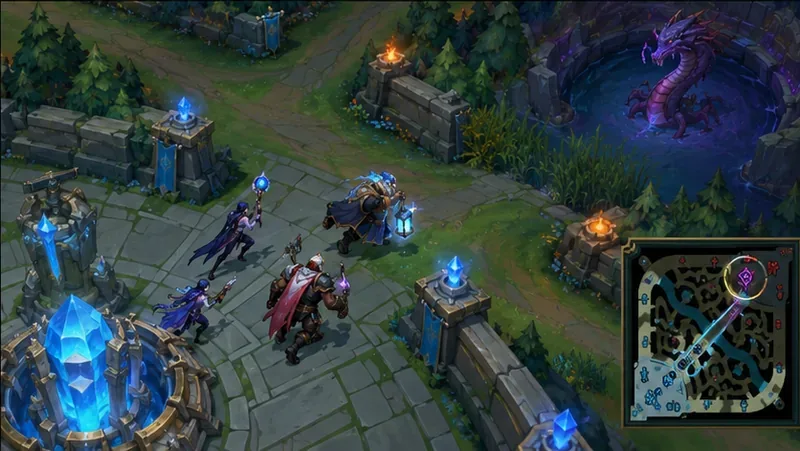
After resetting, regroup and move toward the next play with your team rather than entering the river alone.
Quick checklist for your next support game
Pick a champion whose job you can explain in one sentence.
Trade when your wave, health, and cooldowns give you a real advantage.
Leave bot only when your ADC can stay safe.
Ward and clear vision with a plan and a teammate nearby.
Before each fight, decide whether to engage, peel, or disengage.
Build around your champion and the threats in this match; verify patch-sensitive details in the client.
These habits will not make every match winnable, but they give you more control over the decisions that repeat across games. The most reliable way to carry your team as a support in low elo is to turn small advantages into safe map plays, then help your team finish them.