Home
» 🎮 Esports
»
Dominate LoL: Use In-Game Overlays for Smarter Tracking
Dominate LoL: Use In-Game Overlays for Smarter Tracking
Dominate LoL: Use In-Game Overlays for Smarter Tracking
League of Legends in-game overlays can put companion-app information within reach, but they are not a shortcut to hidden enemy data or guaranteed rank gains. In October 2026, choosing an overlay also means checking how it works: Riot began blocking game-memory access by default for unknown third-party apps on October 6. Use a current tool only after reviewing its features, its update notes, and Riot’s rules.
The useful goal is simple: reduce distraction and review your own decisions. Keep the game client as the source of truth, use information you could actually see in the match, and treat any “Riot-approved” claim as something to verify rather than a blanket guarantee.
What LoL overlays can—and cannot—help you track
An overlay is a desktop companion that displays information over or alongside a running game. Depending on the publisher and current version, a LoL tracking overlay may surface pre-match builds or tips, live analysis, timers, or post-game statistics. These features change over time, and a tool’s marketing page does not itself establish that every feature complies with Riot policy.
Riot’s League developer policy says an app must not provide an unfair advantage with information absent from the game client. It specifically gives tracking an enemy’s ultimate cooldown as an example, and also says products may not dictate a player’s decisions or provide previously unknown session-specific information. Read the current League of Legends developer policy before enabling live features.
Riot Support also says it cannot publish a complete list of third-party apps that are safe for everyone. Its general test is whether an app affects game integrity or creates an unfair advantage. That is why “Riot-approved” should not be used as a blanket label for overlays.
The October 2026 memory-access change
Riot says it began preventing game-memory access by default for unknown third-party apps on October 6, 2026. Known, currently approved tools have a transition period through April 2027 to move affected features to official APIs or retire them. Riot says the change itself does not issue bans; it blocks unauthorized tools from interacting with the client. Riot also cautions that it cannot promise any particular app will keep working. Check the Riot memory-access update and your app publisher’s release notes for the latest status.
Current companion apps: compare features, then verify
Here are two examples whose publishers currently describe League companion features. They are examples to evaluate, not a Riot whitelist. Feature availability, compatibility, and pricing can change, so confirm details on the publisher’s own site before installing.
Tool
What its publisher currently lists
What to check before use
Porofessor
In-game overlays, live-stat analysis, jungle and inhibitor timers, plus match analysis.
Build and rune imports, a pre-match cheat sheet, player tags, and other companion features.
Review the exact feature list and update notes; a publisher’s compliance statement is not an independent Riot guarantee. See the Mobalytics LoL app page.
League client and replay
Built-in match information and replay-based review without adding a third-party overlay.
Use these as your baseline when you want the lowest setup burden or need to diagnose an overlay conflict.
For any product, look for a clear publisher, a current release, a privacy policy, and a description of its data sources. If the app claims it can reveal an unseen route, enemy cooldown, or the “correct” action in real time, leave that feature off and check Riot’s policy before continuing.
How to install and configure an overlay carefully
Menus differ by app, but this four-part checklist works for most desktop companions. Keep the setup minimal and do not install multiple overlays at once.
1. Check the product and its current version
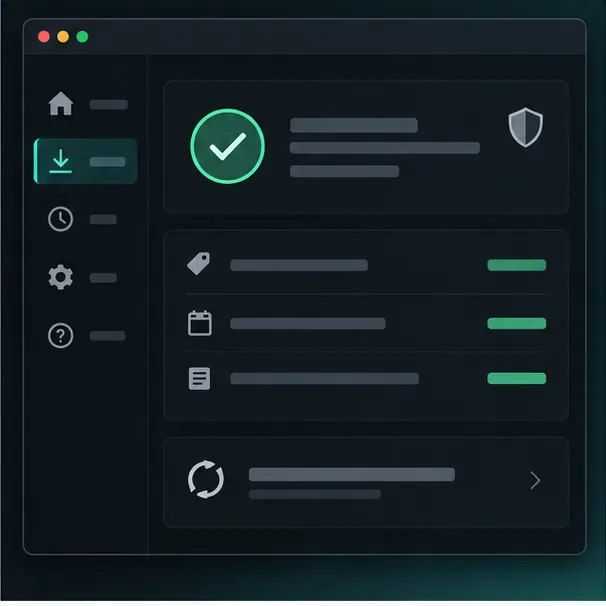
Start at the developer’s official site. Read the latest release notes for League client compatibility and the October 2026 memory-access change. Confirm that the publisher explains what the app reads and whether affected features now use Riot’s official APIs. If the app’s status is unclear, wait for the publisher to clarify it rather than relying on an old guide or download mirror.
Conceptual status-panel layout: check an app’s own version and update information. The shield and check mark do not indicate Riot approval.
2. Download only from the publisher
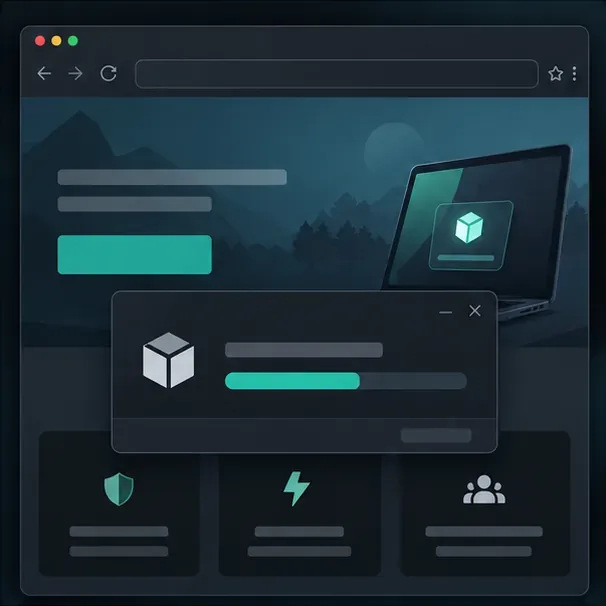
Use the download link on the developer’s official website. Avoid rehosted installers, unofficial “overlay packs,” and files sent through chat. Before running an installer, check its publisher and the permissions it requests. If account linking is offered, do not type your Riot password into a third-party form. Use a genuine Riot Sign On authorization flow and review the requested access before you consent.
A conceptual download workflow. The real publisher page and installer will look different.
3. Enable only the features you need
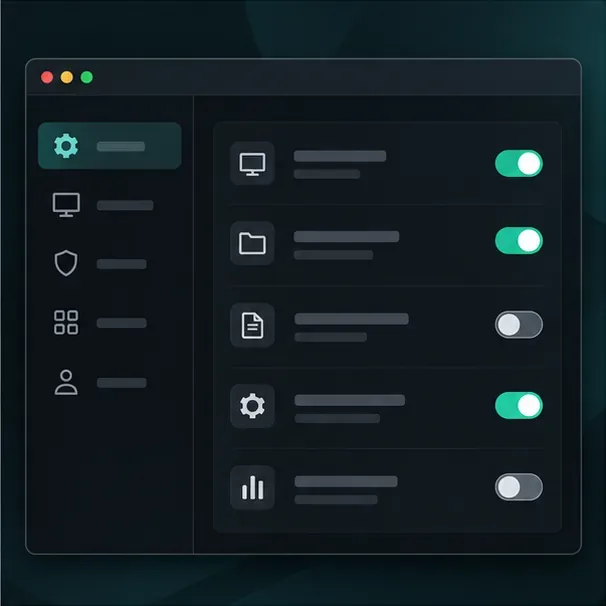
Begin with one or two low-distraction features, such as pre-match information or post-match self-review. For a live display, keep to information already available to you through normal gameplay and that the app’s current implementation is allowed to use. Do not enable hidden enemy cooldown tracking, automatic actions, or prompts that dictate where to go or what to do. If the app cannot explain how a live feature obtains its information, leave it disabled.
Keep the configuration narrow: turn on only features you understand and plan to use. Actual app controls vary.
4. Test before taking it into ranked
Launch a Practice Tool or custom game first. Check that the overlay appears where expected, does not cover the minimap or HUD, and does not cause stutters, crashes, or input problems. Confirm the app and League client are both current. If the client behaves differently after enabling the tool, close the overlay and test again without it. Riot’s troubleshooting guide notes that overlay software can contribute to crashes.
Use tracking to build better habits
An overlay is most useful when it answers a question you chose before queueing. Pick one focus for the match: Did you check the minimap before trading? Did you leave lane for an objective at a useful time? Did you miss farm while looking at another part of the screen? A single question turns extra data into a practice goal.
During the game: Keep your eyes on the client’s minimap, scoreboard, and visible match events. Treat an app’s timer or stat as a reminder to verify, not as proof of enemy position or intent.
After the game: Review one or two moments in the replay or your own performance dashboard. Look for a repeated pattern—late rotations, missed waves, or poor vision timing—and choose one adjustment for the next match.
Keep the screen readable: Avoid stacking several panels over the HUD. If you find yourself reading the overlay instead of watching the lane, disable or move the feature.
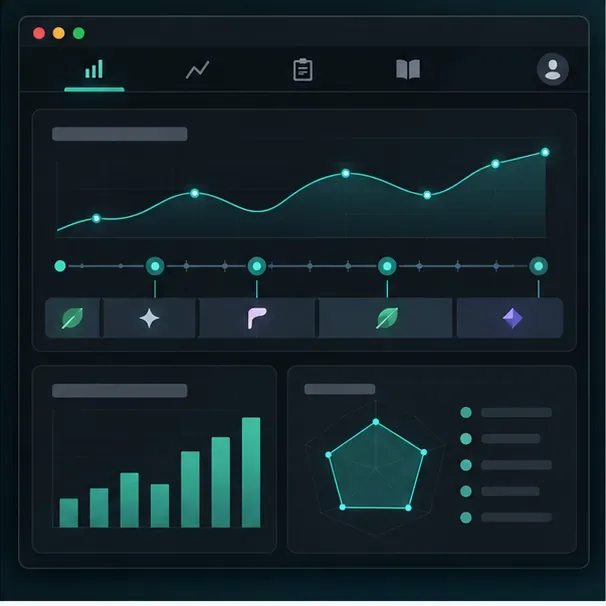
A conceptual post-match review view focused on personal trends, not a live feed of hidden opponent information.
Do not treat third-party win-rate predictions or player tags as certainty. They are summaries of past data, not a forecast of what will happen in your match. The minimap, visible plays, team communication, and your own judgment still matter most.
Quick fixes when an overlay does not work
It stopped appearing after a patch: Check the app’s release notes and wait for a compatible update. Do not try to bypass Riot’s memory protections.
The client freezes or crashes: Exit the overlay and retry League without it. If the problem stops, keep the app disabled and report the issue to its publisher.
A timer or stat looks wrong: Trust the game client and visible events. Check whether the app updated for the current patch before using that feature again.
The screen feels crowded: Disable nonessential panels and keep one tool active. An overlay should reduce mental load, not compete with the game for attention.
Choose an overlay for clarity, not hidden information
League of Legends in-game overlays can be useful for preparation and focused review, and some companion apps advertise timers or live analysis. Their features and compatibility are changing, especially after Riot’s October 2026 memory-access update. Check the current publisher documentation, follow Riot’s game-integrity rules, and test with a minimal setup. The strongest tracking habit remains noticing what the match actually shows, then using replay or post-game stats to learn from it.