Home
» 🎮 Esports
»
Where to Find Xbox Game Captures and Screenshots
Where to Find Xbox Game Captures and Screenshots
Where to Find Xbox Game Captures and Screenshots
For an Xbox console, press the Xbox button and open Capture & share > Recent captures to get to recent clips and screenshots. For the full capture library and its management options, go to My games & apps > See all > Apps > Captures. On a phone, open the Xbox app and choose My Library > Captures. If you backed up captures to OneDrive, find screenshots in My files > Pictures and video clips in My files > Videos. Windows Game Bar recordings are separate: they normally live in Videos > Captures on the PC that recorded them.
That distinction matters: an Xbox console capture, a copy uploaded to the Xbox network, a OneDrive backup, and a Windows PC recording are not automatically the same file or library. Use the route below that matches the device where you captured the moment.
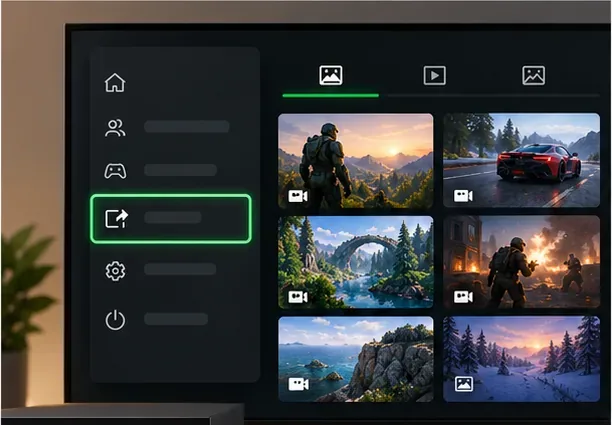
Illustrative console interface showing a capture gallery. Open Capture & share for recent items, or use the Captures app to manage the library.
Find captures on Xbox Series X|S or Xbox One
To open a recent Xbox game capture, press the Xbox button on your controller to open the guide, then choose Capture & share > Recent captures. Select a thumbnail to review it or open its available sharing and management options. This shortcut is useful when you have just taken a screenshot or recorded a clip.
For older items or a larger collection, open My games & apps, select See all, choose Apps, and open Captures. This is the main place to browse, filter, and manage captures on the console. The exact appearance of the menus can change with dashboard updates, but the Captures app remains the route Microsoft documents for managing and backing up console media. See Xbox Support’s guide to managing game clips and screenshots.
A capture saved on the console is not necessarily backed up online. If you want to see it on another device, use the console’s upload or backup option and check that the transfer finishes. Xbox’s published retention policy says captures stored on the Xbox network are deleted after 90 days. Treat the Xbox network as a sharing location, not a permanent archive, and keep important clips in OneDrive or on an external drive. The policy and backup steps are described in Xbox Wire’s capture backup announcement.
Browse Xbox captures in the mobile app
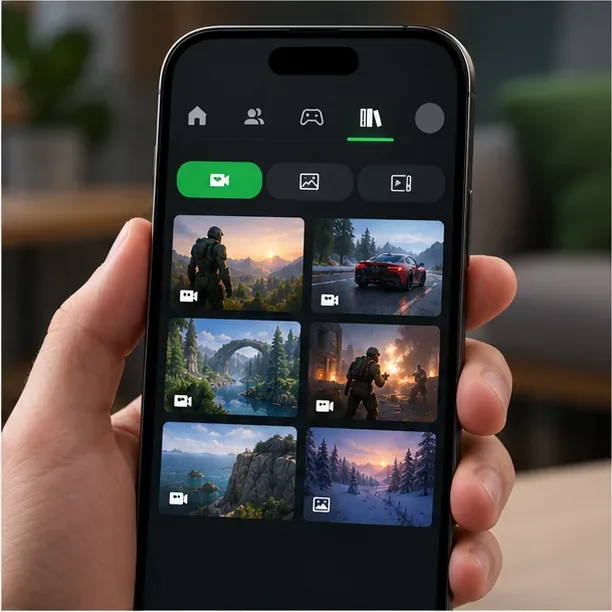
Install or open the Xbox app on iOS or Android and sign in with the Microsoft account used on your console. At the bottom of the app, select My Library > Captures. The app is useful for viewing and sharing captures that are available through your Xbox account, including items uploaded to the Xbox network. Select a clip or screenshot to review the sharing options. Microsoft’s sharing instructions use this same mobile library path.
If a clip appears on the console but not on your phone, first check that both devices are signed in to the same account and that the capture has uploaded. A local-only capture will not appear in the mobile library simply because the app is installed. If uploads are enabled but the app still shows nothing, check the Xbox app’s capture upload settings and follow Xbox Support’s mobile-app troubleshooting steps.
Illustrative mobile library layout. In the Xbox app, open My Library and then Captures to browse available console clips and screenshots.
Open Xbox backups in OneDrive
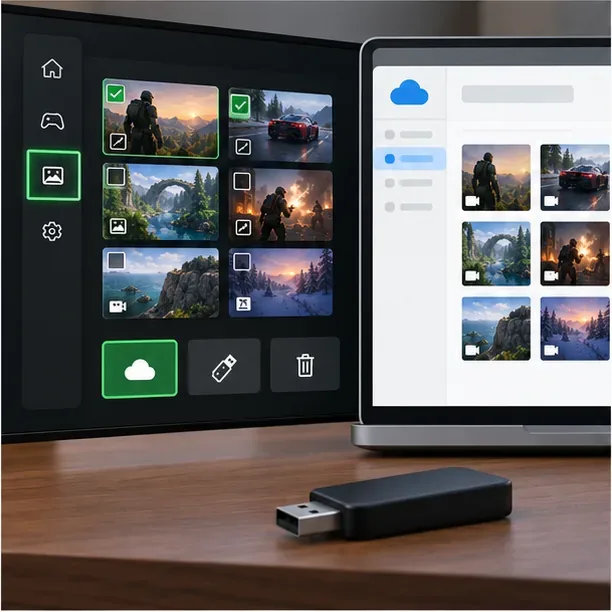
OneDrive is a separate backup destination. On the console, open My games & apps > See all > Apps > Captures and use the backup flow to select captures for OneDrive. If the console shows a Tell me more prompt, follow it to start the setup. Xbox also documents an option to automatically back up future captures to OneDrive; enable it in the Captures workflow if you want new items copied there.
On your Xbox, open the Captures app and start its OneDrive backup or setup flow.
Choose the captures you want to copy, select OneDrive, and let the upload finish before leaving the screen.
On a phone or computer, sign in to OneDrive with the same Microsoft account.
Open My files. Check Pictures for screenshots and Videos for clips.
Do not assume every console capture is already in OneDrive: the Xbox network and OneDrive are different destinations. The OneDrive copy also uses the storage available to your Microsoft account. For the current console backup flow, see Xbox Support’s guide to backing up game captures.
Illustrative backup setup showing cloud and external-drive destinations. Use the console Captures app to start and verify your chosen backup.
Find Windows PC clips made with Xbox Game Bar
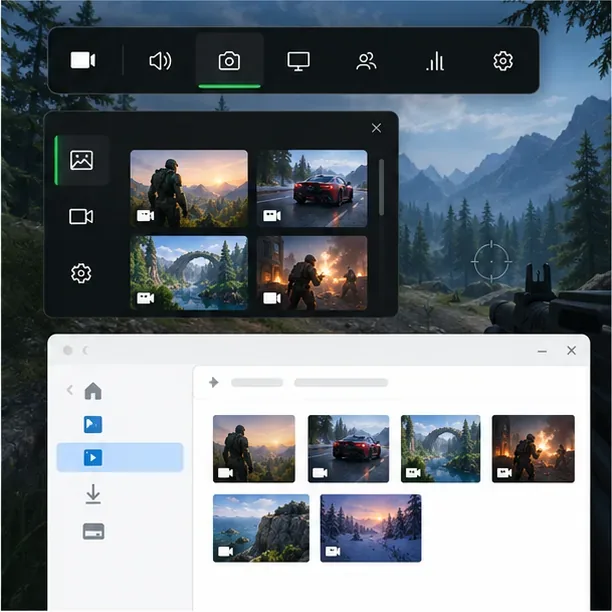
Captures recorded on a Windows PC with Xbox Game Bar are stored on that PC; they do not automatically join the Xbox console’s capture library. The default folder is Videos > Captures, usually %USERPROFILE%\Videos\Captures. A recording is saved as an MP4 file, while a screenshot is saved as a PNG. If you previously moved the folder, the actual location may be different.
Press Windows key + G to open Game Bar while a game or app is active.
Choose Capture > See my captures (or open the Gallery widget) to browse recordings and screenshots.
Select a file and choose Open in File Explorer or Open file location to see its folder.
These are PC recordings, separate from console captures.
If an Xbox screenshot or clip is missing
Identify where it was recorded. Console captures, OneDrive backups, and Game Bar files have different libraries.
Check the right account. Sign in to the same Microsoft account on the Xbox app and OneDrive that you used for the capture.
Check upload status. The Xbox mobile app can show captures available through your account, but it cannot display an item that never uploaded.
Search the actual PC folder. In Game Bar, open the file location; the Captures folder may have been moved.
Back up anything you want to keep. Xbox network captures are subject to the published 90-day retention policy, and OneDrive storage is subject to your account’s available space.
In short, use the console’s Captures app for the on-device library, the Xbox mobile app for available account captures, OneDrive for files you backed up, and Game Bar’s Videos\Captures folder for Windows recordings. Once you know which device made the clip, the right location is much easier to find.