Home
» 🎮 Esports
»
Digital vs. Physical PlayStation Games: Ultimate Buyer’s Guide – Which Wins for PS5 Gamers?
Digital vs. Physical PlayStation Games: Ultimate Buyer’s Guide – Which Wins for PS5 Gamers?
Digital vs. Physical PlayStation Games: Ultimate Buyer’s Guide—Which Is Better for PS5 Gamers?
Digital vs. physical PlayStation games do not have one universal winner. Physical copies are usually the better fit if you want to buy used, lend a game, collect boxed editions, or resell after finishing. Digital games win on instant access, account-based convenience, and compatibility with a PS5 that has no disc drive. For many players, a mix is the best value. One important correction: a disc does not spare your PS5’s storage, and it does not guarantee every game will work offline.
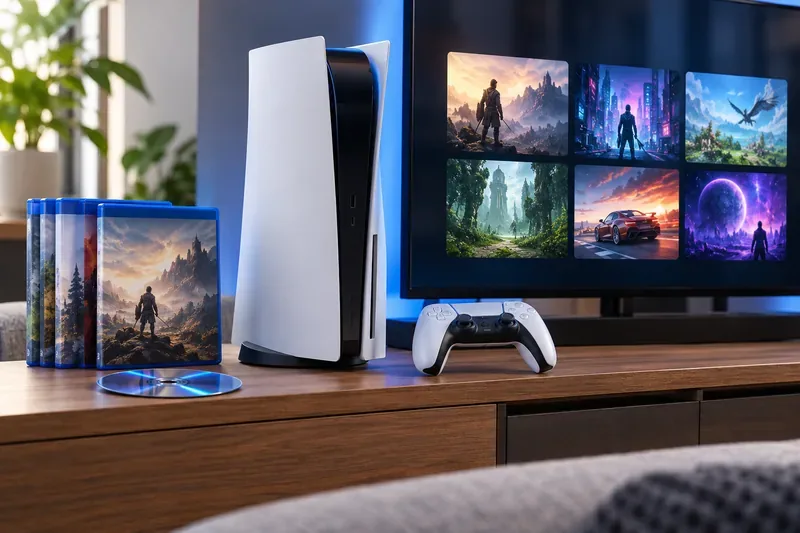
Both formats use the same PS5 setup, but a disc adds a physical copy and a digital library stays tied to your PlayStation account.
Digital vs. physical PlayStation games at a glance
What matters
Digital games
Physical games
Convenience
Buy and download from PlayStation Store; no disc swapping.
Insert the disc to play; keep the copy nearby.
Best route to a lower price
Store discounts and bundles; prices vary by region and sale.
Compare new, used, shipping, trade-in, and resale value.
PS5 storage
Game data installs to console or compatible M.2 storage.
Game data also installs to storage; the disc is not a substitute SSD.
Sharing and resale
Purchase is attached to the account and cannot be traded like a disc.
A disc copy can generally be lent or resold; only one player can use that copy at a time.
Offline access
Downloaded games can be played offline on a PS5 with Console Sharing and Offline Play enabled, subject to the game’s requirements.
Disc is required to launch the installed game; patches, online modes, or game-specific checks may still require internet.
Hardware requirement
Works on PS5 Digital Edition and disc-drive models.
Requires a compatible PS5 disc drive.
When digital PlayStation games are the better choice
Choose digital PlayStation games if you want to switch titles without getting up, preload a release, or keep your games available through your account library. They are essential if you own a PS5 Digital Edition without a compatible add-on drive. Digital is also practical for smaller games and titles you expect to keep installed and revisit.
Do not assume digital always costs less. PlayStation Store discounts change, and a physical retailer may have a lower price, a used copy, or a bundle. Compare the same edition and included add-ons, then check the final price in your account’s region. A digital purchase also does not give you a transferable copy: Sony’s terms describe Store content as licensed, and legal terms can differ by country. See PlayStation’s legal terms for your region.
Digital games still use storage. An external USB drive can hold PS5 game data, but Sony says PS5 games cannot be played directly from USB extended storage; you have to copy them back to console storage or a compatible M.2 SSD. PS5 games can be played from a supported M.2 SSD. Read Sony’s guidance on USB extended storage and M.2 SSD storage.
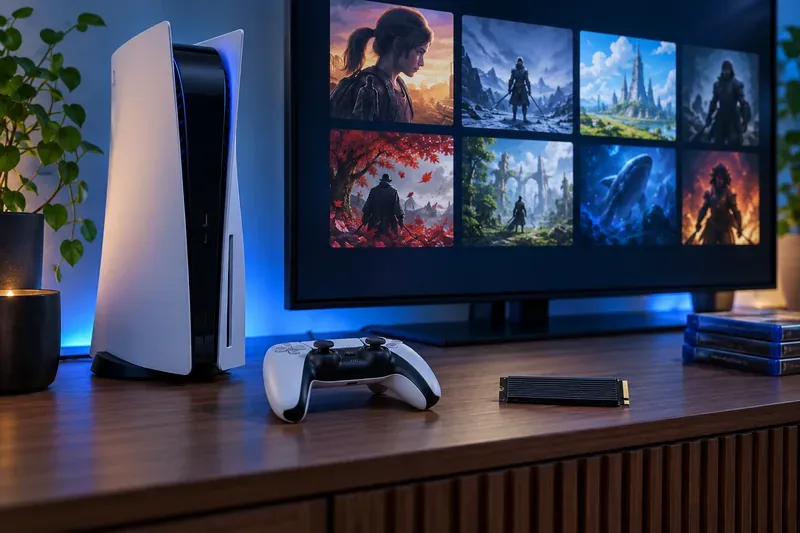
Digital purchases avoid disc swaps, but the game files still need space on the PS5 or compatible M.2 storage.
When physical PlayStation games are worth buying
Physical PlayStation games make the most sense when flexibility after checkout matters. You can usually pass the disc to a friend, buy a pre-owned copy, or sell it when you are done. That can make the effective cost lower than the sticker price, especially for a single-player game you will finish once. The case and disc also have lasting appeal for collectors.
There are trade-offs: you need the drive, the disc, and enough storage for the installed game. Sony’s instructions say a PS5 disc game installs when first inserted and the disc must remain in the drive every time you play. Updates may still download separately. A damaged or missing disc can block access, and online features depend on the game’s servers.
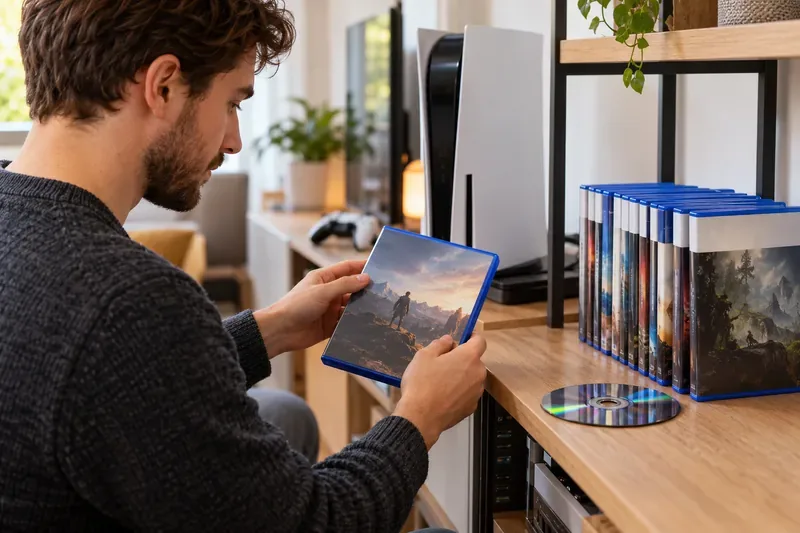
A physical copy can be lent or resold, making its final cost depend on the price you pay and what you recover later.
Check your console before shopping. Standard PS5 disc models read game discs. The original PS5 Digital Edition model group does not support discs; some newer Digital Edition and PS5 Pro models can use a separately sold compatible drive. Model compatibility matters, so verify your console’s model group with Sony’s PS5 disc-drive setup guide before buying an accessory.
If you have PS4 discs, a PS5 with a disc drive can play the majority of compatible PS4 games. A PS5 Digital Edition cannot read those discs. Sony’s backward-compatibility guide lists the relevant limits.
Price, ownership, storage, and offline play: the real differences
Calculate the price you will actually pay
For digital, use the current Store price after any discount. For physical, compare new and used prices, shipping, taxes, trade-in credit, and likely resale value. The useful measure is the physical game’s price plus delivery minus what you expect to recover—not a blanket claim that one format is always cheaper. Digital purchases are convenient, but they do not have the same resale option.
Neither format removes every internet requirement
A digital game must be downloaded, but Sony’s Console Sharing and Offline Play setting lets users on one enabled PS5 play purchased and downloaded games while the console is offline. A disc game can be installed from the disc and still needs that disc to launch. In either format, multiplayer, patches, initial setup, or a particular title’s license check can require a connection. Check a game’s requirements if offline play is essential.
What the 2028 PlayStation disc change means
On July 1, 2026, Sony announced that production of physical discs for new PlayStation games will stop starting in January 2028. The announcement says this does not affect games already released or games scheduled to release on disc before that date. That is a meaningful long-term consideration if you collect new releases, but it does not make existing PS5 discs obsolete. Read the PlayStation Blog announcement for the exact scope.
Which format should PS5 gamers buy?
Go digital if your console has no disc drive, you value instant access, and you rarely lend or resell games.
Go physical if you shop used, collect cases, share games with friends, or want resale value—and your PS5 supports discs.
Use both if you want to compare each game’s actual price: buy disc-based favorites you can lend or resell, and choose digital when a Store deal or disc-free setup makes more sense.
Before checkout, confirm the PS5 model and disc-drive compatibility, compare the exact edition across both stores, check storage requirements, and decide whether you value easy resale more than account-based convenience. That is the clearest way to choose between digital vs. physical PlayStation games without paying extra for a format you do not need.