Home
» 🎮 Esports
»
Minecraft SocketException: Fix Java Connection Reset and Internal Exception Errors
Minecraft SocketException: Fix Java Connection Reset and Internal Exception Errors
Minecraft SocketException: Fix Java Connection Reset and Internal Exception Errors
Quick answer: A Minecraft SocketException means the Java client hit a socket-level connection problem; it does not identify one universal cause. First check whether the failure affects one server or every server, then verify the exact game version and mod setup, test a clean profile and another network, and inspect the log. If only one server fails, the server operator may need to investigate.
This guide is for Minecraft: Java Edition. The message often appears as Internal Exception: java.net.SocketException: Connection reset. “Internal Exception” is the client reporting an exception while handling the connection; it is not, by itself, proof that Minecraft is corrupted or that you need a different Java download. Oracle describes SocketException broadly as an error creating or accessing a socket, so the detail after the exception and the point where it occurs matter.
Read the message before changing settings
Players may search for a Net Java Exception or an Internal Minecraft Error, but those phrases do not identify one root cause; the full Java exception and connection context are more useful.
“Connection reset” usually means the TCP connection was closed unexpectedly by the remote endpoint or something along the route. A timeout, refused connection, or name-resolution failure points toward a different check. Treat the full error and latest.log as clues, not as a diagnosis on their own.
What happens
Likely area to check next
Only one server fails
Server availability, its address, whitelist, supported version, or server-side logs
Every server fails
Your game profile, local network, VPN/proxy, or firewall rules
Vanilla works but a modded server fails
Exact mod loader, modpack build, and required client/server mod match
It disconnects after joining or during play
Network interruptions, server stability, or a mod/protocol issue logged at that time
Eight steps to troubleshoot a Minecraft SocketException
1. Find out whether the problem is local or server-specific
Write down the full error, the server address, and whether it appears before joining or after play begins. Try another server you are allowed to use, and ask a friend whether the same server is reachable for them. If other servers work, avoid resetting your whole network first: focus on the affected server and ask its operator whether it is online or undergoing maintenance.
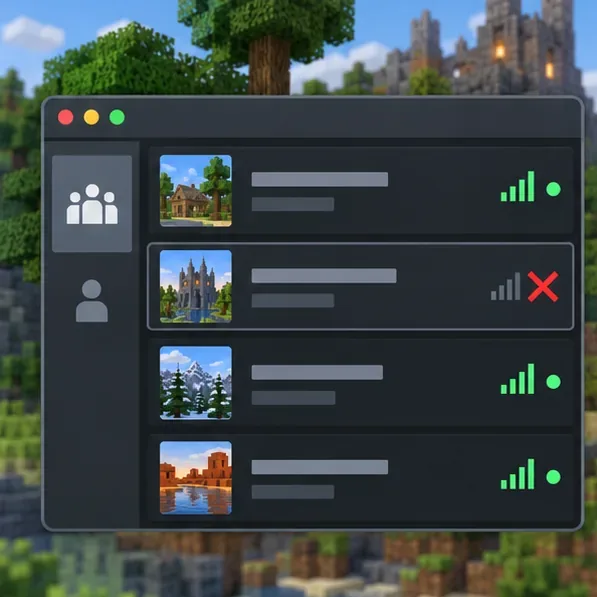
One red server row among green entries helps illustrate why checking more than one server is useful.
2. Match the server’s edition and exact game version
Java Edition players cannot join a Bedrock server through the standard Java client. For Java multiplayer, choose the release or snapshot the server supports. Modded servers also require the compatible loader and modpack build; even similarly named packs can differ. If you use a third-party launcher or changed the Java executable, restore the launcher or pack’s recommended runtime before experimenting. Do not install a specific Java version just because the word “Java” appears in the exception; the requirement depends on the game release, server software, and modpack.
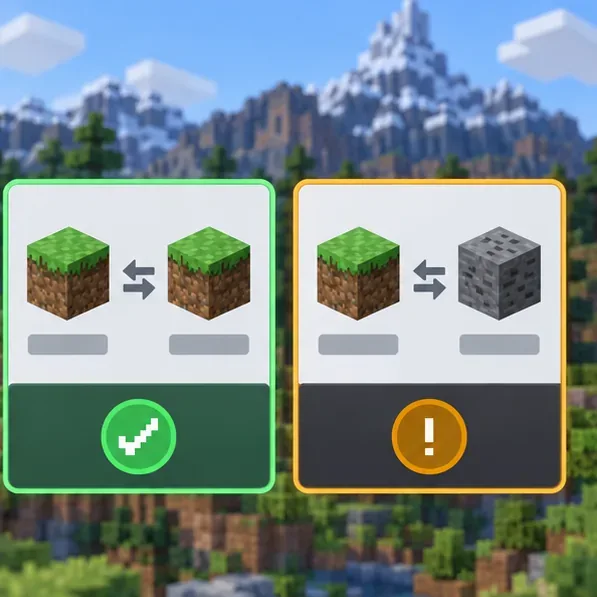
Compare the client release and server release, then check the loader and modpack when the server is modded.
3. Test a clean, unmodded profile
Launch the same supported Minecraft version with a vanilla profile and no mods, shaders, or custom networking add-ons. Keep your existing installation and worlds intact; this is a diagnostic comparison, not a request to delete them. If vanilla connects but the modded profile does not, add the mods back only after checking the pack’s official instructions and matching versions with the server.
A clean profile separates a base-game connection issue from a mod or configuration conflict.
4. Check the log at the time of the disconnect
Open the game directory for the installation that failed, then look in logs/latest.log. The game directory can differ if you selected a custom folder or use another launcher. Search near the end of the file for SocketException, Connection reset, or the timestamp of the failed join. Look for the first warning or error immediately before the disconnect; later lines may only describe the shutdown. If you share a log publicly, remove account names, server addresses, and other personal details first.
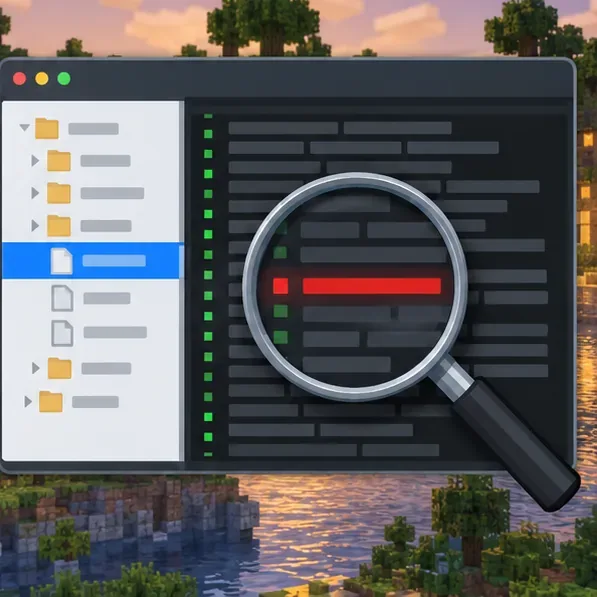
Inspect the lines around the disconnect in the log rather than treating every red or error line as the root cause.
5. Compare your usual network with a second connection
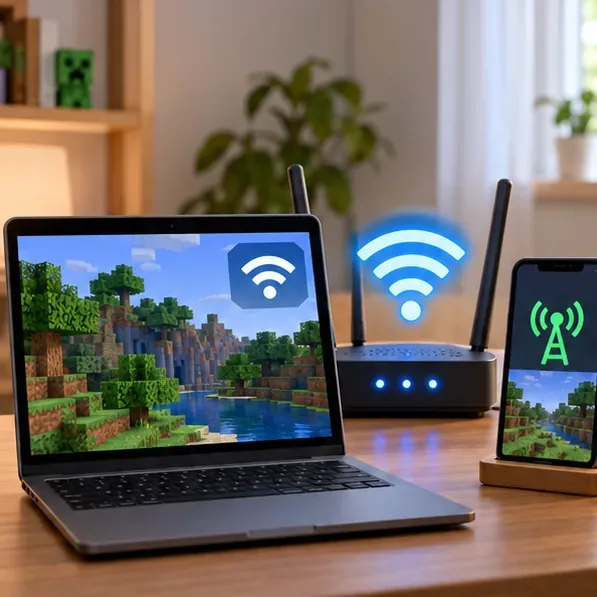
Close Minecraft and the launcher, then reconnect and try again. If practical, test Ethernet or a temporary phone hotspot. You do not need to keep playing on the alternate network: the test shows whether the issue follows your device or one network path. If the second connection works, check router stability, Wi-Fi signal, campus or workplace restrictions, and any network filtering. Avoid repeated router resets or blanket DNS changes unless your network provider or administrator gives you a reason to use them.
Comparing the normal Wi-Fi connection with a separate connection can isolate a network-path problem.
6. Check the firewall without turning protection off
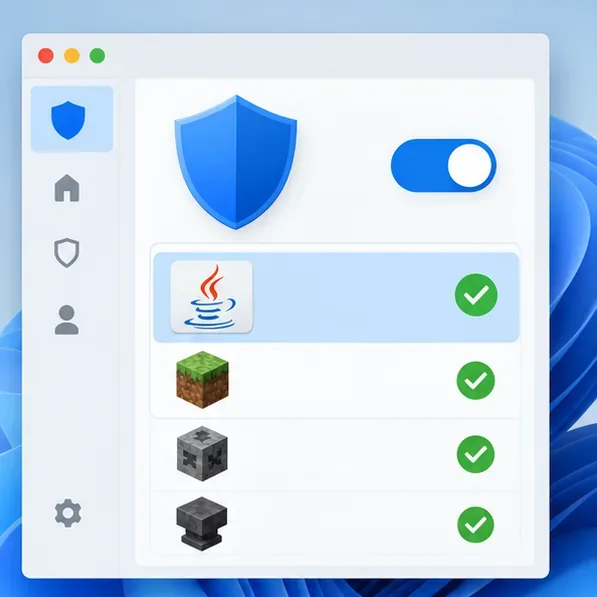
On Windows, open Windows Security, select Firewall & network protection, then use Allow an app through firewall if you have evidence that Java is being blocked. Allow only the relevant Java/Minecraft app on the network profile you trust. Keep the firewall enabled; Microsoft notes that allowing an app is less risky than opening a port, and turning off the firewall can leave the device more exposed. On macOS or Linux, use the firewall controls for your system and follow its documentation. A player joining someone else’s server normally does not need to open a server port on their own router.
The firewall remains on while Java appears in an allowed-app list.
7. Recheck the address and any VPN or proxy
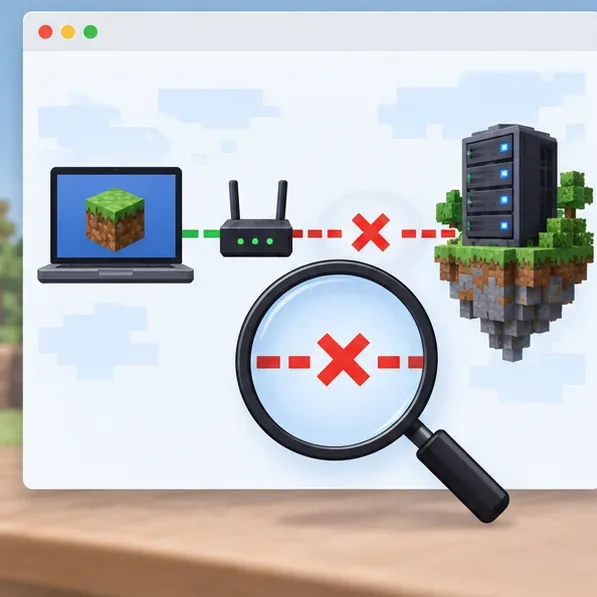
Enter the server address exactly as its operator provided it, including a custom port if one was specified. Do not assume every server uses the default port. If you use a VPN, proxy, traffic filter, or managed network, test without it only when permitted by your network policy. If the address recently changed, ask the operator to confirm it. Avoid editing the system hosts file or forcing an IPv4 JVM flag as a general fix; those changes can mask the real cause or disrupt other connections.
A break between the router and remote server points to checking the address or network route.
8. Ask the server operator to check the server side
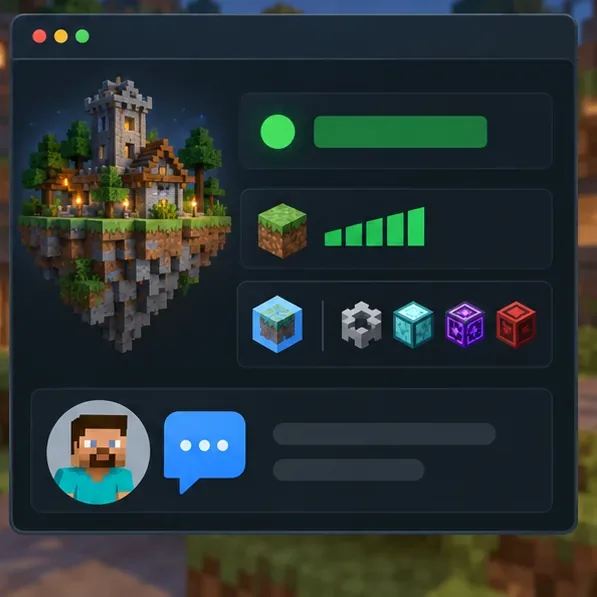
If the same server fails for multiple players while other servers work, send the operator the exact error, your Minecraft version, loader and modpack version, the approximate time of the disconnect, and the relevant log lines. Ask them to confirm the server is running, accepts your version, and has no whitelist, proxy, host firewall, or mod mismatch that applies to your connection. Server hosts may need to check their own firewall and Java runtime; that is separate from changing firewall ports on a player’s computer.
When one server is the only failure, the operator can compare status, version, and server-side configuration.
Fixes that are usually poor first moves
Do not disable your firewall or antivirus entirely. Use a narrow app permission only if a block is confirmed.
Do not blindly install Java 21 or another fixed version. Standard launcher profiles, standalone server jars, and modpacks can have different runtime requirements.
Do not port-forward your router to join a public server. Port forwarding is a hosting step for an operator who is making a server reachable from outside a local network.
Do not edit the hosts file or add random JVM network flags. First confirm the address, route, and log evidence.