Home
» 🎮 Esports
»
Blazing Minecraft Errors: Fiery Fails Explained, with Safe Fixes to Save Your World
Blazing Minecraft Errors: Fiery Fails Explained, with Safe Fixes to Save Your World
Blazing Minecraft Errors: Fiery Fails Explained, with Safe Fixes to Save Your World
“Blazing Minecraft errors” is not an official Minecraft error code or a named bug category. It is a useful label for fire-related problems and other Nether mishaps, such as uncontrolled fire spread, a sluggish Blaze farm, a portal that will not activate, or a crash near a busy area. The right fix depends on whether you play Java or Bedrock, your game version, and whether the problem comes from vanilla Minecraft, a server, an add-on, or a mod.
Start by protecting the save, then test one change at a time. Do not assume a portal or enchantment issue is caused by “fire ticks,” and do not apply commands that can change an entire world when you only need to contain one fire.
Before changing anything, protect your Minecraft world
Exit the world before making a backup. In Java single-player, Minecraft Help says to open the world’s Edit screen and choose Make Backup; Bedrock backup steps vary by platform. Use the official Minecraft Backup & Restore guides for the edition and device you use. Keep the copy separate from the save you are troubleshooting.
Record whether the issue happens in Java or Bedrock and note the complete version number.
Write down what you were doing when it appeared: lighting a portal, entering a farm, loading a chunk, or starting the game.
If you use a server, ask whether other players see the same lag or only your client does.
Test risky changes in a copy or a temporary world. Testing releases can carry save risks; Mojang recommends backing up or using a separate folder for them.
1. Stop fire spread without changing more than you intend
A fire near a wooden build may be normal world behavior rather than a Minecraft bug. First contain the individual fire with the tools available in that dimension and remove nearby fuel if it is safe to do so. If you want to disable fire updates across a world, a gamerule can help, but it changes world behavior globally and is not a targeted repair.
With command permission, Java versions that expose the rule use /gamerule doFireTick false. Microsoft’s Bedrock documentation lists the rule as dofiretick, used with the /gamerule command. Check the in-game command suggestions for your edition and version before entering it. Note the original value so you can restore it, and remember that disabling the rule may affect expected fire behavior beyond the current incident. See the official Minecraft Bedrock gamerule reference.
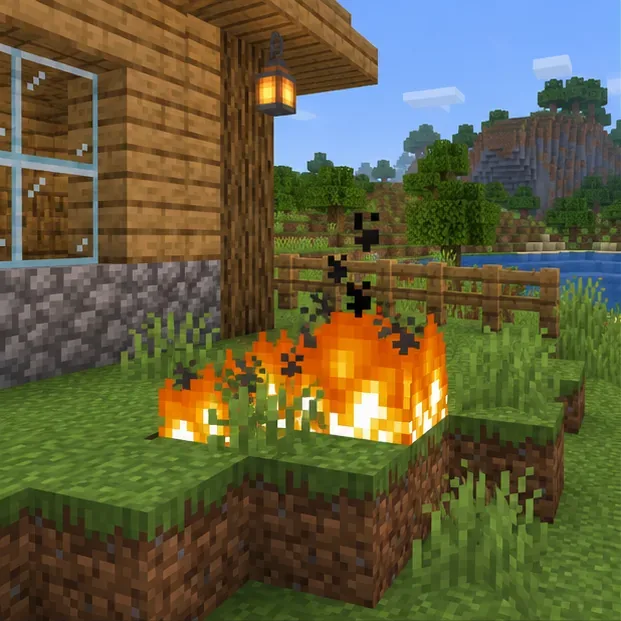
A small fire near wood is a reason to contain the flames and protect nearby builds.
2. Diagnose Blaze-farm lag before rebuilding the spawner
A Blaze farm can be busy without being broken. First decide whether the symptom is low frame rate on your computer or a slow world/server tick rate. If other players and redstone also appear delayed, lowering your local particle setting will not fix server-side load. If only your screen stutters, try reducing particles and render distance, then compare the result in the same area.
Check for a pileup of Blazes, dropped items, or other entities around the farm. Clear excess drops, reduce how many mobs the farm holds at once, and test in a copy before changing the spawner room. Do not blindly flood the room with light or cover spawn spaces with slabs: either can prevent the farm from working as designed. If you use a server plugin or modded farm, test the same location in a clean copy or ask the server administrator to check its configuration.
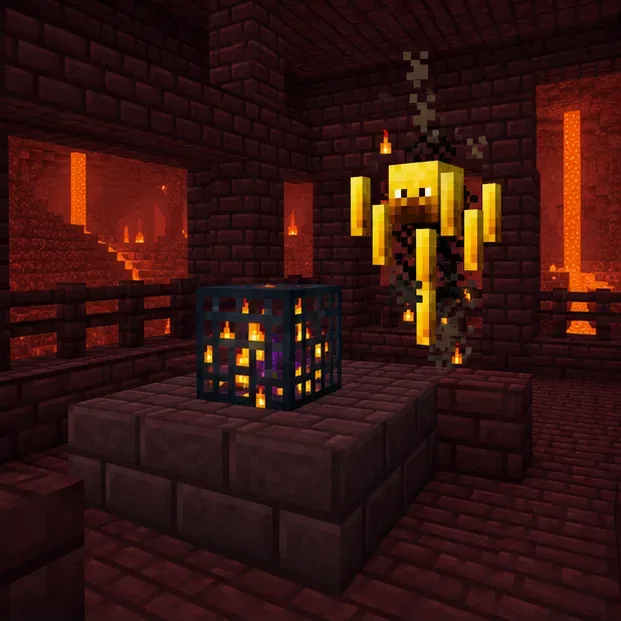
Check the farm’s spawn space and entity buildup before changing its design.
3. Fix a Nether portal that will not light or sends you somewhere unexpected
For a basic portal, make a complete obsidian frame with an interior opening at least two blocks wide and three blocks high. Corner blocks are optional, but the sides and top must form a valid rectangle. Use flint and steel or a fire charge on the empty space inside the frame. If it still does not activate, check for a missing or non-obsidian frame block, then rebuild it in a copy or a safe location.
If a lit portal takes you to an unexpected place, inspect the destination area for another portal and check whether a server plugin or datapack changes portal behavior. A portal can create or connect to a destination portal based on its search for a suitable location; that is different from a portal error ejecting a player into the void. Avoid copying a random teleport command as a fix: an unsafe landing can make the situation worse.
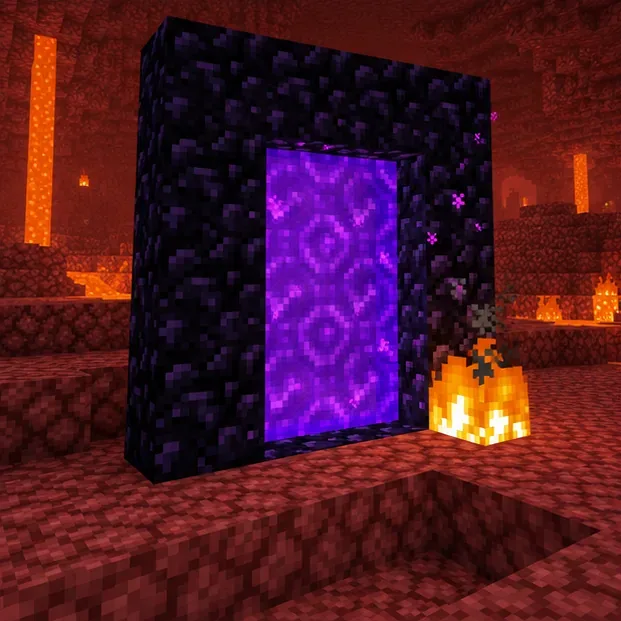
Check the obsidian frame and light the open center of the portal.
4. Separate client crashes from world, mod, and add-on problems
If Minecraft crashes or stutters around lava, fire, or a mob farm, the visual effect may simply be where the problem becomes noticeable. Lower render distance, simulation distance, and particles one at a time. Close and relaunch the game, then check whether the same action still triggers the issue. For Java Edition, compare memory allocation with your computer’s available RAM instead of copying a fixed “4 GB” setting: Minecraft Help now gives version- and system-dependent guidance in its memory-allocation crash guide.
For Java, launch a clean, unmodded installation and test a copy of the world. If the problem disappears, check that each mod and loader matches the exact Minecraft version, then re-enable items one at a time. For Bedrock, disable add-ons one at a time in a copy; Minecraft Help notes that multiple add-ons can conflict and cause crashes or visual problems. Avoid deleting game folders or reinstalling until you have a verified backup. See the official Bedrock add-on troubleshooting guide and Minecraft video and graphics support.
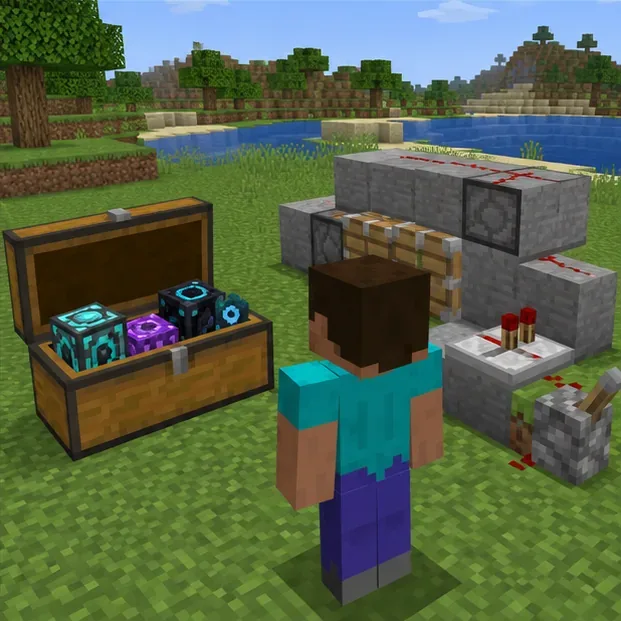
Use a separate test area to compare a clean setup with your usual world configuration.
5. Treat Fire Aspect as a separate gameplay or compatibility issue
If a Fire Aspect sword seems inconsistent, test it on a different target in a copy of the world. A mob may have fire immunity or a resistance effect, and a server plugin, datapack, or add-on can change combat behavior. A sword enchantment does not repair a portal, stop fire from spreading, or diagnose a crash. Re-enchanting or running an enchant command is not a reliable first fix; isolate the target and any custom content instead.
Quick troubleshooting table
Symptom
First check
Safer next step
Fire spreading near a build
Is fire tick behavior enabled?
Contain the specific fire; use a gamerule only if you want the world-wide change.
Blaze farm stutters
Is this client FPS or server/world delay?
Reduce local effects for FPS; inspect entity and item buildup for tick lag.
Portal will not activate
Is the obsidian frame complete and the opening clear?
Rebuild a valid frame and light its center.
Crash after adding content
Did the issue begin after a mod, add-on, or update?
Back up, test clean, and re-enable content one item at a time.
Fire Aspect seems inconsistent
Does another target behave the same way?
Check immunity, effects, server rules, and custom content before changing the enchantment.
Keep future “fiery fails” from costing your save
Back up before a version change, a mod or add-on change, or a major farm rebuild. Change one setting at a time and keep notes so you can reverse it. Confirm that instructions match the correct edition: Java and Bedrock do not share every setting, command, or file location.
The older 1.21-only framing is no longer current. Mojang’s official Java release page lists Java Edition 26.3 as released on September 15, 2026; Bedrock has its own release track. Check the launcher and the official Java release notes for version-specific changes, and use the live Java system requirements if performance is the main problem.
Most Blazing Minecraft errors are easier to solve once you identify whether the cause is fire rules, a portal build, entity load, graphics settings, or custom content. Back up first, test the smallest relevant change, and keep the fix matched to your edition.